
How do I make my first video without wasting credits?
Updated 1 min read
Every video uses credits, so there is no way to make one without them. To waste none, let the chat in Agent write the script from your product photo and check each price before you press, or test short and small in a project first.
A failed video or scene gives its credits back by itself, but a finished one stays paid even if you do not like it.
Four steps to your first video
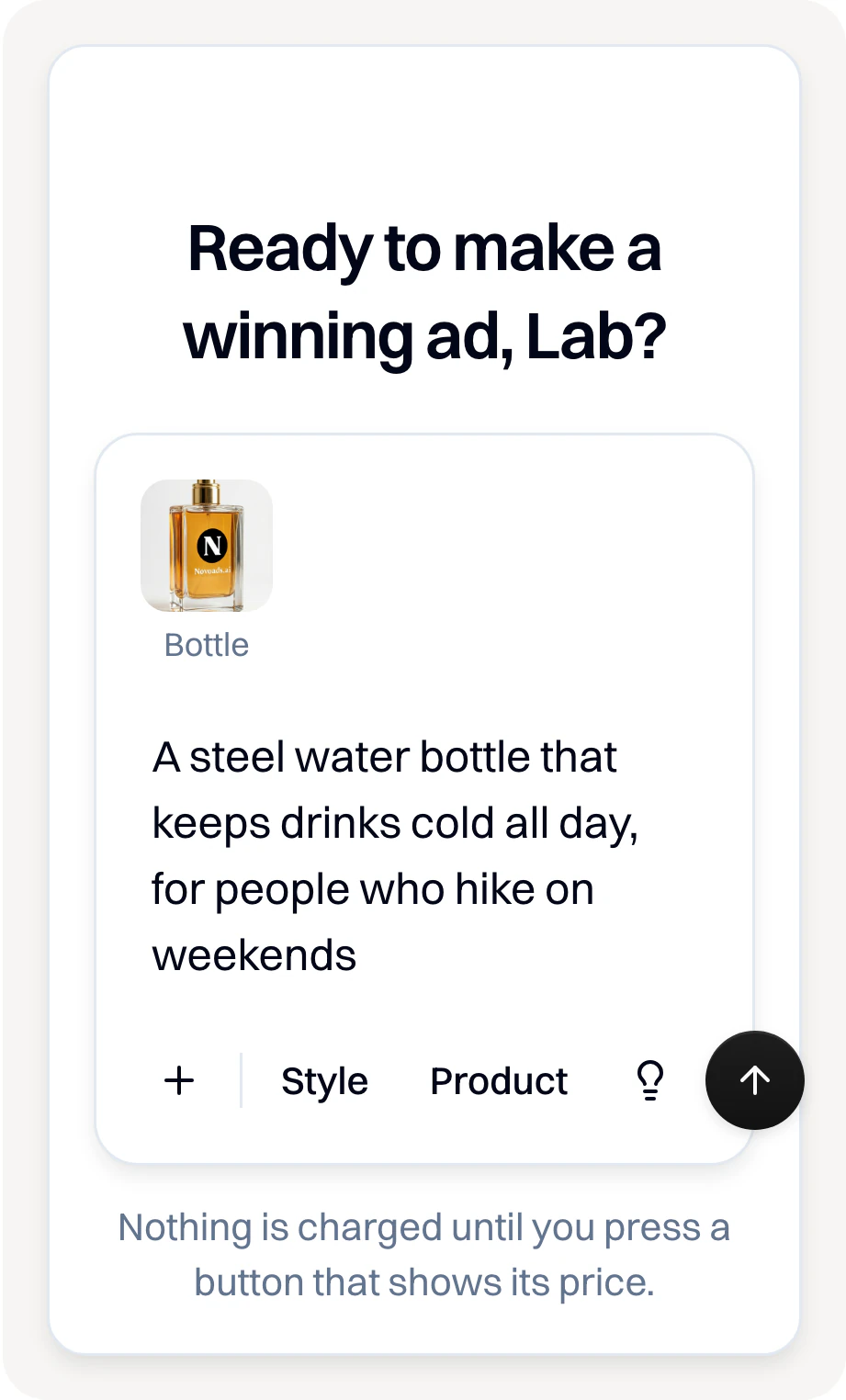
- Press Agent in the menu. If its page shows a box, add a photo of your product with Product or the paperclip, and say what you sell.
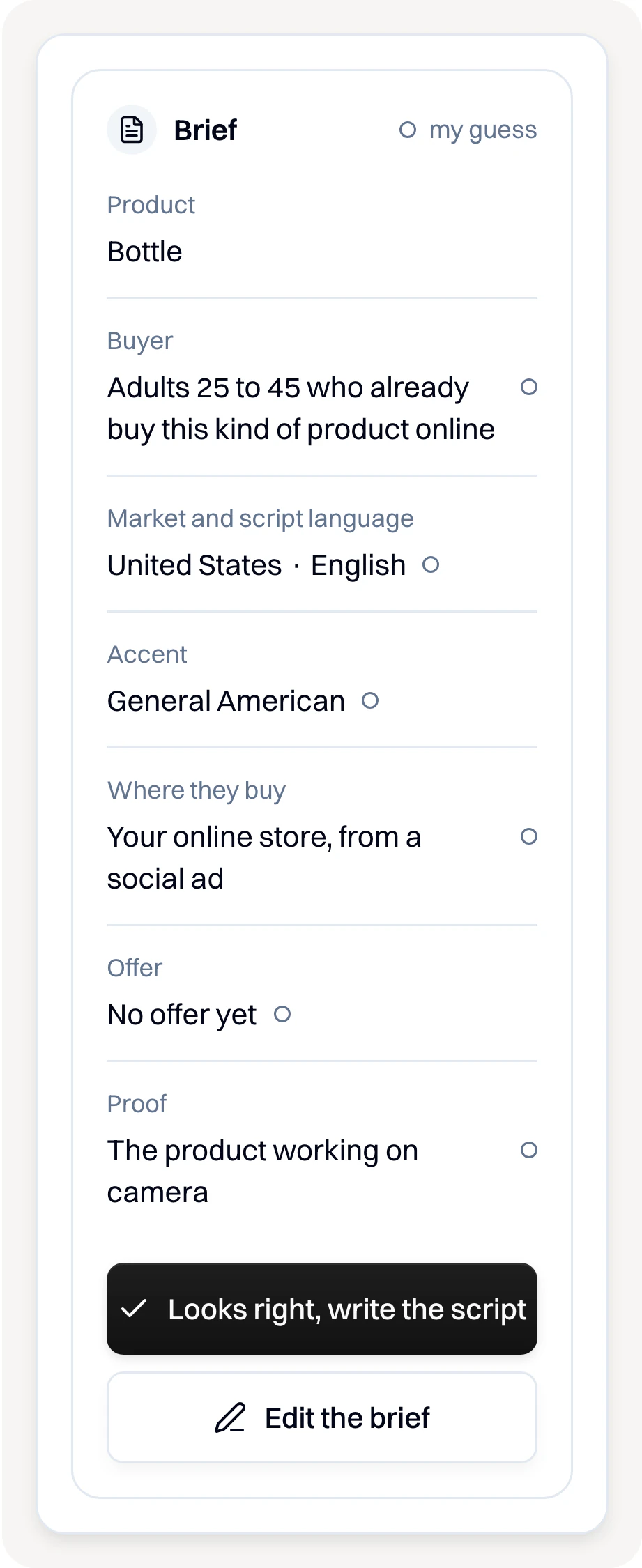
- Check what the chat understood and press Looks right, write the script.
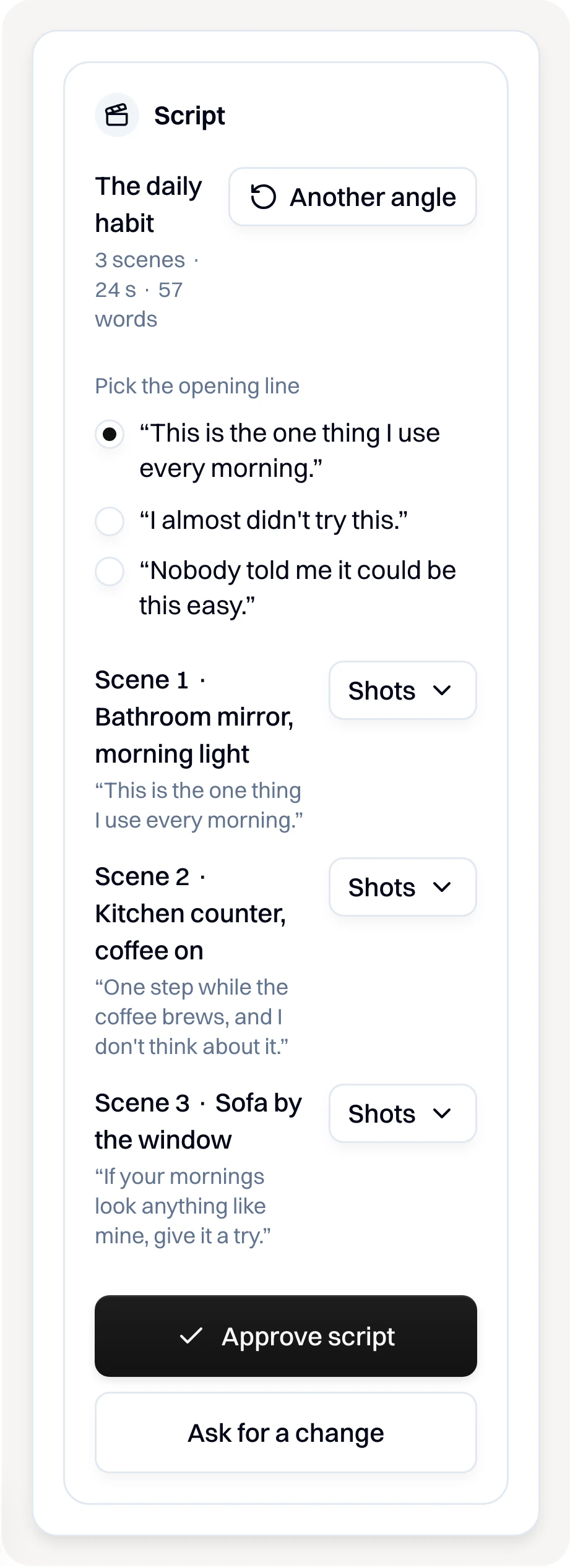
- Read the script. Press Ask for a change for anything you want different, then Approve script.
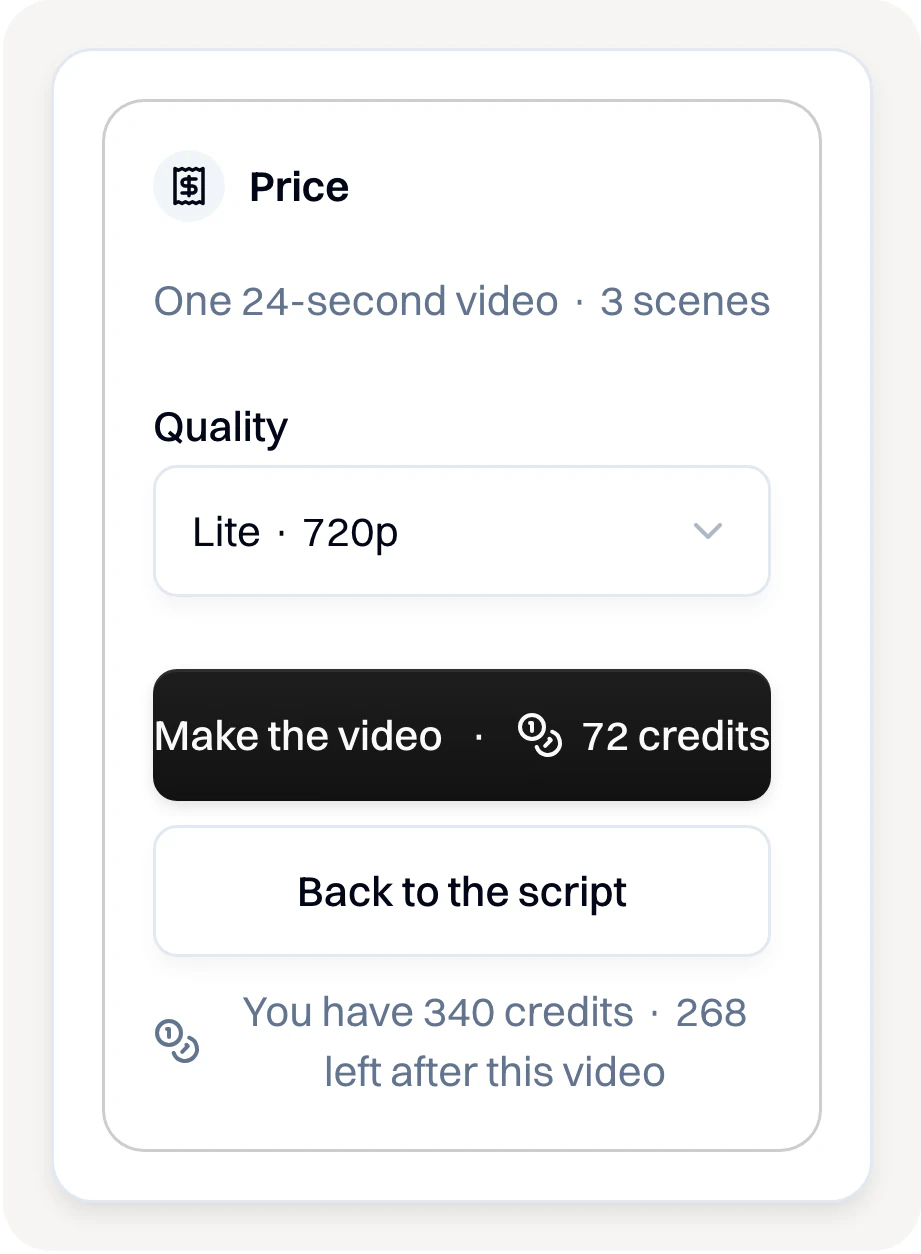
- Each step that spends credits shows its price first. The Price card shows the video's cost and your credits: press Make the video only when it looks right.


To test an idea first, use a project
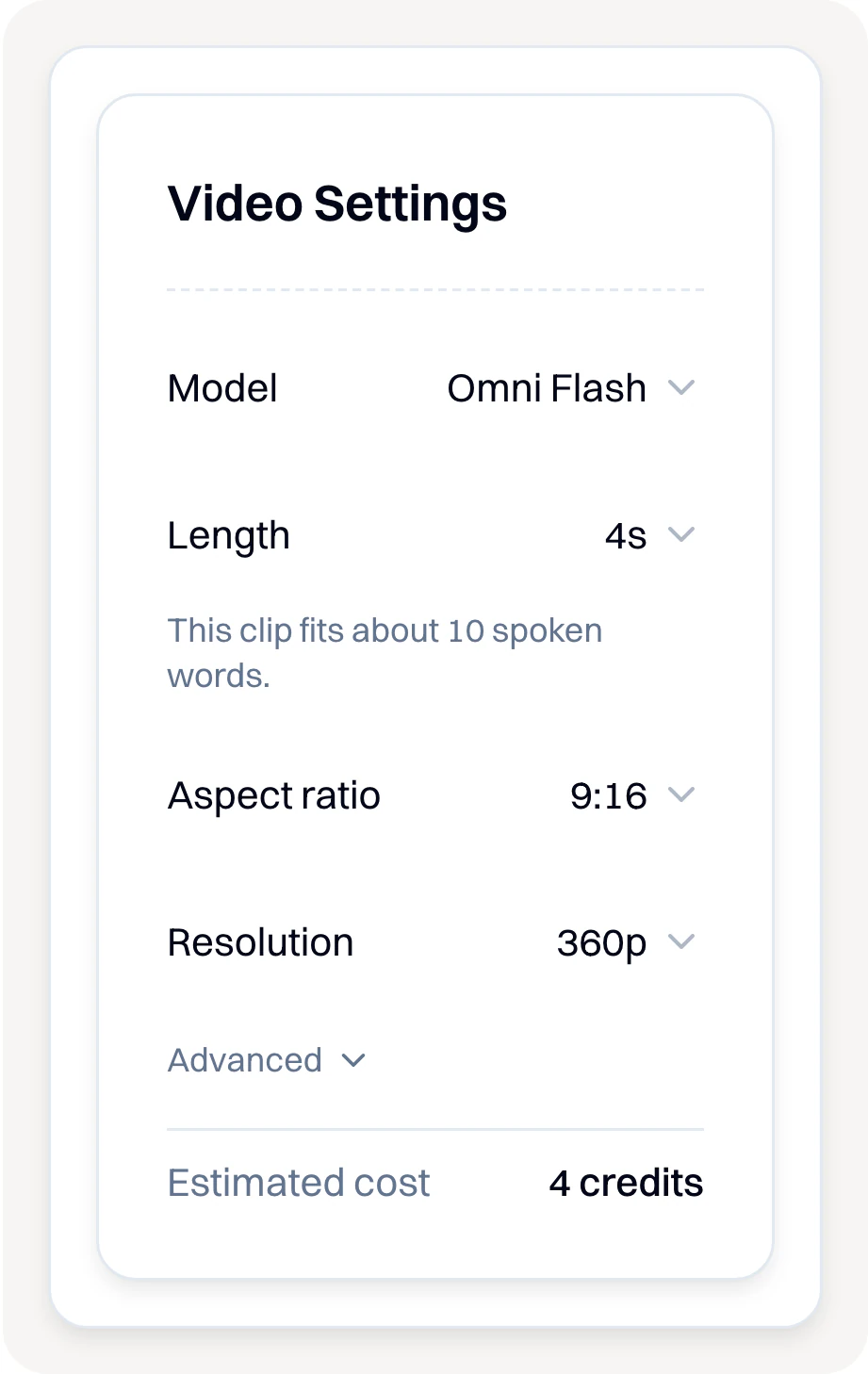
- In Studio, open a project and choose Video. Press the sliders button (Settings), pick the shortest length and the smallest Resolution it offers, and check Estimated cost. When the test looks right, make it longer or bigger.

More tips
- Each model has its own longest length. For a longer ad, pick a model that goes longer, or use the chat in Agent, which joins its scenes into one video.
- Do not ask for subtitles or words on screen in your prompt: the video may misspell them. Add subtitles afterwards.
- For a Talking Actors video, listen to the voice before you make it, and test at the smaller size: a short one is charged as a whole minute.
Making videos from Claude, Claude Code or ChatGPT? Follow the steps on the Claude & ChatGPT page of the app. From your own code? Read the API reference.
Did this answer your question?