Text to Video AI: How It Actually Works and the 7 Best Generators
Text to video AI turns a written prompt into a moving clip. Here is how diffusion and transformer models actually work, the limits they still hit, and the seven best generators in 2026.

Mauricio Valdivia
·Updated ·11 min
One sentence in, a moving shot out
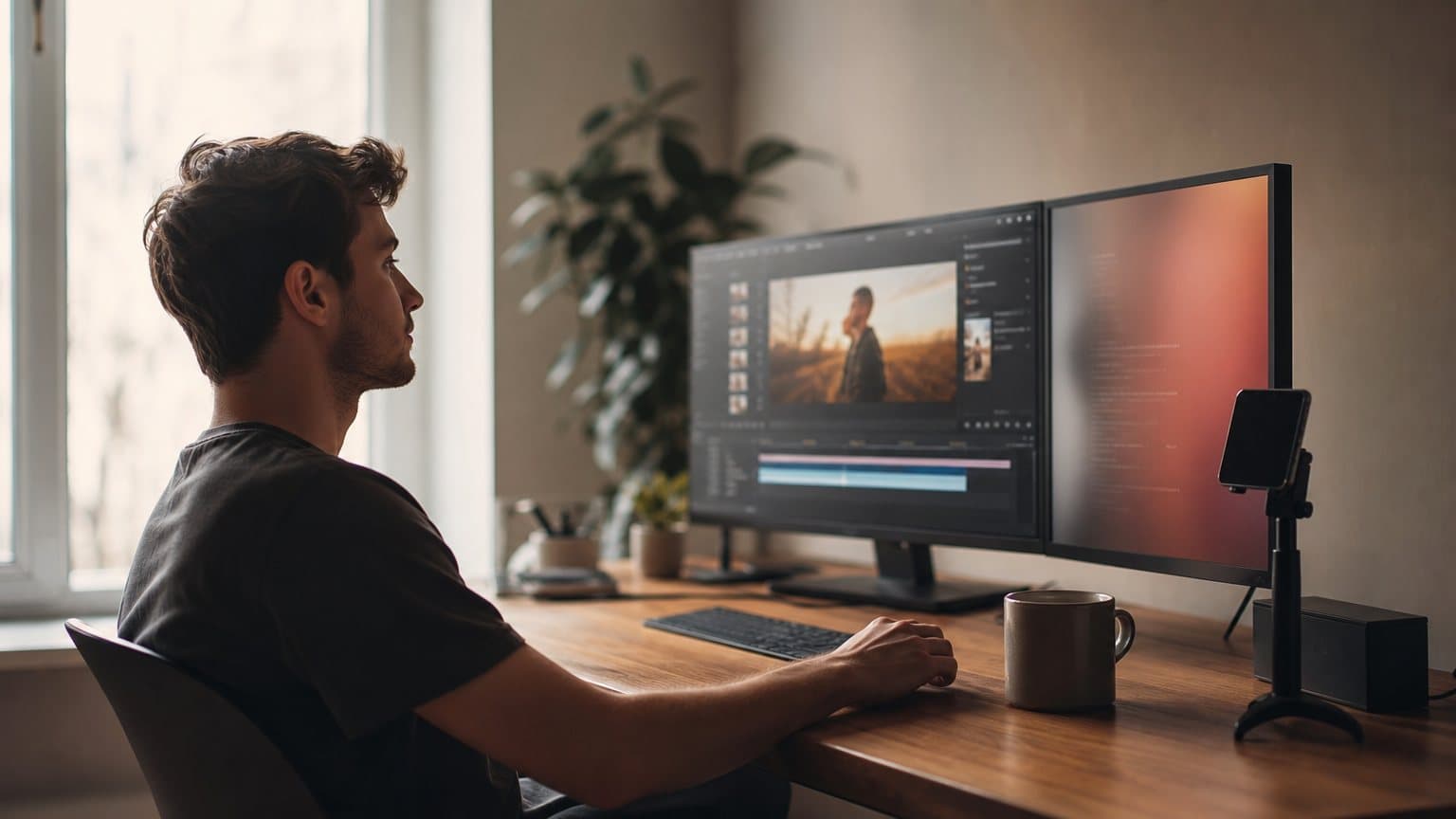
Text to video AI turns a written prompt into a short video clip. No camera. No actor. You describe a scene in plain language, the way you would brief a director, and a model renders it frame by frame with motion, lighting, and now sound.
Two years ago this produced flickering, dreamlike loops. In 2026 the best text to video AI tools generate clips that hold together well enough to sit in a real ad. The list of general models worth knowing is short: OpenAI's Sora 2, Google's Veo 3.1, Runway Gen-4.5, Kling, Seedance 2.0, and a fast-moving second tier led by Luma Dream Machine and Pika.
Editor's note, September 2026: OpenAI's removal of the Videos API, sora-2 and sora-2-pro takes effect on September 24, 2026, and no replacement is named. Sora 2 is described below as it was documented while it was served; it is no longer offered here, and from that date it is not a model you can call anywhere else. Every other model in this guide is still available.
This guide is the honest version. First, how the technology actually works. Then where it still breaks. Then a capability-by-capability roundup of the seven generators, and how any of this fits into making ads that convert.
How text to video AI actually works
The phrase "text to video" hides a lot of machinery. What happens between your prompt and a finished clip is two different kinds of model doing two different jobs, and understanding the split explains almost every strength and limit that follows.
Two engines under the hood: diffusion and transformers
Most modern video generators are diffusion models with a transformer backbone. Diffusion is the part that makes the picture. It starts from a field of random noise and, over many small steps, removes that noise until a coherent image emerges, guided at every step by your prompt. Run that process across a stack of frames instead of one still image, and you get video.
The transformer is the part that understands. It reads your words, breaks the scene into a sequence of small patches across space and time, and predicts how those patches should relate, so a ball thrown in frame one is still arcing in frame twenty. This is the same architecture that powers large language models, pointed at pixels and motion instead of text. Runway describes its system in exactly these terms, calling Gen-4.5 a model built for "temporal consistency" rather than a per-frame image generator.
From prompt to pixels, step by step
In practice, a single generation moves through a predictable pipeline:
- Parse the prompt. The model interprets your description, including subjects, actions, camera language, and style.
- Plan the motion. It lays out a rough spatial-temporal structure so objects move consistently across frames.
- Denoise into frames. The diffusion process refines noise into actual pixels, frame by frame, conditioned on that plan.
- Generate audio (on newer models). Speech, ambient sound, and effects are produced in the same pass and aligned to the picture.
- Decode and upscale. The result is assembled and often upscaled to 1080p or higher for a clean final clip.
The whole run takes anywhere from under a minute to several minutes, depending on the model, the resolution, and the clip length you asked for.
Why sound now arrives with the picture
The biggest shift of the last year is native audio. Older text to video models were silent; you generated a mute clip and added a voiceover in an editor. The current frontier bakes sound into the same generation:
- Sora 2 "features synchronized dialogue and sound effects," in OpenAI's words.
- Google Veo 3.1 handles "generating all audio natively."
- Kling v3 Pro ships "Native audio" generation.
- Seedance 2.0 outputs with native audio too.
That is why a text to video clip can now feel like a scene rather than a moodboard: the footsteps land when the foot lands.

What text to video AI still gets wrong
The demos are dazzling and the day-to-day is bumpier. If you are going to use these tools for real work, it helps to know exactly where they strain, so you plan around it instead of fighting it.
The length and coherence ceiling
General text to video models are short-form by nature. A single generation typically lands somewhere between a few seconds and about fifteen. Veo 3.1 produces native clips up to 8 seconds; Kling outputs "flexible durations from 3 to 15 seconds." Push a model to hold a complex scene longer and coherence tends to decay: faces drift, hands multiply, backgrounds reshuffle. Longer videos get built by generating several clips and stitching them, which trades one hard problem (length) for another (continuity between shots). If you need higher fidelity than a quick social clip, our note on native 4K AI video ads covers where resolution actually helps.
Control is still approximate, not exact
Text is a low-bandwidth way to art-direct. You can ask for "a slow push-in on a woman smiling," and the model will give you something in that neighborhood, but the exact framing, the exact expression, the exact pace are a negotiation. Camera control has improved a lot: Seedance 2.0 markets "director-level camera control," and most newer models let you call out pans, zooms, and tracking shots directly in the prompt. Still, treat each generation as a draft. The realistic workflow is to write a tight prompt, generate a handful of takes, and pick the one closest to your intent, not to expect the first render to be final.
Keeping a character (or product) consistent
The single hardest problem is identity. Generate the same person twice from the same prompt and you often get two different faces. For storytelling, and especially for ads, that is a real constraint: your product has to look like your product in every shot. This is the gap Runway built Gen-4.5 to close. Runway says the model "sets new standards for dynamic, controllable action generation, temporal consistency and precise controllability across diverse generation modes," a different design goal from the pure text-to-clip models. Consistency, not raw beauty, is where most text to video projects actually live or die.
The best text to video AI generators in 2026
There is no single best text to video AI. There are tiers, and the right pick depends on whether you are optimizing for realism, control, consistency, or cost. Here is the honest map of the seven general models worth your attention.
The frontier: Sora 2, Veo 3.1, Runway Gen-4.5
Sora 2 is OpenAI's "flagship video and audio generation model." It excels at "realistic, cinematic, and anime styles" and follows "intricate instructions spanning multiple shots," with synchronized dialogue and sound in the same pass. It is the model to reach for when you want a scene that feels shot, not generated. A higher-quality Sora 2 Pro variant trades cost for fidelity.
Google Veo 3.1 leads on physical realism and resolution. Google DeepMind's own Veo page states its clips are 8 seconds long (with extended videos now offered), that it generates "all audio natively," and that it outputs at "1080p and 4K." If your clip lives or dies on believable motion and clean detail, Veo is the safe default.
Runway Gen-4.5 plays a different game. Runway says it "achieves unprecedented physical accuracy and visual precision" and reports it "currently holds the top position in the Artificial Analysis Text to Video benchmark." When you need the same character, set, or product to survive across a sequence of shots, Gen-4.5 is the specialist. For a head-to-head between two of these on ad work, see our Seedance 2.0 versus Sora 2 breakdown.
The value tier: Kling and Seedance 2.0
Kling (served as Kling v3 Pro) is the workhorse. It generates cinematic 1080p video with "Native audio, multi-shot storyboarding, and real-world physics via a fast serverless API," at flexible durations from 3 to 15 seconds with multilingual audio. On its host, "Text-to-video starts at $0.168/s," which makes it far cheaper to run than a frontier model at volume.
Seedance 2.0 pairs "director-level camera control" with "multi-shot editing" inside a single generation and native audio. It is fast, controllable, and cost-effective, which is why it is a common default for high-volume creative testing. Our Seedance versus Kling comparison digs into which one wins on specific jobs.
The fast movers: Luma Dream Machine and Pika
Luma Dream Machine (its Ray line, now Ray3.2) "transforms creative intent into scalable video workflows with richer control, continuity, and cinematic direction," with multi-keyframe control and "1080p outputs across every mode." It is visual-first, so it shines on stylish, continuity-driven B-roll rather than on spoken scenes.
Pika leans playful and design-forward. Its current generation is Pika 2.5, and its paid plans provide "Access to Pika 2.5 (all resolutions)." Where the frontier models chase photoreal fidelity, Pika optimizes for motion effects and fast, meme-native iteration, which makes it a strong pick for stylized, scroll-stopping social clips rather than a polished hero cut.
| Model | Best at | Native audio | Verified detail |
|---|---|---|---|
| Sora 2 / Sora 2 Pro | Cinematic scenes, real dialogue | Yes | Synchronized dialogue and sound |
| Google Veo 3.1 | Physical realism, resolution | Yes | 8s clips, 1080p and 4K |
| Runway Gen-4.5 | Motion quality, temporal consistency | Visual-first | Tops the text-to-video benchmark |
| Kling v3 Pro | Storyboarded multi-shot clips | Yes | 3 to 15s, native audio |
| Seedance 2.0 | Director-style camera control | Yes | Multi-shot editing, native audio |
| Luma Dream Machine | Stylish, continuity-driven B-roll | Visual-first | Ray3.2, 1080p every mode |
| Pika | Stylized, premium social clips | Visual-first | Pika 2.5, all resolutions |

How to choose a model for the shot you need
The mistake is picking a favorite model and forcing every job through it. The better habit is to start from the shot and work backward to the model, then let cost set the ceiling on how much you experiment.
Match the model to the job
A few rules of thumb that hold up in practice:
- A talking scene where the words matter: a native-audio model like Google Veo 3.1 or Kling v3 Pro.
- One character or product must recur: Runway Gen-4.5, built for consistency across shots.
- Organic physical motion: Luma's Ray3.2 line.
- Stylized, effect-heavy social clips: Pika 2.5.
- Sheer volume of cheap, controllable variations: Kling and Seedance 2.0.
If you specifically want a spokesperson reading to camera rather than a generated scene, that is a different tool category, covered in our guide to the AI avatar video generator. And if TikTok is the channel you are optimizing for, our guide to the AI video generator for TikTok maps these models to that feed.
Cost per clip is the real limit
The quiet constraint on all of this is money per generation. Frontier models bill more per second than value-tier ones:
| Model | Verified host price |
|---|---|
| Sora 2 | about $0.10 per second |
| Kling v3 Pro | from $0.168 per second |
Higher-fidelity tiers cost more again. That sounds trivial until you multiply by the number of takes real work requires. Ten angles, five takes each, is fifty generations, and the per-second price is what decides whether that is a rounding error or a budget meeting. If you are cost-first, our roundup of the best free AI video generators maps where the genuinely free tiers stop being useful.
A worked example: three angles for one product
Say you sell a vitamin C face serum and want to test three ad angles this week.
- The problem-solution angle. Prompt: "Close-up, natural morning light, a woman in her 30s applies a few drops of serum to her cheek, relieved expression, handheld phone feel, 9:16." Run it on Seedance 2.0 for cheap, controllable takes.
- The demo angle. Prompt: "Macro shot of a glass dropper releasing a golden serum drop, slow push-in, soft studio light, 9:16." This is a motion-and-detail shot, so try Veo 3.1 for the physical realism.
- The testimonial angle. You need a consistent face across two shots, so use Runway Gen-4.5 for a consistent character across shots, or generate a UGC-style clip with a spoken script.
Generate three to five takes of each, at a few dollars total, and you have a real test set by lunch. How to know it worked: you launch all three as a small paid test, kill the two that underperform your usual cost-per-result within a few days, and scale the winner. The point of text to video is not one perfect clip; it is enough shots on goal to find the one that beats your benchmark.
Where text to video AI fits in ad creation
This is where the technology stops being a novelty and starts being useful. If a clip can be generated from a sentence, the bottleneck on ad creative moves from production to iteration, which changes what a small team can do.
A great clip is not yet an ad
A stunning eight-second render is not a finished ad. An ad needs several things the raw clip does not carry:
- A hook in the first three seconds.
- The right aspect ratio and burned-in captions.
- A voice that sounds like your customer.
- A clear call to action.
It usually needs to look like a real person shot it on a phone, not like a cinematic tech demo, because that native, unpolished look is what earns trust. General text to video models give you the raw footage; the ad is the layer on top. You can also start from a product photo instead of a pure text prompt, which is the job of a free AI image-to-video generator.
From general model to on-brand UGC
The practical move for advertisers is to use a tool that wraps these models in an ad workflow. In Novoads, you write or auto-generate a script, pick an AI actor that matches your audience's age and accent, and it produces a UGC-style vertical video with voice, lip-sync, and captions, formatted 9:16 for TikTok, Reels, and Meta. Several of the models in this guide are already in the picker for ad creation:
- Google Veo 3.1 for premium, sound-on cuts.
- Kling v3 Pro for storyboarded multi-shot clips, plus Kling Motion Control to drive a specific performance.
- Seedance 2.0 and the half-price Seedance 2.0 Mini for high-volume testing.
The headline time is about four minutes, and a clip runs from a few dollars rather than a few hundred, so you can afford the volume that testing actually needs.

The camera was never the bottleneck
Text to video AI is not really about replacing cameras. It is about collapsing the distance between an idea and a moving picture of it, from days and a crew to a sentence and a few minutes. The models will keep getting longer, sharper, and more controllable, and the winner on any given shot will keep changing. What will not change is the underlying shift: creative testing used to be gated by production, and now it is gated only by how many good ideas you can write down.
That is the real unlock for advertisers. When each variation costs a few dollars and a few minutes, you stop rationing your ideas and start running them. You can generate your first from a script in Novoads from $49/month at novoads.ai. Cancel anytime.
Frequently Asked Questions
How does text to video AI work?
You type a description of a scene and a model renders a short clip that matches it, frame by frame. Most systems pair a diffusion process, which starts from random noise and refines it into a clean picture, with a transformer that reads your prompt and plans how the scene should move over time. Newer models also generate synchronized audio in the same pass, so speech and sound effects arrive with the video rather than being added afterward.
What is the best text to video AI generator?
It depends on the job. For cinematic scenes with realistic dialogue, Google's Veo 3.1 leads. OpenAI's Sora 2 also did; its API removal takes effect on September 24, 2026. For keeping the same character or product consistent across shots, Runway Gen-4.5 is built around exactly that. For cheaper, more controllable clips at volume, Kling and Seedance 2.0 are strong. Luma Dream Machine and Pika round out a fast-moving second tier. Match the model to the shot rather than looking for one winner.
How long can an AI-generated video be?
Short, for now. Most general text to video models produce clips in the range of a few seconds to about fifteen seconds per generation. Google's Veo 3.1 generates native clips up to 8 seconds; Kling outputs flexible durations from 3 to 15 seconds. Longer pieces are built by stitching several clips together, which is where consistency across shots becomes the hard problem.
Can text to video AI make video with sound?
Yes, on the leading models. Veo 3.1 natively generates audio, Kling and Seedance 2.0 add native audio synthesis, and Sora 2 also shipped synchronized dialogue and sound effects; OpenAI's API removal takes effect on September 24, 2026. This is relatively new. Earlier models produced silent clips, and you had to layer voice and music on top in an editor.
Is text to video AI good enough for ads?
For testing at volume, increasingly yes. A general model can produce a usable UGC-style clip in minutes for a few dollars, which makes running many creative angles affordable. The gap is brand fit and a repeatable workflow: a raw clip still needs a hook, captions, the right aspect ratio, and a voice that matches your audience. Purpose-built ad tools handle that layer so the model output becomes a finished ad.
Key Takeaways
- Text to video AI turns a written prompt into a short video clip, rendered frame by frame by a model, with no camera, actor, or timeline involved.
- Under the hood, today's generators combine a diffusion process (refining noise into pixels) with a transformer that reads your prompt and plans motion over time.
- There is no single best model. The frontier (Veo 3.1, Runway Gen-4.5, and Sora 2, whose API removal takes effect on September 24, 2026) leads on realism and consistency; the value tier (Kling, Seedance 2.0) leads on cost and control.
- The real limits are still clip length, approximate control, and holding a character or product consistent across shots, so plan to generate several takes, not one perfect clip.
- For ads, a raw clip is not an ad. The advantage of text to video is generating many on-brand variations cheaply, which is what turns a model into a testing engine.