Recraft V4.1 Flash for Static Ad Variations: What $0.007 an Image Buys You
Recraft announced V4.1 Flash on September 23, 2026, quoting a median of about 1.3 seconds from prompt to image through its API; its API docs list it at $0.007 per image as of September 28, 2026. Here is what that changes in a static ad variation loop, the two color controls it exposes, and the limits that decide where it fits.

Mauricio Valdivia
·12 min
When the Image Lands Before You Lose the Idea
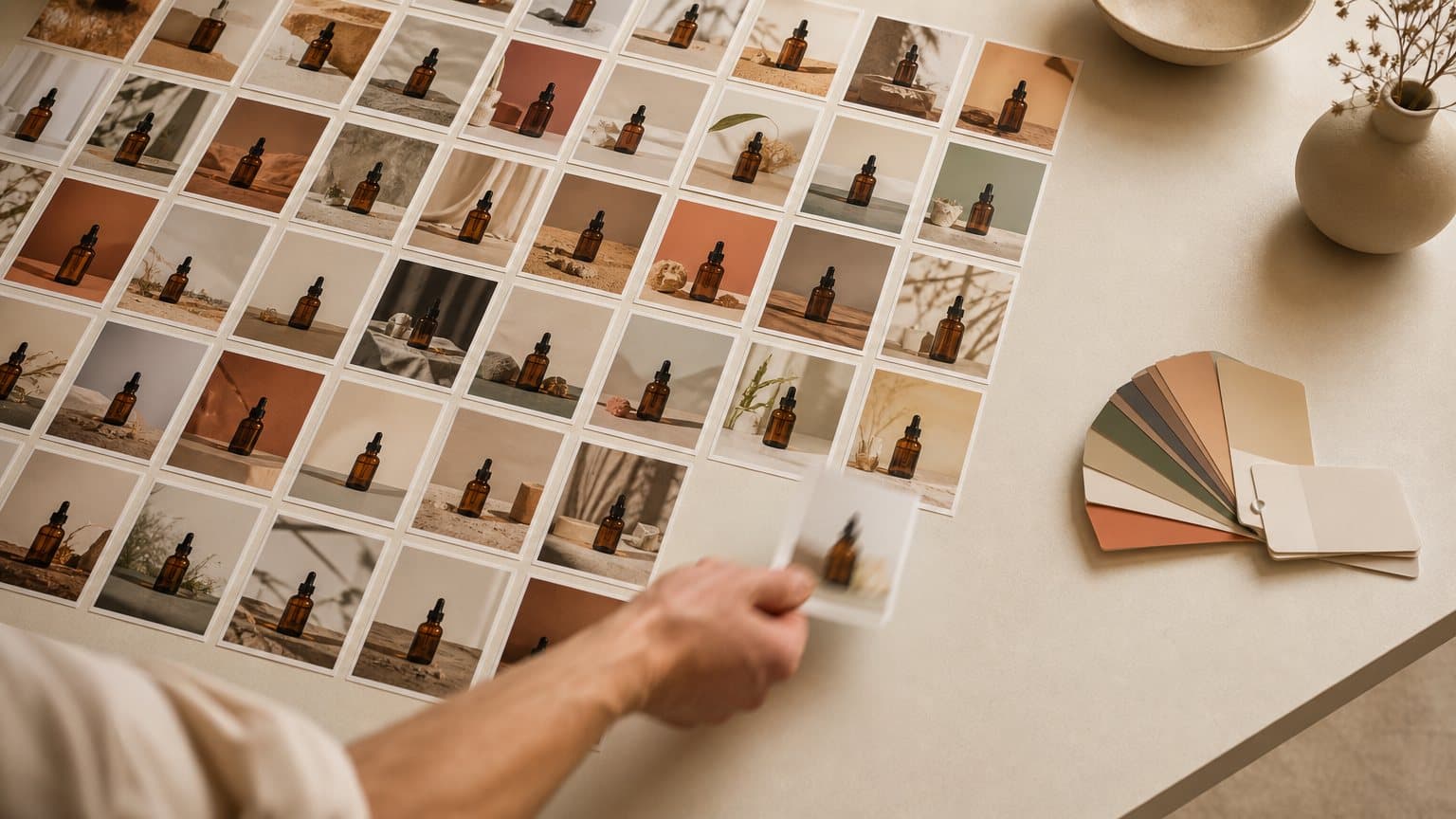
A performance marketer has a winning static ad for a vitamin C serum and forty backgrounds to test behind it by Friday. With a slow image model, she writes a prompt, switches tabs, answers a message, and comes back to a picture she has half forgotten asking for. The wait is not the cost. The lost thought is. "Ten seconds is long enough to check Slack," is how Recraft opens the announcement of its newest model.
On September 23, 2026, Recraft founder and CEO Anna Veronika Dorogush announced Recraft V4.1 Flash, a fast, low-cost member of the company's V4.1 image line. Recraft says Flash's median time from prompt to image is about 1.3 seconds through its API, and as of September 28, 2026 its API docs list it at $0.007 per image, the same price fal charges for it. Recraft calls it the fastest model on the market. That is the company's own claim, from its own benchmark, and it deserves a close read before anyone plans a workflow around it.
This piece reads Flash for one job: producing many static ad variations quickly. It covers what the speed figure does and does not mean, what a sub-cent image changes in a variation loop, the two color controls that matter for brand work, and the limits that decide where Flash belongs in an ad pipeline. Novoads does not run Recraft, so the last section is about what happens after the still, not about a button inside our product.
What Recraft Shipped on September 23
The launch is small in surface area and specific in its numbers. Three facts carry it: what kind of model it is, how Recraft measured the speed, and what it costs.
A separate model, not a speed setting
Flash is not a toggle on V4.1. Recraft's FAQ is direct about it: "Flash is a separate model, not a mode." In Recraft Studio you choose it from the model picker. Through Recraft's API it is its own model value, recraftv4_1_flash, passed to Recraft's /v1/images/generations endpoint, and fal hosts it as a text-to-image endpoint.
Recraft's docs describe it as a fast, low-cost model "with quality close to Recraft V4.1," built for high-volume generation and rapid iteration. The same page names the jobs Recraft thinks it does well: photography, portraits, atmosphere, complex scenes, mixed media and logo concepts. It also carries a claim worth testing rather than trusting: "Unlike most fast models, Flash does not drift into a generic AI look." That is the maker describing its own model. Your own prompts are the only benchmark that settles it for your brand.
The 1.3-second figure, read the way Recraft measured it
Recraft says Flash's median time from prompt to image is about 1.3 seconds through the Recraft API, a figure its docs describe as end-to-end. The benchmark table in the same post comes from a separate run and shows 1.4 seconds at the median and 1.8 seconds at the 95th percentile. That table excludes download time, which Recraft says adds roughly 100 ms before an image is visible. Recraft reconciles the two: the 1.3 seconds it quotes "is its median generation time, measured on a larger prompt set."
The table's run has a specific shape, and it matters when you compare numbers across vendors:
- 100 prompts, one run each, sent from Kansas and measured by the Recraft team on September 21, 2026.
- Recraft's own models went through the Recraft API, while other models were measured through fal or through the inference provider Runware.
- Prompt enhancers were left on wherever a provider ships them on by default. Recraft notes that published figures often leave this step out, "which is why they look faster."
Recraft calls Flash "the fastest model on the market." In its own table, FLUX.2 klein 9B posts the same 1.4-second median, so Flash's edge in that run is at the 95th percentile, 1.8 seconds against 2.1. The fair reading is that 1.3 seconds is a vendor-quoted median on Recraft's own infrastructure. It is not a guarantee for every render, and it is not an independent result.
Seven tenths of a cent per image
Recraft's API docs list Flash at $0.007 per image for a 1K raster output, which the docs call the lowest price in the API. fal bills the same $0.007 per generated image and does the arithmetic on its model page: 100 images cost $0.70.
The announcement says Flash comes "at a fraction of the cost of V4.1," and Recraft's V4.1 docs put a number on the fraction. Standard Recraft V4.1 lists at $0.035 per 1K raster image, so Flash is one-fifth of that price. These are API list prices read on September 28, 2026, and they will move, so check the docs before you budget a campaign on them.
Why Speed Changes the Variation Loop, Not Just the Bill
A price drop from 3.5 cents to 0.7 cents an image is real, but on a normal ad budget it rounds to nothing either way. The more interesting change is behavioral.
From a batch job to a conversation
Recraft's pitch leads with attention before money: "When an image lands about as fast as the next idea arrives, your focus does not break and the session keeps its momentum." For static ad work, that is the right frame. A slow model trains you to write long, careful prompts and fire them off in batches, because every round trip costs you a context switch. A model that answers in about a second lets you write a short prompt, look, change one variable, and look again.
That is the difference between specifying an ad and discovering one:
- Specifying: you decide the scene, the light and the palette before you see a single image, and the model's job is to obey.
- Discovering: you start loose and let the images argue with you, changing one thing at a time until something surprises you.
Discovery is where the surprising winners come from, because nobody writes a surprise into a brief. A sub-two-second model makes discovery cheap enough to be the default.
The 95th percentile is the number that breaks a session
Recraft's own benchmark note makes the point better than most reviews do. The median is the typical request; the 95th percentile "is the number that covers almost every request rather than a lucky one," and "what breaks a workflow is the occasional request that takes much longer." In an interactive loop, the median sets the rhythm and the tail decides whether you drift off to another tab.
If you evaluate any fast image model for a variation workflow, time it yourself and keep the tail:
- Send 20 prompts you actually use, at the sizes you actually ship.
- Time each one from request to a visible image, download included.
- Sort the times. The 19th slowest of 20 is a rough 95th percentile.
- Repeat at the hour your team really works, not at midnight.
A model whose tail stays close to its median keeps a session alive. One with a long tail feels fast in a demo and slow on a Tuesday afternoon.
The bottleneck moves to your eyes
Here is the part launch posts skip. When generation takes about a second, the slowest step in the loop is a person deciding whether an image is any good. Suppose each image gets five seconds of honest attention. Sixty images then take five minutes to judge, several times longer than Recraft's quoted median says it takes to generate them.
That changes where an ad team should spend effort. Writing prompts faster no longer helps much. Judging faster, and judging consistently, does. A short written rubric beats taste applied fresh to every image:
- Is the product, or the space where it will go, readable at thumbnail size?
- Is there a calm area where the headline and the offer can sit?
- Does the palette match the brand sheet, not just look pleasant?
- Would this scene make sense to the buyer you are targeting? We covered why reviewing AI ad creative is part of what it costs, and the trade-offs of handing that review to a machine in what AI creative scoring checks and misses. Both matter more when images arrive this quickly.
The Controls That Matter for Brand-Safe Statics
A fast model that ignores your brand colors produces fast rejects. Recraft's docs list Flash's controls as "Partial: colors and background_color," and fal's page describes the endpoint as having "controls for image size, color palette, and background color." Here is what each one does in practice.
A color palette passed as RGB values
On fal, colors is described as "An array of preferable colors." Each color is an object with integer red, green and blue values, so your brand's hex codes have to be converted to RGB triplets before they go in. The word "preferable" is worth noticing. It steers the palette; nothing on the page says it enforces one. Treat it as a strong hint and check the output against your brand sheet. For how other image models handle exact brand colors, see our read on what five makers document about hex codes.
A background color for clean, repeatable sets
The second control, background_color, is "The preferable background color of the generated images." For ad work, its best use is holding one variable still. Fix the background to your brand's off-white and vary the scene and props, or fix the scene and cycle the background through three brand colors. Either way, the set differs along one axis, which is what makes a creative test readable. It is the same single-variable discipline behind a structured system for ad variations.
Size presets for feed and story placements
fal's schema lists six preset sizes plus a custom option:
- Square:
square_hd, which is the default, andsquare. - Portrait:
portrait_4_3andportrait_16_9. - Landscape:
landscape_4_3andlandscape_16_9. - Custom: a width and height passed as an object.
Recraft's docs add the ceiling: Flash generates 1K raster images only. For vertical placements, the portrait presets are the ones to test first. For anything that will be printed or shown large, 1K is a draft size, not a delivery size.
What Recraft's own ad example shows
The announcement includes one prompt that is literally an ad: "burger advertisement." Recraft's side-by-side notes, which the post attributes to its creative director, say Flux 2 Klein made the more saturated, more appetizing burger, then "the headline dissolves into letters that are not words at all," while Flash "placed large type confidently over the darker part of the frame, which is the actual craft decision in an ad layout."
Two cautions before reading much into it:
- It is a showcase, not a test. These are single prompts chosen by the vendor for its own launch post, judged by the vendor's own creative director.
- Recraft concedes ground on dense in-image text. On a marketplace prompt full of shop signs, the same notes say of GPT Image 2 at low quality, "Text accuracy is GPT's lane and it holds here." If your static depends on exact copy, a price or a legal line, set that text in your design tool or use a model you have tested for legible headlines and price badges. Let Flash explore the picture, not the words.

Where Flash Stops: The Limits Ad Teams Hit First
Speed is only useful inside the job a model can actually do. Recraft's docs are unusually clear about what Flash leaves out, and three of those limits land directly on ad work.
Text in, 1K raster out
Recraft's docs spell out what Flash leaves out:
- Generate image only. It is "the only operation that accepts V4.1 Flash. Create style and image to image do not support it."
- Raster only. "Flash is raster-only, with no Vector (SVG) or Pro (2K) variants," so there is no SVG output for logos or icons.
- 1K only. There is no 2K option inside Flash itself; higher resolution means switching models.
The practical consequence for ecommerce is the big one: Flash cannot start from your product photo. It writes the whole frame from a text prompt, so the bottle, box or bag in the image is the model's idea of your product, not your product. That makes Flash a concepting tool for scenes, props, palettes and layouts. It is not a packshot tool, and an image with an invented label is not something to run as your ad.
No styles, so no saved brand look
The docs say Flash "does not support styles: neither style / style_id nor attached style references." Standard V4.1, by contrast, applies styles "via style_id or attached style references." With Flash, consistency across a campaign has to come from the prompt, the palette and the background color alone.
For a quick exploration round, that is fine. For a series of statics that must read as one campaign, the saved-style route on V4.1 is the one to test.
Refine hands the keeper to V4.1 Pro
Recraft pairs Flash with a finishing step. According to the announcement, "the newly added Refine button regenerates it with Recraft V4.1 Pro, our highest-quality model, at 2048×2048," keeping the same composition and light. Refine has two levels:
- Subtle "clears up noise and contrast and stays close to the original."
- Moderate, the default, "rebuilds small details more actively while holding your layout intact."
The shape of the economics follows from Recraft's own price list. Exploration runs at $0.007 per 1K image; V4.1 Pro, the model that Refine regenerates with, lists at $0.21 per 2K image on the API as of September 28, 2026, thirty times as much. The announcement does not list a separate price for pressing Refine. Explore cheaply, finish sparingly: that is the workflow the lineup is priced for.
A Worked Example: Sixty Serum Concepts for Forty-Two Cents
Here is how the numbers play out on a realistic brief. The figures are arithmetic on the list prices Recraft and fal showed on September 28, 2026 and on Recraft's quoted median, not a measurement of our own.
The brief
A skincare brand has one winning static for a vitamin C serum and wants a better scene behind it. The team sets up a grid:
- 3 angles: a morning routine, an ingredient story, and an evening wind-down.
- 4 scenes per angle: bathroom shelf, marble counter, gym bag, bedside table.
- 5 palettes per scene: the brand palette passed as
colors, plus four seasonal variants.
That is 60 images. The background color stays fixed at the brand's off-white for the first pass, so the only things that vary are the angle, the scene and the palette.
The math
At list price, the same 60 images cost:
- $0.42 on Flash, at $0.007 each.
- $2.10 on standard V4.1, at $0.035 each.
- $12.60 on V4.1 Pro, at $0.21 each.
At Recraft's quoted median of about 1.3 seconds, which its docs describe as end-to-end, the Flash round is roughly 78 seconds of generation back to back. Even the Pro round would not dent an ad budget. The number that should change your process is not the 42 cents. It is the ratio between about a minute of generation and the several minutes of human attention those sixty images need, which is why the review rubric from the section above matters more than the model choice.
What happens to the six survivors
The team picks six compositions: two per angle. None of them contains the real serum, because Flash cannot take a product photo as input. The next step is putting the actual product into each winning scene. That means compositing it in a design tool, or using a tool that starts from a product photo, such as Product-to-Ad in Novoads.
Then finish the one or two keepers at a higher resolution, whether through Refine or another model, and put them into a real test. The job of the sixty cheap images was never to be the ad. It was to find out which scene deserved a real one.

Flash, V4.1 or Pro: Picking the Recraft Tier for the Job
Recraft's API lineup is priced along two axes, speed and resolution, and the right tier depends on which stage of the ad you are in. Here are the V4.1 prices from Recraft's docs as read on September 28, 2026, with the per-100 figure worked out:
| Model | Output | Per image | Per 100 images |
|---|---|---|---|
| V4.1 Flash | 1K raster | $0.007 | $0.70 |
| V4.1 | 1K raster | $0.035 | $3.50 |
| V4.1 Utility | 1K raster | $0.035 | $3.50 |
| V4.1 Vector | SVG | $0.08 | $8.00 |
| V4.1 Pro | 2K raster | $0.21 | $21.00 |
Use Flash when
- You are exploring scenes, props, moods and palettes for a static, and most outputs will be thrown away.
- The session is interactive and a slow tail would break your concentration.
- You need rough layouts to brief a designer or to test a direction before anyone renders the real product.
Use V4.1, Utility or Pro when
- The campaign needs one consistent look across many images, which needs styles that Flash does not accept.
- You want predictable listing-style images. Recraft's own advice is "Pick Utility for mockups and product listing photos," and it describes Utility as trading expressiveness for flat lighting, front-facing composition and simple scenes.
- The image is going large or to print. Recraft says Pro versions generate at a higher resolution "for print-ready assets and large-scale use."
Where Flash sits among fast image models
Flash joins a growing class of speed tiers. Our read of Nano Banana 2 Lite made the same argument earlier this year: cheap, fast stills belong at the front of the pipeline. What Flash adds to that argument is an explicit palette and background control plus a named finishing step. What it lacks, for an ecommerce team, is any way to begin from the product itself.
How Novoads Solves the Step After the Still
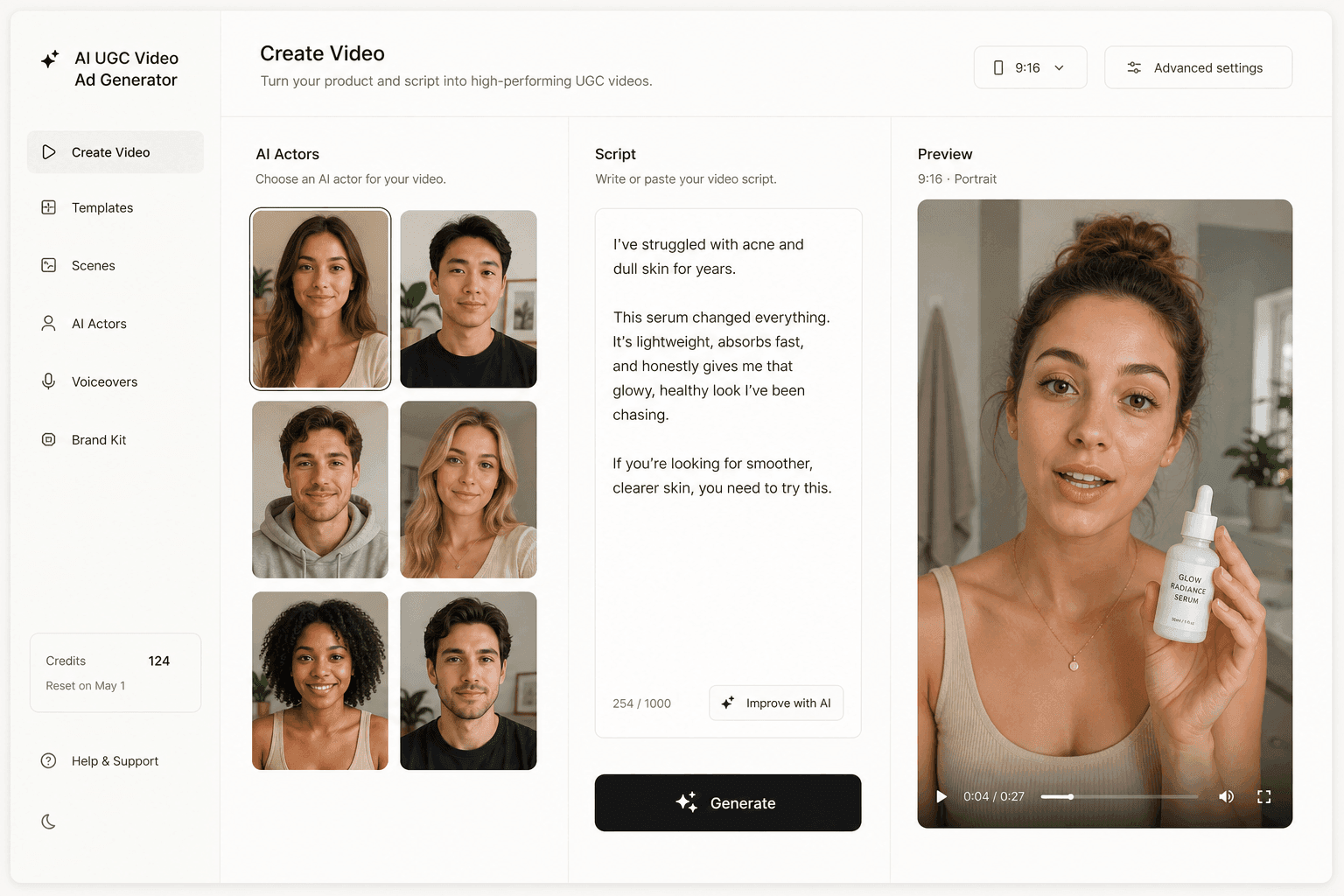
Novoads turns a script into a UGC-style video ad delivered by an AI actor, and turns an uploaded product photo into an ad image, in the same workspace. Novoads does not run Recraft. Its image models are GPT Image 2, which powers Product-to-Ad, GPT Image 2.5 Sunburst and Flare, Nano Banana Pro, Seedream 5 Lite, Seedream 5 Pro and Reve 2.1.
That division of labor fits the workflow above. A fast model like Flash can tell you which scene wins. Product-to-Ad in Novoads starts from your real product photo, so the ad image begins from your actual label, shape and color rather than a model's guess. From there, the same workspace takes the product into video: a clip generated from the product image, or a talking-actor ad where an AI actor delivers your script and makes the argument a static cannot. A finished clip costs from about 25 cents for a five-second Seedance 2.0 Mini clip to about $4 for an eight-second Google Veo 3.1 clip, and about $10 for a full 30-second Seedance 2.5 take. Plans are on the pricing page.
Fast Pixels Make Judgment the Scarce Input
A model that answers in about a second does not make better ads on its own. It makes more questions affordable, and it moves the scarce resource from generation to judgment. The teams that get the most from Flash will not be the ones who generate the most images. They will be the ones who know, before the first prompt, which single variable they are testing and what a winner looks like.
Frequently Asked Questions
What is Recraft V4.1 Flash?
Recraft V4.1 Flash is a fast, low-cost text-to-image model that Recraft announced on September 23, 2026, in a post by founder and CEO Anna Veronika Dorogush. Recraft describes it as a separate model rather than a mode of V4.1, with quality close to V4.1, built for high-volume generation and rapid iteration. It is available in Recraft Studio's model picker, through Recraft's API as the model value recraftv4_1_flash, and on fal as a text-to-image endpoint.
How fast is Recraft V4.1 Flash?
Recraft says its median time from prompt to image is about 1.3 seconds through the Recraft API, measured by Recraft on a larger prompt set; its API docs call that figure end-to-end. The benchmark table in the same announcement, from a 100-prompt run on September 21, 2026, excludes download time, which Recraft says adds roughly 100 ms, and shows 1.4 seconds at the median and 1.8 seconds at the 95th percentile. Recraft calls it the fastest model on the market; in its own table FLUX.2 klein 9B posts the same 1.4-second median, and Flash's lead is at the 95th percentile.
How much does Recraft V4.1 Flash cost per image?
Recraft's API docs list it at $0.007 per image for a 1K raster output, and fal bills the same $0.007 per generated image, which fal works out as $0.70 for 100 images. Standard Recraft V4.1 is $0.035 per 1K image and V4.1 Pro is $0.21 per 2K image on Recraft's API, so Flash costs one-fifth of standard V4.1. These are API list prices as of September 28, 2026.
Can Recraft V4.1 Flash use my product photo?
No. Recraft's docs say Generate image is the only operation that accepts V4.1 Flash, and that Create style and image to image do not support it. Flash writes an image from a text prompt, so any product in the frame is the model's version of your product. That makes it a tool for exploring scenes, palettes and layouts; the real product has to be placed into the winning image afterwards.
What controls does Recraft V4.1 Flash have for brand colors and sizes?
Recraft's docs list partial controls: colors and background_color. On fal those appear as a colors list of preferred RGB colors and a preferred background color, next to an image_size setting with six presets (square_hd by default, square, two portrait and two landscape ratios) or a custom width and height. Flash does not accept styles, style IDs or style references, and it generates 1K raster images only, with no vector or 2K Pro variant.
Is Recraft V4.1 Flash available in Novoads?
No. Novoads does not run any Recraft model. Its image models are GPT Image 2, which powers Product-to-Ad, GPT Image 2.5 Sunburst and Flare, Nano Banana Pro, Seedream 5 Lite, Seedream 5 Pro and Reve 2.1. In Novoads you can upload a product photo, get an ad image, and turn it into a UGC-style video ad with an AI actor in the same workspace.
Key Takeaways
- Recraft announced V4.1 Flash on September 23, 2026. It is a separate model, not a speed setting, available in Recraft Studio, through Recraft's API and as a text-to-image endpoint on fal.
- Recraft says Flash's median time from prompt to image is about 1.3 seconds through its API. The benchmark table in the same post, which excludes download time, shows 1.4 seconds at the median and 1.8 seconds at the 95th percentile, and FLUX.2 klein 9B ties Flash on the median there. 'Fastest on the market' is Recraft's own claim.
- As of September 28, 2026, Flash lists at $0.007 per image on both Recraft's API (1K raster) and fal, one-fifth of standard Recraft V4.1 at $0.035, so a 60-image concept round costs $0.42 at list price and the real cost becomes the time a person spends judging it.
- For brand work it offers two controls, a preferred color palette and a preferred background color, plus fal's size presets. It does not accept styles, and it only generates from text: image-to-image does not support it, so it cannot start from your product photo.
- Use Flash to explore scenes, palettes and layouts, then put the real product into the winners and finish them on a higher-resolution model. Novoads does not run Recraft; it covers the next step, turning a product still into a UGC-style video ad.