UGC AI: What It Is and How AI Generates UGC-Style Videos
UGC AI is the practice of generating UGC-style videos with AI: a synthetic actor performs a script instead of a person filming. Here is what the term means, how the generation pipeline works under the hood, the output types, and where it fits next to real UGC ads.

Mauricio Valdivia
·Updated ·10 min
UGC AI is a production pipeline, not a filter
You need twelve versions of the same ad by Friday. Different hooks, different faces, different accents. The old way, that is twelve briefs, twelve shoots, and a month you do not have.
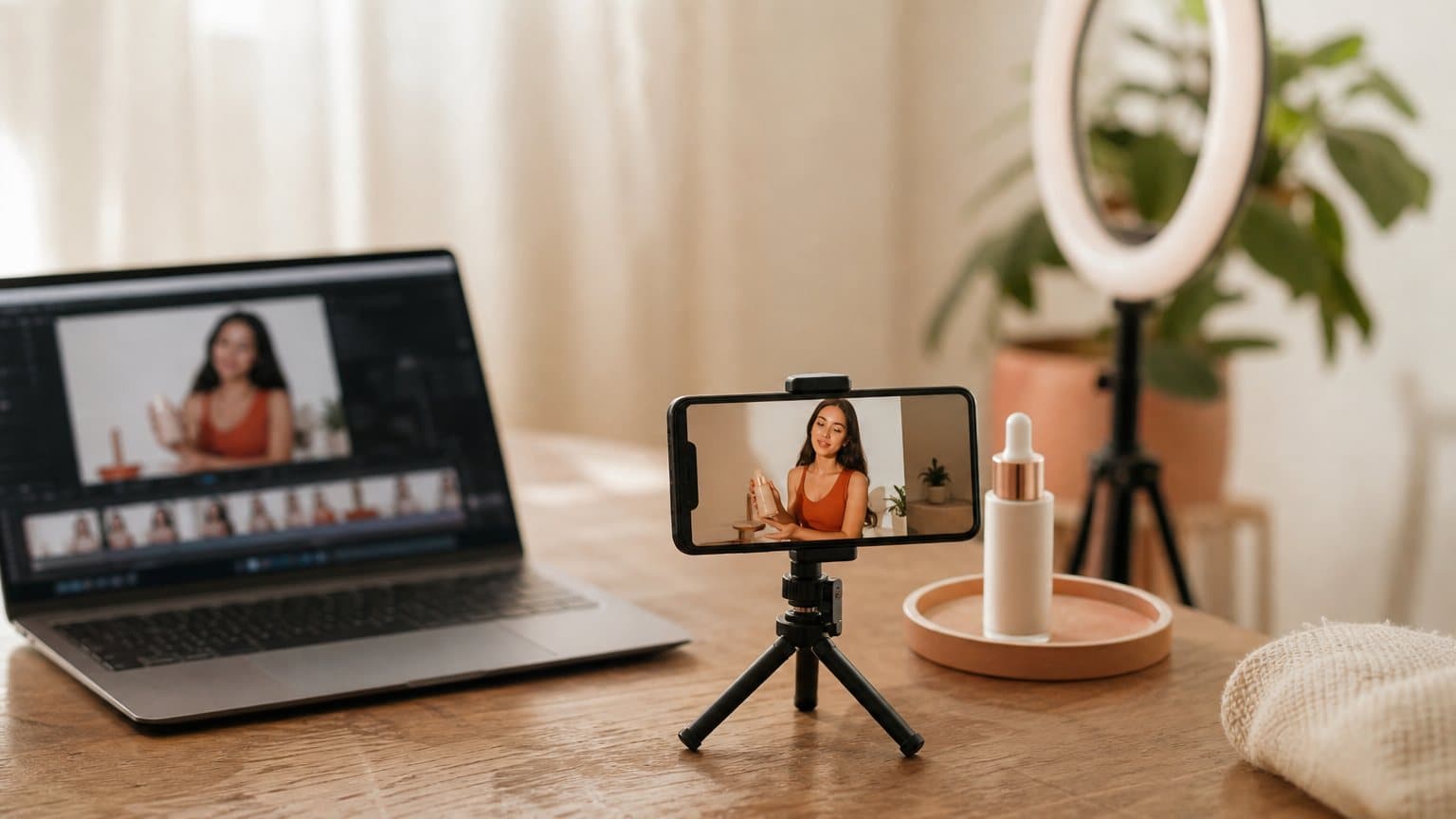
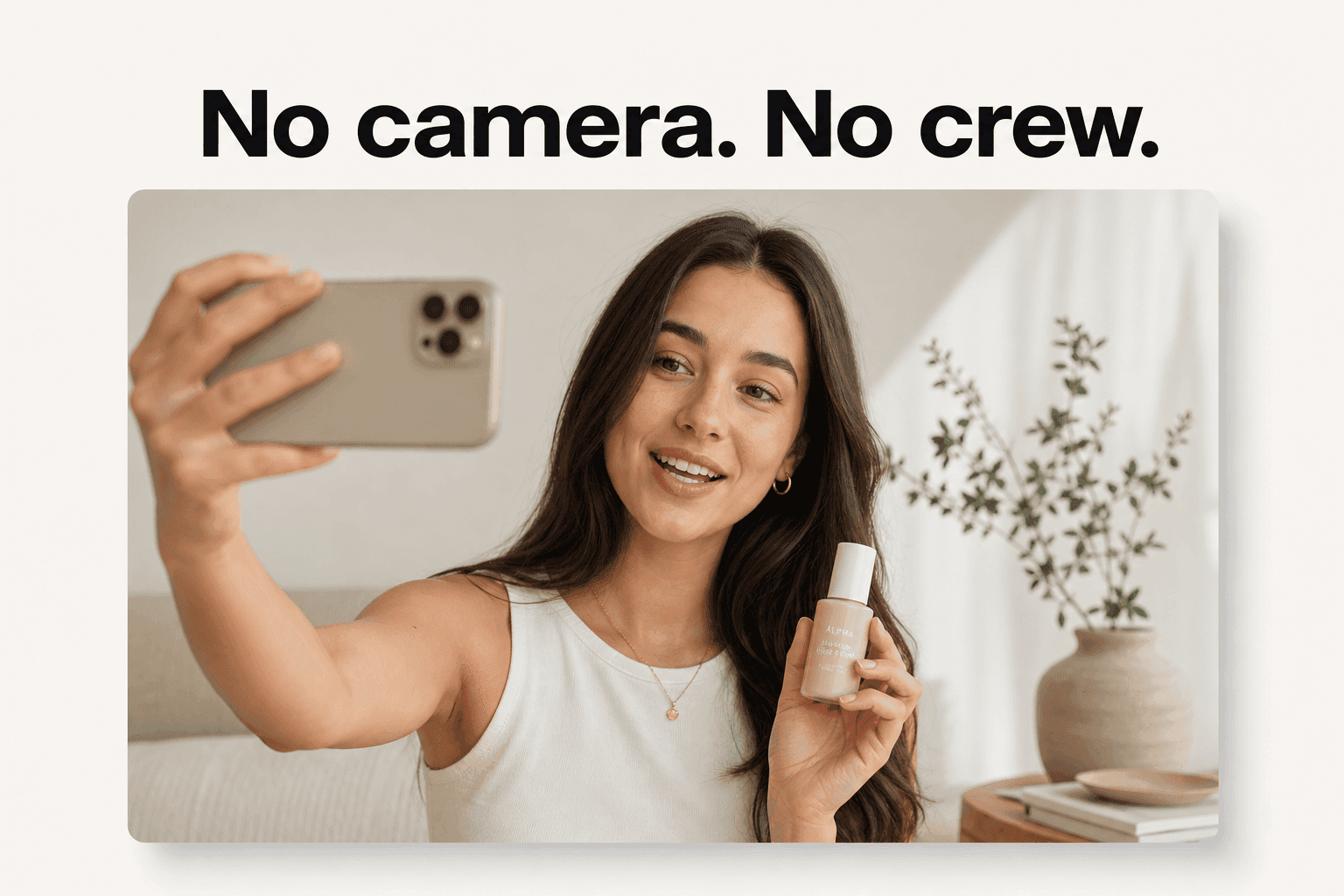
UGC AI is the fix. It is a UGC-style video ad, the handheld, talking-to-camera clip that looks like a real customer filmed it, produced entirely by AI instead of a person with a phone. You write or auto-generate a script, pick a synthetic actor, and a model renders the performance with voice, lip-sync, and captions. No camera, no creator, no shoot.
This guide is about the AI-generated artifact itself: what UGC AI actually is, how the pipeline works under the hood, the types you can make, and how to produce one step by step. If you want the parent category, our explainer on what UGC is covers user-generated content broadly. If you are deciding between AI and hiring a person, AI versus UGC creators is the head-to-head. This post is the how-it-works.
What "UGC AI" actually means
The phrase gets used two ways, and the difference matters before any of the strategy makes sense.
The two readings of the term
Sometimes "UGC AI" means AI that assists a human making UGC: a script generator, a caption tool, an editor. More often, and the sense this guide uses, it means UGC that is fully generated by AI: a synthetic person delivering a script in the familiar handheld style, produced without anyone filming anything. The first is a helper. The second is a finished ad that never touched a camera.
The distinction is the whole reason the term feels slippery. A caption tool does not replace a shoot; a generated clip does. When a marketer says they run UGC AI, they almost always mean the second: a believable, talking-to-camera ad rendered from text.
AI-generated versus organic UGC
Organic UGC is unpaid and real. A customer films themselves and posts it because they want to. AI-generated UGC manufactures that same casual, unpolished feel on demand, from a script. The look is the same handheld talking-to-camera style; the input is a text box, not a real person's afternoon. What you are buying, in both cases, is believability, not a literal purchase history. Our guide to UGC-style ads covers why that look outperforms polished brand film.
The synthetic UGC creator
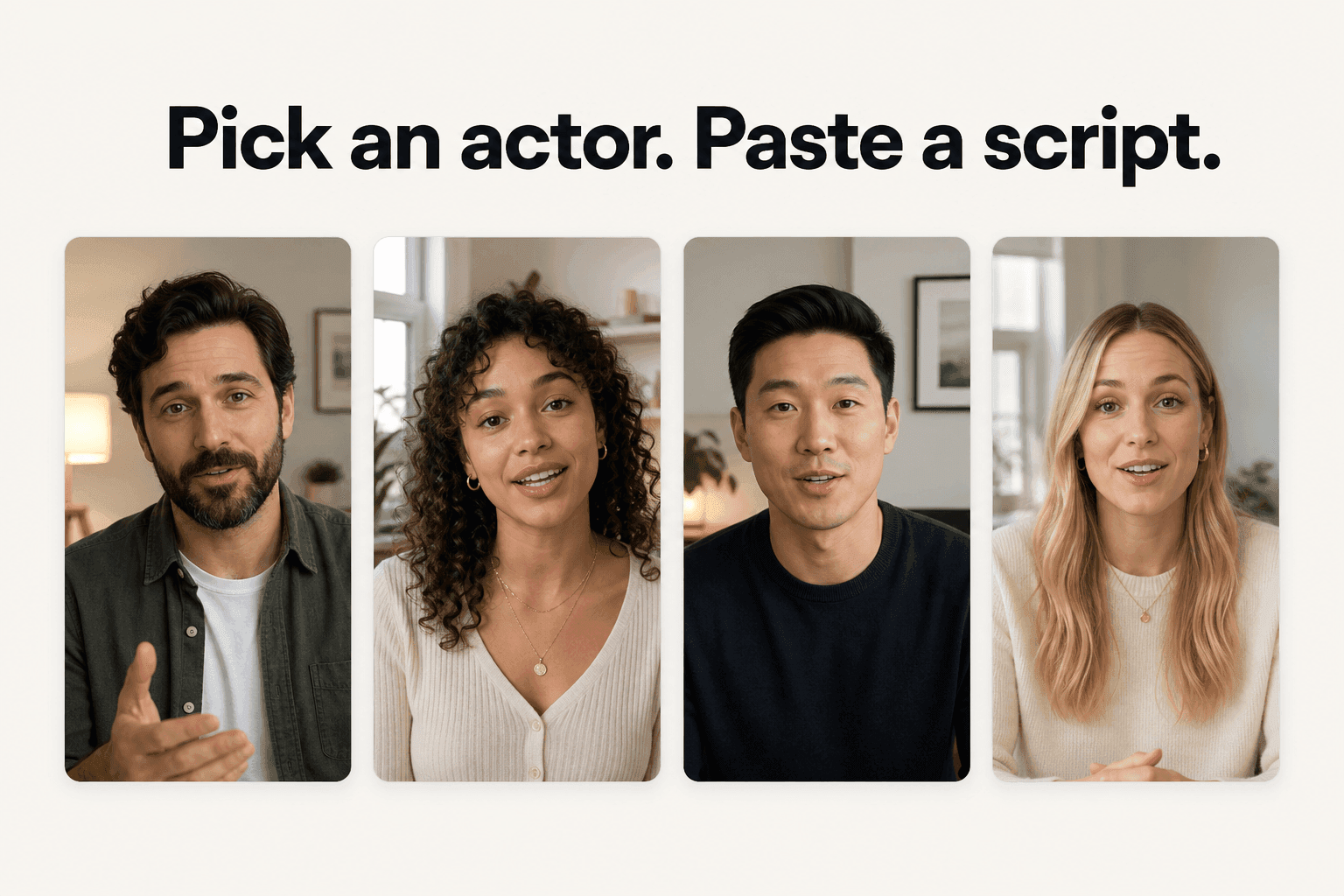
At the center of an AI UGC clip is a synthetic actor: a face and a voice, picked from a library, that reads your script to camera. It is the software stand-in for the person a brand would otherwise hire. If the human role is new to you, our explainer on what a UGC creator is covers what they do and charge. The AI version does the same on-camera job, minus the calendar and the invoice.
How UGC AI works, under the hood
This is the part most explainers skip, and it is the part that actually differentiates one clip from another. UGC AI is not one button. It is a chain of stages, and each one is a decision:
- The script: the message, the hook, the call to action.
- The actor: the synthetic face and voice that delivers it.
- The voice: a text-to-speech read in the right accent.
- The lip-sync: the mouth matched to that audio.
- The captions: on-screen text for sound-off viewing.
- The render: a video model animating the whole performance into a clip.
Get any one of these wrong and the clip suffers for it. Get them aligned and it reads as a real person talking to a phone. The rest of this section walks the stages that matter most.
From script to a synthetic performance
The pipeline runs in three moves. First, the script: the message, the hook, the call to action, either written by you or auto-generated from your product. Second, the actor: a synthetic person chosen to match your audience, who becomes the face and voice of the read. Third, the render: a video model animates that actor performing the script, frame by frame, into a finished clip.
The actor step is the one people underrate. You are not just picking a face; you are picking who the viewer decides to trust in the first second. An actor whose age, gender, and accent match the audience clears the believability bar before a word is said, and one who does not makes even a great script feel off. That is why the same read can convert for one audience and flop for another with nothing changed but the person delivering it.
The reason two ads from the same product can look completely different is that every stage above is a choice. A sharper first line, a better-matched actor, a tighter script: change one and the clip changes with it. The tool renders; the marketing judgment is still yours.
The three layers that sell the realism
A talking-to-camera clip is believable only if three layers land together. Each answers a silent question the viewer never asks out loud:
- Voice: a synthetic read in the right accent, so the actor sounds like a real local person rather than a robot.
- Lip-sync: the mouth tracks the audio, so nothing feels dubbed or off.
- Captions: on-screen text for the roughly sound-off way most people watch a feed.
Get all three right and the clip reads as a person. Miss one and the illusion breaks, which is exactly where weak AI UGC gives itself away. These layers are not decoration; they are the load-bearing part of the format.
The models doing the rendering
Under every AI UGC clip is a video model. In Novoads, the video side runs on models like Seedance, Kling, and Veo, with a dedicated talking-actor engine for the straight to-camera read. The choice is not cosmetic: it changes how long a clip can run and what it costs, which is why the same script can come out at about a dollar for a five-second Seedance 2.0 Mini clip, about $8 for an eight-second Seedance 2.5 clip, or about $26 for a full 30-second Seedance 2.5 take. For a platform-level view of who runs what, see our comparison of AI video ad platforms.
The types of AI UGC you can make
"AI UGC" is not one output. It is a small set of formats, each built around the same trust signal, dressed differently for the job in front of you.
| AI UGC type | What it is | Best for |
|---|---|---|
| Talking-actor ad | A synthetic actor reads your script to camera | Testimonials, problem-solution, hooks |
| Product-photo ad | Upload a product photo; Product-to-Ad makes an ad image, a Discover product template puts it in a creator's hand | Ecommerce SKUs, demos, offers |
| Localized variant | The same script in another language and accent | Selling across markets |
| Caption and voice layer | Auto voice, lip-sync, and on-screen captions | Native, sound-on feed content |
The talking-actor ad
This is the primary format and the one most people picture. A synthetic actor delivers your script to camera in the handheld UGC style, and you match the actor's age, gender, and accent to the audience you are selling to. It carries the testimonial, the problem-solution skit, and the straight hook test, which are the highest-leverage things to run on paid social.
Product-to-ad, from a photo not a URL
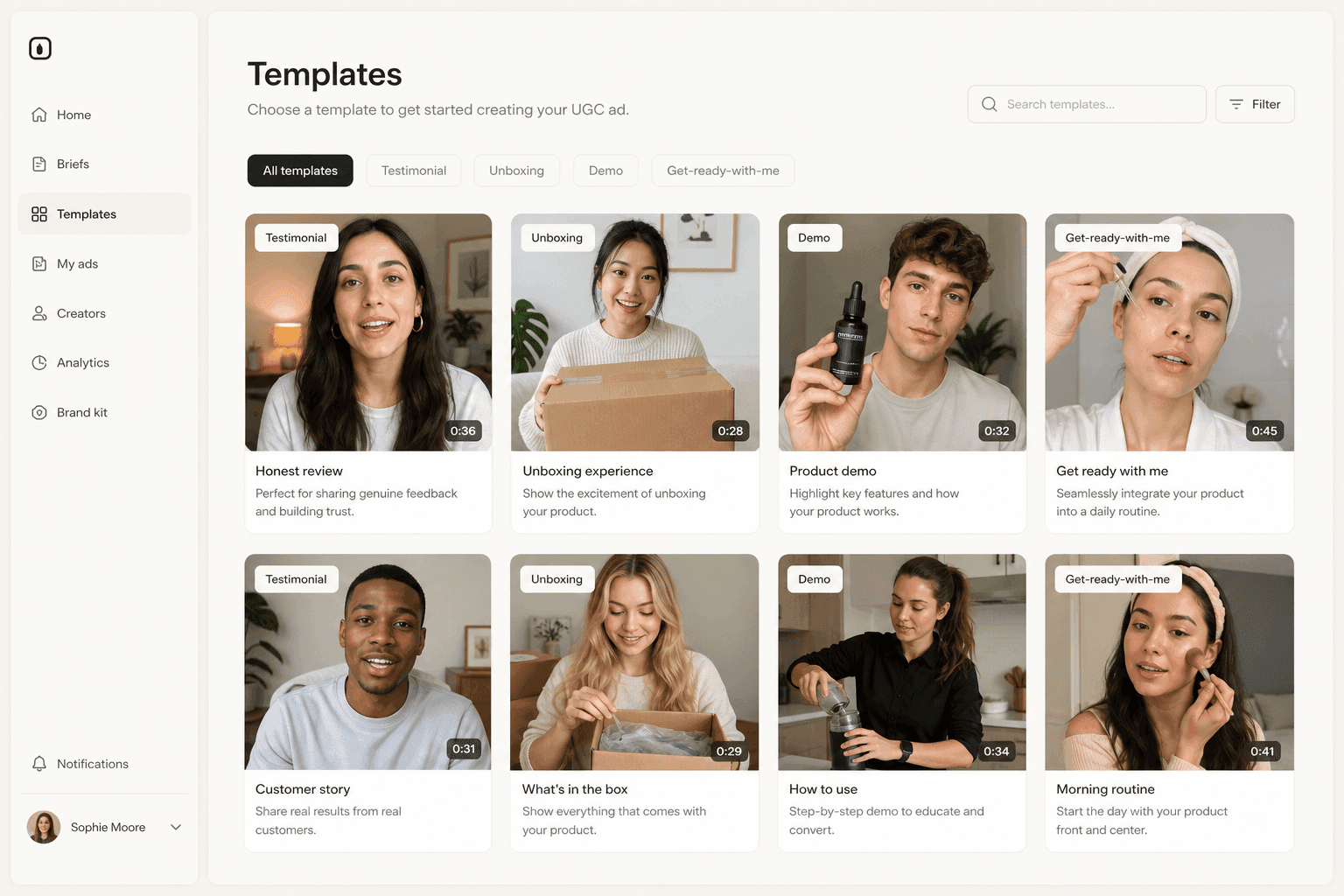
The other workhorse starts from your product. You upload a product photo, and two formats take it from there: Product-to-Ad turns it into an ad image, and Discover's product templates swap it into the template creator's hand and animate it as a short clip. For a talking read with the product in hand, you create a custom actor from a photo of someone holding it, because a stock library actor's hands are empty. One point worth being precise about: the input is an uploaded image file, not a pasted store URL. You bring the photo and the script; the tool does the rest. That keeps the format honest for ecommerce, where the SKU and the offer are the whole ad.
In practice you rarely pick just one type. A single product usually spawns a talking-actor hook test, a product-template demo, and a handful of localized variants of whichever one wins, all from the same script and photo. Thinking in types is really thinking in a test plan: each format answers a different question (does the hook stop the scroll, does the demo close the sale, does the accent land in this market), and the point of AI UGC is that you can ask all three at once instead of choosing.
How to make an AI UGC ad, step by step
The flow is short enough to repeat a dozen times in one sitting, which is the entire advantage of the format.
The four-step flow
- Start from your product. Upload a product photo or write a short description, and the tool proposes angles (problem-solution, testimonial, offer).
- Write or auto-generate the script, and spend your effort on the hook: the first three seconds decide whether anyone watches the rest.
- Pick an AI actor whose age, gender, and accent match your target audience.
- Generate and export. The clip comes back vertical, with voice, lip-sync, and captions, ready to drop into the campaign.
Our full walkthrough on how to create UGC ads with AI goes deeper on each step.
A worked example: six clips for one serum
Say you are selling one skincare serum. You write three angles (a problem-solution, a testimonial, and a demo) and pair each with two accents, a Mexican read and an Argentine one. That is six clips. Each renders in about four minutes and costs from about a dollar for a five-second Seedance 2.0 Mini clip to about $8 for an eight-second Seedance 2.5 clip, and about $26 for a full 30-second Seedance 2.5 take, so the whole batch is done in an afternoon for something in the low tens of dollars. Hiring creators for the same six clips would run into the hundreds and stretch across a week or two of briefs and revisions.
The output is not six ads you run forever; it is six answers. Launch them as one test, let spend find the one that beats your benchmark, and the winner tells you which angle and which accent your market actually responds to. Then you feed that back into the next batch: three fresh hooks on the winning angle, or the winning hook in two more markets. The serum did not change. What changed is that the cost of asking dropped low enough to ask often.
How to tell a clip came out right
Volume is only useful if you can spot the winners fast. Before you launch, run each clip against a short checklist:
- The first line lands inside three seconds, with no slow windup.
- The mouth matches the audio, with no lip-sync drift on fast speech.
- The accent fits the market, not a flat neutral read.
- The script fits the clip length, so the audio is not clipped or rushed at the end.
If a clip fails one of these, it is not a losing angle, it is a fixable render. Re-generate before you spend on it.

What separates good AI UGC from the uncanny kind
The gap between AI UGC that converts and AI UGC that makes people scroll is small and specific. It is almost never the model. It is the choices around it.
The tells that break the illusion
Weak AI UGC gives itself away in a handful of repeatable ways:
- A script written for the page, not the ear, so the delivery sounds like reading rather than talking.
- An over-long script that forces a rushed, breathless read the audio cannot carry.
- A neutral accent aimed at a local audience, which quietly reads as an ad instead of a peer.
- Lip-sync drift on the fastest lines, the one flaw a viewer catches without knowing why.
How to fix each one
Each tell has a plain fix, and none of them require a better model:
- Script reads like writing: read it aloud before you render, and cut anything you stumble over.
- Read feels rushed: shorten the script until it has room to breathe at a natural pace.
- Accent feels generic: match it to the specific market, not to a default neutral voice.
- Lip-sync drifts on a fast line: re-generate that one clip rather than shipping the flaw.
None of this is exotic. It is the same craft a good human read demands, moved upstream into the choices you make before the render. The advantage of AI UGC is that a fix costs one more render, not one more shoot.
When a human is still the right call
AI UGC is the right tool for volume, testing, and localization. It is not the right tool for everything. When the value depends on a specific real face, a genuine hands-on demo of a product that must be worn or tasted, or a flagship piece where the person is the message, a human creator still wins. For the full decision, our head-to-head on AI versus UGC creators draws the line, and our guide to improving ROAS with UGC covers how to read the results once the clips are live.
How Novoads makes UGC AI
Novoads is an AI UGC generator built for the volume side of the job. You upload a product photo, write or auto-generate a script, and pick from 100+ AI actors; to put your product in the actor's hand, you use a Discover product template or a custom actor made from a photo of someone holding it, and every render ships ad-ready.
A product photo and a script
The input is deliberately simple: a photo and a script, not a URL and not a shoot. From there the tool renders a UGC-style vertical clip, and every render ships with:
- A synthetic voice in the accent you choose.
- Lip-sync matched to that audio.
- Burned-in captions for sound-off feeds.
- A 9:16, 1:1, or 16:9 format ready for any ad platform.
The headline time to a finished clip is about four minutes, and each one costs a few dollars rather than a few hundred, which is what turns testing from a luxury into a habit.
Actors, accents, and formats
The trust signal in UGC is local, so the accent has to be too. Novoads renders ads in 30+ languages with real regional accents, which means a Mexican audience hears a Mexican voice and an Argentine audience hears an Argentine one, from the same script. Pair that with a render time measured in minutes and a per-clip cost of a few dollars, and one product becomes ten localized tests instead of one precious clip.
The UGC look is now a text box
For years the UGC look was locked behind a creator's calendar and a per-clip invoice. What UGC AI changes is not the format, it is the price of running it: the same believable, talking-to-camera clip can now be generated from a script in minutes, which means you can finally test the way the format always demanded.
You can make your first AI UGC ad with Novoads from $49/month at novoads.ai. Cancel anytime.
Frequently Asked Questions
What is UGC AI?
UGC AI is the use of AI to generate UGC-style videos instead of filming them with a person and a phone. It produces the same handheld, talking-to-camera clip that looks like a real customer made it, except a synthetic actor delivers a script you wrote or auto-generated, with voice, lip-sync, and captions handled automatically. The output is a vertical video you can run as an ad. For what UGC ads are and why they convert, see our guide on UGC ads.
How does AI-generated UGC actually work?
It is a short pipeline. You write or auto-generate a script, pick an AI actor whose age, gender, and accent match your audience, and a video model renders the performance. The tool then layers a synthetic voice, syncs the lips to the audio, burns in captions, and exports the clip in a vertical format ready for the feed. Each stage is a decision, which is why two people can start from the same product and end with very different ads.
Is AI UGC the same as hiring a UGC creator?
No. A UGC creator is a real person a brand pays to film authentic-style content. AI UGC reproduces that look from a script without a shoot. They are good at different jobs: AI owns volume, speed, and testing, while a human owns a specific face, a real physical demo, and flagship content. For the full comparison, see our head-to-head on AI versus UGC creators.
How much does an AI UGC video cost and how long does it take?
In Novoads a finished clip renders in about four minutes and costs from about a dollar for a five-second Seedance 2.0 Mini clip to about $8 for an eight-second Seedance 2.5 clip, and about $26 for a full 30-second Seedance 2.5 take. That is a fraction of the few hundred dollars and one to two weeks a human creator typically needs, and the low per-clip price is the whole point: it lets you test ten angles instead of betting on one.
What kinds of ads can you make with UGC AI?
The two main formats are the talking-actor ad, where a synthetic actor reads your script to camera, and the product-photo ad, where you upload a product photo: Product-to-Ad turns it into an ad image, and a Discover product template swaps it into a creator's hand on camera. From there you can localize the same script into other languages and accents, and every clip ships with voice, lip-sync, and captions for sound-off feeds.
Can viewers tell a UGC ad is AI-generated, and do I need to disclose it?
For short, script-led UGC formats the realism gap has narrowed quickly, and a native-sounding accent does more to build trust than perfect visuals. On disclosure, the major platforms increasingly ask advertisers to flag realistic AI-generated or AI-altered media, and a disclosure label rarely dents UGC performance, since audiences already expect the format to be lightly produced. The safe rule is to keep claims truthful and disclose when the platform requires it.
Key Takeaways
- UGC AI is the practice of generating UGC-style videos with AI: the handheld, talking-to-camera clip that looks customer-made, produced from a script with no camera, creator, or shoot.
- It is a production pipeline, not a filter: a script, a synthetic actor, a voice, lip-sync, captions, and a render, with a decision at each stage.
- The main types are the talking-actor ad and the product-photo ad, where you upload a product photo (not a URL): Product-to-Ad turns it into an ad image, and a Discover product template puts it in a creator's hand on camera.
- A finished clip renders in about four minutes and costs from about a dollar for a five-second Seedance 2.0 Mini clip to about $8 for an eight-second Seedance 2.5 clip, and about $26 for a full 30-second Seedance 2.5 take, which is what makes testing many variations affordable.
- Use AI UGC for volume, testing, and localization; keep a human creator for a specific face, a real physical demo, or a flagship piece.

![What Is UGC? A Complete Guide to User-Generated Content [2026]](/_next/image?url=%2Fblog%2Fque-es-ugc.jpg&w=3840&q=75)