Faceless Video Generator: 5 Content Styles, the Best Tools, and Ideas by Niche
A faceless video generator turns a script or a product photo into finished video with no one on camera. Here are the five styles that work faceless, the best tool for each, and faceless video ideas by niche.

Mauricio Valdivia
·11 min

Nobody on Camera, and It Still Sells
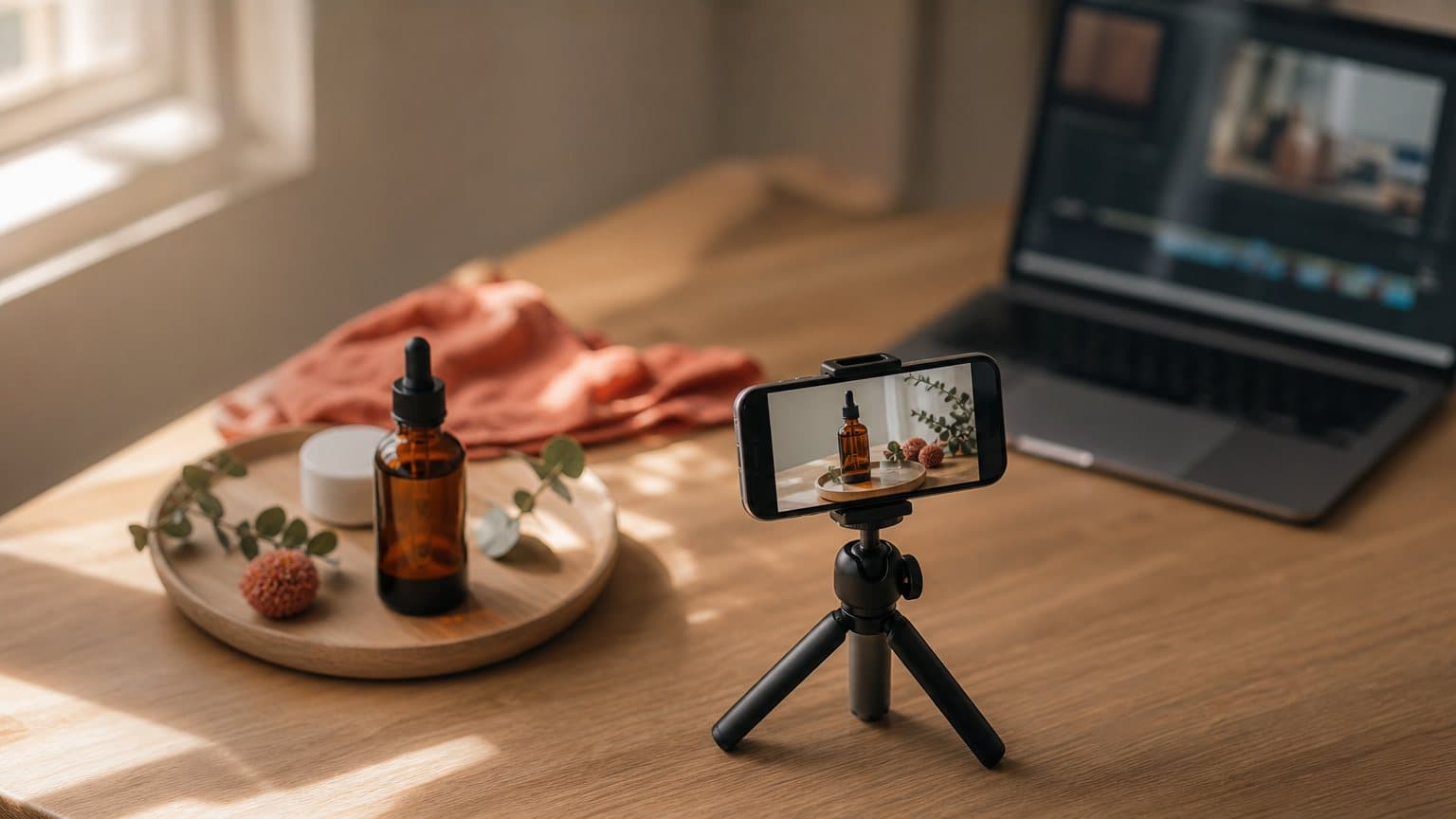
A faceless video generator is any AI tool that turns a script, a product photo, or a screen into finished video with nobody on camera. No set. No actor. No filming day. The generator handles the visuals, the voice, and the captions; you supply the idea and the angle that make it worth watching.
That combination is why faceless video has quietly become the default format for thousands of small creators and advertisers who will never book a studio. This guide covers the five content styles that actually work faceless, the best kind of tool for each one, real faceless video ideas broken down by niche, and a worked example you can copy from a blank script to an exported file.
What a faceless video generator actually does
The phrase covers a lot of tools that do different jobs, so it helps to separate what the category promises from what it still leaves to you.
From a script or a photo to finished video
Every faceless generator has one of two entry points, and the good ones have both. The first is text-to-video: you write a description and the model builds a scene from nothing, which is what powers a script-only workflow and is worth understanding before you compare models like Seedance and Sora. The second is image-to-video: you upload a single product photo and the model animates it into motion, the trick behind most AI image-to-video generators. Either way, the output is a short vertical file (usually 9:16) that drops straight into TikTok, Reels, or a paid ad account with no camera anywhere in the chain. Most generators export the same clip in vertical, square, and horizontal ratios too, so one build covers a Reel, a feed post, and a YouTube pre-roll without a second render.
The three jobs it automates
A true generator bundles the three tasks a manual editor makes you do separately:
- Visuals. Scenes generated from text, or animated from a product image.
- Voice. An AI voiceover that reads your script with pacing and a chosen accent.
- Captions. On-screen text synced to the audio for the sound-off majority.
A tool that only does one of these is a component, not a generator. The distinction matters when you compare options, because a "faceless video app" that just adds captions is solving a much smaller problem than one that produces the whole clip. Bundling also keeps the look consistent: when the same tool generates the scene, reads the voice, and styles the captions, the pieces match instead of feeling stitched together from three different apps.
What the generator will not do for you
The one thing no generator supplies is the idea. The hook, the angle, and the argument are still yours, and that is also what keeps faceless content viable. Platforms reward effort, not faces. YouTube updated its channel monetization policies in July 2025 and, in its own words, is "renaming this policy from 'repetitious content' to 'inauthentic content'", clarifying that mass-produced, template-like content "has always been ineligible for monetization" because creators are rewarded for original work. A faceless video with a real point of view sits comfortably inside that rule. If your goal is paid ads specifically, our deeper guide to faceless video ads runs the ad-side mechanics and the exact disclosure lines.
The five faceless styles, and what each is for
Almost every faceless video you have scrolled past is one of five content styles, or a hybrid. Choosing the style before you touch a tool is the single most important decision, because the wrong style wastes the format's main advantage.
Narration-led: voiceover over b-roll
The classic build. Close-up footage of the product in use, sequenced under a voiceover that sells the outcome. It wins for physical products whose value is visible: cookware, candles, gadgets, anything with texture or a transformation. In a faceless clip the voice becomes the presenter, so a flat robotic read undoes everything, and a script written for the ear (one idea per sentence, contractions, plain verbs) is what makes it land. This is the style closest to a UGC-style ad minus the on-camera person.
Silent-readable: text-on-screen and product-only
Two styles built for a feed watched with the sound off. Text-on-screen carries the whole message in captions and motion graphics: listicles, tips, "three reasons," before-and-after. Product-only goes the other way and removes words entirely, letting the product be the hero with music, satisfying motion, and a single caption at the end. Both survive a muted autoplay, which is where a large share of feed viewing actually happens, so the hook has to appear as text or as a visual in the first two seconds, never only in the audio.
Presenter-led, but not your face
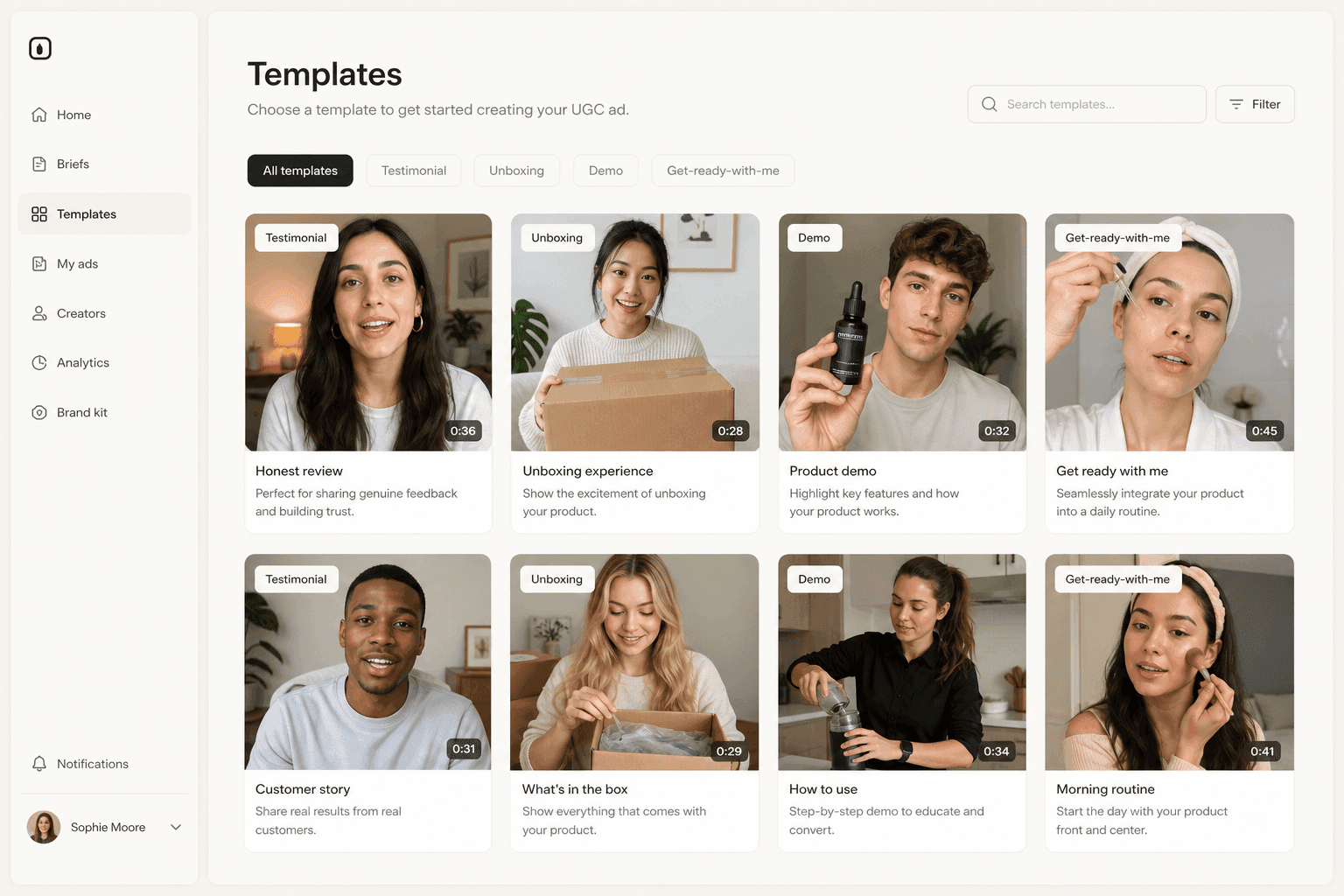
Two more styles put a "presenter" on screen without it being you. A screen recording shows the actual software doing the actual thing, and nothing builds product credibility faster than the product working in real time, which makes it the default for apps and SaaS. An AI avatar goes further: a synthetic person delivers your script, so a face appears without any real one being filmed. These are the tools most people find when they search for an avatar video generator. One caution: a photoreal AI scene or a synthetic voice presented as a real person can fall under platform labeling rules, and the faceless ad guide covers when a disclosure is required.
The best tool for each style, and the effort it takes
There is no single "best faceless video generator." There is a best tool for the style you chose, and the honest way to shop is to match the two.
Match the tool to the job
| Style | Best kind of tool | Effort |
|---|---|---|
| Voiceover + b-roll | Image-to-video + AI voice | Medium |
| Text-on-screen | Caption or motion-graphics editor | Low |
| Product-only | Text-to-video generator | Low |
| Screen recording | Screen recorder + captions | Lowest |
| AI avatar-as-proxy | AI avatar generator | Low |
Read the table as a shopping list, not a ranking. If your product demos well on video, you are shopping for an image-to-video model and a natural AI voice, not an avatar. If you sell software, a screen recorder plus a caption pass beats any generated scene. For a side-by-side of the standalone options, our roundup of UGC creator tools breaks down where each type fits, and if budget is the constraint, the best free AI video generators shows where the free tiers stop being useful.
When one generator replaces the whole stack
The friction in faceless production is rarely one step. It is stitching four tools together: a scene generator, a voice tool, a caption editor, and something to assemble and export. An all-in-one generator collapses that into a single project. In Novoads, for example, Seedance 2.0 or Kling v3 Pro produce the scenes, GPT Image 2 turns a product photo into an ad-ready still, an AI voice reads the script, and captions and export happen in the same place, so a clip that used to touch four apps becomes one flow of a few minutes. The all-in-one route trades a little per-tool control for a lot less overhead, which is the right trade when your real goal is testing many angles. It also removes the file-shuffling tax, the exporting from one app and re-importing into the next that quietly eats an afternoon per video.
The effort ladder
When you are unsure, start at the bottom of the effort ladder and climb only if the result needs it. A screen recording is the lowest-effort proof there is. Text-on-screen and product-only are next, because they need no voice work. Voiceover plus b-roll sits a rung up, since it lives or dies on the script. An AI avatar is technically low effort to produce but higher stakes, because a synthetic presenter reading a weak line is more obvious than a silent product shot. Pick the lowest style that still proves what your product needs to prove.
Faceless video ideas by niche
Styles are the how. Ideas are the what. Here are concrete faceless concepts that consistently work, grouped by the kind of thing you sell.
Physical products: skincare, coffee, home goods
- A slow product-only pour or unboxing at golden hour, one caption at the end.
- "Three reasons people switch to [brand]," told entirely in text-on-screen over b-roll.
- A before-and-after: the mess, the product, the clean result, no words needed.
- A quiet "restock my shelf" or "pack an order with me," product-only with ambient sound.
- A myth-versus-fact tip series that positions the product as the fix.
- A texture close-up loop (the cream, the crema, the fabric) with a single benefit caption.
Apps, SaaS, and info products
- A screen recording of the single best "aha" moment, captioned, with the payoff state shown first.
- A "watch me do X in four taps" speed run of the core workflow.
- A text-on-screen listicle of features framed as outcomes, not menu items.
- A problem-to-dashboard story: the frustration on screen, then the tool resolving it.
- A comparison of the slow manual way against the app, split-screen, sound off.
Services, coaching, and local businesses
- A faceless "day in the life of the business" cut from b-roll and screen captures.
- A text-on-screen "three mistakes" clip that teaches, then offers the service as the answer.
- An AI avatar delivering a short tip when you want a presenter but not your own face.
- A results recap animated from numbers and captions instead of a talking head.
If you sell on TikTok specifically and simply do not want to be on camera, our guide to running TikTok ads without showing your face maps these ideas onto that platform's ad formats.
A worked example: a text-on-screen faceless video, no camera
Here is a full build for a small cold-brew coffee subscription, using the text-on-screen style and a text-to-video generator, so the entire clip comes from a script with no product photo required. Novoads runs every step in one project.
Step 1: pick the style and write three lines
The idea is a "three reasons" clip, so the whole script is three short lines plus a closing call to action:
- "Fresh-roasted, never sitting on a shelf."
- "Ships cold, tastes like the cafe."
- "Cancel or skip any week."
Each line becomes one scene and one on-screen caption. Writing the lines first, before any visuals, is what keeps the video from becoming a beautiful screensaver with nothing to say.
Step 2: generate the scenes and the voice
Generate three five-second scenes with text-to-video: a slow pour over ice, cold beans tumbling, a hand skipping a delivery in an app. Each five-second Seedance 2.0 scene costs 3 credits, so the three come to 9 credits. Then add an AI voice reading the three lines. Voice generation runs about 0.9 credits per minute, so this fifteen-second read is roughly 0.3 credits, and picking an accent that matches your buyers is a conversion detail most faceless videos skip.
Step 3: add on-screen text, caption, export
Layer each line as bold on-screen text timed to its scene, run a caption pass (the karaoke style renders without spending credits; the Classic preset is 0.4 credits), order the scenes, and export a 9:16 file. The full build: 9 (three scenes) + 0.3 (voice) + 0.4 (captions) is under 10 credits, comfortably inside the 50 credits the $49/month plan grants each month. You know it worked when the clip makes its complete argument on mute, the hook line is readable in the first two seconds, and the last frame tells the viewer exactly what to do. For the product-photo version of this build with the full credit math, see the faceless video ads walkthrough, and for the ad-copy side, how to make UGC ads with AI.
When faceless is the wrong call
An honest guide draws the boundary: faceless is a tool, not a rule, and some purchases still want a human.
Trust-heavy categories still want a face
When the buying decision feels personal, shoppers lean on people. They read reviews and watch creator content before they buy, and some categories sell on skin-in-the-game credibility that a product close-up cannot fake. The pattern is consistent: a face out-pulls a faceless clip whenever the buyer is trusting the product with their body, their looks, or real money.
- Skincare and supplements, where "did it work for someone like me?" is the entire decision.
- Apparel and beauty, where fit, drape, and shade need a real human for scale and tone.
- Coaching and services, where the buyer is paying for the person as much as the method.
- High-ticket purchases, where the price alone asks for a face willing to vouch for it.
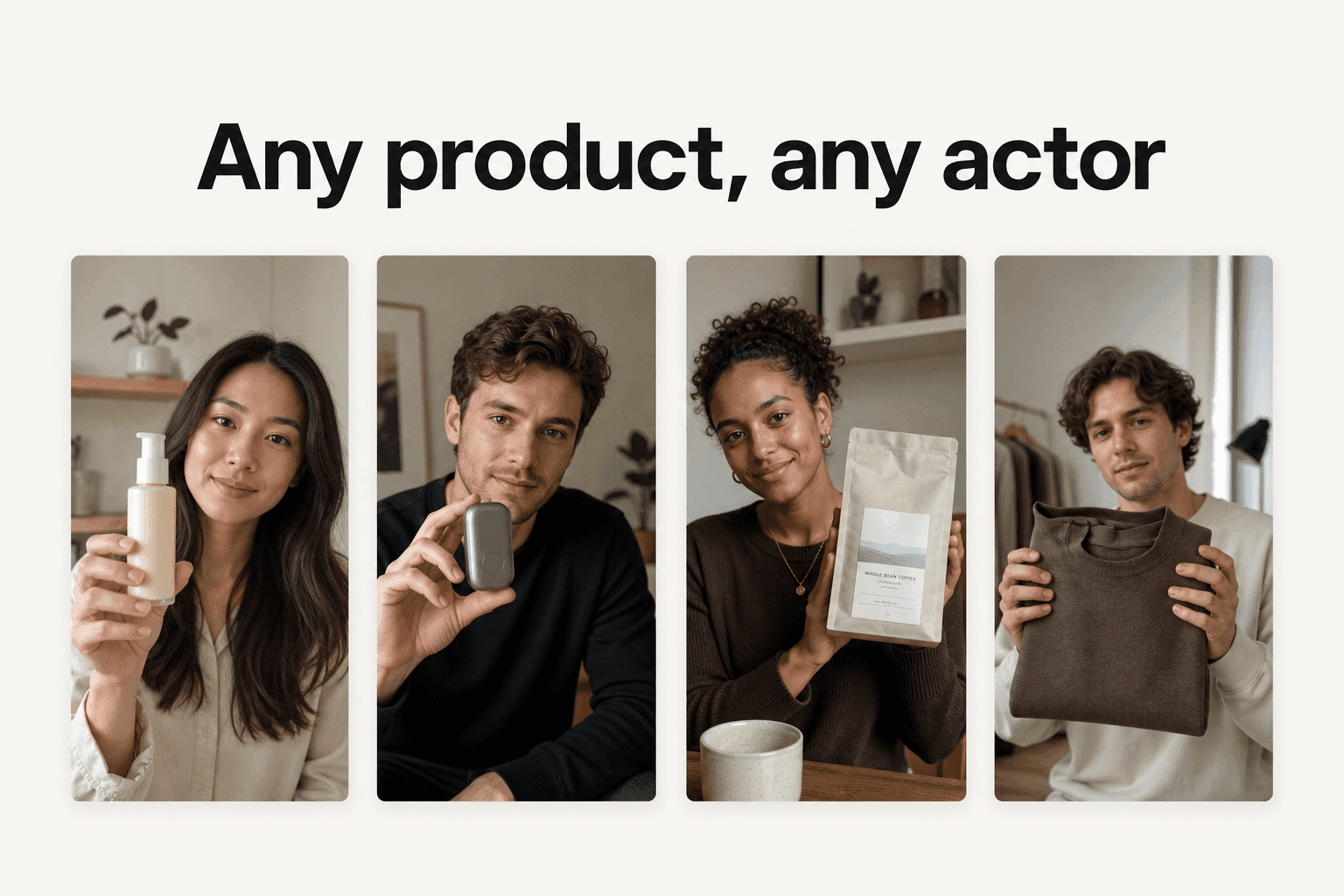
If your buyer's first question is "did this work for someone like me?", the answer needs a someone, which is the territory of UGC-style ads and the trust they carry.
Test both instead of guessing
The modern move is that this is no longer a camera decision. An AI avatar or an AI talking actor produces a presenter-led version of the same script without booking anyone, so the real workflow is to run the faceless build and the presenter build against the same audience and let the numbers pick the winner. Faceless is usually right for volume and demos; a face is usually right for trust. You rarely have to guess which, because generating both is cheap. The old version of this test cost two shoots and two weeks; the new version costs a few extra credits and one more export, which means the answer comes from your own data instead of a rule of thumb.

The generator was never the point
A faceless video generator looks like a shortcut around being on camera. What it really removes is the whole production tax: the set, the talent, the filming day, and now the footage itself. What is left is the part that was always the actual asset, an idea worth watching and an argument worth hearing.
That is the half worth keeping for yourself. The production half is what Novoads handles: write or auto-generate a script, or upload a product photo, and it produces the scenes with Seedance 2.0, the voiceover, and the captions as one vertical clip in about four minutes, in more than 29 languages with real regional accents when your market needs them. Testing ten faceless angles becomes ten clips in a sitting instead of ten shoots. Start for $49/month: 50 credits a month, and about 10 credits buys one complete faceless video. Cancel anytime.
Frequently Asked Questions
What is a faceless video generator?
A faceless video generator is an AI tool that turns a script, a product photo, or a screen recording into a finished video without filming a person. Instead of a presenter talking to camera, the generator builds the visuals (from text or an image), adds an AI voiceover, and layers captions, so the product, the screen, or a generated scene does the showing. It is the fastest way to produce short vertical video when you do not want to appear on camera, or do not have anyone who does.
What are the best faceless video styles?
Five styles do almost all the work. Voiceover plus b-roll animates product footage under narration. Text-on-screen carries the message with captions and motion graphics. Product-only lets the product be the hero with music and no talking. Screen recordings prove software by showing it work. An AI avatar stands in as a synthetic presenter so a face appears without it being yours. Pick the style by what your product needs to prove, then pick the tool.
Do faceless videos still get views and monetization?
Yes. Platforms reward effort, not faces. YouTube updated its channel monetization policies in July 2025 to rename 'repetitious content' to 'inauthentic content', clarifying that mass-produced, template-like content is ineligible. A faceless video with an original script, a real point of view, and a deliberate edit stays on the right side of that line. A hundred near-identical clips from one template does not, whether or not a face appears.
What is the best faceless video generator for a beginner?
For a beginner, the easiest tool is an all-in-one generator that produces the scenes, the voiceover, and the captions inside one project, so there is no stack to stitch together. If you only need one style, a dedicated tool can be simpler: a screen recorder for a demo, or an image-to-video app for a product clip. Match the tool to the style you picked rather than to the loudest brand.
Can I make a faceless video ad without a product photo?
Yes. A text-to-video generator builds scenes straight from a written description, so you can produce a faceless clip with only a script. Starting from a real product photo is still the safer route when the exact packaging matters, because it keeps the label and the colors yours instead of letting the model invent them. Many faceless ads use both: text-to-video for atmosphere and image-to-video for the product close-up.
Key Takeaways
- A faceless video generator is any AI tool that builds finished video from a script, a product photo, or a screen recording, without ever putting a person on camera.
- Five content styles carry faceless video: voiceover plus b-roll, text-on-screen, product-only, screen recordings, and an AI avatar that stands in for you.
- The best tool depends on the style, not the brand. Narration-led clips want an image-to-video generator, demos want a screen recorder, and hands-off testing wants an all-in-one that makes scenes, voice, and captions together.
- Platforms police effort, not faces. YouTube's July 2025 monetization update renamed its 'repetitious content' policy to 'inauthentic content', targeting mass-produced sameness rather than the faceless format itself.
- In Novoads, a faceless ad clip runs from a script or a product photo with Seedance 2.0 scenes, an AI voice, and captions, so testing ten angles costs credits instead of ten shoots.