Best UGC Tools in 2026: The Six Jobs and What Each One Costs
The best UGC tools in 2026 are not one app but a small stack. What the best UGC creator tools cost for scripting, filming, editing, captions, AI actors and analytics, every entry price dated and labelled with its billing basis.

Mauricio Valdivia
·Updated ·14 min

No One Tool Makes a UGC Ad
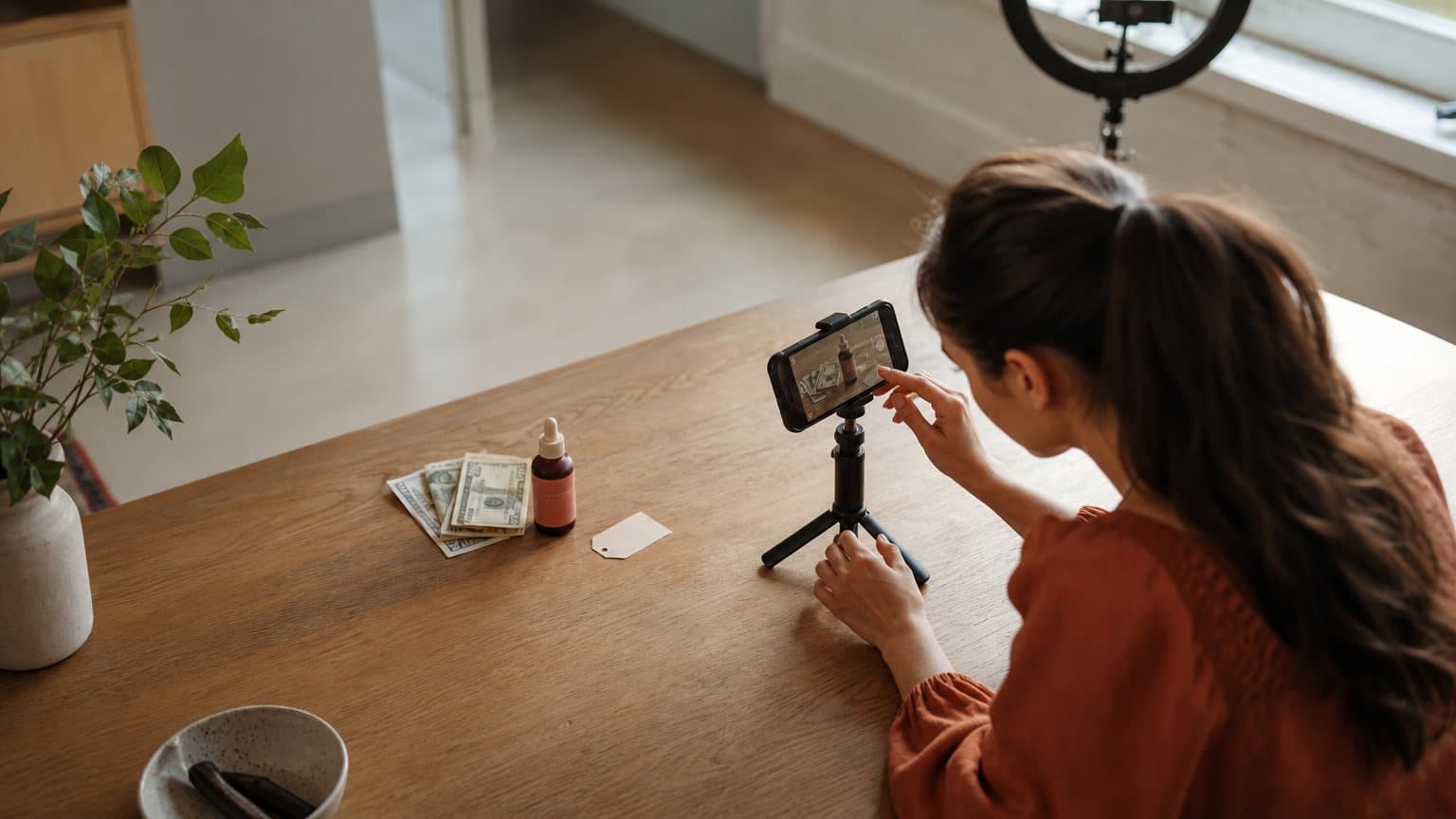
A creator opens their phone to film a product review, and before a single clip is shot, five apps are already involved: one drafting the script, one scrolling the teleprompter, one editing, one burning in captions, one reading the results afterward. That is the quiet truth behind the phrase "UGC creator tools." There is no single app that does the job.
There is a stack. The creators who ship the most ads are not the ones who found one magic tool; they are the ones who picked the right tool for each part of the work and stopped paying for the rest.
This guide breaks that work into six jobs (scripting and hooks, filming, editing, captions, AI actors, and analytics), names the tools worth using for each in 2026, and prices them. Every figure below was read off the vendor's own page and carries the date we read it, plus the basis it is billed on, because a month-to-month price, an annual-equivalent rate and an in-app store price are three different numbers that look identical in a comparison table. The biggest shift this year lands on one of the six: AI actors now do the filming job for a whole class of ads, which is where a tool like Novoads fits. But it is still one job of six, and the other five still decide whether the ad works.
The UGC creator stack at a glance
Here is the whole stack in one view. Match the job to the tool, start with what you already own, and only pay for the parts that are genuinely slowing you down.
| Job | Go-to tool | Best for | What it costs to start |
|---|---|---|---|
| Scripting and hooks | ChatGPT | Drafting and reworking angles | A general LLM tier you probably already have |
| Filming | Your phone | Native, handheld footage | Hardware you already own |
| Editing | CapCut | Trim, pace, and B-roll | Free to start, per its own site |
| Captions | Submagic | Animated, on-beat subtitles | A subscription, once you batch |
| AI actors | Novoads | Product-in-hand UGC via a custom actor | $15/month |
| Analytics | Native dashboard | Reading what actually won | Included with the ad account |
The one-line version of each pick, before the deep dives:
- Scripting and hooks: a general LLM to draft angles fast, then your own judgment on the first three seconds.
- Filming: a recent phone, one soft light, and a clip-on mic. Or skip the camera entirely with an AI actor.
- Editing: CapCut for most short-form, Descript if you would rather edit by transcript.
- Captions: CapCut's built-in captions for one-off clips, a captions-first tool when you batch dozens.
- AI actors: Novoads for product-in-hand ads through a custom actor, across languages, Arcads for raw realism, HeyGen or Synthesia for a polished spokesperson.
- Analytics: your platform's own dashboard first, a split-testing tool once you have real spend behind the ads.
Only one row in that table is a real monthly bill for most creators, and it is the AI-actor row. That is the section to read twice, and it is the one with a full price table further down.
Scripting and hooks: where the ad is actually won
Before any camera or model, the ad is decided in the script, and mostly in the first three seconds. This is the cheapest job to get right and the most expensive to get wrong.
The job
You are not writing a screenplay. You are writing an angle and a hook. The angle is the argument (problem-solution, testimonial, demo, unboxing); the hook is the opening line that decides whether anyone watches past second three. A UGC creator who nails the hook and picks the wrong tool for everything else still beats a beautifully edited clip that opens flat.
The tools
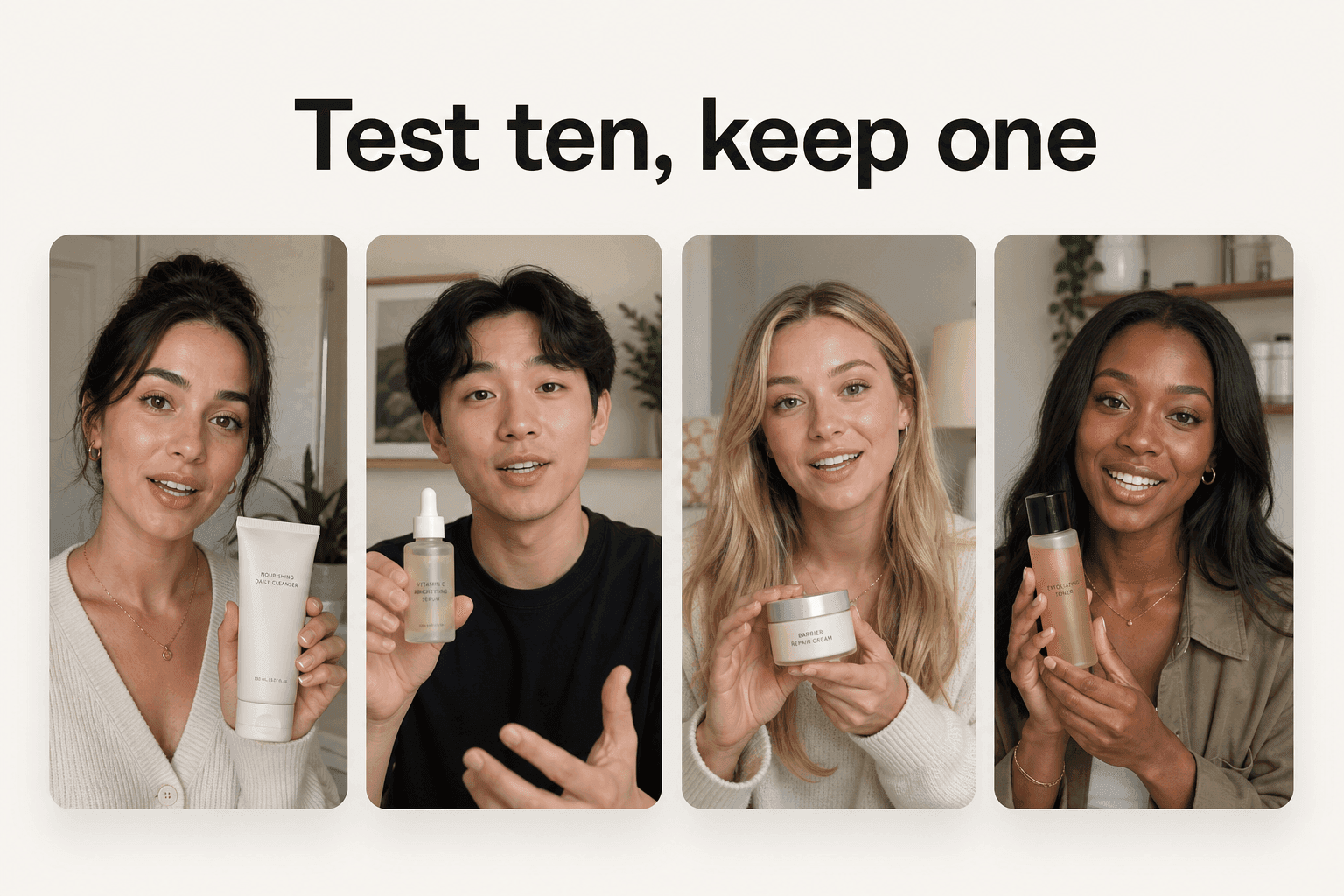
Most creators draft and rework scripts with a general-purpose large language model like ChatGPT or Claude. They are genuinely useful for one thing: producing ten variations of a hook in seconds so you have something to react to, rather than staring at a blank page. Give the model three inputs and ask for angles, not finished copy:
- The product and the one problem it removes.
- The audience and how they already describe that problem in their own words.
- A few real objections you want the ad to disarm up front.
A running swipe file of hooks that stopped your own scroll beats any generator, so keep one in a notes app or a Notion board. The model gives you volume; your file gives you taste. The combination is faster than either alone.
How to know it worked
The test is brutal and simple: read the first line out loud. If it does not create a question, a tension, or a promise in one breath, it is not a hook yet. Our full guide to making ads that convert goes deeper on hook structure, but the throughput rule is this: write more hooks than you think you need, because the winner is rarely the one you would have bet on.
Filming, or skipping the camera
This is the job that used to define UGC, and the one AI changed the most. You have two honest paths: film it well and cheaply, or do not film it at all.
The hardware that covers most of it
If you are filming, the gear list is short and boring on purpose. A recent smartphone shoots better vertical video than most dedicated cameras did five years ago, and four cheap additions cover almost everything else:
- A soft key light, so the face is lit and not orange.
- A clip-on lavalier mic, so the audio does not sound like a hallway.
- A small tripod, so the shot is steady instead of shaky.
- A teleprompter app that scrolls your script over the lens, which keeps your eyes forward and cuts the number of takes in half.
That is genuinely it. UGC rewards the handheld, slightly-imperfect look, so spending more on gear past this point usually makes the ad look less native, not more.
When to skip filming entirely
The alternative is to not point a camera at anyone. AI-actor tools now generate a UGC-style clip from a script, with a synthetic voice, lip-sync, and captions handled automatically. For a performance marketer who needs fifteen variations of an angle by Friday, this is the difference between a testing program and a wish. It does not replace a specific real face you want on camera, but for volume it removes the single slowest step in the whole stack. We come back to these tools, and to what they charge, in detail below.
Editing: trim, pace, and the cut that keeps them watching
Editing is where a decent clip becomes a watchable one. The job is pacing: cut the dead air, keep the energy, and get out before the viewer does.
CapCut, the default
For short-form UGC, CapCut is the tool most creators reach for first, and for good reason. It runs on both phone and desktop, and it bundles the whole edit into one app you can start using at no cost:
- Trimming and transitions for pacing the cut.
- A commercial music library for the audio bed.
- Auto-captions so you rarely need a separate tool for one-off clips.
One honest caveat on the price, because this guide promises dated numbers. When we fetched capcut.com on 2026-09-19 the page the server returned carried no pricing or plans link at all, so we have no plan ladder to publish and no figure to date. What the page did carry is the invitation to try it online at no cost, with no credit card. Treat any paid tier as something to read inside the app rather than a number to plan around. For the vast majority of TikTok, Reels, and Shorts edits, the free-to-start editor covers the whole job without a second subscription.
The transcript-first route
Descript takes a different approach that suits a specific kind of creator. It transcribes your footage and lets you edit the video by editing the text: delete a sentence in the transcript and the corresponding video disappears. If you work in long-form (a talking-head explainer, a podcast cut down into clips), editing by transcript is dramatically faster than scrubbing a timeline.
The professional tier
At the top end sit Premiere and Final Cut, the timeline editors built for control rather than speed. They are overkill for most UGC, where the native, slightly-rough feel is a feature, not a defect. Reach for them only when a client demands frame-level polish; otherwise the extra power mostly costs you time and the authenticity the format runs on.
Captions: the layer most people watch on mute
A large share of social video is watched with the sound off, which makes captions a conversion tool, not an accessibility afterthought. This is a small job that quietly moves numbers.
Why captions are not optional
If the hook lands only when the audio is on, you lose everyone scrolling in silence, which is most of the feed. Burned-in captions carry the hook, the key claim, and the call to action to viewers who never unmute. On UGC-style ads, the caption often is the ad for the first three seconds.
CapCut versus a captions-first tool
CapCut's built-in auto-captions are enough for one-off clips and cost nothing extra. The moment you are producing dozens of shorts a week, a captions-first tool like Submagic earns its keep: it is built for one job, styled animated subtitles that move with your voice, with templates, emoji, and B-roll suggestions optimized for short-form. We did not re-read Submagic's pricing in this pass, so take that figure from its own page rather than from any roundup, this one included.
Captions (the app by Mirage) folds the same idea into a fuller editor, pairing AI creators with a built-in video editor so the clip and the caption live in one place. Its pricing page, read on 2026-09-19, leads with Max at $24.99 a month for 500 credits, with Scale tiers above it. Read the small print before you budget. The page closes with a line of its own: "All prices displayed in USD. Features and prices reflect iOS plans only." The number you see is an in-app store price, not necessarily what another platform charges you.
Keep them readable
Whatever tool you pick, the rules do not change:
- High contrast, so the text survives a busy background.
- A few words on screen at a time, never a full paragraph.
- Positioned above the platform's UI, so a "Sponsored" bar or a comment button never covers them.
A stylish caption that is unreadable on a real phone is worse than a plain one that is not.

AI actors and avatars: the biggest change in the stack
This is the job that shifted most in 2026, and the one where the tools differ sharply. An AI-actor tool produces the person-to-camera clip from a script, so it collapses scripting, casting, filming, and editing into a single step. The trap is treating them as interchangeable. They split cleanly into two categories, and picking the wrong one is the most expensive mistake because no plan tier fixes a tool that makes the wrong kind of video.
Realism and spokesperson tools
Arcads is the realism benchmark for AI talking-head ads. It offers a library of over 1,000 AI actors, the option to create your own AI avatar, and delivery that most viewers cannot flag as synthetic. Its actors can also hold and present a physical product through a custom-actor workflow, and it localizes into more than 30 languages. The main friction is commitment: Arcads publishes no price on its own site, and the plans sit behind an account at app.arcads.ai, so you sign up before you see a number. That was still the case when we last checked on 2026-09-17.
For a polished presenter rather than a handheld, phone-shot vibe, the category is different. HeyGen is built around AI avatars and spokesperson-style video; read on 2026-09-17, its Creator plan was $29 a month and its Pro tiers started at $49 a month. Synthesia is the corporate and training end: studio-clean avatars, 160+ languages, and, read the same day, a Starter plan at $29 a month, $18 a month if you pay for the year, above a Basic tier at $0. Both are strong at a clean talking head; neither is trying to look like a real customer filmed it in a kitchen.
Product-led UGC tools
The other category is built to look unscripted and to put your product on camera. Novoads sits here: you upload a product image, write or auto-generate a script, pick an AI actor, and get a vertical ad in 30+ languages with real regional accents; to have the creator hold the item, you create a custom actor from a photo of someone holding it. MakeUGC is the closest direct comparison, advertising a library of 1000+ realistic AI creators, with its entry Start up plan at $59 a month for 500 credits and a $1 trial as the door, read on 2026-09-19. Creatify is the volume play: paste a product URL, get an ad, batch many at once. Its entry paid plan, read the same day, is Starter at $39 a month for 100 credits, with Pro at $99 a month for 300; below that sits a Free plan of 10 credits a month whose exports carry a watermark, which is enough to see the output and not enough to run it.
The price table, and how to read it
Every figure in this table is the entry price the vendor published on its own page, with the date we read it and the basis it is billed on. Rows are grouped by the kind of ad the tool makes, not ranked by price. Nothing here is annualised, averaged, or converted.
| Tool | Category | Entry price | Billing basis, and when we read it |
|---|---|---|---|
| Novoads | Product-led UGC | $15/month (Starter, 200 credits) | Month to month, published on /pricing. No free tier and no trial |
| MakeUGC | Product-led UGC | $59/month (Start up, 500 credits) | Month to month, read 2026-09-19, entered through a $1 trial |
| Captions | Captions plus AI creators | $24.99/month (Max) | Month to month, read 2026-09-19. The page footnotes its prices as iOS plans only |
| HeyGen | Spokesperson video | $29/month (Creator) | Month to month, read 2026-09-17. Pro starts at $49/month |
| Synthesia | Corporate, training | $29/month (Starter) | Month to month, read 2026-09-17. $18/month billed yearly, above a $0 Basic tier |
| Creatify | URL-to-ad volume | $39/month (Starter, 100 credits) | Month to month, read 2026-09-19. Pro is $99/month for 300 credits |
| Arcads | Realism benchmark | Not published | No public price; plans sit behind an account at app.arcads.ai, checked 2026-09-17 |
Three things that column teaches, and they matter more than the ranking:
- A monthly price and an annual-equivalent price are not comparable. Synthesia's Starter is $29 month to month and $18 a month if you pay for a year. A roundup that quotes the lower number beside someone else's monthly rate is comparing two different commitments.
- An in-app store price is its own basis. Captions' page ends with a footnote saying its features and prices reflect iOS plans only, so the $24.99 is what that storefront charges.
- Credits, not dollars, decide the real cost. $39 for 100 credits and $59 for 500 credits are not one cheaper than the other until you know how many credits one usable ad burns. Price per month is the door; price per usable ad is the bill.
One tool that appeared in the July 2026 version of this guide is missing from the table: HeyFish. On 2026-09-19 heyfish.ai answered with a Cloudflare 522 origin error on both its home page and its pricing path, and the www host timed out, so we could not re-read its price and will not carry a figure we cannot verify. A 522 is an origin outage signature, not a verdict on a company, and we make no claim about its status either way.
The honest way to choose:
- Reach for product-led UGC (Novoads, MakeUGC, Creatify) when the ad should feel handheld and the creator should hold or demo your product (on Novoads, through a custom actor made from a photo of someone holding it).
- Reach for a spokesperson or corporate tool (HeyGen, Synthesia) when you want a polished presenter, an explainer, or a training video.
- Reach for Arcads when raw talking-head realism is the priority and you have already validated that AI UGC works for you, since you will be committing before you see a price.
For a full head-to-head on this category, our best Arcads alternatives breakdown ranks these tools by price and fit, and our cost of hiring a UGC creator guide runs the math against the human route.

Analytics and testing: let the data pick the winner
This is the job most creators skip, and it is the one that turns a pile of clips into a strategy. Making the ad is half the work; knowing which ad won is the other half.
Start with the platform's own numbers
Before any paid tool, the dashboards you already have do most of the job. TikTok's native analytics and Meta Ads Manager report the numbers that matter at no extra cost:
- Hold rate past three seconds, which tells you whether the hook works.
- Watch time and completion, which tell you whether the body holds attention.
- Cost per result, which tells you whether the ad actually sells rather than just collecting clicks.
For organic UGC the first metric is the one to chase; for paid, the last one decides what you scale.
Split testing when you have real spend
Once real budget is behind the ads, a structured split test beats eyeballing it. Reddit is the clearest published example: when it announced Split Testing in July 2026, it described a self-serve A/B testing tool built directly into Ads Manager that runs two flights with one variable changed and declares a winner at 65% confidence, available to advertisers running supported objectives with a $1,000/day minimum spend. Those are the figures from that announcement, not a re-reading today, so check the current terms before you plan around them. The principle carries across platforms regardless: change one thing, hold the rest constant, and let the test, not your taste, call the winner.
Read the right metric
The most common analytics mistake is optimizing for the vanity number. A clip can win on views or even click-through and still lose money, because clicks are not sales. Our guide on whether a high CTR actually means a good ad covers the trap in full; the short version is to anchor every decision to the metric closest to revenue and treat the rest as diagnostics.
How Novoads fits the AI-actor job
Of the six jobs, the one Novoads is built for is the AI actor, the step that used to mean a camera, a creator, and a week of waiting. You upload a product photo, write or auto-generate a script, and pick an AI actor that matches your audience's age, gender, and accent; then Novoads produces a UGC-style vertical ad with voice, lip-sync, and captions, formatted 9:16 for TikTok, Reels, and Meta.
Two things make it fit product-led UGC specifically:
- A custom actor holds your actual product on camera, created from a photo of someone holding it, which is the part ecommerce cares about.
- Ads ship in 30+ languages with real regional accents, not a flat translation of one recording.
It also runs multiple frontier models under the hood, so you are not betting the whole stack on one rendering engine. The headline time is about four minutes, and a clip costs cents to a few dollars instead of the $200 to $500 a human creator charges. On the price column above, Novoads starts at $15 a month for 200 credits, billed month to month and published on the pricing page, with no free tier and nothing that expires into a higher rate.
None of that replaces the other five jobs. You still write the hook, still read the data, still decide what to scale. What changes is that the slowest, most expensive step, producing many variations, stops being the bottleneck, so the testing the format was built for finally becomes affordable.
Build the stack, not the perfect tool
The question was never "what is the one best UGC tool," because there isn't one. The work is six jobs, and the smart move is to spend nothing on the ones your phone and a free-to-start editor already cover, and spend where a tool removes a real bottleneck. For most creators in 2026, that bottleneck is production volume, which is exactly the job AI actors now do.
Prices in this category move, and one of the tools in last quarter's version of this guide went dark between readings, which is why every number above is stamped with the day it was read. Assemble the small stack that fits how you work, re-check the one line item that is actually a monthly bill, and let the results retire the rest. You can build the AI-actor part of that stack from $15/month at novoads.ai. Cancel anytime.
Frequently Asked Questions
What tools do UGC creators actually use?
Most UGC creators run a small stack rather than one app: a general LLM like ChatGPT to draft scripts, a phone to film, CapCut to edit and caption, and their platform's native analytics to read results. In 2026 a growing share replace the filming step with an AI-actor tool that generates the video from a script. The point is that no single tool does the whole job, so you assemble the few that fit your workflow.
How much do UGC tools cost in 2026?
Most of the stack costs nothing beyond what you already own, and the paid part is one subscription. Read on 2026-09-19: Creatify Starter is $39 a month for 100 credits, MakeUGC Start up is $59 a month for 500 credits and is entered through a $1 trial, and Captions Max is $24.99 a month on a pricing page that footnotes its figures as iOS plans only. Novoads starts at $15 a month for 200 credits (Starter). Read two days earlier, on 2026-09-17, HeyGen Creator and Synthesia Starter were both $29 a month. Arcads publishes no price on its own site; its plans sat behind an account when we last checked, on 2026-09-17. Always check the billing basis before you compare two numbers.
What is the best AI tool for UGC ads?
It depends on the ad you need. For product-in-hand UGC, where a custom actor made from a photo of someone holding your product presents it on camera, and for native-accent delivery across many languages, Novoads is the closest fit. Arcads is the realism benchmark for talking-head performances, HeyGen and Synthesia are built for polished spokesperson and corporate video, and Creatify is built for paste-a-product-URL volume. Pick by the kind of ad first, then by price.
Do I need to pay for UGC creator tools?
Not for most of the stack. A phone films it, and CapCut edits and adds captions. The parts worth paying for are the ones that save real time: a captions-first tool if you batch dozens of clips a week, and an AI-actor tool if you need to produce many ad variations without filming. Some AI-actor tools let you test before committing on their own terms: Creatify's Free plan gives 10 credits a month with a watermark on exports, and MakeUGC opens its Start up plan with a $1 trial, both read on 2026-09-19.
What is the best free tool for making UGC?
CapCut is the default free-to-start editor for short-form UGC: it runs on phone and desktop and handles trimming, pacing, and auto-captions in one place, and its own site invites you to try it online at no cost with no credit card. We could not read its plan ladder on 2026-09-19, because the page our fetcher received carried no pricing or plans link, so check the app itself for what a paid tier includes. For scripting, a general LLM covers drafting angles and hooks. For the filming, the best tool costing nothing extra is the phone you already own.
Can AI replace the whole UGC toolkit?
It replaces one job well and touches a few others. AI-actor tools handle the filming step for a whole class of ads, generating a UGC-style clip with voice, lip-sync, and captions from a script. But scripting still rewards human judgment on the hook, and analytics still needs you to read the data and decide what to scale. AI removes the slowest, most expensive part (producing many variations), not the marketing thinking around it.
Key Takeaways
- There is no single UGC tool. The work splits into six jobs (scripting and hooks, filming, editing, captions, AI actors, and analytics), and the best UGC creator tools are the ones you pick one job at a time.
- For most jobs you already own the tool. A phone films it, CapCut edits and captions it, and a general LLM like ChatGPT drafts the script. Only pay for the parts that are actually slowing you down.
- The biggest change in 2026 is the filming job. AI-actor tools now produce UGC-style ads from a script in minutes, without a camera, which is what makes testing many angles affordable.
- Every price below carries a date and a billing basis. A month-to-month web price, an annual-equivalent rate and an iOS in-app price look identical in a table and are not the same number.
- Match the AI-actor tool to the ad: Novoads for product-in-hand UGC through a custom actor, across languages, Arcads for raw realism, HeyGen or Synthesia for a polished spokesperson, Creatify for paste-a-URL volume.