Seedance 2.0 Prompt Guide for Ads: 12 Prompts That Actually Convert
A practical prompt anatomy for Seedance 2.0 video ads plus 12 copy-paste prompts for product demos, UGC-style scenes, and b-roll, with the exact credit cost to run each one.

Mauricio Valdivia
·12 min
Two Prompts, Same Credits, Very Different Ads
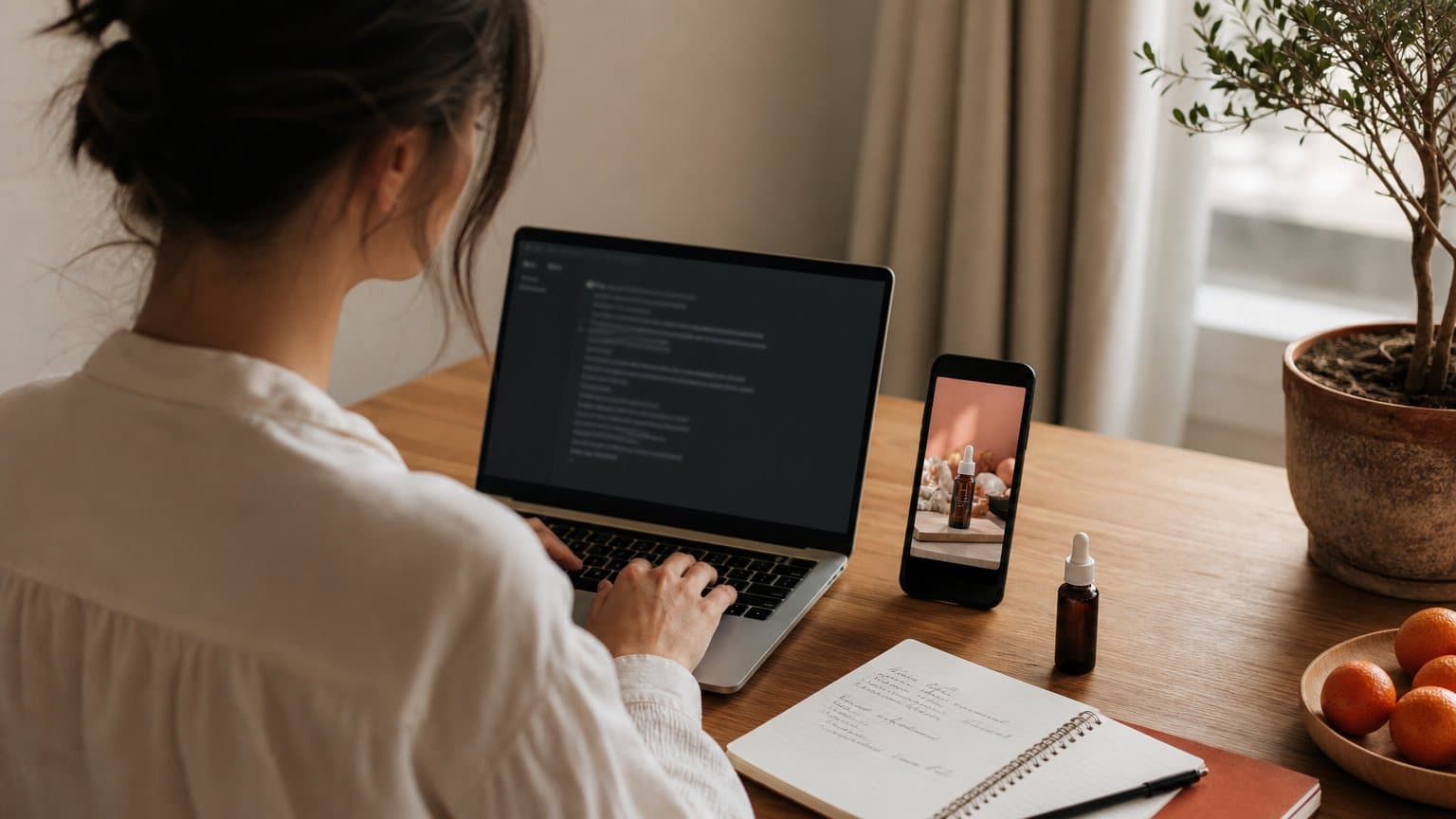
Two marketers sit down with the same product photo, the same budget, and the same text box. One types "a woman shows a skincare product, nice lighting, make it look viral" and gets a glossy nothing that could advertise any brand on earth. The other writes a director's brief and gets a clip she can put spend behind the same afternoon. The model was not the variable. The prompt was. This guide breaks down the five-layer anatomy that Seedance 2.0 rewards, hands you 12 copy-paste ad prompts organized by job (product demo, UGC-style, b-roll), and closes with exactly what each clip costs to run, so you can test the whole set for less than one hour of a videographer's time.
What Seedance Rewards in a Prompt
Before the prompts, it helps to know what you are talking to. Seedance 2.0 is ByteDance's video model, and the way its host platform describes it tells you how to write for it: fal's model page pitches "cinematic output with native audio, multi-shot editing, real-world physics, and director-level camera control." Every phrase in that sentence is an instruction surface. If the model exposes camera control, your prompt should contain a camera instruction. If it renders physics, your prompt should describe a physical action it can simulate. If it generates audio, your prompt should say what the scene sounds like.
A director's brief, not a wish
The most common prompting mistake in ad work is writing quality adjectives instead of directions. Words like "stunning", "high quality", and "viral" give the model nothing to execute; they are wishes about the output, not descriptions of a scene. ByteDance has trained the line for prompt adherence since Seedance 1.0, whose section of the official model page highlights precise prompt following with stable control over a "rich variety of camera movements". The whole family is listening for the vocabulary of a shot list: close-up, top-down, slow push-in, handheld sway. Write the sentence a director would say to a camera operator and the model has something to obey.
The five layers of an ad prompt
Every prompt in this guide carries the same five layers. This is the anatomy to check your own prompts against:
| Layer | What to write | Example phrase |
|---|---|---|
| Subject | one person or product, one action | hand presses one pump of serum |
| Camera | shot type plus movement | handheld vertical close-up |
| Motion | what physically changes | cream spreads along the cheekbone |
| Lighting | source and mood | soft morning window light |
| Audio | ambience, foley, or a line | fingertip tap, quiet room tone |
A prompt can be short and still complete. Forty words covering all five layers will beat two hundred words of atmosphere every time.
Why vague prompts read as stock footage
When a layer is missing, the model does not leave it blank. It fills the gap with the most statistically average choice available, and the average of all advertising is exactly the polished, weightless look people scroll past. Generic prompt in, stock footage out. The fix is not more words but more decisions: pick the shot, pick the action, pick the sound. If you are still deciding whether this model fits your stack at all, the sibling posts on what Seedance 2.5 changes and the Seedance and Veo head-to-head cover the model landscape in one sentence more than this guide will.
There is also a quick audit you can run on any draft: delete every word that fails the question "could a camera operator act on this?" The usual suspects, and what to write instead:
- Cinematic, stunning, premium: style wishes with no shot attached; replace with a named shot and a named light source.
- 8k, ultra realistic, high quality: resolution is a render setting, not a scene direction; it buys you nothing.
- Viral, scroll-stopping, engaging: outcomes the model cannot target; hooks come from the action you stage in second one.
- Beautiful person, perfect skin: vague casting; give an age range and one wardrobe note instead.
- Trending style: the feed decides that; the prompt cannot.
The Anatomy, Applied to a Real Ad
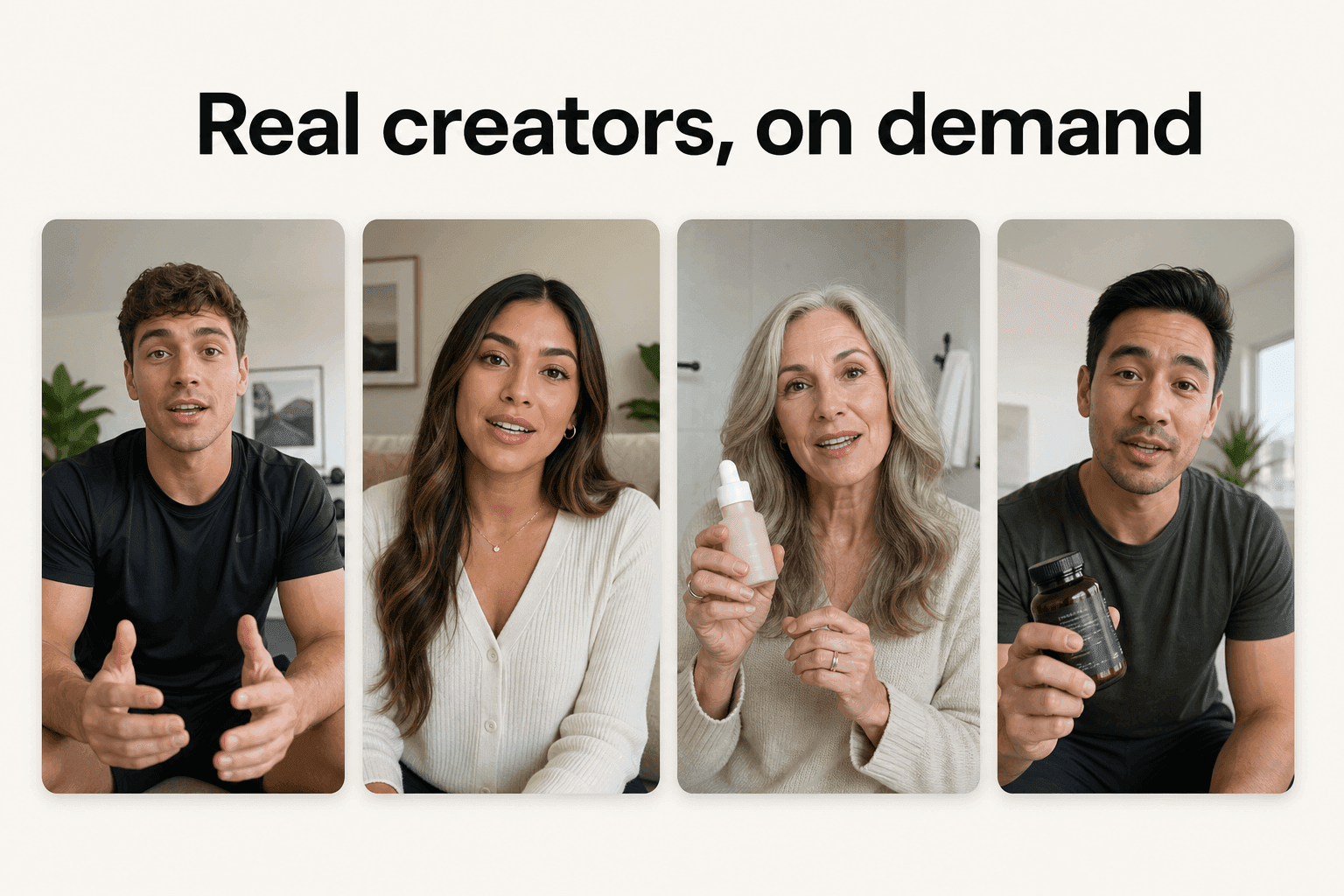
Theory is cheap, so here is the same skincare ad written twice. The weak version is the prompt most people type on day one. The strong version is what the five layers look like when they are all present.
The weak version
"A woman shows a skincare product, nice lighting, make it look viral."
Read it against the table above and count the gaps. There is a subject but no action, no camera, no motion, no lighting source, and no sound. Five layers, four of them delegated to the model's averages. The clip this returns will be smooth, pretty, and unusable, because nothing in it belongs to your brand or your angle.
The strong rewrite
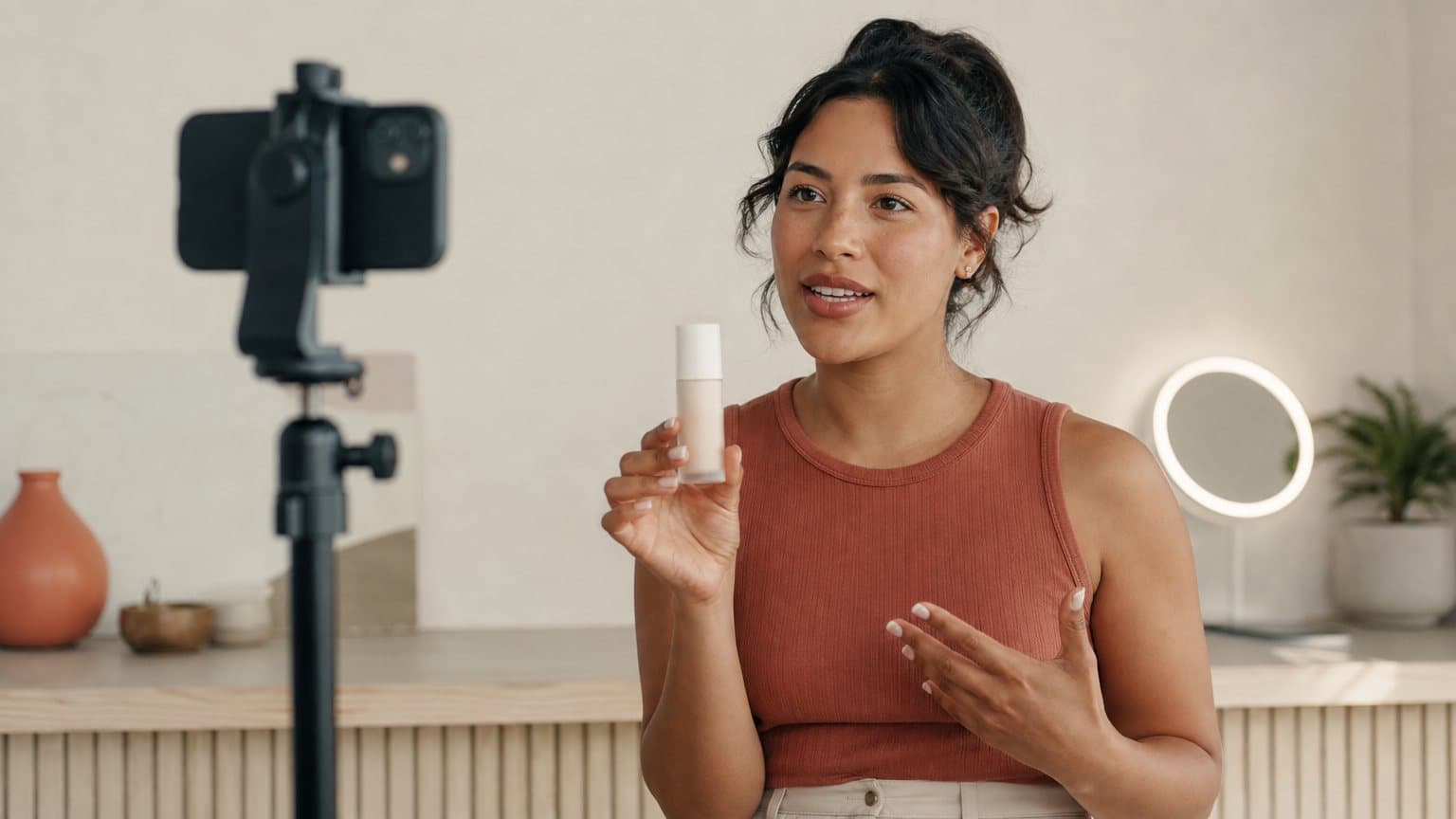
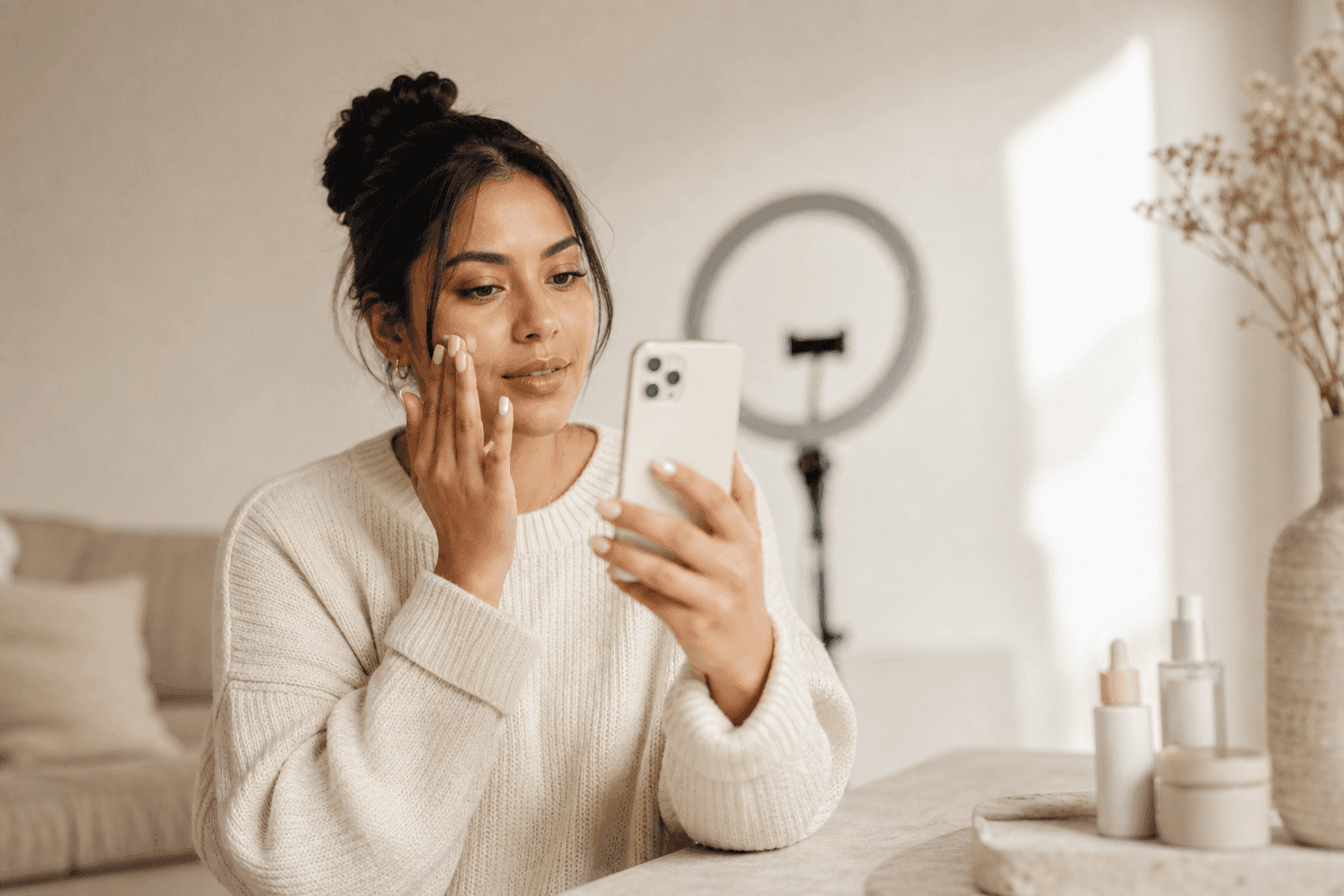
Handheld vertical close-up of a woman in her late 20s at a bright bathroom mirror. She lifts a small amber serum bottle into frame, presses one pump onto her fingertips, and pats it along her cheekbone. Subtle handheld sway, like a phone held at arm's length. Soft morning window light with a warm glow from the mirror bulbs. Audio: quiet bathroom room tone, a soft fingertip tap on skin, and she says one short line: this is the only step I never skip.
Read it layer by layer
Map the rewrite back to the anatomy and notice that every phrase is doing a job:
- Subject: one woman, one bottle, one action (a single pump, patted in).
- Camera: handheld vertical close-up, the native framing of a feed ad.
- Motion: the lift into frame and the patting gesture, both physical and small.
- Lighting: two named sources, window plus mirror bulbs, so the model stops guessing.
- Audio: room tone, one foley detail, one spoken line under ten words.
Nothing here is fancy. It is just decided. That is the entire difference between the two prompts, and it is a difference you can apply mechanically to any product you sell.
The swap map: one skeleton, five categories
Prompt 1 is a skeleton you can re-skin for almost any category by swapping three layers (subject, foley, light) while the camera and structure stay put:
- Beverage: the pump becomes a can cracked open over ice; the foley is the hiss and the pour; the light moves to bright daylight.
- Apparel: the serum becomes a jacket shrugged on at a hallway mirror; the foley is fabric rustle; the light is warm indoor tungsten.
- Electronics: the pat becomes a case snapped onto a phone; the foley is the magnetic click; the light is cool desk LED.
- Home goods: the cheekbone becomes a candle lit with a match; the foley is the strike and the first crackle; the light dims to evening.
- Food: the fingertip becomes a fork pulling a slice; the foley is the cheese stretch and a plate clink; the light is bright and overhead.
The skeleton holds the craft. The swaps hold the brand. This is why the anatomy matters more than any single prompt in this guide: memorize the five layers once and every new product is a fill-in exercise, not a blank page.
Product Demo Prompts
Demos are the workhorse of direct response, and they have one rule: the viewer must see the product do the thing. That means locked or slow cameras, one visible transformation, and foley that sells the physics. These four cover the classic demo formats.
Countertop demo and unboxing
Static tripod shot of a compact white blender on a sunlit kitchen counter. A hand drops in spinach, banana slices, and almond milk, presses the lid, and the blend swirls into a smooth green vortex. The camera slowly pushes in toward the jar as it blends. Bright natural window light in a clean modern kitchen. Audio: the blender's rising hum, then a satisfying click as it stops.
Overhead top-down shot of hands opening a matte sage-green box on a linen tablecloth. The lid lifts, tissue paper folds back, and the hands raise a ceramic candle into soft focus. Slow, deliberate movements. Warm afternoon side light with gentle shadows. Audio: paper rustle, a soft thump as the lid sets down, quiet room tone.
The static camera in the blender prompt is deliberate: when the product moves, the camera should not. Reserve camera movement for scenes where the subject is still.
The visible transformation
Medium shot of a scuffed white sneaker on a wooden stool. A hand wipes the toe cap with a small foam sponge in three passes, and the leather turns bright white exactly where the sponge travels. The camera holds perfectly still so the change reads clearly. Even garage daylight. Audio: the squeak of foam on leather, a short satisfied exhale.
Transformation prompts live or die on the phrase "exactly where". Tie the change to the motion that causes it and the physics engine renders cause and effect instead of a crossfade.
The macro texture shot
Extreme macro shot of a thick moisturizer swatch on a glass surface. A fingertip drags slowly through the cream, leaving a clean ridge that holds its shape. Shallow depth of field, the texture glistening under soft studio light against a cool white background. Audio: a gentle tactile smear, faint ambient hum.
Texture close-ups are the cheapest credibility you can buy. One five-second macro at 3 credits does the sensory work a paragraph of product copy never will.
UGC-Style Prompts That Feel Filmed at Home
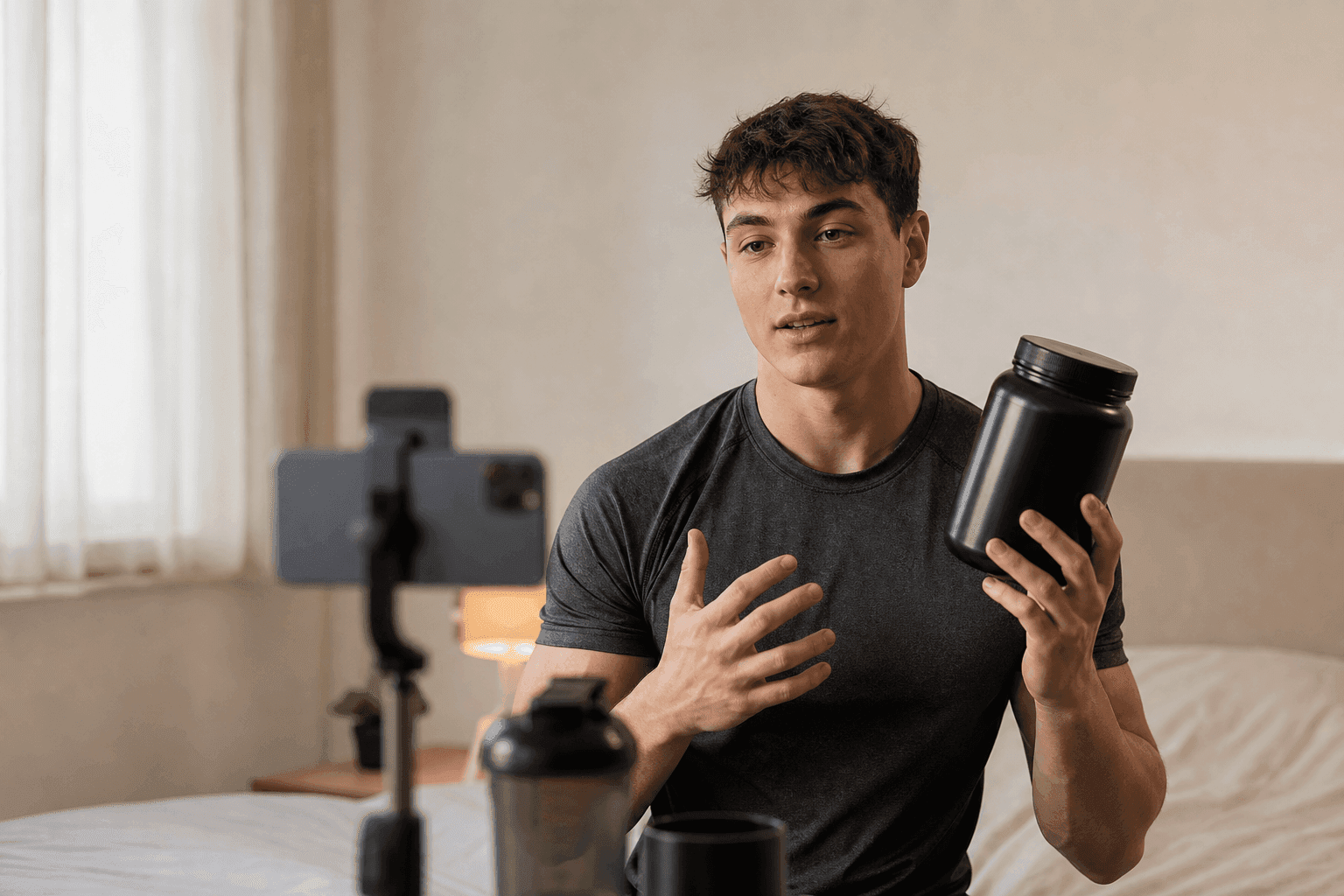
The paradox of UGC-style advertising is that imperfection is the production value. A clip that looks too good reads as an ad and earns an instant scroll. So these prompts direct flaws on purpose: front-camera grain, autofocus breathing, mixed lighting, background noise. If the format itself is new to you, the guide on how to create UGC ads covers the strategy side; these four prompts cover the execution.
Handheld testimonial energy
Handheld vertical selfie shot of a man in his 30s on a living room couch, evening lamp light, slightly grainy like a phone front camera. He holds a supplement jar up to the lens, taps the label twice, and says one line: I stopped skipping breakfast because of this. Natural pauses, imperfect framing, a TV murmuring somewhere behind him.
Vertical mirror selfie video in a home gym. A woman in athletic wear films herself holding a resistance band, then steps back and does two slow banded squats. The phone stays visible in the mirror and the autofocus breathes once. Overhead LED light, slightly harsh. Audio: rubber band tension, sneakers on foam tiles, one short spoken line: day twelve, still not bored.
The details that matter most here are the ones a cinematographer would remove: the visible phone, the autofocus breath, the TV murmur. Keep them in the prompt or the model will politely clean them up.
Routine formats
Vertical vanity shot of a woman doing her morning routine, talking casually toward the camera while she applies tinted sunscreen from a small purple tube. She points the tube at the lens for one beat, then keeps blending. Ring light mixed with window light, a lived-in bedroom in the background. Audio: her voice close to the mic, a soft cap click, birds faint outside the window.
The street interview
Street interview framing on a city sidewalk. A young man answers a question toward the camera, then holds up a pair of earbuds in their charging case. Passersby blur behind him, slight camera shake, documentary energy. Overcast daylight. Audio: street ambience, distant traffic, and his line: honestly, I thought they were triple the price.
The spoken lines in all four prompts stay under twelve words. Short lines survive generation cleanly and leave room for the scene's own sound, which is what makes the clip feel recorded rather than rendered.
B-Roll and Lifestyle Prompts for the Mid-Funnel
Not every clip needs a pitch. Retargeting sequences, story interstitials, and landing-page loops run on b-roll: one sensory moment, no dialogue, strong sound. These are also the prompts where Seedance's physics rendering earns its keep, because liquids, steam, and fabric are exactly what stock libraries always get almost right.
The pour shot
Slow motion vertical shot of iced matcha being poured over a glass of milk on a marble counter, the green cascading and folding into soft clouds. The camera arcs a few degrees around the glass as it fills. Bright, airy cafe light. Audio: the liquid pour, ice cracking as it shifts, calm ambience.
Movement and wearables
Tracking shot alongside a runner on an empty morning road, focus on her wrist as she glances at a smartwatch. The camera drifts from her face to the watch and back. Golden hour backlight, long shadows, a touch of lens flare. Audio: rhythmic footsteps, controlled breathing, one soft watch chime.
The multi-shot mini spot
Seedance 2.0's multi-shot editing lets one generation contain real scene cuts, which turns a 15-second clip into a tiny three-act spot. The trick is to number the shots and repeat the shared elements so the model holds them steady across cuts.
A 15 second mini spot in three shots. Shot one: hands unbox a black coffee grinder on a kitchen counter in morning light. Shot two: close-up of beans falling into the hopper and the burr spinning, steam rising from a kettle behind it. Shot three: a full cup slides toward the camera and a hand lifts it with a satisfied nod. Keep the same kitchen, the same light, and the same hands across all three shots. Audio: grinder whir, a pour, a final ceramic clink.
That closing instruction, "keep the same kitchen, the same light, and the same hands", is the consistency anchor. Without it, each shot re-rolls the scene and your spot becomes three commercials for three different kitchens.
When a Prompt Misses: Fix One Layer at a Time
Expect a meaningful share of first generations to miss in some way. That is normal, and the productive response is surgical: identify which layer failed and change only that layer. Rewriting the whole prompt throws away the four layers that worked and restarts the search from zero.
Warped labels and invented text
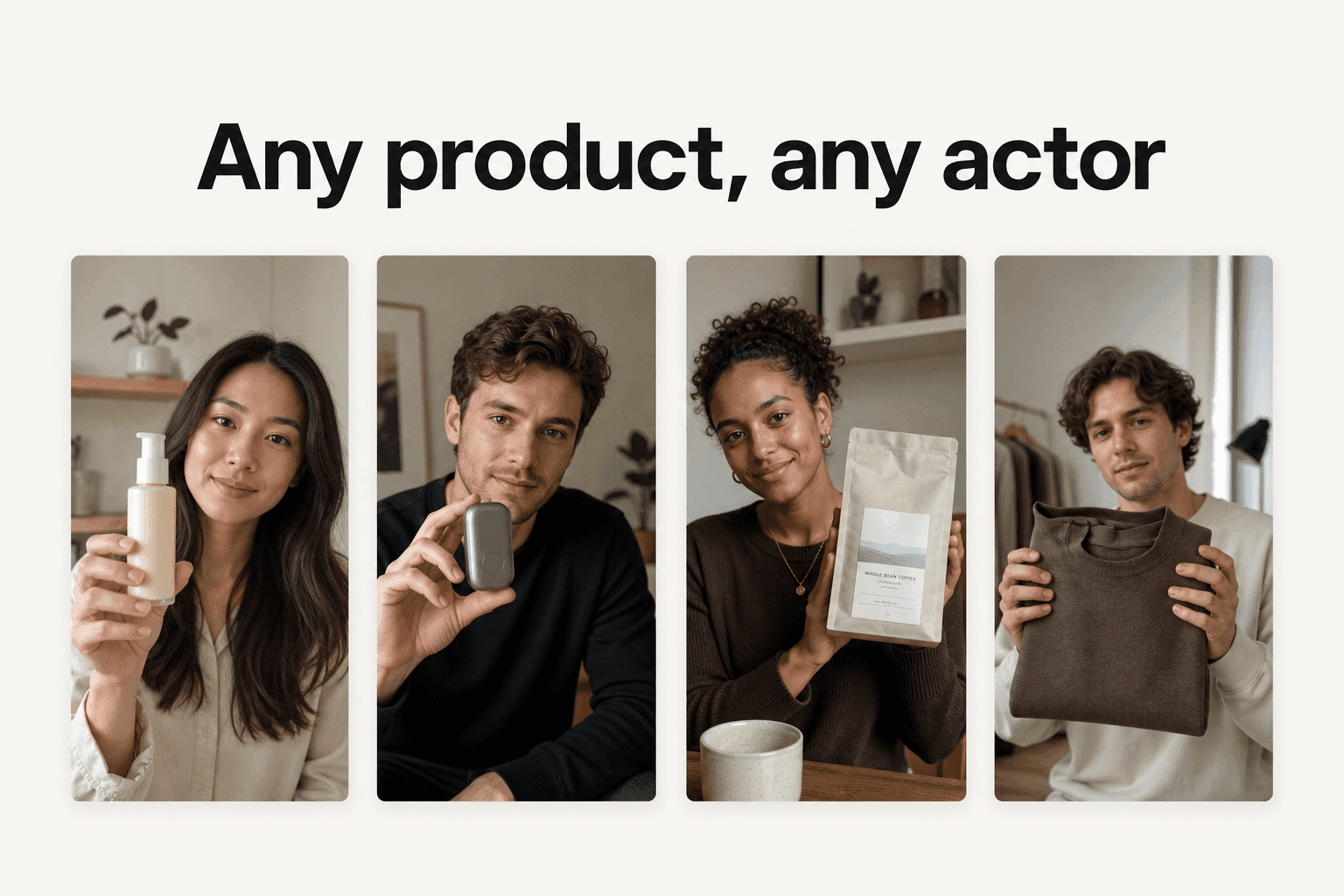
Label text is the first thing to melt in any described-from-scratch product shot. The model does not know your logo, so it hallucinates a plausible one, and plausible is fatal in an ad. The fix is structural, not verbal: switch to image-to-video and start from a photo of the real product. Seedance 2.0's image-to-video mode offers start and end frame control with motion prompts, so the frame you upload anchors every pixel of the product and the prompt only has to direct the motion around it. Describing your product harder never fixes a label; anchoring it does.
Too much motion, melted physics
If limbs smear or objects pass through each other, the prompt is asking for more simultaneous motion than the scene needs. Audit it with one question: how many things are moving? A converting ad usually needs exactly one. Cut secondary movement (background crowds, gesturing hands, a swinging camera) and let the single action own the clip.
The first second is the hook
An ad prompt has a job the model does not know about: survive the swipe. Front-load the action, so the pump is pressed or the pour begins within the first second, and never open on an establishing shot. Feeds punish slow starts, and a beautiful clip that starts at second two is a beautiful clip nobody sees. The same logic that governs written ad hooks applies frame-for-frame here.
Before you re-run a miss, check the layers in order:
- One subject, one action? Cut everything else that moves.
- Camera named? If the subject moves, lock the camera.
- Lighting sourced? Name where the light comes from.
- Audio described? Silent prompts return dead-feeling clips.
- Action in second one? Move the payoff to the front.
Running These Prompts in Novoads
Every prompt in this guide runs as-is in Novoads: open a project, choose video generation with Seedance 2.0, paste the prompt, and pick your duration and aspect ratio. Clips run 4 to 15 seconds at up to 720p, in 9:16, 1:1, 16:9, and three more ratios, with audio generated natively alongside the video. The prompt field accepts up to 4,000 characters, almost nine times the length of the longest prompt in this guide, so you have room to add brand detail without hitting a wall.
Duration and ratio by placement
Duration and aspect ratio are prompt decisions too, because they change what the clip has to accomplish:
- Feed hooks (9:16, 5 seconds): one action with the payoff in second one; this is where hook variants get tested cheaply.
- Story and Reels demos (9:16, 10 to 15 seconds): room for a demo beat plus a result; the three-shot mini spot lives here.
- Landing page loops (16:9 or 1:1, 5 to 10 seconds): dialogue-free b-roll that survives muted autoplay above the fold.
- Marketplace listings (1:1, 5 seconds): the macro texture shot or the visible transformation, framed square.
Write the prompt after picking the placement, not before. A 5-second hook and a 15-second demo of the same product are different briefs, not the same brief trimmed.
What a test round costs
The costs are concrete. A 5-second clip is 3 credits, about $2 at the Pro rate. A 15-second clip is 7 credits, about $4.80 at the Pro rate. On the $49 Starter plan, the same clips work out to about $2.94 and $6.86 of plan credits. That plan grants 50 credits a month, cancel anytime: enough to run several hero prompts and hook tests on your own product. For the full per-platform cost breakdown, including API rates outside Novoads, see the Seedance 2.0 pricing guide, and if you are weighing the no-cost routes first, the honest answer lives in is Seedance 2.0 free. Whether Seedance or another engine fits a given ad job better is its own question, covered in the Seedance and Kling comparison.
A sensible first session
With the plan's credits in hand, run it like a test, not a toy:
- Pick the one prompt closest to your product's format (demo, testimonial, or b-roll).
- Swap the subject, product, and spoken line for yours; keep every other layer intact.
- Run it at 15 seconds, then spend a few more credits on 5-second hook variants: a 15-second take plus four hook variants is 19 of your 50 credits.
- Judge it like a media buyer: would you put $50 behind this clip today?
The Prompt Is the Brief
Strip away the novelty and nothing about this is new. Agencies have always known that the quality of an ad is set before anyone touches a camera, in the brief that decides the shot, the action, the light, and the sound. AI video did not delete that discipline. It compressed it into a text box and made it executable in minutes for a couple of credits. The marketers winning with Seedance 2.0 are not the ones with secret prompts; they are the ones who kept writing real briefs after everyone else settled for wishes. Steal the twelve above, swap in your product, and start from $49/month: the anatomy does the rest.
Frequently Asked Questions
What makes a good Seedance 2.0 prompt for an ad?
One subject doing one clear action, an explicit camera instruction, described motion, a lighting choice, and an audio cue. Seedance was built for direction, its model page promises director-level camera control and native audio, so specific filmmaking language outperforms adjective piles like cinematic or viral.
How long should a Seedance prompt be?
In Novoads the Seedance prompt field accepts up to 4,000 characters, but most ad prompts that work land between 40 and 120 words. Length only helps when it adds a concrete detail to one of the five layers. Padding a prompt with mood words tends to blur the result rather than sharpen it.
Does Seedance 2.0 generate sound from the prompt?
Yes. Seedance 2.0 generates native audio with the clip, so a prompt can specify ambience, foley, and even a short spoken line. Ads that describe their sound, like a blender hum or a fingertip tap on a label, come back feeling far more real than silent clips with music added later.
Should I describe my product or upload a photo of it?
For anything with a label, upload the photo. Seedance 2.0 supports image-to-video with start and end frame control plus motion prompts, so the real product image anchors the clip and the prompt only has to direct the motion. Described-from-scratch products tend to drift on label text and proportions.
How much does it cost to run one of these prompts?
On Novoads, a 5-second Seedance 2.0 clip costs 3 credits, roughly $2 at the Pro rate, and a 15-second clip costs 7 credits, roughly $4.80 at the Pro rate. On the $49 Starter plan those same clips work out to about $2.94 and $6.86. That plan grants 50 credits a month, enough for well over a dozen 5-second clips or several full 15-second takes without moving to a higher tier.
Can one prompt produce an ad with several scenes?
Yes. Seedance 2.0 supports multi-shot editing inside a single generation, so one prompt can describe two or three shots that cut together in the same clip. Describe each shot in order and repeat the shared elements, like the same kitchen and the same hands, so the model keeps them consistent.
Key Takeaways
- Seedance 2.0 responds to filmmaking language, not adjectives. Its own model page promises director-level camera control, real-world physics, and native audio, so a prompt written as a director's brief beats a prompt written as a wish.
- Every converting ad prompt carries five layers: one subject doing one action, an explicit camera instruction, described motion, lighting, and an audio cue. Miss a layer and the model fills the gap with a generic choice.
- Organize prompts by ad job. Product demos want locked cameras and one visible transformation, UGC-style scenes want handheld imperfection and a spoken line, b-roll wants a single sensory moment.
- When a clip misses, change one layer instead of rewriting the whole prompt, and move warped product labels to image-to-video by starting from a real product photo.
- On Novoads a 5-second Seedance clip is 3 credits (about $2 at the Pro rate) and a 15-second clip is 7 credits (about $4.80 at the Pro rate), so a full 12-prompt test round costs less than one hour of a videographer's time.