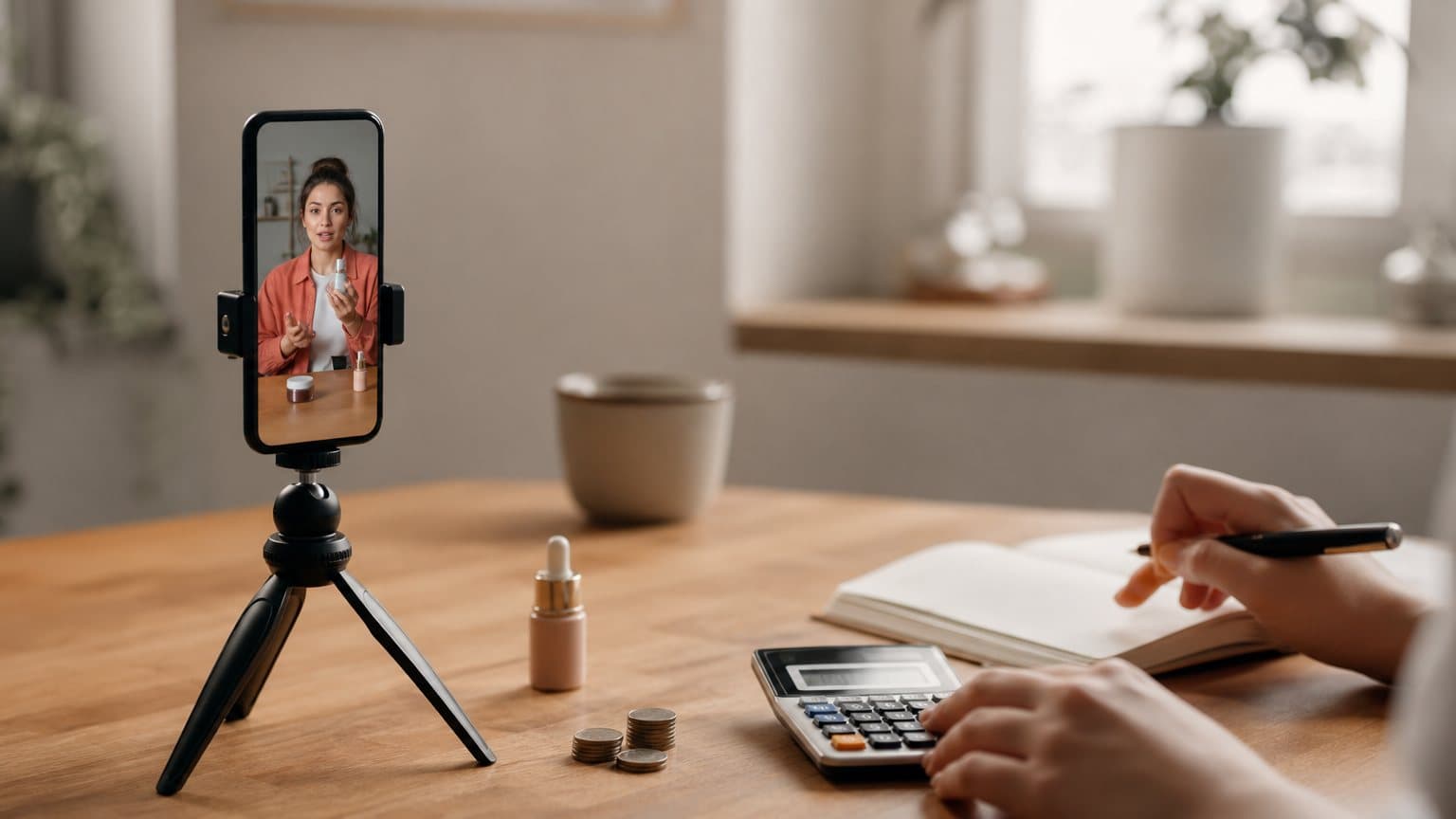
How to Create UGC Ads with AI: The Copy-Paste Step-by-Step
Create UGC-style video ads with AI in one sitting: write a four-beat script, upload a product image, pick an actor that matches your buyer, and export a publishable ad. Here is the exact workflow.

Mauricio Valdivia
·11 min
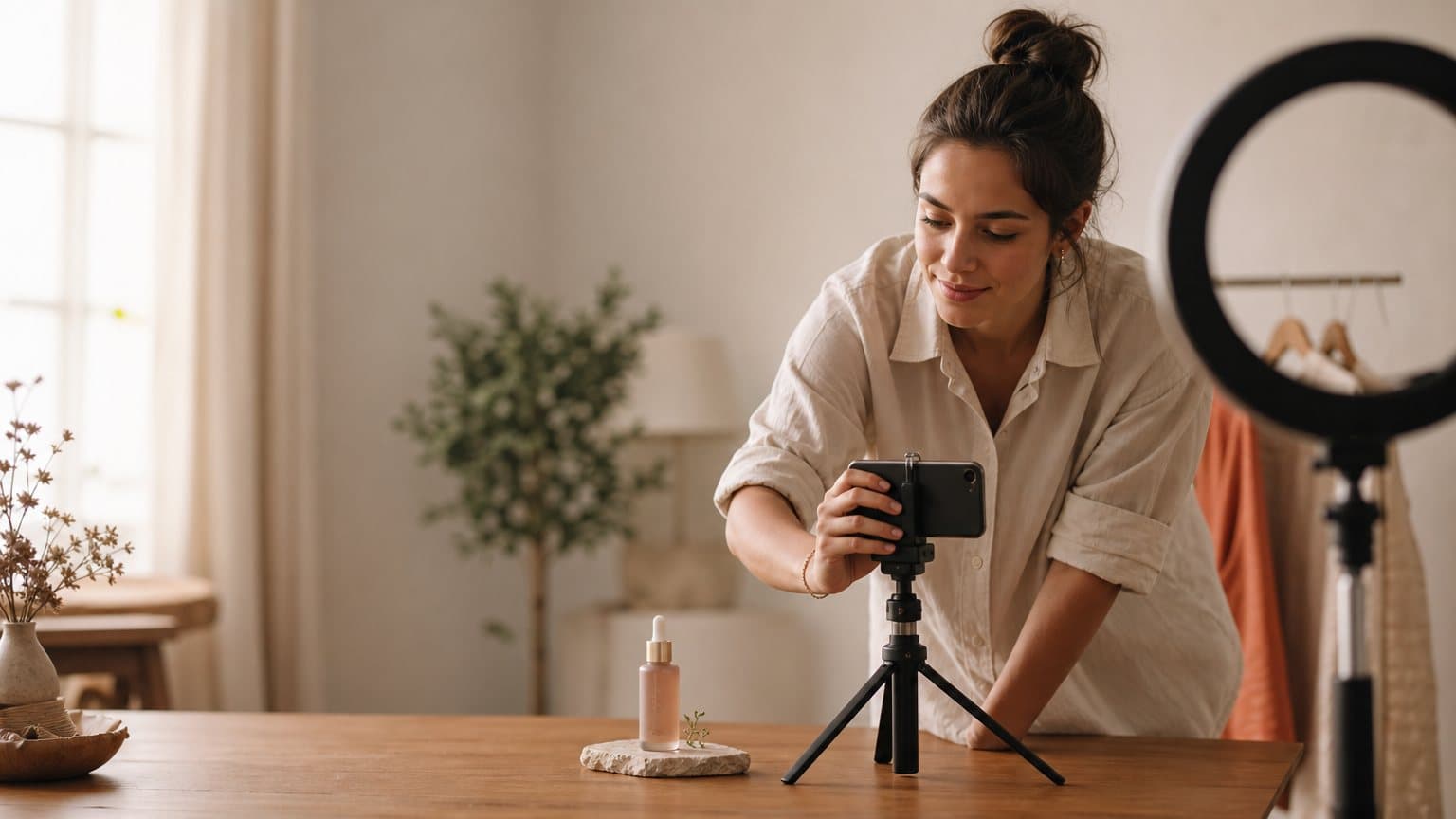
Most brands shoot one UGC ad. Winners ship dozens.
A real customer talking to their phone reads as more believable than a polished brand film, and the numbers follow that instinct. According to Shopify, social media posts featuring user-generated content drove over 10 times higher conversion rates than posts without it. That is the signal you are buying when you make a UGC ad.
The catch is volume. The winning ad is rarely the one you would have guessed, so the format rewards running many and reading the data. Hiring a creator for each one makes volume the most expensive thing you can do. AI removes that wall: you write a script, pick an actor, and a UGC-style video comes out in minutes.
This guide is the copy-paste version. You will learn exactly how to create UGC ads with AI, from a four-beat script to a publishable video, plus the actor and testing choices that separate high performers from forgettable clips.
What an AI UGC ad actually is
Before the steps, it helps to be precise about what you are making, because the definition drives every later choice.
The look you are recreating
An AI-generated UGC ad is a video that mimics authentic user-generated content: handheld framing, natural speech, a casual room instead of a studio. The difference is that an AI actor delivers your script with realistic expressions and lip-sync, so no shoot, no creator, and no scheduling are involved. The output should feel like a real testimonial or first impression, not a commercial. If it looks produced, it stops working.
Why AI can carry the trust signal
What a UGC creator sells is not really a video. It is credibility: a real-seeming person vouching for your product. That signal lives in three things, and a well-matched AI actor reproduces all three:
- The script: words that sound like a person, not a brand.
- The face: someone the viewer reads as a peer.
- The delivery: natural pacing, expression, and lip-sync.
The viewer is reacting to a person who looks like them, and the medium of how that person was created matters far less than marketers assume.
Where it fits, where a human still wins
Both have a job, and the honest split is about volume versus a specific face. Reach for AI when the work is testing; reach for a human when the person is the point.
Use AI UGC when:
- You need many ad variations fast to find a winner.
- You are testing hooks, angles, or audiences and want cheap iterations.
- You run in several languages or accents and cannot cast a creator per market.
- Your budget is better spent on media than on production.
Hire a human creator when:
- You need one specific, recognizable real face.
- You want a long-term brand ambassador with continuity across content.
- The piece is a flagship where the storyteller is the message.
- The product hinges on physical sensation that a person must demonstrate live.
Most brands need far more of the first than they admit. One hero video does not make a testing program; thirty cheap variations do. For the full comparison, see AI versus UGC creators.
The Four-Beat Script that carries the ad
Everything downstream depends on the script, so name its shape and write to it every time. Call it the Four-Beat Script: Hook, Problem, Proof, Ask. Four beats, sixty seconds or less, written the way people talk. The shape is always the same:
- Hook: the scroll-stopping first line, in the first three seconds.
- Problem: the frustration the viewer recognizes, then the turn to your product.
- Proof: the product doing the specific thing it is sold to do.
- Ask: one clear action, with one reason to take it now.
Each beat earns the next one. Skip the proof and the ask feels pushy; skip the hook and nobody hears any of it.
Beat 1: the Hook (first three seconds)
You have a second and a half before a thumb keeps scrolling, so the hook is most of the job. Write it in plain speech a friend would use, never brand copy. A few patterns that consistently stop the scroll:
- A question that names the viewer's problem out loud.
- A sharp claim or a surprising result up front.
- A direct challenge to a belief they hold.
- A "stop doing X" callout aimed at their habit.
If you only polish one line, polish this one. Our guide on how to write ad hooks has a deeper bank of patterns.
Beat 2: the Problem and the turn
Name the frustration the viewer actually has in their own words, then turn to the product as the resolution. The turn should feel earned, like someone telling you what finally worked, not a sales pitch interrupting a story. One problem per ad. If you have three problems, you have three ads.
Beat 3: the Proof
This is where the product does the thing it is sold to do. A demo, a before and after, a specific result with a real detail. Specificity is the proof: "I stopped restarting it three times a morning" beats "it works great." Vague praise reads as scripted; a concrete detail reads as lived.
Beat 4: the Ask
Close with one clear action and one reason to take it now. Keep it short and singular. A UGC ad that asks for three things gets none of them. Name the next step plainly: tap, try, get the offer.
From a script to a finished ad in one sitting
With a script in hand, the production loop is four steps and a few minutes. This is the part that used to take a week.
Step 1: Upload your product image and lock the script
Give the actor something real to present. Upload a clean product image, then paste your four-beat script or let the tool auto-generate one from your angle. In Novoads there are two routes to your actual product in hand on camera, rather than an actor gesturing at nothing: create a custom actor from a photo of someone holding your product (Create Actor > Upload), or upload the product image to a Discover product template, which puts it in the template creator's hand. A library actor, as it comes, has empty hands.
A good product image makes the rest easier:
- Shoot or pick a shot on a clean, uncluttered background.
- Make sure the label and any text are sharp and readable.
- Use even lighting so the actor's hold looks natural, not composited.
Step 2: Pick an actor that matches your buyer
Choose a face that looks like your customer, not the most attractive option in the library. Match age, gender, and accent to the audience you are targeting. We will go deeper on this below, because it is the choice people get wrong most often.
Step 3: Generate, then watch the whole thing
Run the generation and watch the full output before you ship it. Most tools let you regenerate a single segment without starting over, so fix the one weak beat rather than rerolling the entire clip. Watch for the things that quietly break the illusion:
- Unnatural pauses or rushed delivery on the hook.
- Lip-sync drift, especially on the last few words of a line.
- A gesture or expression that fights the meaning of the line.
- A voice or accent that does not match the actor's face.
How to know it came out right: if a stranger scrolling past would assume a real person filmed it on their phone, it is ready. If anything makes them think "that is an ad," regenerate that beat.
Step 4: Caption and export per platform
Most social video is watched on mute, so burn captions directly into the file rather than relying on platform auto-captions. Then export the aspect ratio each placement expects.
| Placement | Aspect ratio | Caption style |
|---|---|---|
| TikTok, Reels, Shorts | 9:16 vertical | Big, centered, on-screen |
| Feed posts | 1:1 square | High contrast, short lines |
| YouTube pre-roll | 16:9 wide | Lower third, legible |
Choosing an actor your buyer believes
The actor is the second most important decision after the hook, and the mismatch here quietly kills more ads than any other single mistake.
Match the audience, not your taste
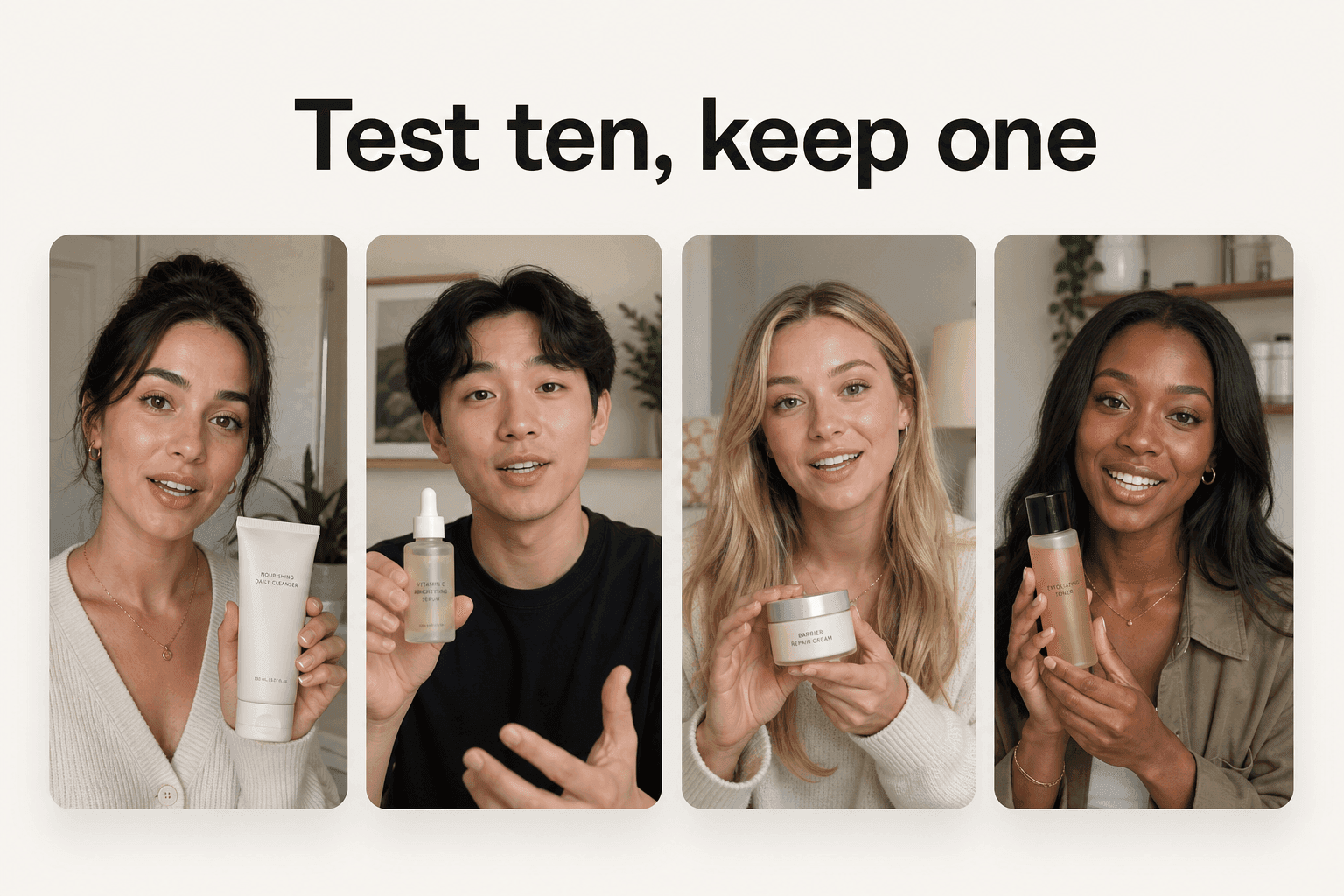
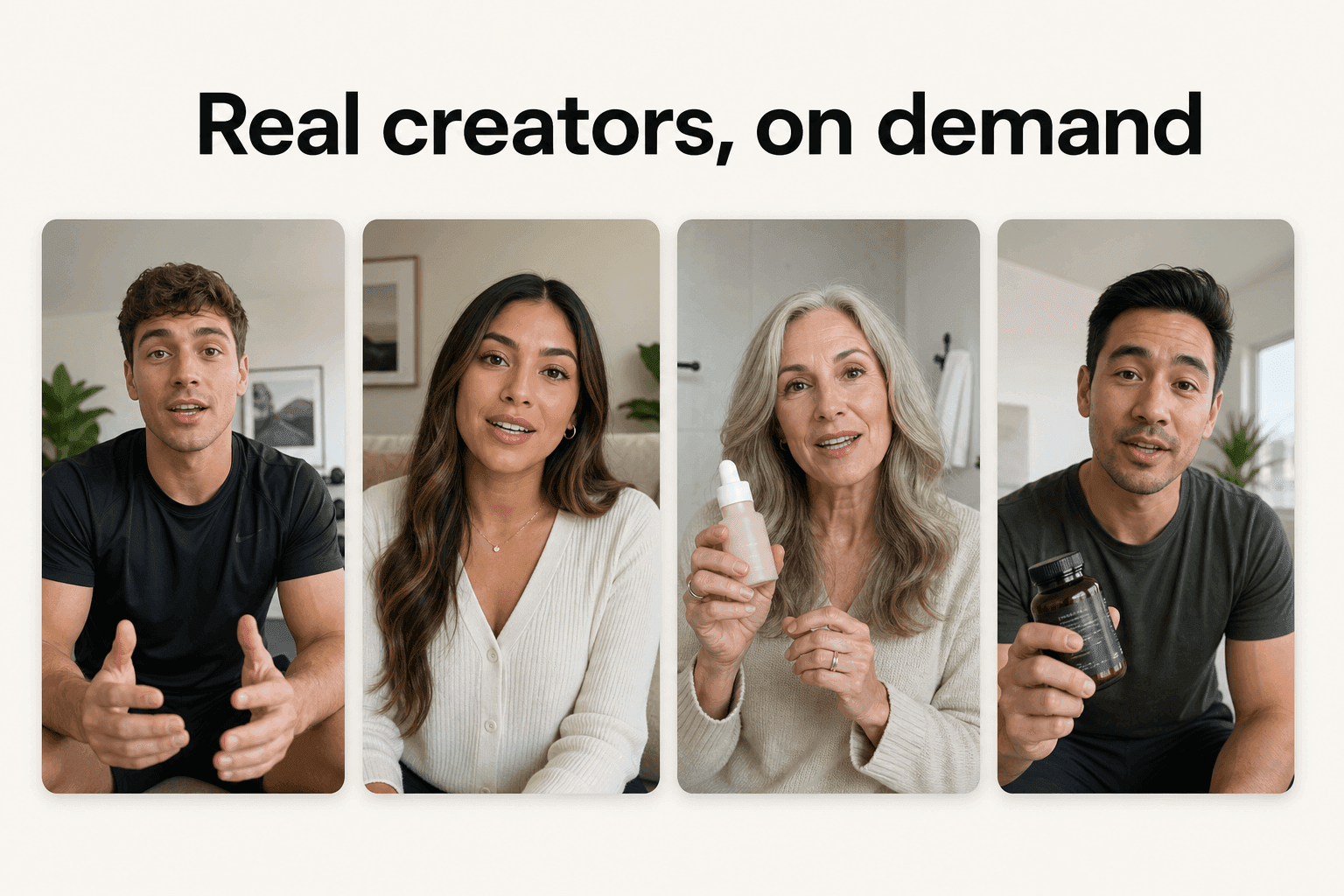
A skincare ad for women in their forties does not convert better because you picked a flawless twenty-year-old. It converts when the viewer thinks "that person is like me." The trust signal is recognition, and recognition is specific. Cast against the buyer on the dimensions that actually register:
- Age band: within a few years of your core customer.
- Gender and presentation: matched to who buys, not who looks best.
- Setting: the kind of room and lighting your buyer recognizes as ordinary.
- Energy: calm and considered for a premium product, fast and casual for impulse buys.
Get the accent right
Accent is part of the casting, not a setting you flip at the end. A viewer in Mexico City, Madrid, and Los Angeles hears three different "Spanish," and the wrong one snaps the illusion. Novoads ships voices in 30+ languages with real regional accents, so the actor sounds local instead of generically translated, which is the difference between believable and dubbed.
Cast for variation, not one hero
Do not lock onto a single favorite actor. Pair each script angle with two or three faces and let the data pick the winner. The face that performs is often not the one you would have chosen, which is the whole argument for testing rather than guessing.
The Variation Loop: why volume beats the perfect ad
Here is the idea worth naming, because it is the entire reason to use AI in the first place. Call it the Variation Loop: produce many cheap variations, launch them as a test, read the data, and feed the winners back into the next batch. The format was built for testing, and AI is what finally makes testing affordable.
The worked math
Say you want to test eight hooks for one product. In Novoads each render costs from about a dollar for a five-second Seedance 2.0 Mini clip to about $8 for an eight-second Seedance 2.5 clip, and about $26 for a full 30-second Seedance 2.5 take and lands in about four minutes, so eight variations is on the order of $8 to $64 and well under an hour of work. The same eight commissioned from freelance creators is eight briefs, eight rounds of revisions, and one to two weeks before a single ad goes live, at a per-clip rate that runs into the hundreds.
That gap changes the strategy, not just the invoice. When eight tests are cheap, you stop agonizing over which single hook is "the one" and simply run all eight. The data picks the winner you would never have guessed, and the cost of being wrong on any one of them is a few dollars. Our video ad production cost breakdown runs the full comparison.
Read the data, kill fast
Launch the batch as separate ad sets with small budgets, then let the numbers decide. The discipline is in killing losers quickly, not in defending the ad you liked. A simple read on each variation:
- Hook rate (three-second views): is the opening line stopping the scroll?
- Hold (watch-through): does the middle keep them past the hook?
- Cost per result: which variation buys the outcome cheapest?
Give each enough impressions to mean something, cut the bottom, and move spend to the one that beats your benchmark. For the conversion mechanics, see how to improve ROAS with UGC.
Refill before the winner fatigues
Even a winning ad decays as your audience sees it repeatedly, so the loop never really stops. The advantage of cheap variations is not one great video, it is never running out of creative ammunition. When the leader fades, the next batch is already rendered.
Mistakes that quietly kill UGC ad performance
Even a good tool cannot save a bad setup. These are the failures that show up most often, and why each one happens.
Over-polishing the language
Salesy or formal copy breaks the UGC illusion instantly, because real people do not talk in brand voice. The fix is to read every line out loud; if you would not say it to a friend, rewrite it. The whole format rests on sounding unscripted.
Treating every platform the same
One master file dropped everywhere underperforms a version cut to each platform's rhythm:
- TikTok rewards raw, fast, native energy.
- Reels tolerate a slightly cleaner aesthetic.
- Feed and YouTube allow longer, more informational cuts.
The TikTok Creative Center is a useful read on what native looks like there. Match the tone to the room, not to your house style.
Shipping one creative and skipping captions
Two failures travel together: running a single ad instead of a batch, and exporting without burned-in captions. The first means you never find the winner the format exists to surface; the second loses the muted majority of mobile viewers in the first second. Both are free to fix.
A fast pre-launch checklist catches most of it:
- Does the hook land in the first three seconds, said the way a friend would say it?
- Is there exactly one problem, one proof, and one ask?
- Does the actor match the buyer on age, gender, and accent?
- Are captions burned in, and is the aspect ratio right for each placement?
- Are you launching at least three variations, not one?
How Novoads turns a script into a publishable UGC ad
Novoads is a global AI UGC video ad generator built around the exact loop above. Upload a product image, write or auto-generate a script, and pick from 100+ AI actors, or create a custom actor from a photo of someone holding your product so it is in their hand on camera.
One flow, ad-ready output
Every clip comes out ad-ready, so there is no separate editing stage before you can launch:
- Vertical, square, or wide (9:16, 1:1, 16:9), in HD.
- Voice, lip-sync, and burned-in captions already applied.
- 30+ languages with real regional accents, not generic translation.
- Downloadable straight into any ad platform.
It runs a roster of current video models so quality keeps pace as they improve, and a clip lands in about four minutes, which is what makes the Variation Loop practical rather than theoretical.
What it costs to start
You can produce your first AI UGC ad with Novoads for $49/month. Cancel anytime. The point is not a cheaper single video. It is that the price of testing finally matches the way the format was always meant to be run. For where it sits among the options, see our comparison of AI video ad platforms and our guide to creating ads with AI.
Stop shipping one ad. Ship the loop.
A UGC ad was never one precious video. It was always a bet you place many times, because the winner is the one you could not have predicted. AI changes nothing about that truth; it only changes the price of running it. Write to the Four-Beat Script, cast for the buyer, and let the Variation Loop find the ad that works.
You can start your first batch with Novoads from $49/month at novoads.ai. Cancel anytime.
Frequently Asked Questions
How do you create a UGC ad with AI, step by step?
Upload a product image (for the actor to hold it on camera, create a custom actor from a photo of someone holding it), write or auto-generate a short script built on a strong hook, pick an AI actor that matches your target buyer's age, gender, and accent, generate the video, then add captions and export it in the right aspect ratio for each platform. The whole loop takes minutes, so you produce several variations in one sitting rather than one precious ad.
Can you make UGC ads with AI without a camera or a creator?
Yes. You never film anything: you write or auto-generate a script, pick an AI actor that fits your audience, add your product image, and the tool renders a vertical talking-to-camera clip with voice, lip-sync, and captions. There is no shoot, no casting, and no studio. Making the ad and creating it are the same workflow, so whether you call it making or creating a UGC ad, the steps in this guide are the ones you follow.
Are AI UGC ads as effective as real creator content?
In head-to-head ad tests they often perform close to real creator content, and they frequently win on cost per acquisition because the same budget buys far more variations to test. The deciding factor is the script and the hook, not whether a human held the camera. Human creators still matter for a specific real face or a flagship piece; AI is the practical tool for running volume.
How much does it cost to create AI UGC ads?
With Novoads a finished video runs from about a dollar for a five-second Seedance 2.0 Mini clip to about $8 for an eight-second Seedance 2.5 clip, and about $26 for a full 30-second Seedance 2.5 take, versus the few hundred dollars a freelance creator typically charges per clip. The bigger saving is time: a clip lands in about four minutes, so testing many angles stops being a budget decision.
Do I need to disclose that an ad uses AI?
Disclosure rules vary by platform and region, and major platforms now ask you to label realistic AI-generated content. Check the current policies for each platform you run on, plus any local advertising regulations, before you launch.
Can I use AI UGC for any product category?
It works especially well for e-commerce, apps, SaaS, and digital products, where the value is communicated by a person talking to camera. Categories that hinge on physical sensation, like food texture or fabric feel, are harder to carry on screen, though the gap is closing as models improve.
How many variations should I test at once?
Start with one product and three to five angles, pair each angle with two actors or accents, and launch them as small, separate ad sets. Kill the underperformers fast, put budget behind the one that beats your benchmark, and feed what you learned into the next batch.
Key Takeaways
- An AI UGC ad recreates the handheld, talk-to-camera trust signal of real creator content from a script, so you can produce and test it in minutes instead of weeks.
- Write to the Four-Beat Script: Hook, Problem, Proof, Ask. The first three seconds carry the whole ad, so most of your effort belongs in the hook.
- The core workflow is four steps: upload a product image, lock the script, pick an actor that matches your buyer, then caption and export per platform.
- Pick the actor by audience match (age, gender, accent), not by which face looks nicest. A mismatch breaks the authenticity that makes UGC work.
- The point of AI is the Variation Loop: when each render costs a few dollars and lands in minutes, testing ten angles becomes routine instead of a luxury.


![How to Improve Your ROAS with AI-Generated UGC Video [2026]](/_next/image?url=%2Fblog%2Fcomo-mejorar-roas-con-ugc.jpg&w=3840&q=75)