AI Avatar Video Generator: How It Works and the 5 Best Tools for Ads
An AI avatar video generator turns a typed script into a realistic person speaking on camera. Here is how the tech works and the best tools for AI spokespersons and UGC-style ad actors.

Mauricio Valdivia
·Updated ·11 min
The presenter who never needs a studio
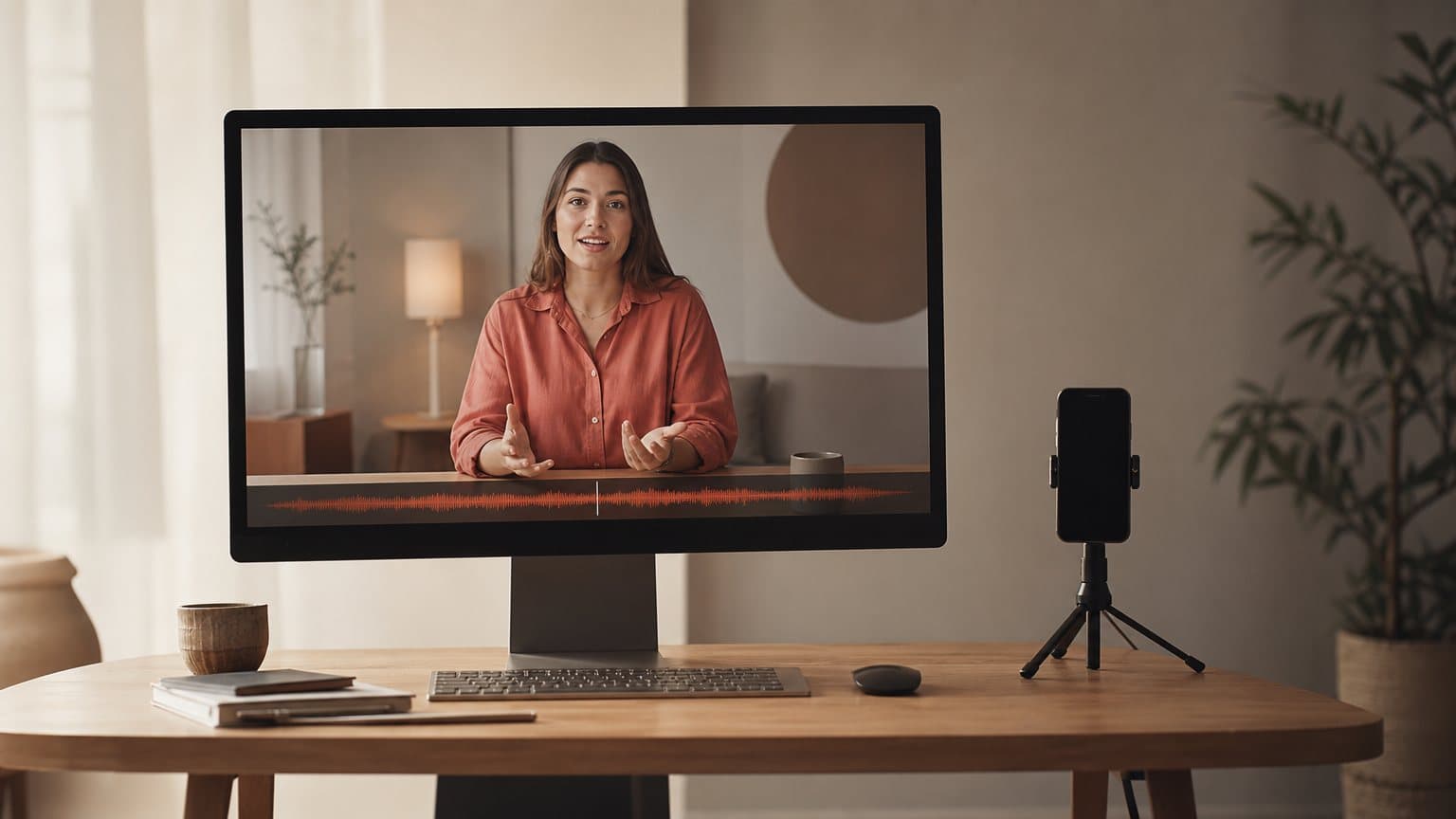
An AI avatar video generator turns a typed script into a video of a realistic person speaking your words to camera. No shoot. No booking. No studio lights. You write the lines, choose a face and a voice, pick a language, and the tool renders a clip where the avatar says exactly what you typed, lips in sync.
That is the whole category in one sentence. What most people miss is that it splits into two very different jobs. Some tools build a polished spokesperson for a training video or a product explainer. Others build a handheld, phone-shot actor for a UGC ad that has to look like a real customer filmed it. Same technology underneath, opposite output.
This guide covers how the technology actually works, the five tools worth knowing, a worked example you can copy, and where an AI spokesperson or an AI actor really belongs in a paid-ads workflow.
How an AI avatar video generator actually works
Every avatar tool, whether it sells a corporate presenter or a scrappy UGC actor, assembles the same three ingredients:
- Likeness is the face that reads as real, either a library pick or a custom build.
- Voice and script is the audio, read by text-to-speech or a cloned voice in the right language and accent.
- Lip-sync is the renderer matching mouth shapes to that audio, the layer that makes or breaks the illusion.
Once you can name them, you can tell at a glance why one tool looks like a news anchor and another looks like your neighbor filming in the kitchen.
Likeness: the face that reads as real
The avatar is a synthetic or captured human face, and it comes in two flavors. A library avatar is a pre-made presenter you pick from a catalog, ready in seconds. A custom avatar is built from your own footage or a single photo, so the presenter is a specific person you control. The realism bar has climbed fast: HeyGen now sells "Hyper Realistic Avatars" and photo-to-video, where a still headshot is animated into a speaking clip.
The trade-off is speed versus specificity. A library face gets you testing today; a custom face is worth the setup only when the person themselves is part of the message, like a founder or a named brand ambassador.
Voice and the script: TTS or cloned audio
The script is the input, and the voice is where the illusion is won or lost. Most tools read your text with text-to-speech in a chosen language and accent; better ones let you use a cloned voice so the audio matches a real person. This is also where language count lives as a selling point. Synthesia advertises "AI avatars" and voiceovers in "160+ languages," which is why it dominates corporate and training use.
The quiet rule here: the voice has to match the face. A youthful avatar with a flat, mismatched accent snaps the viewer out of the moment faster than any visual glitch.
Lip-sync: the make-or-break layer
The renderer maps the phonemes in your audio to mouth shapes so the avatar's lips track the words. Bad lip-sync is the single fastest way an ad reads as fake, and it is the hardest technical layer in the whole stack. When you compare two avatar tools, this is the thing to stare at: play a clip at full speed, then watch the mouth on plosive sounds like "b" and "p." Everything else, the lighting, the background, the wardrobe, is easier to fake than a mouth that moves right.
AI spokesperson vs AI actor: two jobs, one engine
The same core engine, likeness plus voice plus lip-sync, gets packaged as two different products. Confusing them is the most expensive mistake in this category, because a beautiful spokesperson video can quietly tank as a paid ad, and a rough handheld actor can win.
The AI spokesperson: studio-clean, brand-facing
An AI spokesperson video shows a well-lit presenter standing or sitting, talking straight to camera like a news host or a course instructor. It is the right look for explainers, onboarding, internal training, and B2B content where polish signals credibility. HeyGen frames its avatars as "an engaging spokesperson," and this studio-clean register is exactly what Synthesia and HeyGen are built to deliver.
The strength is also the limit. A spokesperson reads as produced, and "produced" is the opposite of what a scroll-stopping social ad usually wants.
The AI actor: handheld, UGC-native
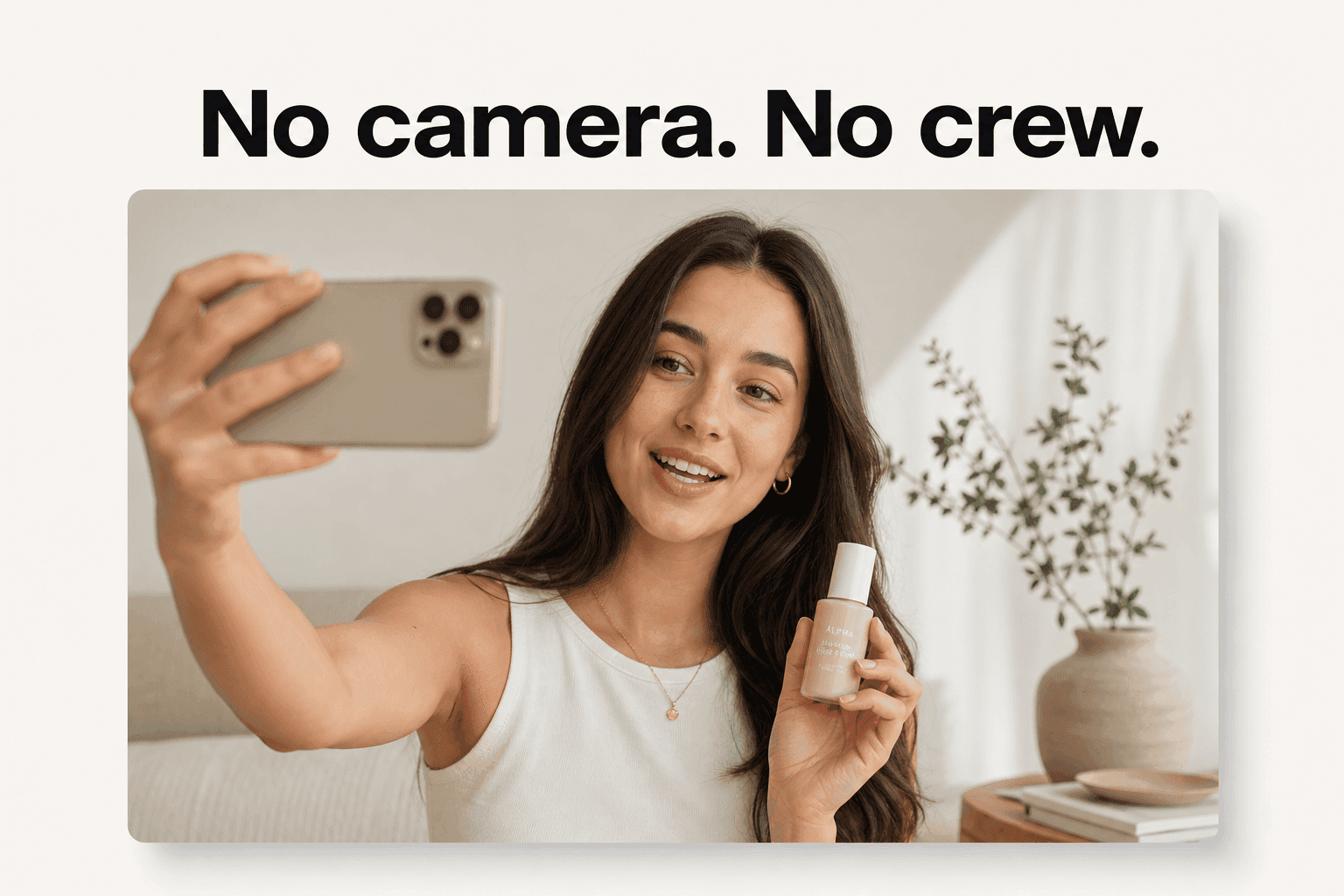
An AI actor looks like a customer who filmed themselves on a phone: casual framing, imperfect light, the product actually in frame. This is the format that performs in the feed, because it reads as organic rather than advertised. It is the same trust signal a UGC creator sells, produced from a script. Arcads leans hard into this, marketing a library of "1,000+ Captivating AI Actors" whose actors can "hold your product," and it is the register that wins on TikTok, Reels, and Meta.
Which one your campaign actually needs
Use an AI spokesperson when the content is a training module, a feature explainer, a webinar-style piece, or any B2B message where a composed, branded face builds trust. Use an AI actor when the placement is paid social, a testimonial, a problem-solution hook, or anything top-of-funnel that has to survive the thumb. The test is blunt: if the ideal version of this video would have been shot on a tripod, use a spokesperson; if it would have been shot on a phone at arm's length, use an actor.
| AI spokesperson | AI actor | |
|---|---|---|
| Look | Studio-clean, well-lit presenter | Handheld, phone-shot, imperfect light |
| Best placement | Explainers, onboarding, training, B2B | Paid social, testimonials, UGC ads |
| Trust signal | Polish signals authority | Reads as organic, not advertised |
| Would have been shot on | A tripod | A phone at arm's length |
A quick way to decide before you generate a single clip:
- Reach for a spokesperson for explainers, onboarding, course intros, webinars, and investor or B2B updates, where a composed, branded face signals credibility.
- Reach for an actor for TikTok and Reels ads, testimonials, unboxings, and problem-solution hooks, where looking a little unpolished is the whole point.
- When you are unsure, make both and let a small equal-budget test tell you which one your audience actually believes, rather than guessing the register from your own taste.
The best AI avatar video generators right now
Here are the five tools worth knowing, grouped by the job they do best. The one-line verdict for each is what it is genuinely built for, not a ranking, because these tools optimize for different placements.
| Tool | Best for | Entry price | Register |
|---|---|---|---|
| HeyGen | High-fidelity spokesperson video at scale | Creator around $29/mo | Spokesperson |
| Synthesia | Multilingual training and explainers | Starter $29/mo | Spokesperson |
| Captions | Generate and finish in one app | Around $24.99/mo | Either |
| Arcads | High-volume UGC ad testing | Sign-up gated | Actor |
| Creatify | Paste-a-URL ecommerce ad volume | 39 dollars a month | Actor |
HeyGen and Synthesia: the spokesperson heavyweights
HeyGen is the polish leader. It offers hyper-realistic avatars, photo avatars, and a "diverse library of high-quality, pre-made AI avatars," and it now routes external generation models like Sora, Veo, and Kling for cinematic B-roll inside the same platform. Best for: high-fidelity spokesperson video at scale. If you are weighing it against cheaper or more ad-focused options, our roundup of HeyGen alternatives lays out the trade-offs.
Synthesia is the multilingual training standard. It builds AI avatars with voiceovers across "160+ languages," with a Starter plan at "$29 per month" and a Creator plan at "$89/month," and it is aimed squarely at training, marketing, and corporate communication. Best for: turning a document into a narrated, multilingual explainer. Our Synthesia alternatives guide covers where it fits and where it does not.
Captions: avatars plus a built-in editor
Captions (by Mirage) pairs AI avatars with a chat-based AI video editor in one app, so you generate the talking clip and cut, caption, and polish it without exporting to a second tool. Its entry web tier runs "$24.99/mo." Best for: solo creators who want to generate and finish in a single place rather than stitch a toolchain together. See our Captions alternatives breakdown for the full picture.
Arcads and Creatify: avatars built for ads
Arcads is an ad-first actor engine. Beyond its "1,000+ Captivating AI Actors" you can "create your own AI Avatar," the actors can "hold your product," it localizes into "more than 30 languages," and it runs multiple frontier video models rather than one pipeline. Arcads does not publish a self-serve price on its own site, which reads as a premium, commit-first posture. Best for: high-volume UGC ad testing.
Creatify starts from a link. Its signature workflow is "URL to Video," it offers "AI avatars" and access to "300 AI actors," and it can "Batch create a dozen variations at once," with a Starter plan at 39 dollars a month and Pro at 99 dollars. Best for: turning a product page into a batch of ad variations fast. If you want the broader text to video AI field it plays in, that guide maps the general model landscape.
A worked example: one script, five avatars
Abstractions are cheap. Here is the concrete version, using a category most readers will recognize.
The setup: a $34 magnesium supplement, three angles
Say you sell a $34 magnesium supplement and you want to test three angles this week:
- Problem-solution hook: "still waking up at 3am?"
- Routine angle: "my wind-down stack."
- Social-proof angle: "I was skeptical, then week three happened."
You want each angle read by two different actors, one in their late twenties and one in their forties, to see which face the audience believes. That is six clips.
What each tool would output
A spokesperson tool would hand you six clean, well-lit presenters reading the lines. Accurate, professional, and slightly too polished for a cold TikTok audience. An actor tool would hand you six handheld clips that look like real customers, the supplement bottle visibly in hand. For a paid-social test, the second set is the one that has a chance of reading as native content instead of an ad.
The production math is the whole point:
| Hire 6 UGC clips | Generate 6 AI actor clips | |
|---|---|---|
| Time | One to two weeks | A single sitting, about four minutes each |
| Cost | A fraction of $200 to $500 each | About a dollar (five-second Seedance 2.0 Mini) to $8 (eight-second Seedance 2.5) per clip; about $26 for a 30-second Seedance 2.5 take |
| Effort | Six briefs, six creators to manage | One script, six variations |
Generating six AI actor clips is a single sitting. In Novoads, each clip runs from about a dollar for a five-second Seedance 2.0 Mini clip to about $8 for an eight-second Seedance 2.5 clip, and about $26 for a full 30-second Seedance 2.5 take, and lands in about four minutes, which is the whole reason running six versions is realistic in the first place.
Reading the test like a media buyer
Read the test like a media buyer:
- Launch all six as one ad set, each on a small equal budget, and let them run until a pattern shows.
- Kill the four that underperform and put budget behind the winner.
- Feed what you learned, which angle, which face, which first three seconds, into the next batch.
The avatar generator did not just make you a video. It made testing the cheap part instead of the expensive part, which is the only reason to run six versions in the first place.
Where AI avatars still fall short
An honest guide names the edges. AI avatars are good enough to run, and they still lose in specific, predictable ways.
The uncanny read, and how to dodge it
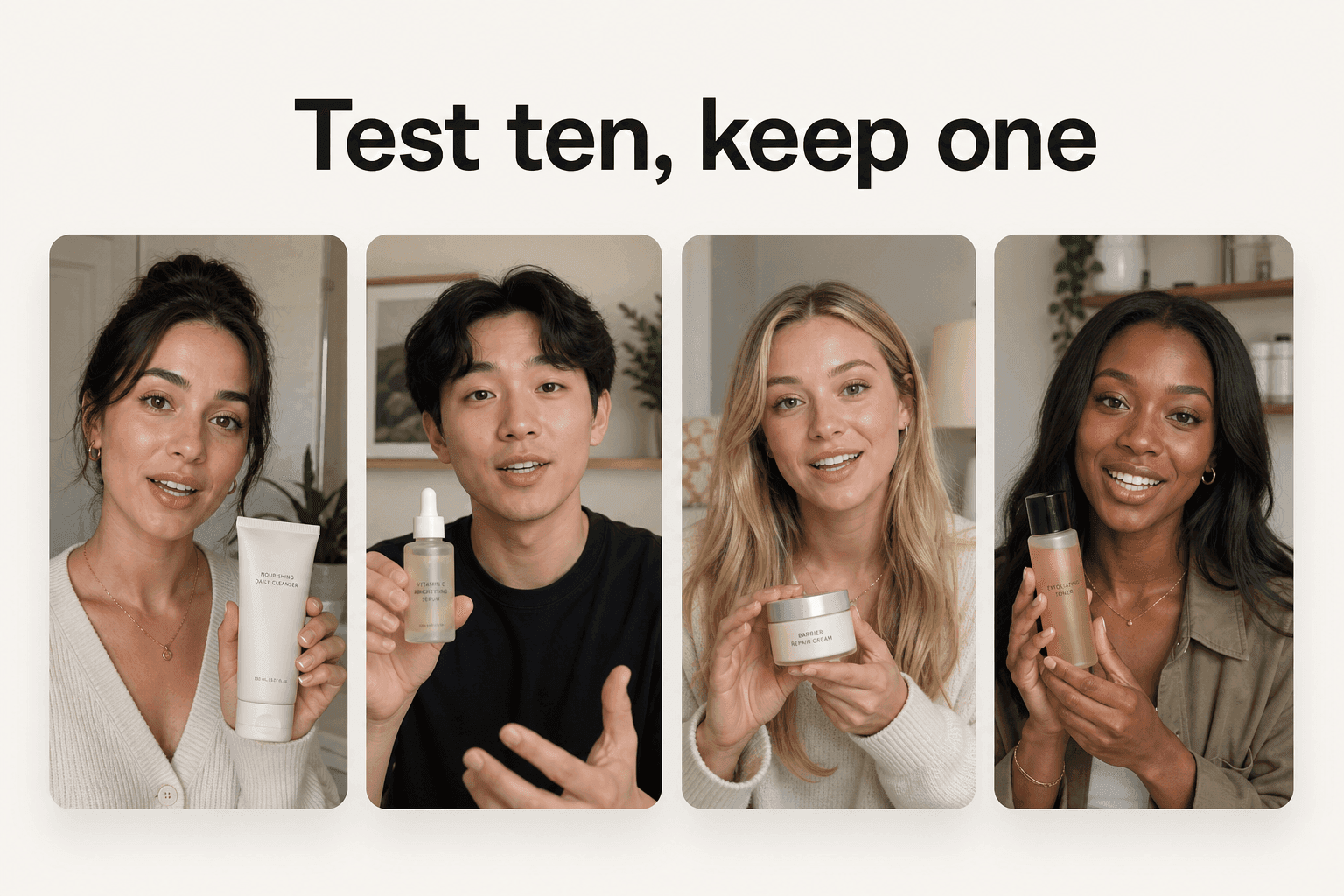
The failure mode is a clip that is almost right and therefore unsettling: a face that holds a fraction too still, a smile that arrives a beat late, a voice with no breath in it. The uncanny read is usually a mismatch problem, not a resolution problem, and you dodge it with a few habits:
- Keep scripts short. Long monologues expose the seams; a tight hook rarely does.
- Use natural, gesture-friendly framing rather than a locked-off stare into the lens.
- Match the voice to the face in age and accent, since a mismatch snaps the illusion faster than any visual glitch.
Platform disclosure you cannot skip
If the ad is realistic AI, disclosure is not optional on some platforms. The rules differ by platform, but they rhyme:
| Platform | AI-disclosure rule for ads |
|---|---|
| TikTok | Requires creators to label realistic AI-generated content (its shorthand: AIGC) |
| Meta | Labels ads created or significantly edited with its gen-AI features; disclosure required on political and social-issue ads |
| Disclosure required on election ads with synthetic or digitally altered content |
TikTok has for years required creators to "label realistic AIGC," its own shorthand for AI-generated content that looks real. Meta "began labeling ads that were created or significantly edited using" its own generative-AI creative features, and it requires disclosure on political and social-issue ads; Google requires disclosure on election ads with synthetic content. None of this blocks a normal product ad, but treating the rules as an afterthought is how a campaign gets pulled. Our overview of faceless video ads touches on the same compliance ground, and the best UGC creator tools roundup covers where human creators still fit.
When a real human still wins
A real creator still beats an avatar when the person themselves is the value:
- A recognizable founder whose face carries the brand.
- A long-term brand ambassador the audience already trusts.
- A category where a specific human's credibility does the selling, like regulated health or high-ticket trust purchases.
AI is the tool for volume and speed. A named human is the tool for a flagship piece where the face is the message. Most brands need far more of the first than they run.
How Novoads solves the avatar-for-ads problem
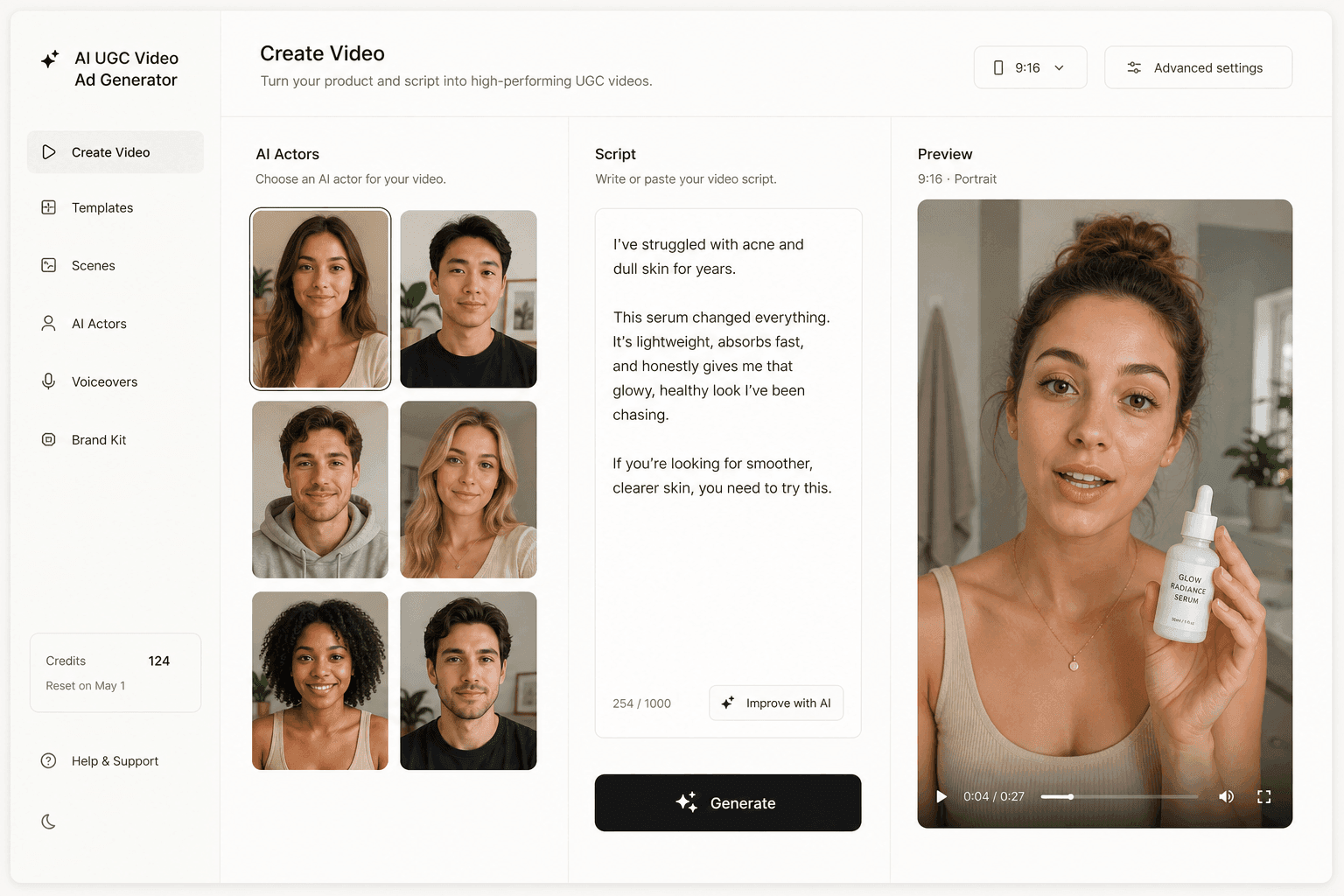
Novoads is a global AI UGC video-ad generator built for the actor side of this category, not the studio side. You write or auto-generate a script and pick from 100+ AI actors, formatted 9:16, 1:1, or 16:9 for any ad platform. To show the product in hand on camera, you create a custom actor from a photo of someone holding it (Create Actor > Upload), because a stock library actor's hands are empty.
Talking actors, animated actors, and captions
The core is the Talking actor: an AI actor delivers your script to camera with matched voice and lip-sync. When you want to drive a specific pose or gesture, Animate Actor (powered by Kling Motion Control) animates the performance, and built-in captions and subtitles finish the clip for sound-off feeds. It is the whole handheld-actor workflow in one place, aimed at the UGC-ad look rather than the corporate-explainer look.
Under the hood, the render runs on frontier engines Novoads keeps in one place, so you are not stitching subscriptions together:
- Kling v3 Pro and Google Veo 3.1 power the talking-actor clip.
- Kling Motion Control drives Animate Actor's specific poses and gestures.
Native-accent depth, not just language count
Most tools sell language count. The harder thing is depth: an ad that sounds like a real local creator, not a translation read by a generic voice. Novoads ships ads in 30+ languages with real regional accents (a voice catalog covering 31 languages), which is the difference between "technically Spanish" and "sounds like it was filmed in Mexico City." For paid social, the accent is part of the trust signal, not a nice-to-have.
What it costs to run
A video here has no single sticker price; it runs from about a dollar for a five-second Seedance 2.0 Mini clip to about $8 for an eight-second Seedance 2.5 clip, and about $26 for a full 30-second Seedance 2.5 take, versus a fraction of $200 to $500 for a hired clip. You can produce your first AI actor ad with Novoads for $49/month, which includes 50 credits every month, and cancel anytime. The point is not that one clip is cheap. It is that thirty clips are finally affordable, which is what a real testing program actually needs.
Casting used to be a calendar. Now it is a text field.
For a decade, putting a believable person on camera meant a schedule: a creator to book, a studio to light, a week to wait. An AI avatar video generator collapses that into a script and a dropdown. The face is synthetic, but the trust it transfers is real, and it can now be produced often enough to test the way paid social always demanded.
Pick the register your placement needs, a spokesperson for the explainer and an actor for the ad, and the only scarce resource left is the idea. The presenter is already waiting.
Frequently Asked Questions
What is an AI avatar video generator?
It is a tool that turns a typed script into a video of a realistic person, an avatar, speaking your words to camera. You pick a face and a voice, choose a language, and it renders a clip with the lips in sync. Some tools make a polished spokesperson for explainers and training; others make a handheld, phone-shot actor for UGC-style ads.
What is the difference between an AI spokesperson and an AI actor?
They use the same engine (likeness, voice, lip-sync) but sell two different looks. An AI spokesperson is studio-clean and brand-facing, the presenter in a training video or product explainer. An AI actor looks like a customer who filmed themselves on a phone, which is what performs as a paid social ad because it reads as organic. Match the look to the placement, not the other way around.
Which is the best AI avatar video generator?
There is no single best; it depends on the job. HeyGen and Synthesia are strongest for polished, multilingual spokespersons (Synthesia advertises 160+ languages). Arcads and Creatify are built for ad-style actors and high-volume testing. Captions pairs avatars with a chat-based editor. For UGC ads specifically, pick a tool whose actors look handheld and can hold your product.
Can an AI avatar hold or show a product?
Yes, with the actor-style tools. Arcads actors can hold your product through a custom-actor workflow, and in Novoads the product is in hand when you create a custom actor from a photo of someone holding it (Create Actor > Upload) or use a Discover product template, which swaps your uploaded product image into the creator's hand; a stock library actor's hands are empty. Studio spokesperson tools tend to keep the avatar talking to camera rather than demoing an item in hand, so for product demos choose an actor-first generator.
Do I have to disclose that an ad uses an AI avatar?
On TikTok, yes for realistic AI content: the platform has required creators to label realistic AI-generated content for years. Meta labels ads created or significantly edited with its own generative-AI features and requires disclosure on political or social-issue ads, and Google requires disclosure on election ads with synthetic content. Check each platform's current policy before you run, since the rules keep tightening.
Key Takeaways
- An AI avatar video generator turns a typed script into a realistic person speaking on camera, with a matched voice, lip-sync, and language, and no shoot.
- The category splits into two jobs: a studio-clean AI spokesperson for explainers and training, and a handheld AI actor for UGC-style paid ads.
- HeyGen and Synthesia lead on polished, multilingual spokespersons; Arcads and Creatify build actors made for ad testing; Captions bundles avatars with a built-in editor.
- The real payoff is volume: at a few dollars per clip you can test many angles and actors, which is unaffordable at a fraction of $200 to $500 per hired video.
- In Novoads you write or auto-generate a script, pick from 100+ AI actors or create a custom actor from a photo of someone holding your product, and export UGC ads in 30+ languages with real regional accents.