Kling Motion Control Pricing: What Motion Transfer Costs for Consistent AI Actors
Motion control transfers a performance from a driving video onto a character image. fal's page lists the Pro endpoint at $0.168 per second and Standard at $0.126. Here is what that buys, where the duration caps bite, and what a clip costs in Novoads credits.

Mauricio Valdivia
·11 min
The actor who quietly becomes someone else by ad four
You cast an AI actor on Monday. The first ad is right: the jawline, the hoodie, the small head tilt before the hook lands. By the fourth variation she has drifted. Same prompt, same notes, slightly different person. Nobody can point at the frame where it happened. The set still ships Thursday.
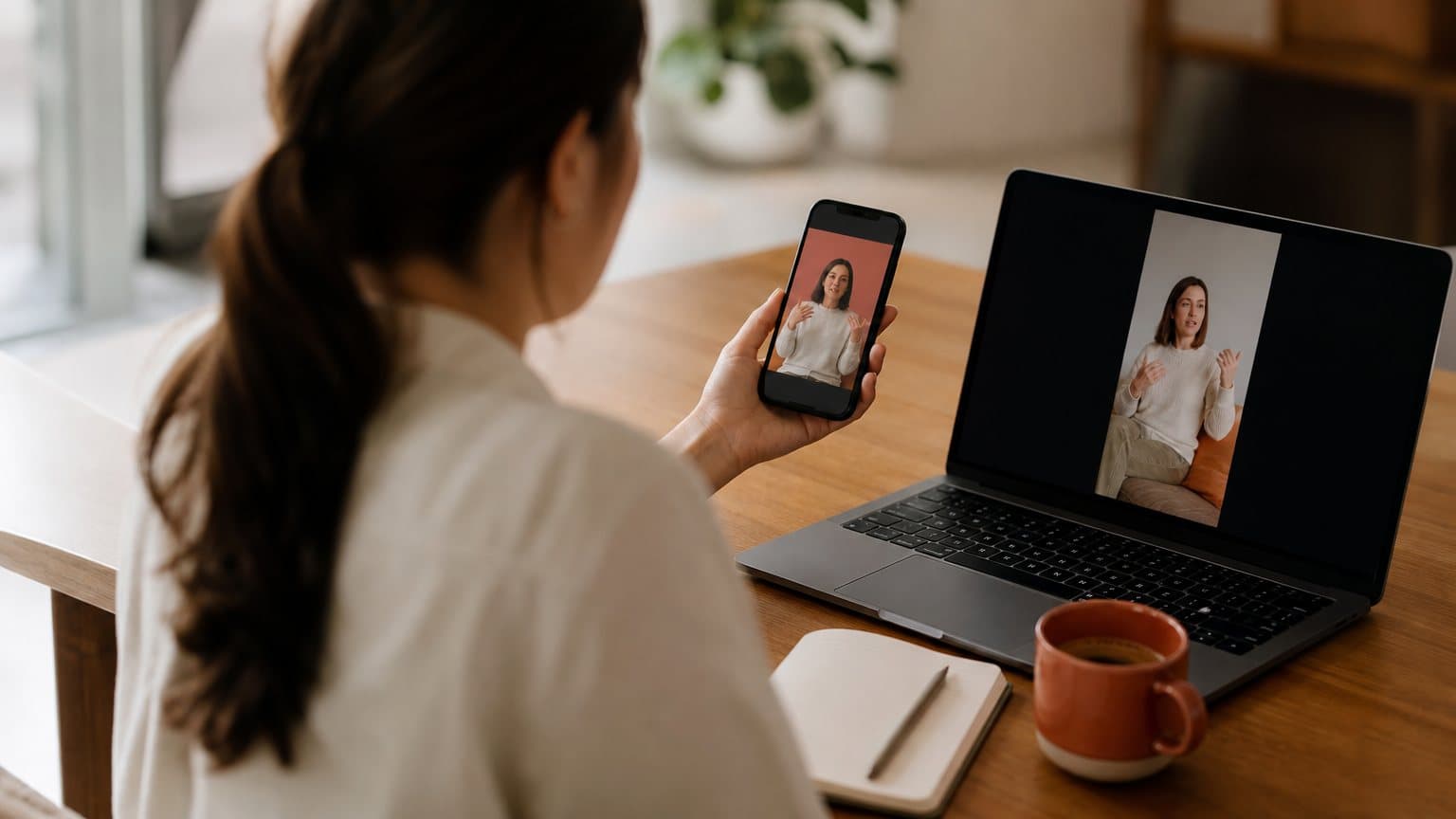
Motion transfer stops treating that as a prompting problem. You hand the model two files instead of one paragraph. fal's page for the endpoint describes the job in a single line: "Transfer movements from a reference video to any character image." The reference image carries the person. The reference video carries the performance. Consistency stops being something you argue for in prose and becomes something you supply as an input.
This is not a new arrival. Kling 3.0 landed on fal on February 4, 2026, "now available on fal from day zero" in fal's own words, and motion control has run inside Novoads on Kling v3 Pro since March 2026. What follows is the part that is still poorly documented in practice: what the mechanism actually swaps, where the duration ceiling bites, how the two price tiers differ, and what a clip costs once you are paying in credits instead of vendor seconds.
What motion transfer actually does
Two inputs, two jobs
Every other video endpoint you use takes one thing seriously: the prompt. Motion control demotes the prompt to a supporting role and promotes two files.
The character image is the identity layer. fal's schema is blunt about what it needs: "The characters, backgrounds, and other elements in the generated video are based on this reference image." It also asks that characters "have clear body proportions, avoid occlusion, and occupy more than 5% of the image area," which in practice means a waist-up or full-body frame, not a tight headshot cropped at the chin.
The driving video is the performance layer. Per the same schema, "The character actions in the generated video will be consistent with this reference video." fal asks for "a realistic style character with entire body or upper body visible, including head, without obstruction."
Read together, those two lines set the framing rules that decide whether a run is worth the credits:
- Shoot or select both files waist-up or wider, never tight on the face.
- Keep the head visible and unobstructed in the driving clip for the whole take.
- Avoid crossing arms, foreground props, or anything that occludes the body mid-gesture.
- Use a realistic-style driving performer; a stylised or animated source fights the transfer.
What the model borrows and what it keeps
The useful mental model is a swap, not a blend. Two inputs, two clean jobs:
- From the driving video: timing, gesture, weight shift, head turns, and the exact beat where a hand enters frame.
- From the character image: face, hair, wardrobe, body proportions, and the room the person is standing in.
That split is why the debugging is so much faster than with a text prompt. If the performance is flat, the driving clip is flat, and no amount of prompt rewriting will fix it. If the person looks off, the character image is the file to replace. You can name which of the two inputs failed instead of guessing at adjectives, which is a luxury a description-based workflow never gives you.
There is also an optional identity anchor. fal documents an "Optional element for facial consistency binding" that takes a facial reference to strengthen identity preservation, limited to one element, referenced in the prompt as @Element1. It exists precisely because a driving video can pull a face slightly off-model on long or fast motion.
Where the sound comes from
One default surprises people. fal's schema lists keep_original_sound with a default value of true, so the driving clip's audio rides along unless you disable it. That default is usually right, and occasionally expensive:
- Keep it when the driving clip's delivery is the performance you approved, because the audio and the mouth movement are already aligned and you skip a separate voice pass.
- Keep it when the timing of a line is what makes the hook land, since a re-recorded voice will not match the gesture beats.
- Turn it off when the clip was filmed in a noisy room, because you have now inherited that room along with the performance.
- Turn it off when the ad ships in a language the driving clip is not in, and layer the voice separately.
Where motion control beats plain image-to-video
A prompt is a description, a driving video is a specification
Text-to-video and image-to-video both ask a model to invent a performance from an adjective. "Excited," "casual," "explaining the product to a friend" are all descriptions, and a description has a range. Two runs land in different parts of that range, which is exactly the drift that made ad four look like a different woman.
A driving video has no range. The gesture is at 0.8 seconds because it is at 0.8 seconds in the file. That is the whole trade: you give up the chance that the model invents something better than you imagined, and you get back the ability to reproduce a performance you already approved. For a hero brand film, the first is worth more. For a set of twelve variations that must feel like one person, the second is the only thing that works. The same reasoning shows up whenever you compare text to video generation against reference-driven approaches.
One performance, many faces
The pattern that pays for itself is inverted from how most teams use AI video. Instead of one character and many prompts, you shoot or select one driving performance and run it against several character images. The hook timing stays identical across every version, which means your A/B test is measuring the actor and not accidentally measuring the pacing.
This is the same discipline behind building a repeatable on-screen persona rather than a new one per campaign, which is the practical core of creating an AI influencer and of turning a single still into a working spokesperson the way an AI avatar from a photo does.
When plain image-to-video is still the right call
Motion control is not a strict upgrade, and pretending otherwise costs credits.
Use plain image-to-video when:
- You have no driving clip and no time to source one.
- The motion is simple: a slow push-in, a product turn, a subtle idle.
- You want the model to propose something you had not pictured.
- The clip is a one-off and nothing has to match it later.
Use motion control when:
- A specific performance already exists and has been approved.
- The same character has to appear across a whole variant set.
- The timing of a gesture is itself the creative idea.
- You are testing actors and need everything except the actor held constant.
The engines underneath are the same either way, which is the point where AI UGC realism comes from keeps making: realism is a property of the model, and control is a property of your inputs.
The duration cap is an orientation setting, not a constant
Image orientation: 10 seconds, better on camera movement
The single most misunderstood parameter here is character_orientation, because it silently decides your maximum clip length. Set to image, fal's schema says "orientation matches reference image - better for following camera movements (max 10s)."
Ten seconds is a real constraint for a UGC ad, but it lines up with how those ads are cut anyway: a hook, a demonstration, a line of proof. If your driving clip is a handheld walk-and-talk with the camera moving, this is the mode that keeps the character oriented to the frame the way your still image was.
Video orientation: 30 seconds, better on complex motion
Set to video, the schema says "'video': orientation matches reference video - better for complex motions (max 30s)." Three times the ceiling, and a different set of strengths. Fast gestures, turns, and anything with real body mechanics belong here.
There is one detail worth circling. Facial element binding, the identity anchor above, is "only supported when character_orientation is 'video'." So the longer mode is also the mode with the stronger consistency tool, which quietly makes video orientation the default choice for campaign work even when the clip is short.
The floor, and what gets rejected before you pay
There is a minimum too, and a set of input limits that Novoads checks before a request ever leaves the app:
- Duration: 3 seconds minimum, then 10 or 30 seconds depending on orientation.
- File size: 10MB maximum on the character image, 100MB on the driving video.
- Dimensions: 340px minimum on the short edge of both files, 3850px maximum on the image's long edge.
- Aspect ratio: between 2:5 and 5:2, so a very tall or very wide crop is rejected.
- Prompt: 2,500 characters maximum, which is Kling's own hard API limit, against the 4,000 other models on the platform default to.
None of that is glamorous, and all of it matters, because a rejected request after a slow 90MB upload is the most annoying failure mode in this workflow. The practical habit is to trim the driving clip before you upload it rather than after a rejection: pick the four seconds that carry the gesture, and let the character image do the rest of the work.
What fal charges, and why the tier label matters
Two endpoints, two rates
fal serves motion control at two quality tiers, on two separate endpoints, at two separate prices. The Pro model page states the request will cost $0.168 per second. The Standard model page states $0.126 per second, and describes itself as a "Cost-effective mode for motion transfer, perfect for portraits and simple animations."
That is a 33% premium for Pro, which is a real decision rather than a rounding error. A talking-head clip against a plain background is exactly the "portraits and simple animations" case Standard is built for. A full-body performance with fast motion is not.
| Tier | fal rate per second | 10-second clip | 30-second clip |
|---|---|---|---|
| Pro | $0.168 | $1.68 | $5.04 |
| Standard | $0.126 | $1.26 | $3.78 |
Why an unlabeled per-second number is a bug
If you see "$0.168 per second" quoted for Kling motion control with no tier attached, treat the quote as incomplete. It is correct for exactly half of what fal serves and wrong by 33% for the other half. The same figure also appears elsewhere in fal's catalog attached to a different Kling endpoint entirely, so a number matched without its URL is a number matched by coincidence. Three checks before you trust any AI-video price you read:
- Does the quote name the tier, or just the model family?
- Does the cited URL point at the exact endpoint, or at a docs page that carries no pricing at all?
- Is the figure dated, given that endpoint rates move between quarters?
A vendor rate is not a customer price
The most common mistake in AI-video cost writing is treating a per-second API rate as a per-video price. It is not. A per-second rate leaves out:
- Failed generations and the retries they force.
- The clips you generate and discard before one is usable.
- The time spent sourcing and trimming a driving performance.
- Every layer a platform adds above the raw endpoint.
It also moves without warning. Vendors reprice endpoints, and a rate verified in April is a rate that needs re-verifying in July. Treat published per-second rates as an input to your cost model, never as the model itself, the same way what UGC creators charge is a rate card and not a project budget.
What a motion control clip costs in Novoads credits
The schedule, and where it comes from
Inside Novoads you never pay in vendor seconds. Motion control bills on a fixed credit schedule that is set in configuration, so it does not move when a vendor reprices an endpoint mid-month.
Pro runs on the same formula as the Kling v3 Pro video model itself, extended from a 15-second range to 30. Standard runs on a cheaper slope. Converted to the credits you actually see in the app:
| Clip length | Pro | Standard |
|---|---|---|
| 3 seconds | 2.2 credits | 1.7 credits |
| 5 seconds | 3 credits | 2.3 credits |
| 10 seconds | 5 credits | 3.8 credits |
| 30 seconds | 13 credits | 9.8 credits |
The worked example
Say you are testing four actors against one approved 10-second driving performance, at Pro. That is 4 clips at 5 credits each, so 20 credits for a full four-way actor test with identical pacing across every version. On the Starter plan at $49 a month with 50 credits, you can run that test twice in a month and still have credits left for the winners.
The detail worth noticing: a 5-second Pro motion-control clip costs 3 credits, which is exactly what a 5-second Kling v3 Pro text-to-video clip costs. Adding a driving video does not add a surcharge. You are paying for seconds of Kling output either way, and the reference video is just a better way of specifying what those seconds contain. At Novoads' credit value that lands a 5-second clip near the same roughly $2 mark as the platform's other short video generations, against the $200 to $500 a human creator charges per deliverable.
Where the 30-second ceiling changes the math
Thirteen credits for a single 30-second Pro clip is the most expensive thing in this table, and it is usually the wrong purchase. Three 10-second clips cost 15 credits and give you three testable hooks instead of one long one. Reach for the 30-second ceiling only when:
- The performance genuinely cannot be cut without losing the point.
- The ad is a demonstration where continuity is the proof.
- You have already found a winning hook and are extending it, not searching for one.
Buying length before you have found the hook is the most reliable way to spend credits on something nobody watches past the third second. Cost per usable ad, not cost per second, is the number that decides whether a creative program is working, and it is the same lens that separates good from bad in comparing Seedance and Kling or Kling against Seedance 2.5. It is also the honest way to read a per-second rate card on any other engine, including what 15 seconds of PixVerse V6 at 1080p actually costs.
Finding that hook is a separate discipline from generating the clip, and it is the one that decides whether any of this spend pays back. Our guide to ad creative testing covers how to get a clean read on which variation actually won.
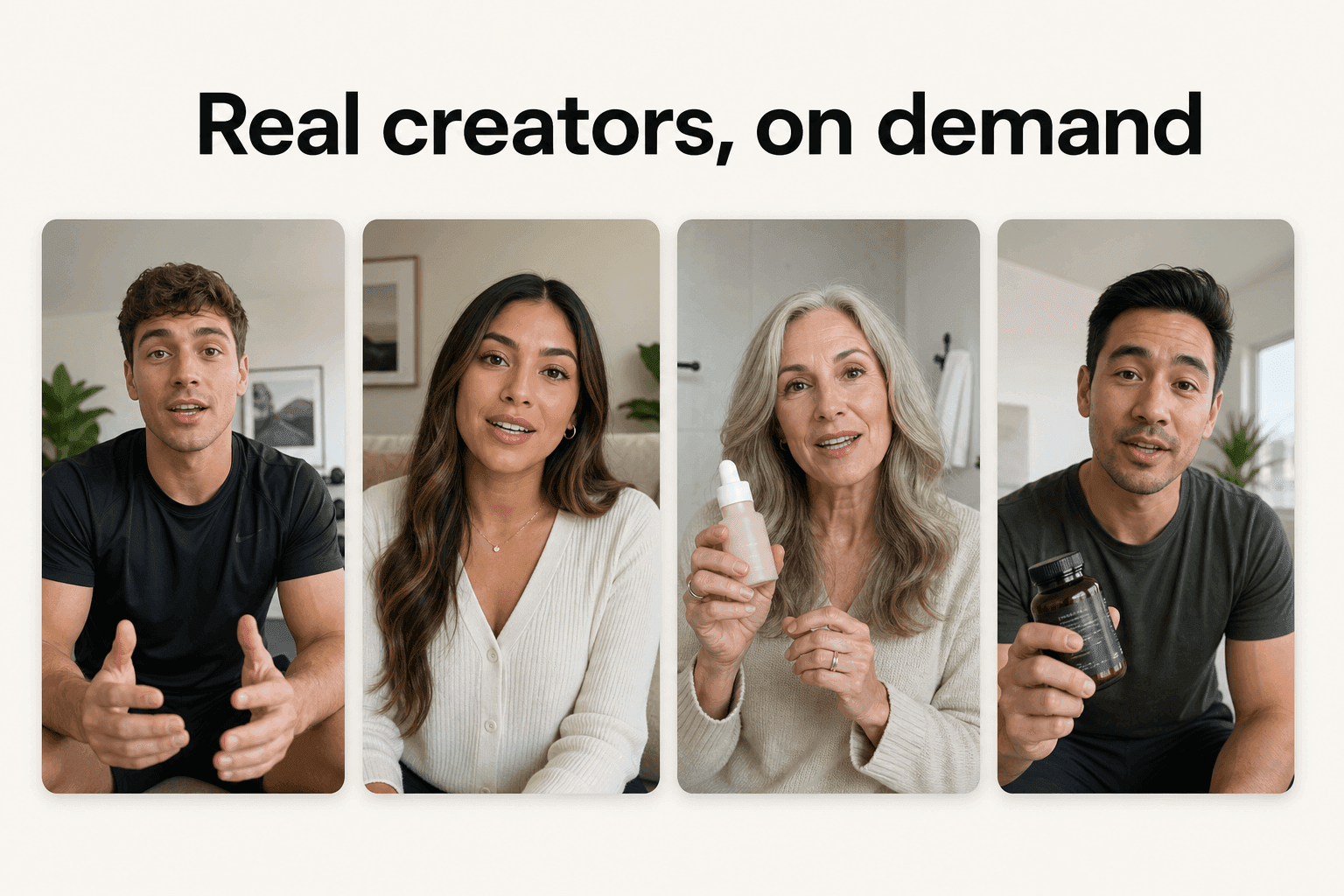
How Novoads solves character drift across a campaign
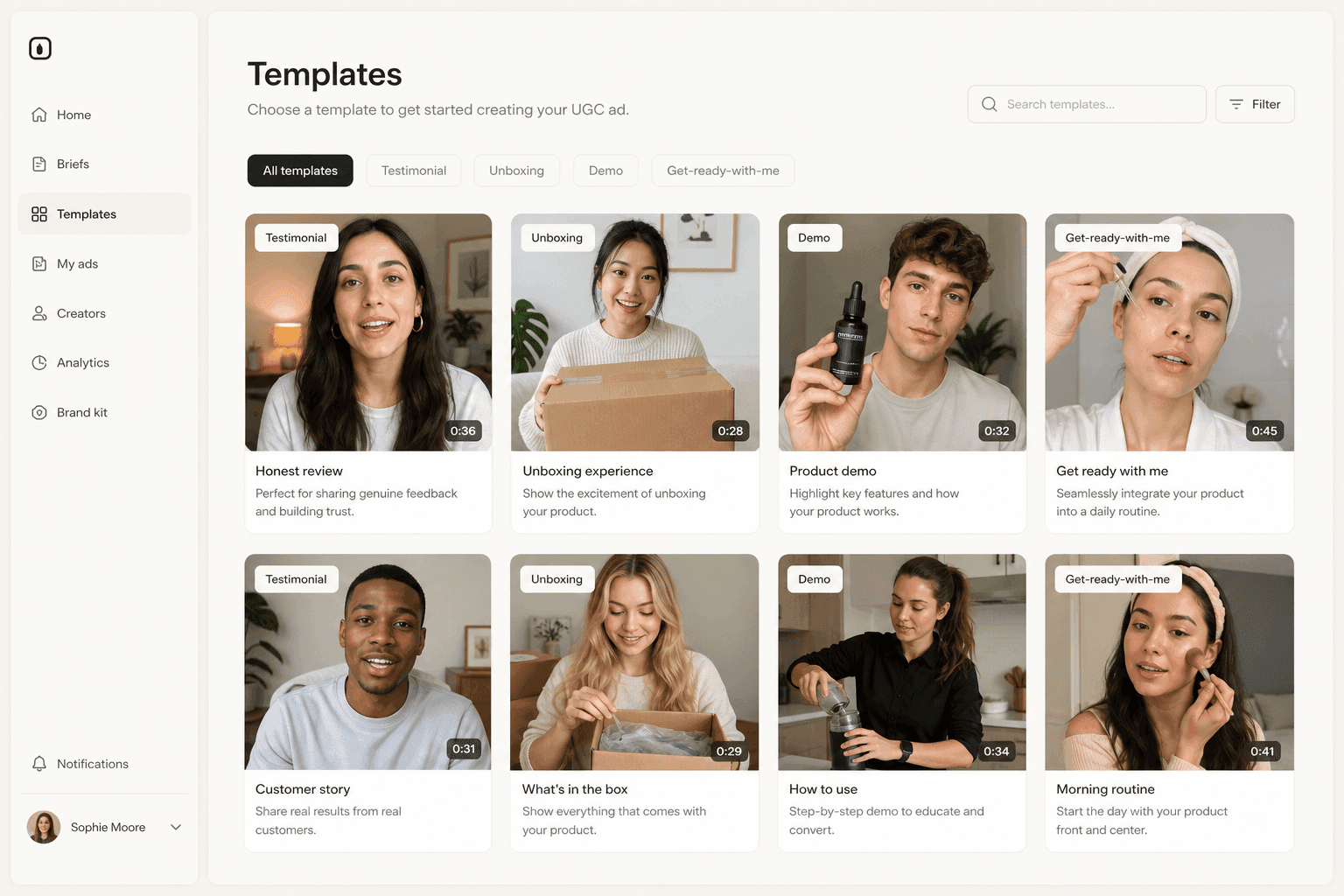
Motion control runs inside Novoads on Kling v3 Pro, alongside Kling v3 Pro's own text-to-video and image-to-video modes, and it has been in production since March 2026. You upload the character image, upload the driving video, pick the orientation that matches your clip length, and the platform validates duration, file size, dimensions, and aspect ratio before a single credit moves.
That sits next to the rest of the pipeline rather than off to the side. The same account generates the character still, writes or auto-generates the script, and ships the finished vertical file, so a consistent actor is a step in the workflow instead of a separate tool you reconcile later. The practical sequence for a campaign looks like this:
- Approve one driving performance, trimmed to the seconds that carry the hook.
- Generate or upload the character images you want to test, framed waist-up.
- Set character orientation to video if the motion is complex or you need the facial element anchor.
- Run the same driving clip against each character, then compare only what changed.
You can try the whole flow for $49/month on Starter, which includes 50 credits. Cancel any time.
The honest limit: motion control needs a driving video. If you do not have one, you are back to describing a performance, and the drift problem returns. Building a small library of approved driving clips is the unglamorous work that makes the rest of this cheap, in the same way a library of proven UGC-style ad structures makes scripting cheap.
Consistency is a casting decision, not a prompting one
The reason character drift feels unfixable is that teams keep attacking it with better prompts, and a prompt is a description, so it will always have a range. Motion transfer moves the problem to a layer where it can actually be solved: you approve a performance once, you approve a face once, and every variation after that is an assembly job rather than a negotiation with a model.
The cost question follows from that. $0.168 per second on Pro and $0.126 on Standard are the vendor's numbers, useful for sizing an idea. The number that decides whether the program works is credits per usable ad, and on that measure a driving video you already own is the cheapest creative asset in the building.
Frequently Asked Questions
What is Kling Motion Control?
It is a video endpoint that takes two inputs, a character image and a reference video, and produces a clip where your character performs the motion from the video. fal's own model page describes it as transferring movements from a reference video to any character image. The reference image supplies the person, the wardrobe, and the setting; the reference video supplies the performance.
How is motion control different from plain image-to-video?
Image-to-video asks a model to invent a performance from a written description, so two runs of the same prompt can produce two different performances. Motion control replaces the description with a specification: the exact timing, gesture, and body language already exist in the driving video, and the model maps them onto your character. You trade creative freedom for repeatability, which is the right trade when you need the same actor across a set of ad variations.
How long can a motion control clip be?
It depends on the character orientation setting. fal's schema states the duration limit for the reference video is 10 seconds maximum for image orientation and 30 seconds maximum for video orientation. Image orientation follows camera movement better, video orientation handles complex motion better, and Novoads validates the clip against that ceiling before the request is sent.
What does Kling Motion Control cost?
fal publishes two tiers on its model pages. The Pro endpoint states the request will cost $0.168 per second and the Standard endpoint states $0.126 per second. That is the vendor rate for direct API use, not what a Novoads customer pays. On Novoads it bills as credits: 3 credits for a 5-second Pro clip, 5 credits for 10 seconds, 13 credits for 30 seconds.
Can I use motion control inside Novoads?
Yes. Motion control runs on Kling v3 Pro in Novoads and has since March 2026, alongside the Kling v3 Pro video model itself. You upload the character image, upload the driving video, and the platform validates duration, dimensions, and aspect ratio before anything is billed.
Does the audio from the driving video carry over?
By default, yes. fal's schema documents a keep_original_sound field whose default value is true, so the sound from the reference video is preserved unless you turn it off. For UGC-style ads that matters, because the driving clip's delivery and the character's mouth movement stay aligned instead of needing a separate lip-sync pass.
Key Takeaways
- Motion control takes two files instead of one paragraph: a character image and a driving video. fal describes the endpoint as transferring movements from a reference video to any character image, so the performance is an input you supply rather than an outcome you hope a prompt produces.
- The duration cap is a setting, not a constant. Character orientation set to image caps the clip at 10 seconds and follows camera movement better; set to video it allows up to 30 seconds and handles complex motion better, and it is the only mode where facial element binding works.
- fal's model pages list two tiers: $0.168 per second for Pro and $0.126 per second for Standard. An unlabeled per-second figure is wrong for half the offering, so always check which endpoint a quote refers to.
- A vendor's per-second rate is not a customer price. In Novoads, motion control bills on a fixed credit schedule: 3 credits for a 5-second Pro clip, 5 credits for 10 seconds, 13 credits for the full 30 seconds.
- Motion control has been in Novoads since March 2026 on Kling v3 Pro, so it is not a capability to go shopping for. Character consistency across a campaign becomes a casting decision made once, not a prompt you rewrite for every variation.