Krea 2 Style Reference Holds One Brand Look Across Every Product Ad for $0.035
Krea 2's style-reference input, launched on fal, lets you feed the model one look and hold it consistent across a whole batch of product-ad images. Here is what it does, what it costs, and where it fits next to the image models already inside Novoads.

Mauricio Valdivia
·9 min
The problem with AI product images was consistency, not quality
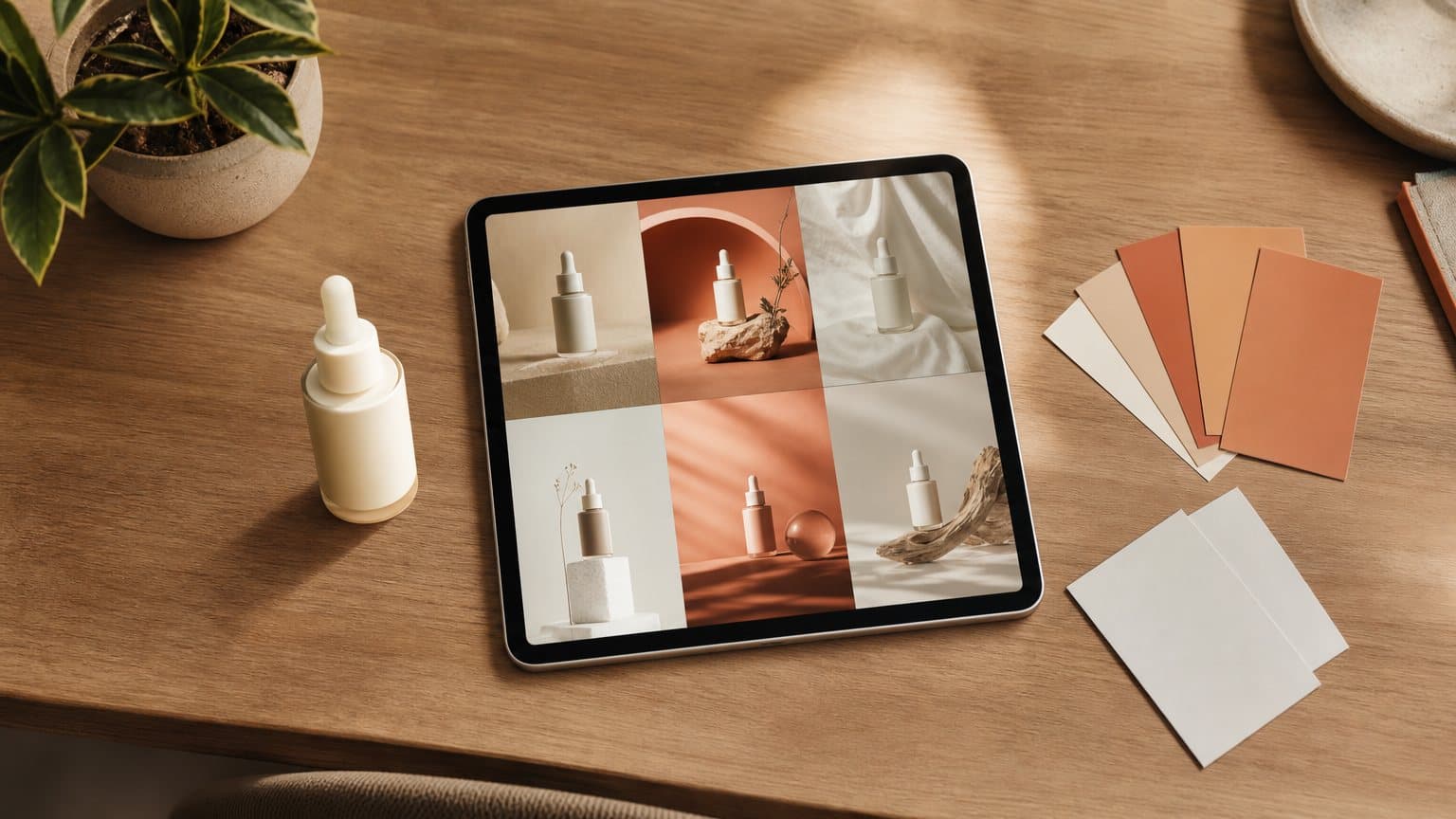
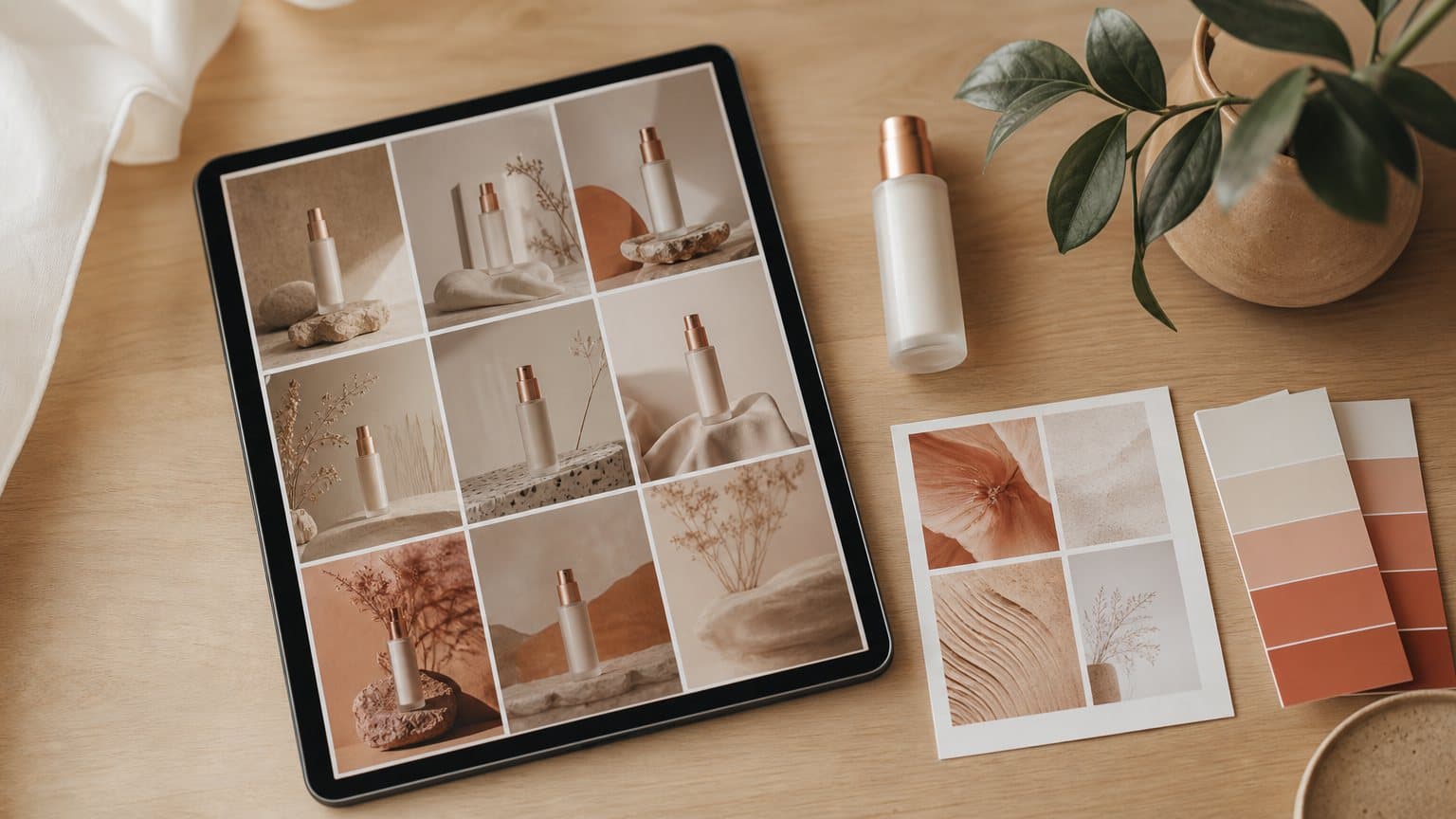
You generate a product shot and it is beautiful. Then you generate nine more to test different angles, and every one is beautiful in a slightly different way. The lighting drifts. The palette shifts, the grain softens, the mood wanders, and now your ad set looks like ten different brands instead of one. The single image was never the hard part. The look never held.
On May 27, 2026, Krea launched Krea 2 on fal, its first foundation image model built completely from scratch, and it ships with the feature aimed straight at that drift: a style reference input. Instead of describing a look in adjectives and praying the next generation lands in the same neighborhood, you hand the model an example and tell it to keep that look while you change everything else. For anyone producing product ads at volume, that is a bigger deal than another jump in photorealism.
This is a news explainer, not a review of the whole model. The angle is narrow on purpose: what style reference actually does, why locking one brand look changes how you test creative, what it costs, and where it sits next to the image models you may already be generating with.
What Krea 2's style reference actually does
Krea frames Krea 2 as a model built around aesthetics and creative control, and style reference is where that framing gets concrete. Three parts matter, and none of them is marketing fog.
An example beats an adjective
The oldest problem in prompting is that "clean, warm, premium skincare aesthetic" means something different to you and to the model. Style reference removes the negotiation. You give Krea 2 a picture of the look you want, and, in fal's own words, its style transfer system "can extract the style of one or several reference images and apply it to your output with precision." The reference carries the palette, the texture, the lighting logic, and the overall mood. Your prompt is then free to describe the subject, the product, the angle, the scene, while the reference holds the style.
That split is the whole trick. Subject in the prompt, style in the reference. It is the difference between rerolling until a look happens to appear and specifying the look once and reusing it.
One reference, or several, with weights
You are not limited to a single example. Krea's own description is that "you can add multiple references, combine them, and adjust how strongly they influence the image." fal's launch material adds the mechanism: developers can pass in a single reference image or combine several, and the model applies the extracted style with per-reference weighting "that lets users decide how strongly each input shapes the final image."
In practice that means you can blend a color story from one image, a texture from another, and a composition feel from a third, then turn each one up or down. A brand look is rarely one picture. It is a small moodboard, and Krea 2 treats it that way.
Creativity as a dial, not a dice roll
The last piece is a parameter most image models bury. In Krea 2, "creativity is a first-class parameter," and it does something specific: at high values the model takes more creative liberty with mood and aesthetic depth, and at low values it stays close to the literal prompt. Paired with style reference, creativity becomes the knob that decides how faithfully a batch hugs the reference versus how much room the model has to surprise you. Low creativity plus a strong reference is how you get near-identical siblings. Higher creativity is how you explore around a look without abandoning it.

Why a locked brand look changes product-ad testing
It is easy to read "style control improved" as a nice-to-have. For anyone running paid social, it targets the exact thing that makes image generation frustrating for commercial work.
Consistency was the hidden tax on volume
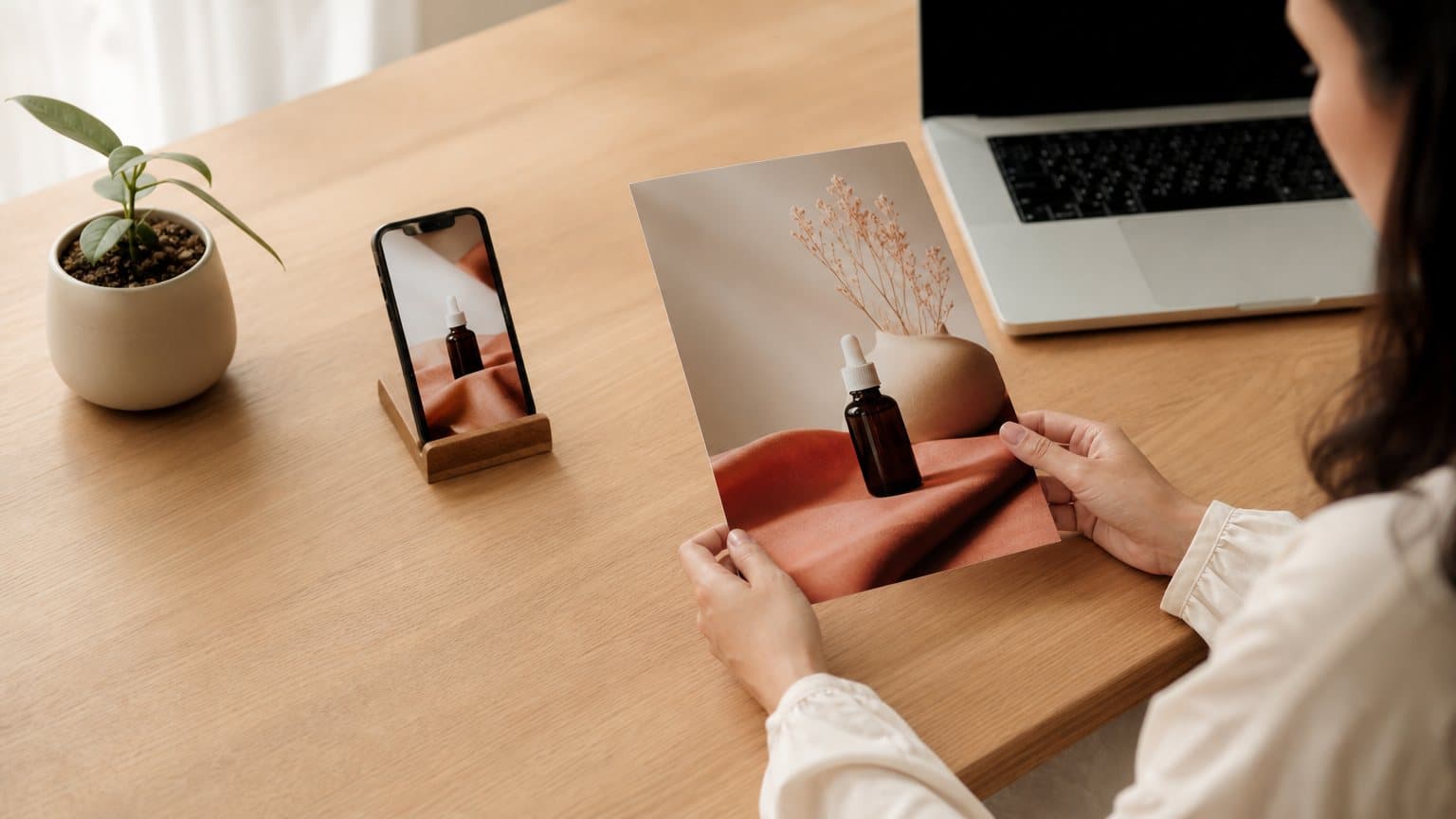
The reason AI images have not fully replaced a studio for ad sets is not quality. It is that the second, third, and tenth image never match the first. So the real workflow has been generate, then fix: pull the outputs into an editor, color-match them by hand, crop them to a common frame, and force a coherent look after the fact. That manual pass is invisible in a demo and very visible when you are shipping thirty variations a week. The raw asset is cheap. The finished, on-brand asset carries hidden hand-work, which is the same tax that has always made UGC-style ads expensive to iterate on.
Worse, that hand-work does not scale linearly. Ten images is an afternoon of matching; a hundred is a job you quietly stop doing, so most teams cap their testing at the number of variations they can bear to clean up. The ceiling on your creative program ends up set by an editing chore, not by how many ideas you have.
What a shared reference removes
Anchor every generation to the same reference and that fix-it pass mostly disappears. The images arrive already sharing a palette, a texture, and a light. You change the prompt to move the product, swap the scene, or try a new angle, and the look rides along untouched. The output lands closer to a finished ad than a promising starting point. That is what makes generating many variations genuinely practical instead of a design backlog wearing a trench coat.
Testing is the point, and consistency is what let it scale
Here is the unhedged version. The winning ad is almost never the one you would have guessed, so the whole game is running enough distinct variations to find it. A style reference does not make one image better. It makes the twentieth image usable without a human touching it, and that is the only thing that turns "we should test more" into a habit you can actually keep.
A worked example: one skincare look, twelve ads
Numbers make this concrete. Say you sell a single serum and you want to test twelve creative angles this week: three hero shots, three lifestyle scenes, three "ingredient" close-ups, and three problem-solution setups.
The old way: you generate twelve images, then spend an afternoon in an editor dragging them toward one look, because out of the box they range from cool-clinical to warm-golden and cannot run as a set. The look is a manual second job on top of the generation.
The style-reference way: you build one small moodboard, two or three images that define the brand's warm, soft, premium feel, and weight them. Then you generate all twelve angles against that same reference, changing only the prompt each time. On fal, style-reference generations run $0.035 per image on the Medium model, so twelve images is about $0.42 of model cost, and they arrive already matched. The afternoon of color-matching is gone. You spend that time reading which of the twelve actually beat your benchmark, which is the work that pays.
That is the shift worth internalizing: the cost of a finished, on-brand variation, not just a raw one, is what collapses. When that number falls, the constraint on your program stops being production and starts being judgment.
The order of operations that keeps a batch locked
The consistency does not come from the model alone. It comes from generating in a fixed order, so the reference stays the one thing every image in the set actually shares. A repeatable loop for a single product line:
- Build the reference before the first ad. Assemble the two or three images that define the look and set their weights. Nothing generates until that moodboard is settled, because a reference you are still editing cannot anchor anything.
- Freeze every control except the prompt. Hold the seed, the creativity value, and the aspect ratio steady, then change only the subject and scene from one generation to the next. The prompt carries the variation; the settings carry the brand.
- Generate the whole set in one pass. Do not stop to hand-tune a single frame midway, because a mid-batch tweak to the settings is exactly how drift creeps back into an otherwise matched set.
- Reroll the outliers, never the set. Fix only the frames that fail the checks below, at a higher reference weight, and leave every passing image untouched.
Run it in that order and the look holds by construction. It is the same discipline that makes on-brand product imagery and repeatable UGC ads a process you can run at volume instead of one lucky render at a time.
How to tell the batch is actually on-brand
A locked look is easy to get wrong by eye, especially when every image is individually pretty. Three quick checks catch a drifting set before you push it live:
- The thumbnail test. Shrink all twelve to feed size and glance across them. If one jumps out as a different brand, the prompt beat the reference on that frame. Reroll it with the reference weighted higher, or the creativity dialed down.
- The swatch test. Pull the dominant color from two or three images. A coherent set clusters tightly; a drifting set spreads across the wheel, which is the tell that your reference is not carrying enough weight.
- The swap test. Put your real product photo beside the batch. The generated look should read as the same brand, not a distant cousin of it.
None of this is exotic, and the whole pass takes about a minute. That speed is the point: a consistency check you can run fast is a consistency check you will actually enforce, on every set, instead of skipping it under deadline.
What it costs to run
There are two price points worth separating, because they answer different questions.
The style-reference list prices
At the model layer on fal, style-reference generations are priced per image: $0.035 on the Medium model and $0.065 on Large. Medium is the workhorse for social-first creative. Large is the one to reach for when you want a rawer, more photographic character and can absorb the higher per-image cost. The gap between them is small enough that the decision is about output character, not budget.
The Turbo Style endpoint
Separately, fal exposes a speed-optimized path. Krea 2 Turbo is "the speed-optimized open-source version of Krea 2," and its style variant, the Turbo Style endpoint, is built for exactly the batch-testing job described above: it generates high-fidelity images from text using a style reference image and lets you "apply a reference image to guide the visual style into new generations, with aspect ratio, creativity, and seed controls." It is billed by output area at $0.01 per megapixel, so a batch of small, feed-sized frames costs very little to spin through.
A short buyer's translation:
| You want | Reach for | Rough cost |
|---|---|---|
| Fast batch testing at feed size | Turbo Style endpoint | $0.01 per megapixel |
| Standard style-reference image | Krea 2 Medium | $0.035 per image |
| Rawer, photographic character | Krea 2 Large | $0.065 per image |
Treat these as list prices at the model layer, not locked rates. Provider pricing on fast-moving models moves, and the seed control matters more than any single cent: fixing a seed is how you reproduce a winning frame instead of hoping the next roll lands the same.
Where style reference stops
It is a genuinely useful tool, which is exactly why it is worth being honest about its edges before you rebuild a pipeline around it.
Style is not text, and it is not a product database
Style reference controls look. It does not guarantee legible on-image copy, and it does not know your exact product. If your ad needs a readable price, a promo badge, or packaging that spells the brand name correctly, that is a separate capability, and it is where a text-strong model earns its slot (the reason Seedream 5 Pro drew attention was native text rendering, a different job from style control). Style reference makes the look consistent; it will not proofread your label.
A reference can homogenize as well as unify
The same force that keeps a set coherent can flatten it if you over-weight the reference or crank creativity to zero. Push it too hard and twelve "different" ads become twelve crops of one idea, which is death for a test that is supposed to explore. The skill is holding the brand's look while still letting the angle, framing, and scene vary enough to teach you something. Weight the reference for family resemblance, not for identical twins.
It makes a still, and an ad is usually a video
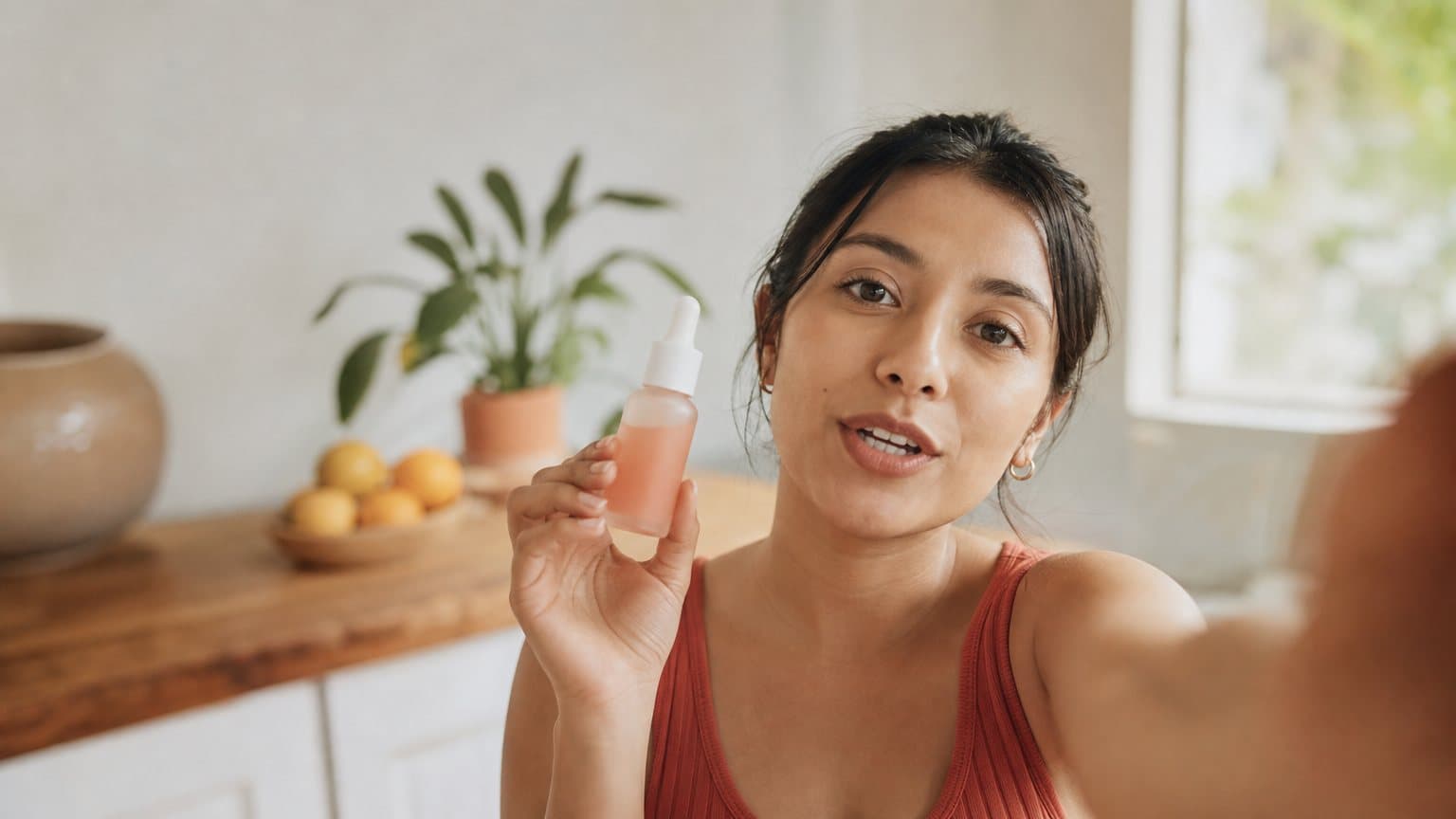
Finally, this is an image model. The half of a modern ad that actually stops a scroll on TikTok or Reels is the moving, talking, UGC-style clip, and a great on-brand still is the starting frame for that, not the finished ad. That handoff, still to motion, is its own step, which is where an AI image-to-video workflow picks up.
Where it sits next to the image models inside Novoads
To be clear, because it matters: Krea 2 is an external model on fal, and it is not inside Novoads. There is no Krea dropdown to go find in the app. What is worth carrying over is the discipline the feature makes obvious.
Inside Novoads, the image step runs its own models: Seedream 5 Lite and Seedream 5 Pro for design-grade stills, Nano Banana Pro, and GPT Image 2, which powers the Product-to-Ad flow where you upload a product photo and get an ad image back. Those are priced in credits rather than per-image dollars, and they are cheap by design: Product-to-Ad runs at 0.3 credits per image, Seedream 5 Lite at 0.4 and Pro at 0.6, Nano Banana Pro at 0.5 at 2K. Whichever you pick, the lesson from Krea 2 travels: define your brand look once, keep your inputs and settings steady across a batch, and let the prompt carry the variation. A locked reference is a habit, not a single vendor's button.
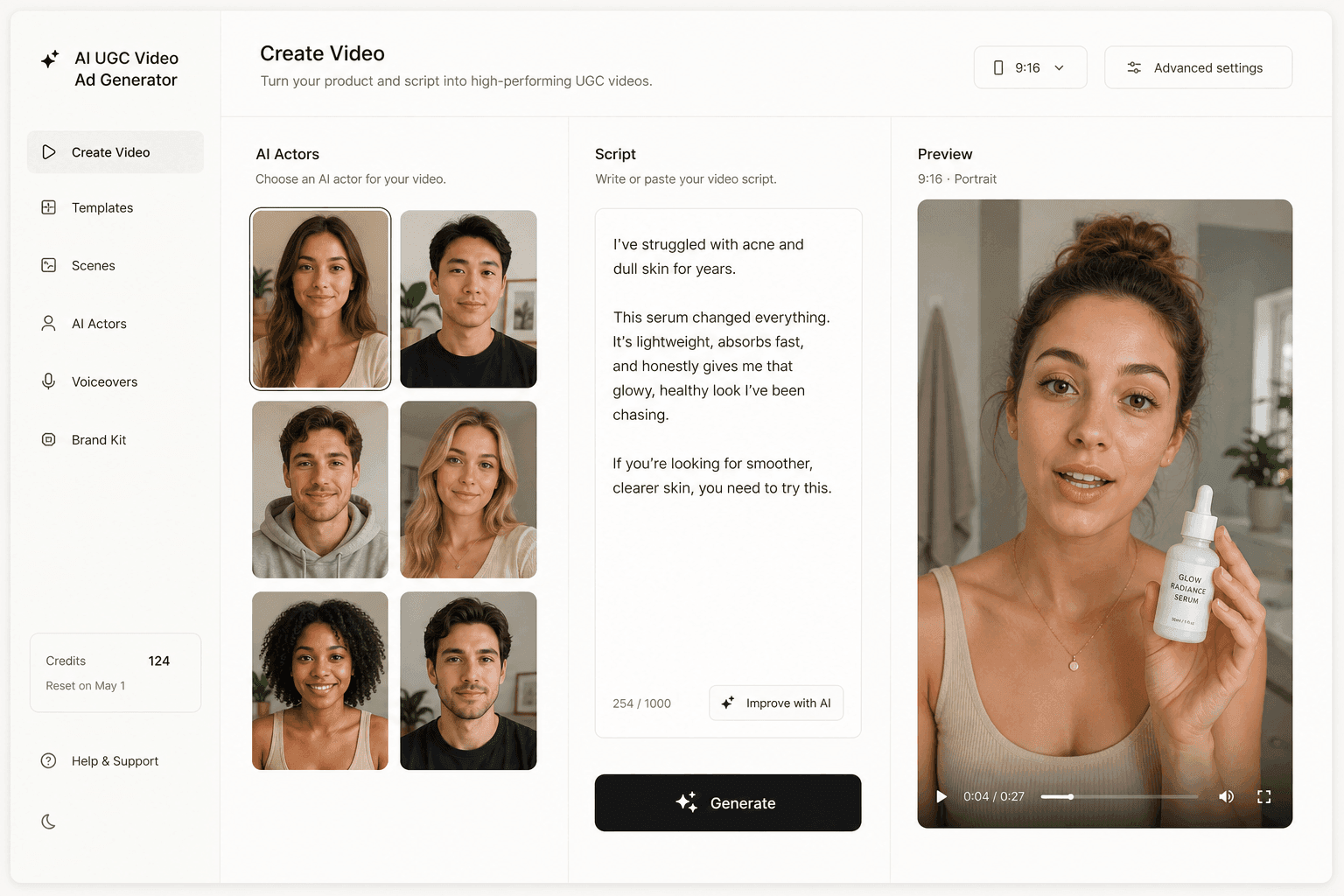
The reason to keep the still-image step deliberately cheap and consistent is that in Novoads it does not stop at an image. That on-brand frame is the input to a UGC-style video ad: you write or auto-generate a script, pick an AI actor, and the still becomes the opening of a talking, moving clip formatted 9:16 for TikTok, Reels, and Meta, the exact shape a TikTok Shop video needs to convert. You can run that whole pipeline, from product image to finished video ad, in Novoads.
The image was never the bottleneck
Style reference is a small feature with a large implication: the scarce thing in AI product imagery was never one good picture, it was twenty that belong to the same brand. Krea 2 makes that consistency a setting instead of an afternoon, and once a finished, on-brand image is nearly costless to produce, the constraint on your creative program moves from making the asset to judging it. Which look, which angle, which offer actually earns the click.
That is the useful way to hold any launch-week tool, Krea 2 included: it is a sharper way to make the static piece, feeding a video pipeline that turns it into something a scroller stops for. If you want to run that full loop, you can produce your first AI UGC ad with Novoads on the $49/month plan at novoads.ai. Cancel anytime.
Frequently Asked Questions
What is Krea 2's style reference?
Style reference is Krea 2's system for controlling the look of a generated image with an example rather than a paragraph of adjectives. You pass in one reference image, or combine several, and Krea 2 extracts the style and applies it to the output with precision. Krea 2 launched on fal on May 27, 2026 as Krea's first foundation image model built completely from scratch, with style transfer as a headline capability.
How does Krea 2 keep a brand look consistent across many images?
You anchor every generation to the same reference image (or the same small set of references), so each new image inherits the same palette, texture, lighting, and mood. Krea 2 also supports per-reference weighting, which lets you decide how strongly each input shapes the final image, so you can dial a look from a light direction to a near-copy while still changing the product angle or scene in the prompt.
How much does Krea 2 style reference cost?
On fal, style reference generations are available at $0.035 per image on the Medium model and $0.065 on Large. The speed-optimized Krea 2 Turbo Style endpoint is billed by output area at $0.01 per megapixel. Those are per-image list prices at the model layer and can move, so treat them as a starting point rather than a locked rate.
Is Krea 2 available inside Novoads?
No. Krea 2 is an external model on fal, and Novoads does not serve it. The Novoads image step runs its own models: Seedream 5 Lite and Seedream 5 Pro, Nano Banana Pro, and GPT Image 2 (which powers the Product-to-Ad flow). The pattern Krea 2 makes obvious, anchoring a batch to one look, is the same discipline you apply with whichever image model you generate in.
What is the difference between Krea 2, Krea 2 Turbo, and the Turbo Style endpoint?
Krea 2 is the base foundation model. Krea 2 Turbo is the speed-optimized open-source version of Krea 2, tuned for rapid ideation. The Turbo Style endpoint on fal is the style-reference variant of Turbo: it generates high-fidelity images from text with Krea 2 using a style reference image, applying that reference to guide the visual style into new generations, with aspect ratio, creativity, and seed controls.
Does Krea 2 replace an AI UGC video tool?
No. Krea 2 is a still-image model. It is strong at the static product-image step, but a UGC ad is a moving, talking video. The two are complementary: you generate a clean, on-brand product image and then use it as the starting frame for an AI video ad.
Key Takeaways
- Krea launched Krea 2 on fal on May 27, 2026, its first foundation image model built completely from scratch, and its style-reference input is the feature ad-makers should watch.
- Style reference lets you pass one or several reference images, and Krea 2 extracts the style and applies it to new generations with per-reference weighting for how strongly each input counts.
- For product ads that means locking one brand look and holding it across a whole batch of images, which removes the manual restyling that used to make volume testing slow.
- Style-reference generations start at $0.035 per image on Medium and $0.065 on Large; the speed-optimized Turbo Style endpoint on fal bills $0.01 per megapixel.
- Krea is external, not inside Novoads. The Novoads image step runs Seedream 5 Lite and Pro, Nano Banana Pro, and GPT Image 2, and the still it produces is the starting frame for a UGC video ad.