AI Ad Generator vs Canva: What Each One Makes, Across 5 Ad Types
Canva now generates static and video ads and publishes them to Meta, TikTok and LinkedIn, while a dedicated AI UGC ad generator makes the person-on-camera ads Canva's Grow 2.0 announcement does not describe. Here is which one to use for five ad types.

Mauricio Valdivia
·Updated ·14 min
Canva makes ads now. The question is which ones.
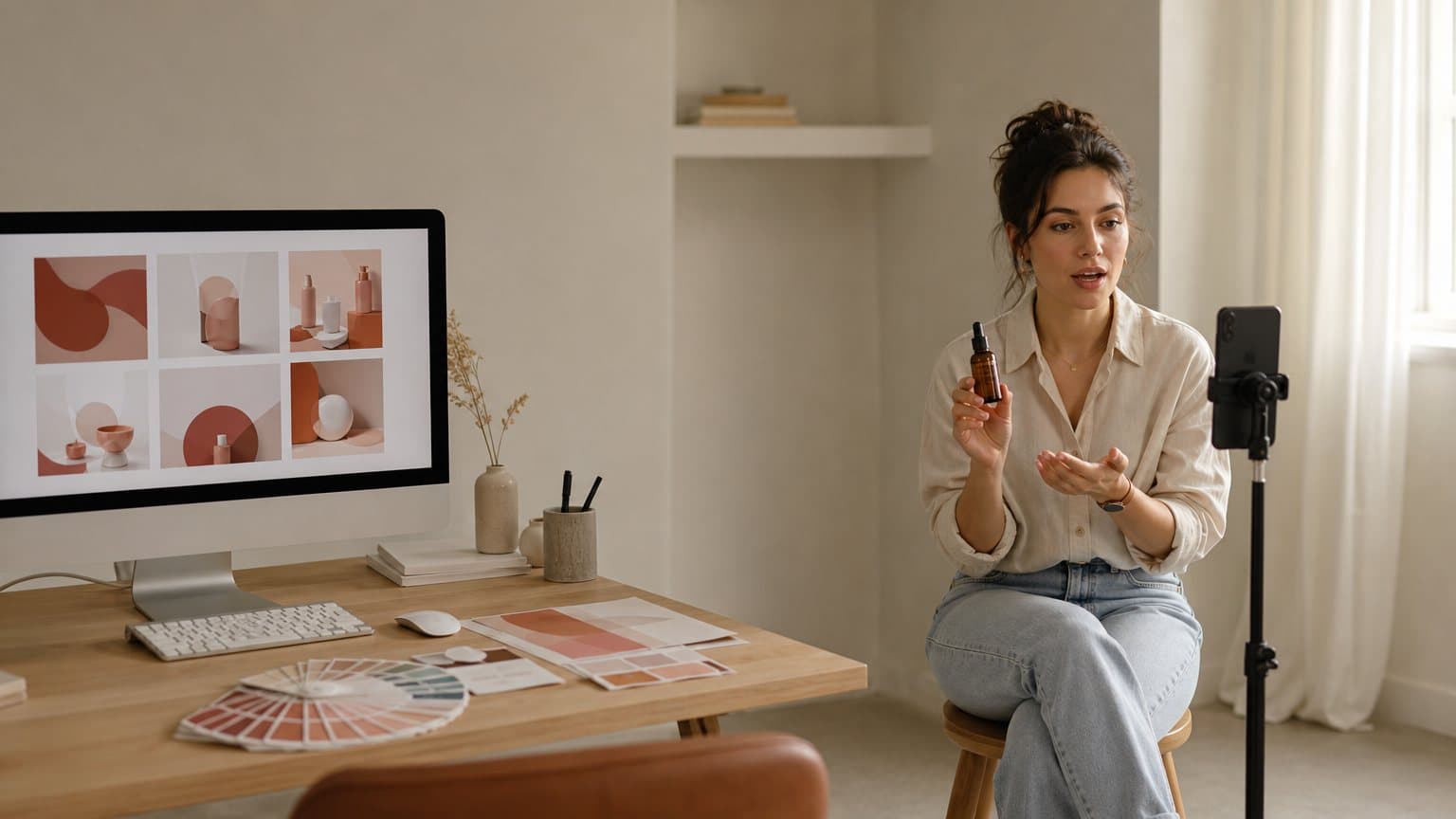
A skincare founder opens Canva on a Monday to make the week's ads. She drops her website link into Canva Grow, and Canva says it pulls in her business information, product visuals, brand colors and audience signals to generate static and video ads. She opens one in the editor, tightens the headline, and publishes it to Meta, TikTok and LinkedIn from the same tab. That part is handled.
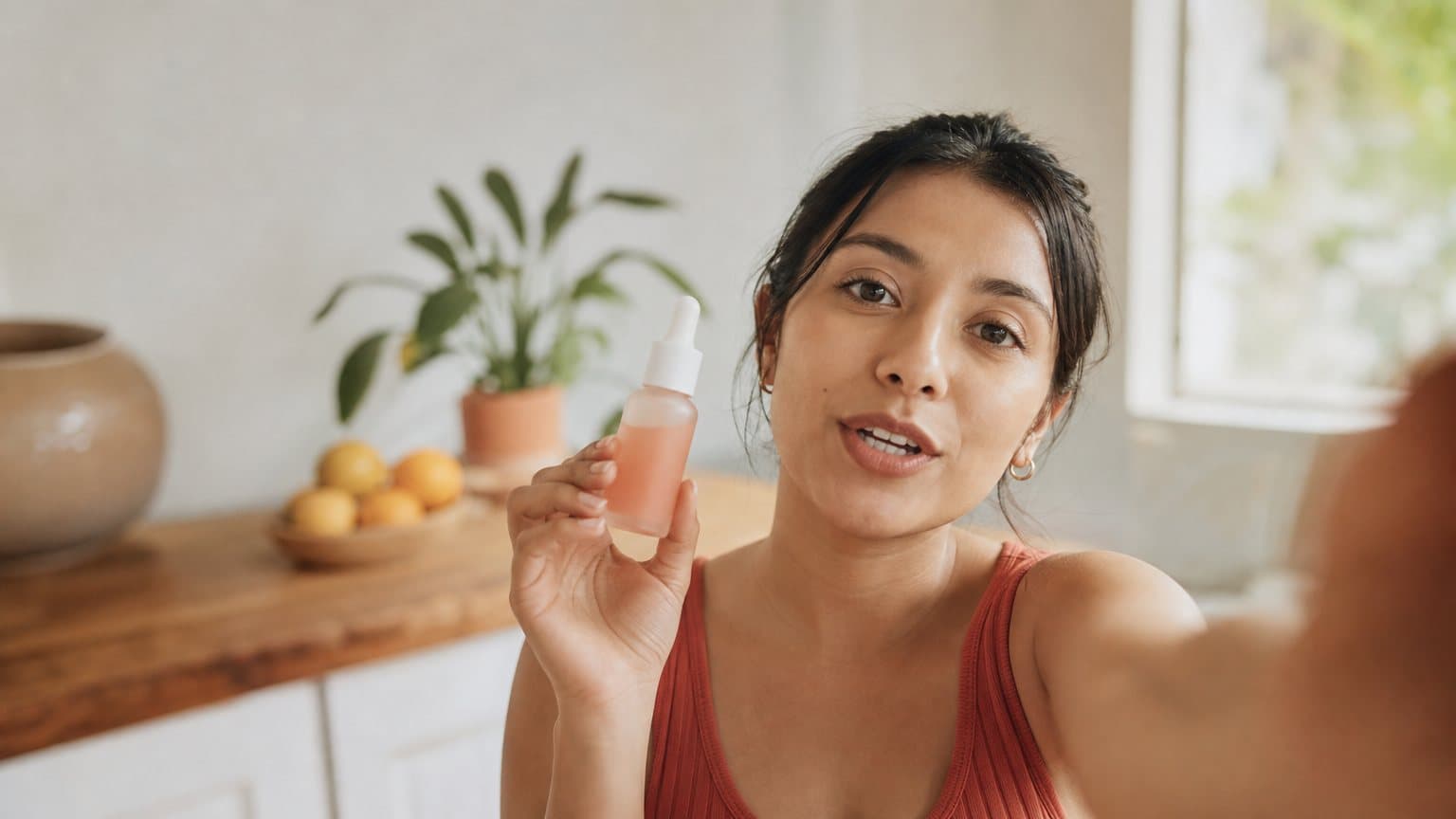
Then she looks at last month's winner. It is a vertical video of a woman holding the serum and talking straight to the camera. Nothing in Canva's Grow 2.0 announcement describes making that.
That is the real shape of the "AI ad generator vs Canva" question now. It used to be a template tool against a generator, and that framing is out of date. Canva's release says Canva Grow was first introduced in October 2025, and Canva's own Creative Operating System post (archived August 27, 2026) says that version already scanned your website to learn your brand and used AI "to generate multiple ad variants tailored to your voice and goals." On June 25, 2026, Canva announced Canva Grow 2.0 at Cannes Lions, with upgraded AI ad creation for static and video ads and a publishing and reporting layer attached. So the useful comparison is not which tool "uses AI". It is which ad formats each one makes, what happens to the ad after it exists, and which slot in your weekly creative mix each tool should own.
A note on sourcing before we start. canva.com refused every fetcher we pointed at it on September 21, 2026, so this post reads Canva through its own pages as archived by the Wayback Machine (the Grow 2.0 launch post, captured July 4, 2026, the Grow product page, captured September 18, 2026, the AI video generator page, captured October 23, 2026, and the pricing page, captured October 26, 2026) and through its Business Wire release. Anything we could not read is marked as not visible to our fetcher, never as missing from Canva.
The quick answer
If you only read this far, here is the decision in three lines.
- Use Canva Grow when the ad is a designed asset: a static offer, a branded motion piece, a set of on-brand variations built from your website, and when you want to publish to Meta, TikTok and LinkedIn and read the results in one place.
- Use a dedicated AI UGC ad generator when the ad needs a person on screen: a testimonial spoken to camera, a creator holding your product, a founder-style explainer. That is the format these tools are built around, and the one Canva's Grow 2.0 announcement does not describe.
- Use both when you run paid social every week. Canva says its Bulk Publish takes ads "uploaded from another source", so a UGC clip made elsewhere can go out through the same Canva workflow as your statics.
The rest of this post is the reasoning: what each tool makes, what happens after the ad exists, a decision table across five ad types, and a worked week for one product. If you want the wider field of video ad tools rather than a head-to-head, our ranking of seven AI video ad generators covers it.
What Canva Grow 2.0 actually makes
Canva Grow is Canva's ad product. Canva's June 25 release says Grow first launched in October 2025, and version 2.0 is the upgrade Canva unveiled at Cannes Lions. Canva's launch post calls its ad creation "a significantly upgraded AI-powered ad creation experience." Here is what Canva says it does, piece by piece.
From a website link to static and video ads
The input is your brand, not a blank canvas. Canva's launch post says you drop in your website and Canva Grow pulls in your business information, product visuals, brand colors and audience signals to generate static and video ads. Its Grow page adds a prompt to that input: drop in your prompt and website link to get ads tailored to your brand. The same launch post says Grow can also generate fresh concepts based on your best-performing work.
Two details are worth holding onto. The output formats Canva names are static and video. And the raw material is what already exists about your brand: the site, the product visuals, the colors. Our reading is that this makes Grow a strong engine for on-brand variation of what you already have, and it hints at what kind of video to expect, which the next sections come back to.
Magic Layers hands the ad back to the editor
Canva's second pillar is control. The launch post says that with the new Magic Layers integration, "any AI-generated ad can be exported directly into the Canva editor for further refinement," and the Grow page says every ad you generate with Canva Grow is fully editable.
This is Canva's home ground. A generated ad that lands in a full design editor, next to your brand colors, fonts and layout tools, is a real advantage for anyone whose ads are mostly designed assets. You fix a headline, swap a product shot, resize for a placement, and you never leave the tool. A UGC generator is not built to be a layout editor on that level, and we would not pretend otherwise.
What the announcement does not describe
Read Canva's launch post, its Grow page and its release side by side, and one thing is absent from all three descriptions of what Grow makes: a person. None of them describes AI actors, avatars, a UGC creator, or anyone speaking to camera. We searched each text for those terms and found them only in site navigation, never in the description of Grow.
That is a statement about the documents, not a verdict on Canva. Canva's site navigation lists an AI video generator and an AI voice generator among its tools, and the video generator's page, as archived on October 23, 2026, says AI can turn your photo or selfie into a talking head or let you pick an available AI avatar, with D-ID named in a heading. What we can say is narrower and still useful: Grow 2.0, as Canva describes it, generates ads from your brand's existing material and does not describe person-on-camera formats. If your best ads have a human in them, that is the part of this comparison that decides the rest.
What an AI UGC ad generator actually makes
A dedicated AI UGC ad generator starts from the other end. Its core output is a short video of a person, usually vertical, talking about your product the way a creator would on TikTok or Reels. If the format is new to you, what a UGC creator actually does is the primer, and the case for UGC-style ads explains why brands test it at all.
A person, a script and your product
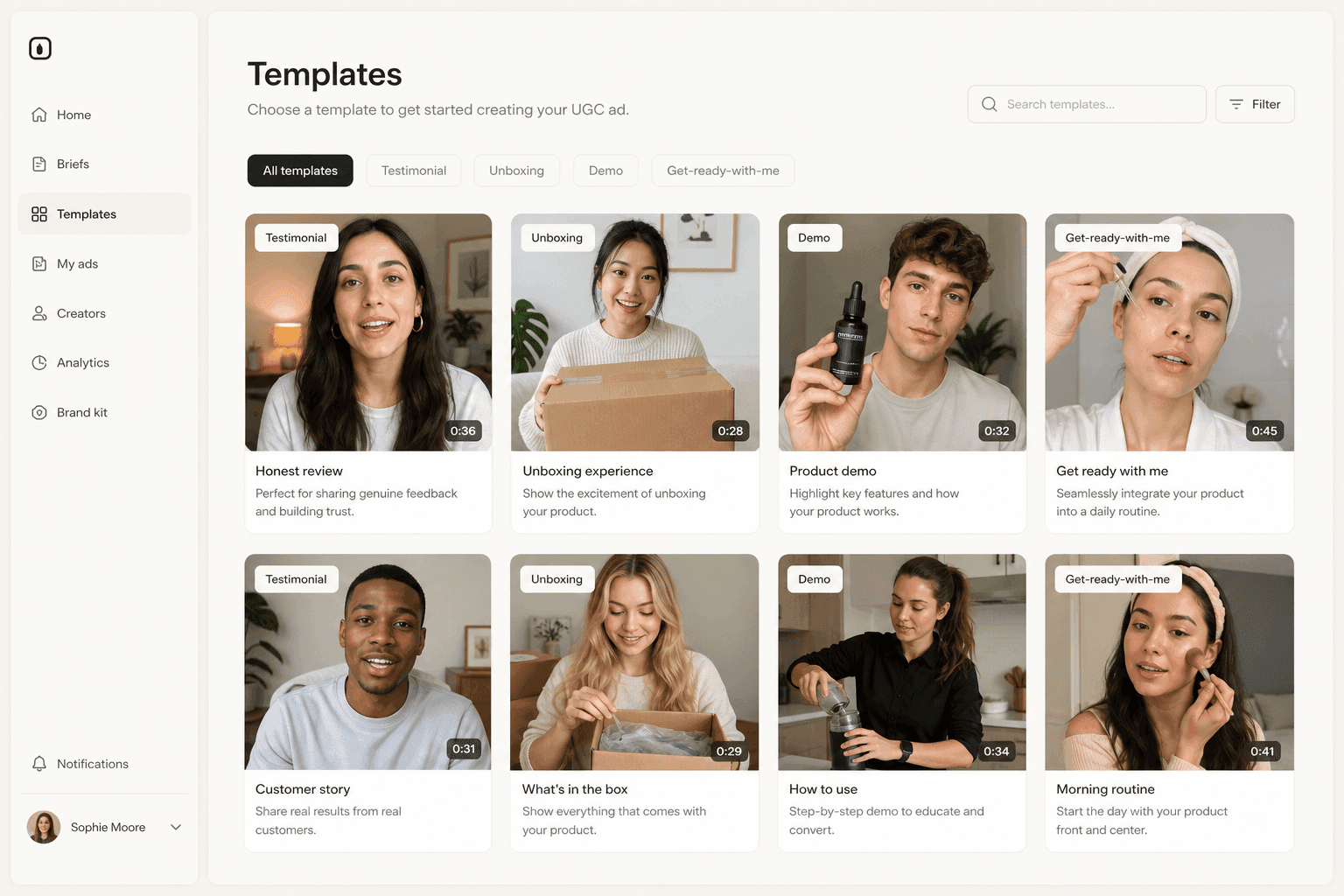
The inputs are a script and an actor. In Novoads, for example, you upload a product image or write a script (yours, or one drafted for you), pick one of 100+ AI actors, and get an ad-ready video with an AI voice, lip-sync and captions. The same script can go out on several actors, so you can test which face and voice the audience believes.
That changes what an ad variation is. In a design tool, a variation is a new layout, a new headline, a new crop. In a UGC generator, a variation is:
- A new face. The same line, said by someone who looks like a different slice of your buyers.
- A new opening line. The first spoken sentence is the hook, and it is cheap to rewrite.
- A new voice or setting. Kitchen, car, bathroom mirror, office, each with its own tone.
Both kinds of variation matter. They answer different questions in a test, which is why the tools are less interchangeable than they look.
Product in hand takes a specific route
The format buyers most want from these tools is a creator holding the product. It is also the one that needs the most care, because a stock actor from a library has empty hands. In Novoads there are two honest routes:
- A custom actor. You upload a photo of someone holding your product (Create Actor, then Upload, which Novoads describes as "Transform a picture into a talking actor"), and that person becomes the talking actor.
- A Discover product template. You upload your product image, and the template swaps it into the template creator's hand before rendering the clip with Seedance.
Name the route when you brief the work. "An AI actor holding my product" is a real output, but it comes from one of those two paths, not from picking any actor off the shelf. Our one-photo product video walkthrough shows the template path end to end, and keeping one AI actor consistent across variations covers the custom-actor side.
Stills, too, but not a design suite
Most UGC generators also make images. Novoads turns an uploaded product image into an ad image through its Product-to-Ad flow, and runs several image models besides. That is useful for a quick visual to pair with a video. It is not a layout editor with brand kits, typography controls and resizing for every placement. For a designed static with precise type, Canva is the better home.

What happens after the ad is made
The biggest difference between the two is not in the pixels. It is in what the tool does once the ad exists.
Canva publishes, tracks and refreshes
Canva built Grow 2.0 around the loop after creation. Per its launch post and Grow page:
- Bulk Publish pushes ads directly from Canva across Meta, TikTok and LinkedIn, "regardless of whether those ads were created in Canva Grow, designed in the Canva editor, or uploaded from another source."
- Launch Dashboard gives "a centralized view of every campaign running across all three platforms at once."
- Multi-Platform Ad Insights & Reports brings performance reporting into one view, and the Grow page says you get the same data you would see natively in each ad platform, pulled through the platforms' own APIs.
- AI Ad Tagging automatically analyzes and labels every ad with structured tags, to surface the themes, formats and messages behind results.
- Automatic Refresh Generation proposes fresh concepts and variations generated from what is actually performing in your Meta account.
Canva's Grow page says it currently supports Meta, LinkedIn and TikTok. If you also run YouTube, Pinterest or Snapchat, those campaigns still go through their own ad managers. If you want another tool that pairs creation with launching, our Zeely vs Creatify comparison covers one of that shape.
A generator hands you a file
A UGC ad generator usually stops at the asset. Novoads' output is a video file in 9:16, 1:1 or 16:9 that you download and use in any ad platform, and it has a public API for teams that want to pull renders into their own tooling. Publishing and reporting then happen in your ad platform, or in Canva if you publish through Bulk Publish.
That is a narrower job, and for some teams it is the right one. If your media buyer lives in Ads Manager, a file is exactly what they want; the spec sheet for each network tells you which ratio goes where. If you want creative and reporting in one tab, Canva's loop is the stronger offer, and nothing in Canva's description stops you from feeding it a clip made elsewhere.
Where the learning loop really lives
Canva's refresh engine reads your Meta account and proposes more of what worked. That is useful. Our reading is that it is also bounded by what Grow makes: when the winning variable is a person (a face, a voice, a first line said out loud), the next round has to be produced wherever people are produced. The results can still come back to one place, in your ad platform or in Canva's reports if the clip went out through Bulk Publish.
The discipline is the same either way. Change one variable per round, give each version enough spend to read, and judge on the metric that matches the goal. Our guide to ad creative testing walks through reading a real winner.
Five ad types, and which tool to use for each
Canva's own launch post frames the pressure behind all of this. It says ads burn out in two to four weeks and that platforms like Meta and TikTok are hungry for 50 or more variants at a time. That is Canva's framing in a product announcement, not a measured benchmark. For what Meta itself publishes on creative volume, see how many ad creatives you actually need.
Our reading is simpler. Whatever the exact numbers, a brand running paid social every week needs a steady supply of new creative across several formats, and no single tool is best at every format. So the practical question is which format goes to which tool.
The decision table
| Ad type | What it looks like | Better fit |
|---|---|---|
| Static offer | Sale banner, price, product shot | Canva Grow |
| Branded motion | Animated product, on-screen type | Canva Grow |
| Spoken testimonial | A person reviews it on camera | AI UGC generator |
| Product-in-hand demo | A creator shows and uses it | AI UGC generator |
| Product scene clip | Your product in a generated scene | Test both |
How to read the table
- Static offer and branded motion. Both are designed assets built from brand material, which is exactly the input Canva says Grow ingests. Add the editor and one-tab publishing, and Canva is the natural home.
- Spoken testimonial and product-in-hand demo. Both need a person, a voice and, for the demo, the real product in the right hand. That is the core output of a UGC generator, and these are the formats Canva's Grow 2.0 announcement does not describe.
- Product scene clip. A generated video of your product in a setting, with no presenter, sits in the gray zone. Canva says Grow generates video ads from your product visuals, and UGC generators run general video models too (Novoads runs Seedance, Kling, Veo, Omni Flash and Wan 3.0). Canva's AI video generator page, as archived on October 23, 2026, says its clips run up to eight seconds in 16:9 with synchronized audio, powered by Google's Veo-3. We haven't compared the outputs side by side, so this row is a test, not a verdict.
How to run the gray-zone test
For product scene clips, give both tools the same brief and the same product image, then score the outputs on three things:
- Product fidelity. Does the product look like the product: shape, label, color, scale in the hand or on the table?
- The first second. Would the opening frame stop a thumb in a feed, before any caption loads?
- Usable versions per hour. How many takes could you actually run, after throwing out the ones with warped products or odd motion?
Tools that rent the same frontier video engines can produce similar-looking clips. What differs is control over the product image, the cost of a usable take, and how fast you can make the next five.

Using both: a worked week for one product
Here is how the split plays out for one product in one week. Take a small serum brand running Meta and TikTok, with one winning ad from last month and a team of two.
Monday and Tuesday: the two creative layers
On Monday the team drops the site link into Canva Grow, generates a batch of statics and branded motion pieces, edits the best ones in the Canva editor, and queues them in Bulk Publish. By Canva's description, that covers offers, launches and on-brand variation, with reporting in the same place.
On Tuesday they turn to people. Last month's winner was a creator holding the serum and talking, so they write three new opening lines and run each one on two actors: six spoken variations of the same pitch. For the shots where the bottle has to be in hand, they either build a custom actor from a photo of someone holding it or start from a product template.
Wednesday: the gray-zone test, with the math
On Wednesday they test product scene clips in both tools with the same brief. On the Novoads side, a generated video clip runs from about 25 cents for a five-second Seedance 2.0 Mini clip to about $4 for an eight-second Google Veo 3.1 clip, and about $10 for a full 30-second Seedance 2.5 take, at the Plus plan's per-credit rate.
The batch math: ten clips priced at the eight-second ceiling come to about $35, and ten five-second clips on the cheapest model come to about $2.50. So the cost of the test is set by which model and length you pick, and even the dearest eight-second batch stays within a small test budget. Our explainer on AI video credits shows how to compare that kind of price across vendors.
Thursday to Sunday: publish once, read once
The UGC clips and the scene clips are files, so the team uploads them into Canva's Bulk Publish next to the statics, or sends them straight to Ads Manager. At the end of the week they read results in one place. The next brief follows the winner:
- If a static or motion piece won, the next round starts in Canva, where the refresh engine already proposes variations.
- If a face, a voice or a spoken hook won, the next round starts in the UGC generator, with the same actor and new first lines.
- If a scene clip won, the next round goes to whichever tool made it, at the model and length that won.
The practical cost of this setup is attention as much as money: two tools, two logins, one brief. The payoff is that each format gets made where it is made best.
The fine print on both sides
- Markets. Canva's release says Grow 2.0 would roll out from June 25 to users in North America, Australia and the United Kingdom, with more markets in the coming months. Check availability in your market before you plan around it.
- Plans. Canva's Grow page, as archived on September 18, 2026, says Grow is available on all Canva plans, including Free, and that plans differ in connected ad accounts and access to advanced features. The release says AI Ad Tagging is only available via Canva Business and Canva Enterprise. Canva's pricing page, as archived on October 26, 2026 for a US visitor, prices Pro at $18 a month or $144 a year. More in our Canva pricing breakdown.
- Person on camera. On the UGC side, the fine print is the product-in-hand route: plan for a custom actor or a product template, never a stock actor.
How Novoads fills the person-on-camera slot
Novoads is an AI UGC video ad generator: you upload a product image or write a script, pick an AI actor, and get an ad-ready video. It is built for the rows of the table that Canva's Grow 2.0 announcement does not describe.
- Talking actors with AI voice, lip-sync and captions, from a library of 100+ actors or a custom actor made from your own photo.
- Product in hand through a custom actor or a Discover product template, named up front so you know which route you are on.
- Video models including Seedance, Kling, Veo and Omni Flash for product scene clips: the same frontier engines other tools rent, with every plan's price published.
- Files that go anywhere in 9:16, 1:1 or 16:9, ready for Ads Manager, TikTok Ads Manager, or Canva's Bulk Publish.
It is not a design suite, and it does not run your campaigns across ad accounts; that is exactly where Canva Grow is stronger. Novoads starts at $15/month (Starter, 200 credits per month). Plus is $49/month (1,000 credits), and Ultra starts at $129/month (3,000 credits) for more volume. All plans are published on novoads.ai/pricing. If you want the person-on-camera layer next to your Canva statics, you can make your first UGC ad in Novoads and publish it wherever the rest of your week goes.
Pick the tool by who has to be on screen
Canva has closed most of the distance between a design tool and an ad generator. Its Grow 2.0 announcement does not describe closing the last part, the person on camera, and that is fine, because the two tools meet at the publish button. The cleanest rule we know: if the ad is a designed thing, make it where design lives. If the ad is a person, make it where people are made. Then publish both from wherever your team reads the results.
Frequently Asked Questions
Can Canva make AI video ads now?
Yes, by Canva's own description. Canva announced Canva Grow 2.0 on June 25, 2026 at Cannes Lions, and its launch post says Grow pulls in your business information, product visuals, brand colors and audience signals from your website to generate static and video ads. Canva Grow itself first launched in October 2025; 2.0 upgraded its ad creation and added Bulk Publish across Meta, TikTok and LinkedIn. Canva's release says the rollout started with users in North America, Australia and the United Kingdom, so check availability in your market.
Can Canva make UGC ads with AI actors?
Canva's Grow 2.0 launch post, its Grow page and its release, as we could read them, do not describe AI actors, avatars, UGC creators or a person speaking to camera. That is a statement about those documents, not proof Canva cannot do it: Canva's site navigation also lists an AI video generator and an AI voice generator, and the video generator's page, as archived on October 23, 2026, says AI can turn your photo or selfie into a talking head or let you pick an available AI avatar, under a heading that names D-ID. If your ad needs a person on screen, a dedicated AI UGC ad generator is built around that format.
Is Canva Grow available on every Canva plan?
Canva's Grow page, as archived on September 18, 2026, says Canva Grow is available on all Canva plans, including Free, and that plans differ in how many ad accounts you can connect and in access to advanced features. Canva's June 25 release adds that AI Ad Tagging is only available via Canva Business and Canva Enterprise. Canva's pricing page, as archived on October 26, 2026 for a US visitor, prices Pro at $18 a month or $144 a year and counts AI ad creation with Canva Grow as a Premium AI tool. Canva's AI usage help page, as archived on October 3, 2026, estimates Pro's monthly allowance at up to 200 uses of Premium AI tools, or up to 20 uses of Ultra AI tools.
Can I publish a video made in another tool through Canva?
Canva says yes. Its launch post describes Bulk Publish as pushing ads to Meta, TikTok and LinkedIn regardless of whether they were created in Canva Grow, designed in the Canva editor, or uploaded from another source. So a UGC clip made in a dedicated generator can go out through Canva alongside your designed statics, and its results land in Canva's reports.
When should I use an AI ad generator instead of Canva?
When the ad needs a person. Spoken testimonials, a creator holding and using your product, and founder-style explainers are the core output of AI UGC ad generators, and they are the formats Canva's Grow 2.0 announcement does not describe. For designed statics, branded motion and publishing across Meta, TikTok and LinkedIn from one place, Canva Grow is the stronger fit.
How much does Novoads cost?
Novoads starts at $15/month (Starter, 200 credits per month). Plus is $49/month (1,000 credits), and Ultra starts at $129/month (3,000 credits) for more volume. All plans are published on novoads.ai/pricing. There is no trial.
Key Takeaways
- Canva is no longer only a design tool for ads. Canva says Canva Grow 2.0 generates static and video ads from your website link and a prompt, exports them into the Canva editor through Magic Layers, and publishes them to Meta, TikTok and LinkedIn.
- What Canva's Grow 2.0 announcement and Grow page do not describe is a person on camera: AI actors, avatars, or a creator holding your product and talking about it.
- Split the work by who has to be on screen. Static offers, branded motion and multi-platform publishing lean Canva Grow; spoken testimonials and product-in-hand demos lean a dedicated AI UGC ad generator; product scene clips are worth testing in both.
- The two connect. Canva says Bulk Publish accepts ads uploaded from another source, so a UGC clip made in another tool can ship through the same Canva workflow as your statics.
- Read the fine print Canva published: its release says Grow 2.0 rolled out from June 25, 2026 to North America, Australia and the United Kingdom first, and that AI Ad Tagging is only on Canva Business and Canva Enterprise.
Sources
- •Canva Newsroom: Introducing Canva Grow 2.0 (archived July 4, 2026)
- •Canva Grow product page (archived September 18, 2026)
- •Canva pricing page (archived October 26, 2026)
- •Canva Help Center: Understanding your AI usage (archived October 3, 2026)
- •Canva AI video generator page (archived October 23, 2026)
- •Business Wire: Introducing Canva Grow 2.0 (via Yahoo Finance, June 25, 2026)
- •Canva Newsroom: Introducing Canva's Creative Operating System (archived August 27, 2026)