How to Make Product Videos With AI: One Photo to a Finished 15-Second Ad
To make product videos with AI, you turn one product photo into an ad image, animate it into a short vertical clip, then add voice and captions. Here is the exact workflow, the prompt tips, and how to get the product to look right on camera.

Mauricio Valdivia
·Updated ·11 min
Your product photo is already half a video ad
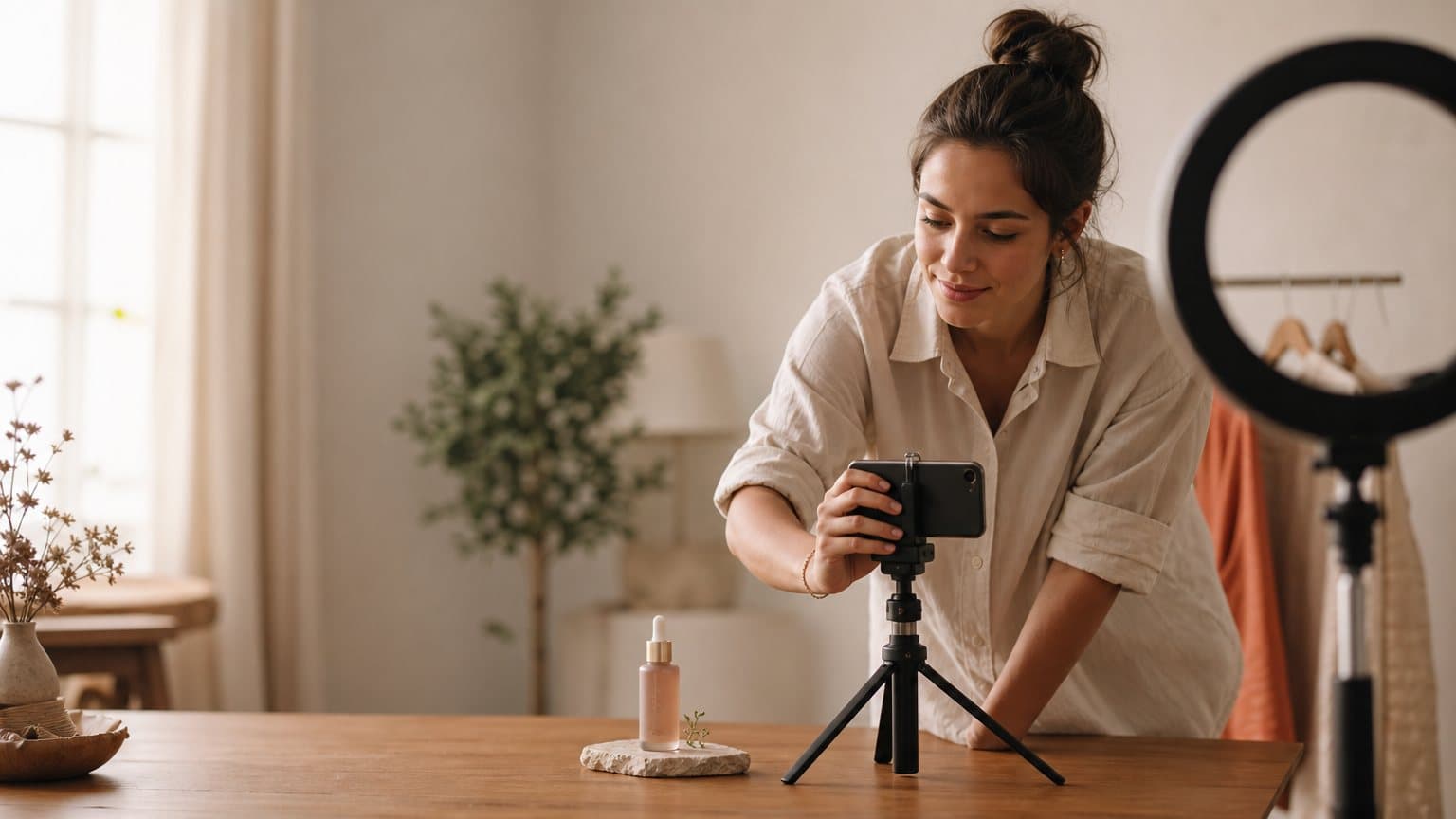
You can make product videos with AI from a single photo. No studio, no shoot, no shipping the product to a creator. A good AI product video maker takes the image you already have, relights it, drops the product into a scene, and animates it into a short vertical ad you can run this afternoon. This guide walks the exact workflow, from one photo to a finished 15-second clip, plus the prompt tips that decide whether the product actually looks right on camera and the approach to pick for what you are selling.
The old way was a bottleneck disguised as a standard. You booked a table, a light, and half a day to film one angle of one product. The new way inverts it: the photo is the input, and everything downstream is a few dollars and a few minutes. That changes what you can test, which is the part that actually moves sales.
Why a product video does what a product photo can't
A still tells a shopper what the product looks like. A video tells them what it is like to have. That difference is where the buying decision lives, and it is why a product video is worth the extra step even when the photo is good.
Shoppers judge with their eyes, first
On a product page, the image is not one signal among many; it is the first one. Research on ecommerce imagery found that a shopper's first action on a product page is to explore the product images, before reading titles, descriptions, or scrolling down. The copy you agonized over is read second, if at all. And 77% of shoppers say high-quality images and videos are important to their purchase decisions, which puts visual quality upstream of nearly everything else on the page.
If the visual is where attention lands and where trust is won or lost, a flat photo is leaving the most persuasive real estate on the page half-used. Motion is the upgrade that fits the exact slot buyers look at first.
Motion answers the questions a still cannot
The questions that kill a sale are physical ones. How big is it in a hand. How does the fabric move. Does the lid actually click shut. A photo can imply these; a video shows them. That matters for returns as much as conversion: 71% of consumers have returned products because the actual item did not match what they expected, and a lot of that gap is a still image that flattered or misled.
A short clip closes the gap between the listing and the doorstep. It is the cheapest form of expectation-setting you can run, and it does double duty as an ad and as a product-page asset.
The real blocker was always production
Here is the honest part. Most stores know video converts. What stops them is not belief, it is throughput: filming is slow and expensive, so they shoot one hero video a quarter and call it a program. The format that rewards testing gets used exactly once. AI does not make a better video than a great director; it removes the production tax so that testing many angles finally becomes affordable. That is the same shift behind creating ads with AI generally, applied to the product shot.
What you need before you generate
You need far less than a shoot demands. Most of the setup is a five-minute decision, not a purchase order, and it comes down to three inputs.
The one photo you actually need
A sharp, well-lit shot of the product on a plain background is the only hard requirement. A phone photo on a white sheet works. The AI relights and re-stages it later, so you are supplying the shape and the label, not the final scene. The common mistake is treating that photo like a finished ad: a busy background, a hand already in frame, or a hard flash reflection all fight the model when it tries to re-stage the shot. Give it the plainest, most legible version of the product you have. A clean input is worth three prompt revisions.
An angle before a script
Decide what the clip should prove before you write a word of voiceover. "It keeps drinks cold for 24 hours" is an angle. "Buy now" is not. The angle drives the scene, the motion, and the line the actor reads. If you have never written a scroll-stopping opener, our guide to UGC-style ads covers the hook mechanics that apply to product video too.
Where the video will live
Where the clip runs decides its shape: 9:16 for TikTok, Reels, and Meta Stories, 1:1 for feed, 16:9 for YouTube. Pick the platform first so you frame the product with room for captions. Fixing the angle and the aspect ratio up front keeps you out of the endless-regeneration trap: the model has a target to hit, and you spend your attention judging output instead of re-briefing it.
The workflow: one photo to a finished clip
The whole thing is three moves. Each maps to a different model doing what it is best at, and each is cheap enough that you can redo it without flinching.
Step 1: turn the photo into an ad image
First you upgrade the raw photo into a staged product image, the same shift that is remaking ecommerce product imagery more broadly. In Novoads you upload a product image file (JPEG, PNG, or WebP up to 20MB) and GPT Image 2 renders a clean ad image at medium quality for 0.3 credits, a fraction of a dollar. You describe the setting, the product stays locked, and you get a placed, relit shot: the bottle on a sunlit counter, the serum beside fresh botanicals, the sneaker on wet pavement.
Do this two or three times with different scenes before you animate anything. Stills are the cheapest place to explore, and the winning video almost always starts from the winning frame.
Step 2: choose the motion
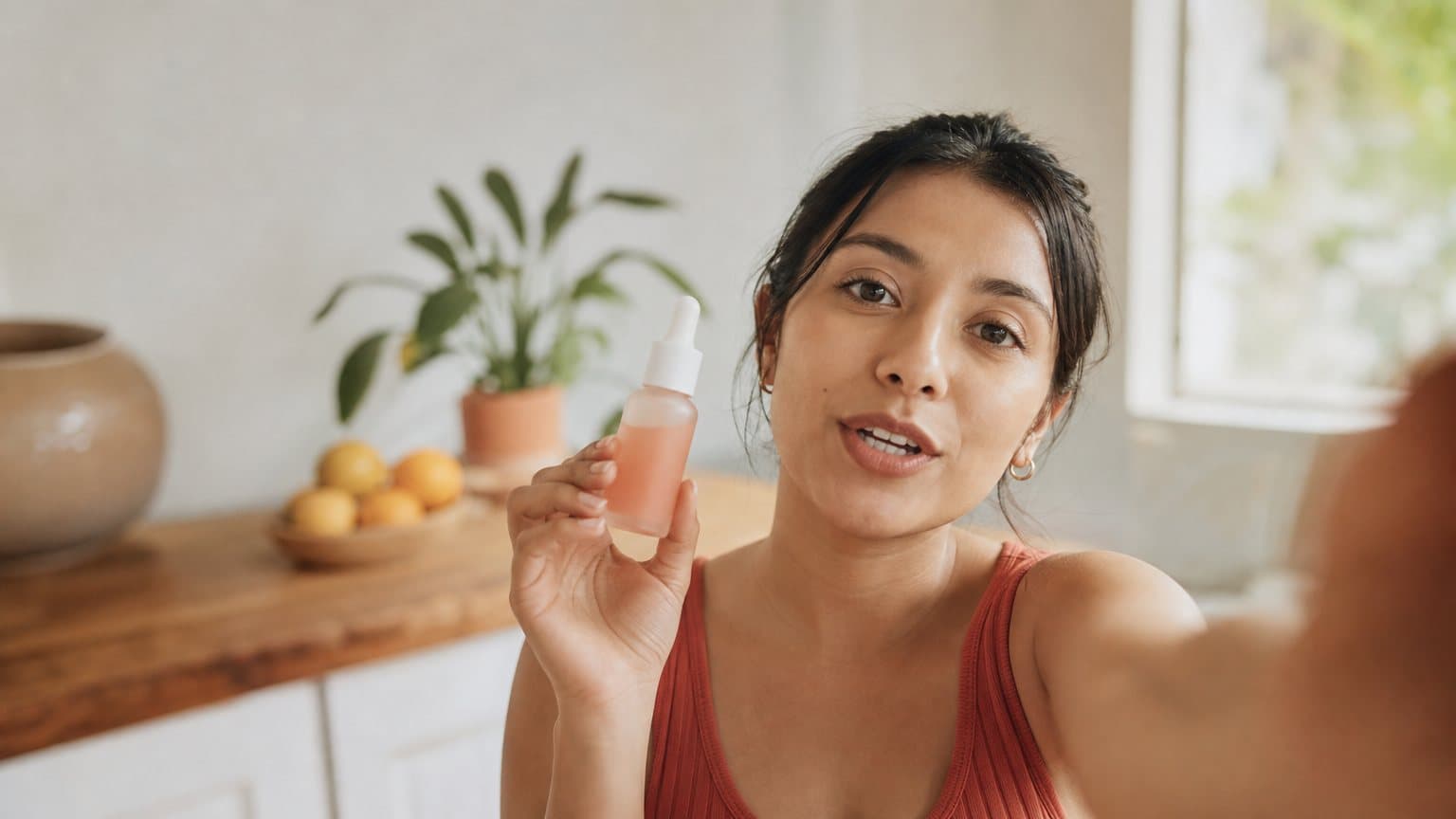
Now you animate the still. There are two honest routes. Image-to-video takes your staged frame and adds camera and product motion: a slow push-in, a hand entering to lift the bottle, condensation sliding down the metal. An actor in hand puts an AI presenter on camera holding and talking about the product, which is the classic UGC testimonial look. In Novoads, a stock talking actor's hands are empty, but Discover's product templates swap your product photo into a template creator's hand and animate it as a short video, so the same photo can become either a clean demo or a person vouching for it.
Which one you reach for is a judgment call about what the product needs to prove, and the next section lays out the three standard approaches. For the mechanics of writing motion that behaves, the Seedance 2.0 prompt guide is the deepest reference we have.
Step 3: add voice, captions, and export
The last move is the layer that makes it feel like an ad and not a tech demo. Add an AI voice reading your one-line hook, in over 30 languages with real regional accents so it sounds native to the audience you are targeting. Burn in captions, because most feeds play muted. Then export the file in the aspect ratio you chose, HD, ready to upload to any ad platform. No render farm, no editor handoff. The clip that started as a phone photo is now a downloadable ad.
A worked example: one bottle, fifteen seconds
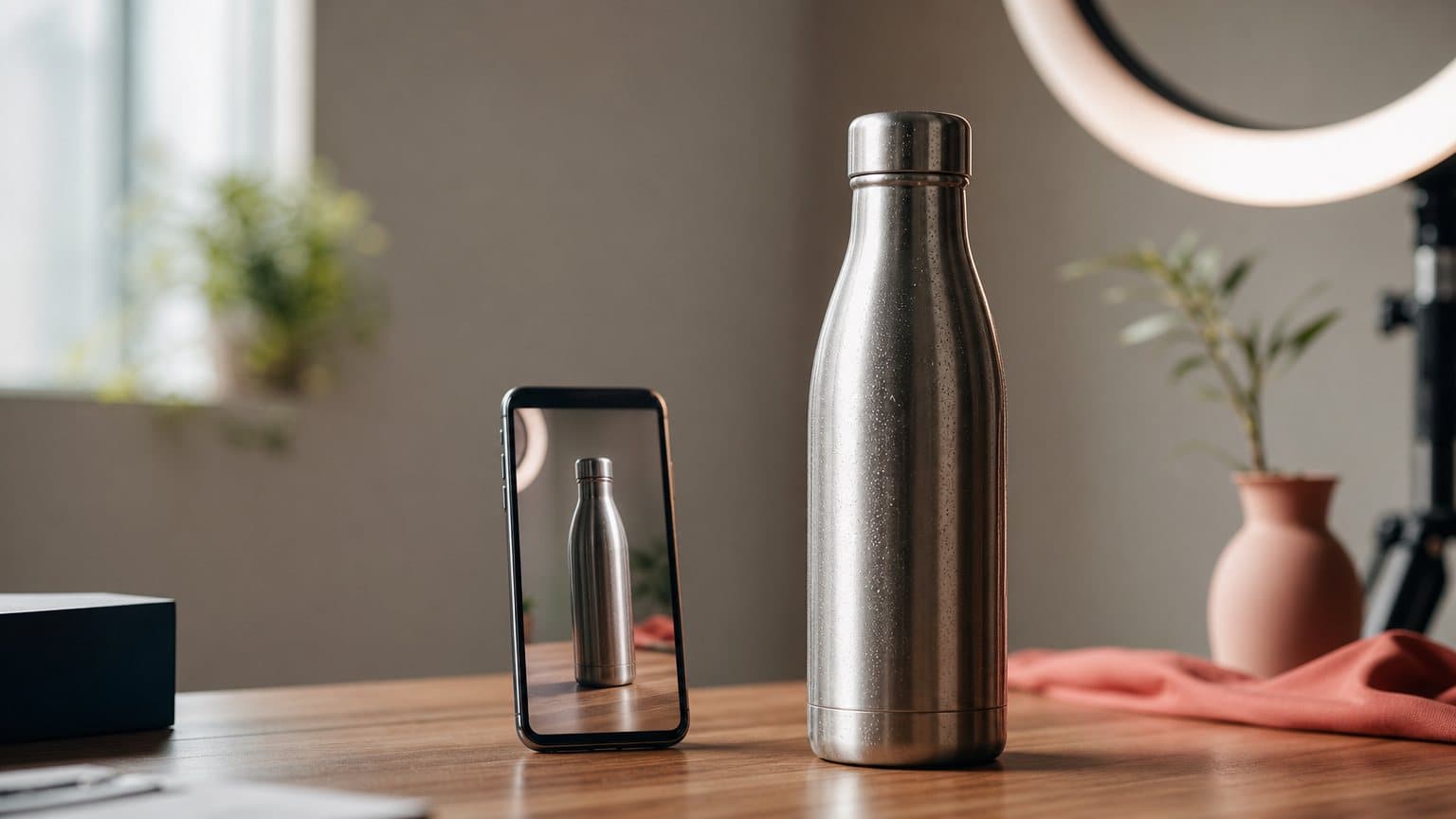
Abstract is easy to nod along to, so here is the whole loop on one product: a stainless steel water bottle, the kind of undifferentiated SKU that lives or dies on presentation.
The starting photo and the angle
The input is a plain packshot: the bottle standing on a white sweep, shot on a phone, label legible, no reflections. The angle is decided in one sentence: "cold for 24 hours, built for the gym bag." That single line tells the whole generation what scene to build and what the voiceover should say. Nothing else about the product is written yet.
The four generations that got there
The clip came together in four cheap passes, not one lucky prompt:
- Ad image. GPT Image 2 places the bottle on a sunlit kitchen counter at 7am, faint condensation on the metal, a gym bag blurred behind it. Two versions generated; the brighter one wins.
- Motion. The winning frame goes to image-to-video: a slow push-in, then a hand lifts the bottle out of frame. A 15-second clip, vertical, so Kling v3 Pro fits the job because it does image-to-video with clip lengths from 3 to 15 seconds.
- Voice and captions. An AI voice reads "Still cold at 3pm. That is the whole pitch." Captions burned in, timed to the line.
- Export. Rendered 9:16, HD, downloaded. Total time under ten minutes, total cost a few dollars.
That is a fraction of the $200 to $500 a hired creator charges for one product video, and our production-cost breakdown runs the full math. The difference is not just money, though. It is that you can now run this four more times with four different angles before lunch.
How to tell it came out right
Speed is worthless if the product looks wrong, so check the output against a short list before you spend money promoting it:
- The label and logo are legible and unwarped through the whole clip.
- The material reads true: metal looks like metal, glass like glass, not plastic.
- The motion is believable, with no melting edges and no extra fingers on the hand.
- The first frame works on its own as a thumbnail.
- The product sits safely inside the 9:16 frame, clear of where captions land.
If any of those fail, the fix is upstream: a cleaner input photo or a tighter prompt, not a different tool. Get the frame right and the video follows.
Product-in-hand, demo, or lifestyle
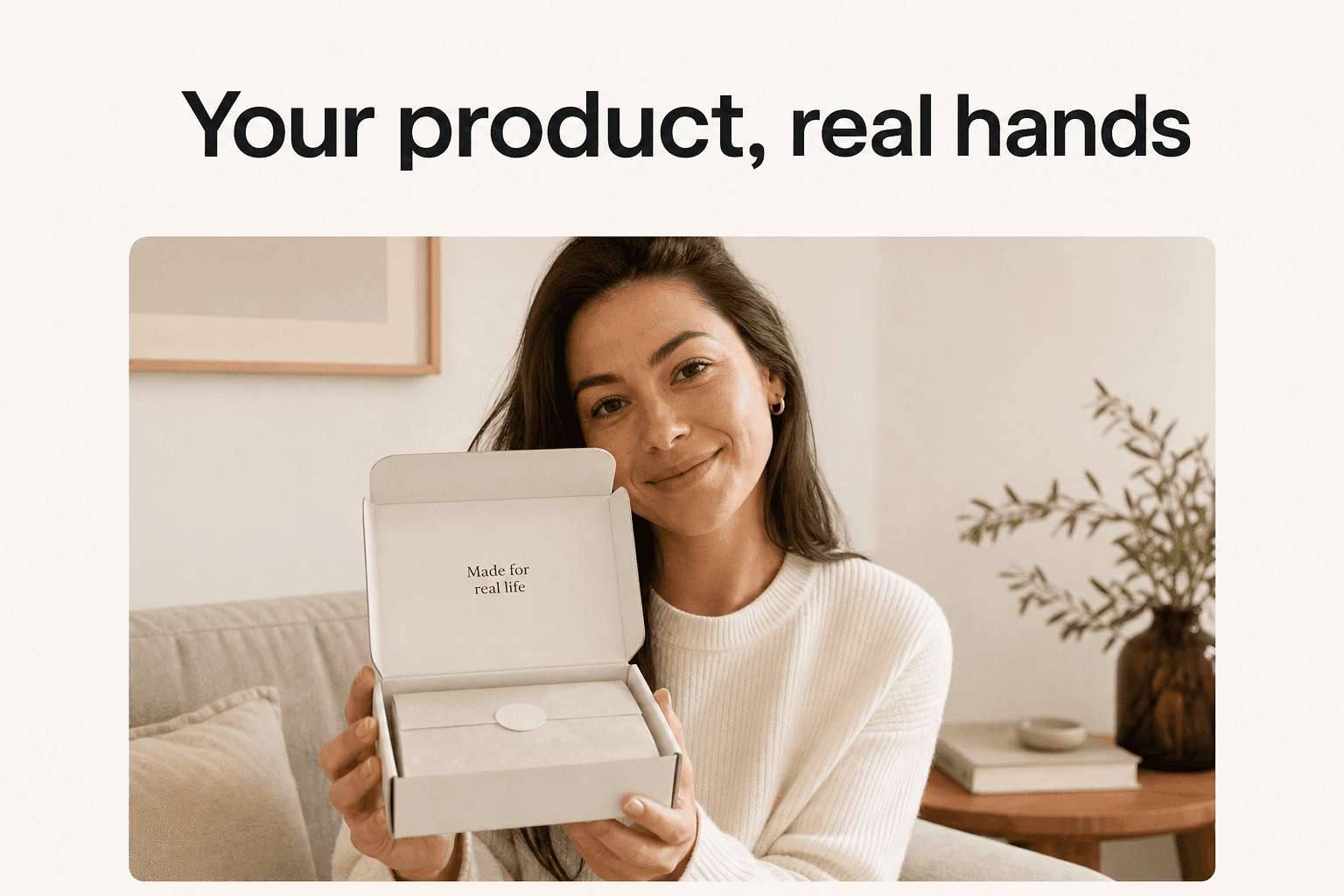
Not every product wants the same shot. The approach you choose should answer the single biggest doubt a shopper has about this specific item. Three cover almost everything.
Product-in-hand: borrow a person's trust
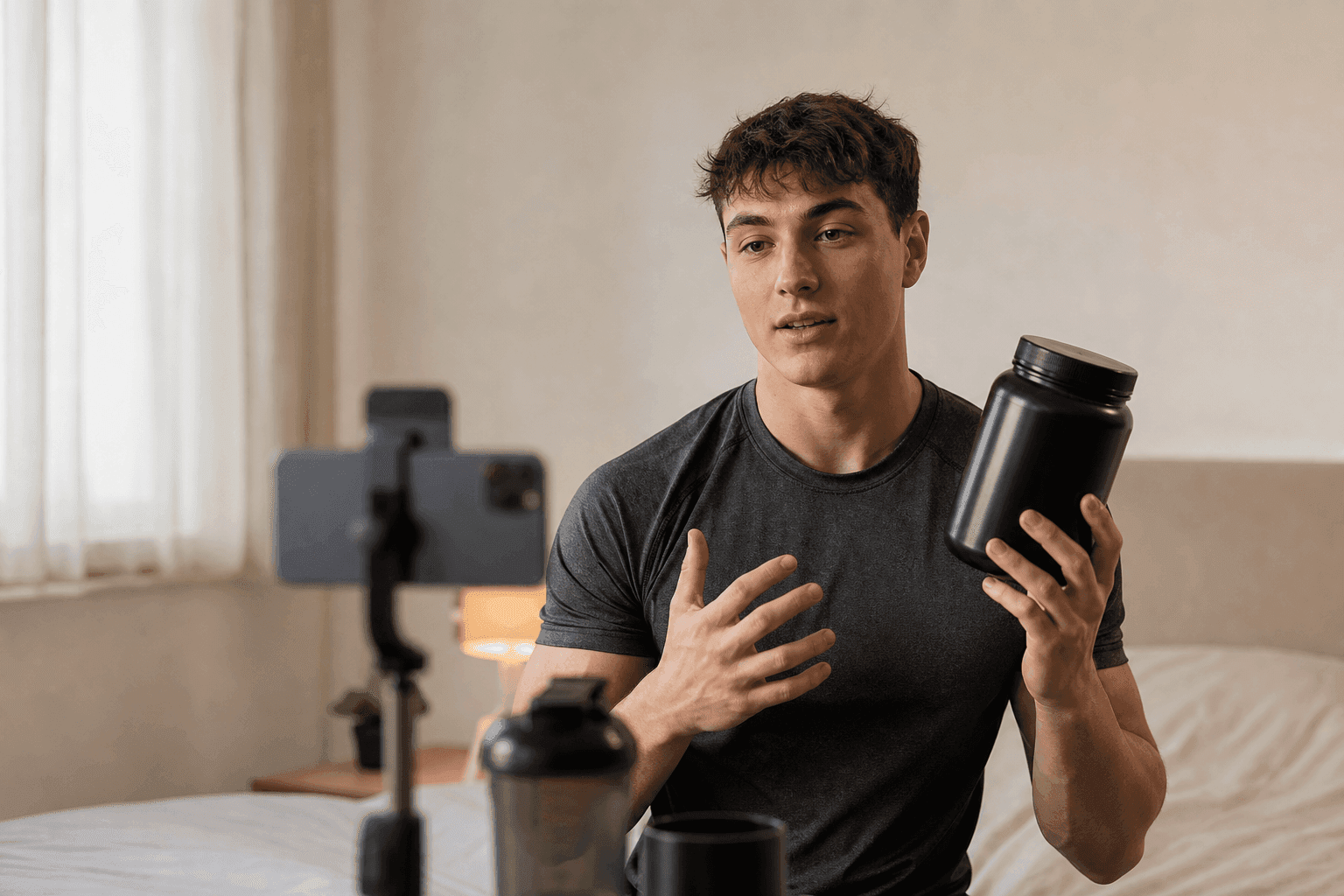
Put a person on camera holding and talking about the product. It borrows a human's credibility and is the native language of UGC-style advertising. Reach for it when the doubt is "can I trust this," which is most supplements, skincare, and anything new to the buyer.
Demo: show the mechanism working
Show the product doing its job with little or no human in frame. It answers "does it actually work" and "how does it work" in a way a caption never will. Reach for it for gadgets, tools, and anything with a mechanism or a satisfying result to reveal.
Lifestyle: put it in a real scene
Place the product inside a real scene of use and let the setting do the selling. It answers "is this for someone like me." Reach for it for apparel, home goods, and aspirational categories where context is the pitch.
| Approach | Best for | What it proves | How it is made |
|---|---|---|---|
| Product-in-hand | Trust-led buys | A real person vouches | AI actor holds and talks |
| Demo | Function-led buys | The mechanism works | Image-to-video motion |
| Lifestyle | Context-led buys | It fits your life | Product placed in a scene |
Most stores need more of the first two than they run, and they discover which by testing, not by guessing. That is the whole argument for making the clips cheap: you get to find out.
Choosing the model for the motion
Once you know the approach, the model is a taste-and-fit decision, not a leaderboard; the wider text to video AI landscape shows how these engines compare beyond product shots. All three below are available in Novoads, so switching is a dropdown, not a new subscription. What differs is the texture of the motion and how audio is handled.
Seedance 2.0 for cinematic motion with native audio
Seedance 2.0 is the workhorse for a rich, filmic product shot. As served on fal, it delivers cinematic output with native audio, multi-shot editing, real-world physics, and director-level camera control. The physics matter for products: liquids pour, fabric drapes, and metal catches light the way a viewer expects, which is exactly what sells the realism of a demo. Reach for it when you want the clip to feel shot, not generated.
Kling v3 Pro for image-to-video up to 15 seconds
Kling v3 Pro is the natural fit for the one-photo workflow because image-to-video is a first-class input. It supports text-to-video, image-to-video, start and end frame-to-video, element referencing, multi-shot storyboarding, and native audio generation, and both Kling variants output up to 1080p with flexible durations from 3 to 15 seconds. That 3-to-15-second range is why the bottle example landed a clean fifteen without stitching clips together.
Google Veo 3.1 when audio and resolution matter most
Google Veo 3.1 is the pick when you want the sound generated with the picture and the sharpest possible frame. Per Google's own model page, Veo videos are 8 seconds long, it handles all the audio by generating all audio natively, and it outputs at 1080p and 4K. The shorter native length suits a punchy single-beat product moment, and the 4K ceiling is useful when the clip doubles as a hero asset on the product page.
| Model | Native audio | Clip length | Resolution |
|---|---|---|---|
| Seedance 2.0 | Yes | Multi-shot | Cinematic |
| Kling v3 Pro | Yes | 3 to 15s | Up to 1080p |
| Google Veo 3.1 | Yes | 8s native | 1080p and 4K |
The honest advice: do not agonize. Generate the same frame through two of them and keep the one that looks right. At these prices, the comparison costs less than the meeting you would hold to decide.
Getting the product to look right on camera
This is the part that separates a usable clip from an uncanny one. The AI is generous with everything except your product's exact details, so your job in the prompt is to protect those and leave the rest open.
Lock the product, vary everything else
Treat the product as a fixed object and the scene as the variable. Say what must not change ("the label reads GLACIER in white, the cap is matte black, the body is brushed steel") and let the model invent the counter, the light, and the hand. When you keep the product constant across generations, you can test ten backgrounds without ten different-looking bottles, which is the entire point of testing at volume.
Prompt for material, light, and the hand
Three details carry most of the realism. Name the material precisely, because "steel" and "plastic" catch light differently and the model will guess wrong if you let it. Name the light, because "soft morning window light" or "hard studio key" sets the whole mood and the reflections on the product. And if a hand appears, describe it plainly ("one adult hand, natural grip"), since hands are where generation most often betrays itself. These are the same instincts that make faceless and product-led ads read as real rather than synthetic.
The failure modes, and how to fix them
Most bad product clips fail in one of a few predictable ways. Knowing the cause saves you from blaming the tool:
- Warped label or logo. The input photo was too small or too angled. Fix it with a flatter, higher-resolution source shot.
- Wrong material. The prompt did not name it. Add the exact material and finish.
- Melting or morphing motion. You asked for too much movement in too few seconds. Shorten the action or the clip.
- Extra fingers or a rubber hand. Simplify the interaction: one hand, one clear grip, or none at all.
- Product drifts off-frame. Specify that the product stays centered and in shot for the full duration.
None of these need a different platform. They need a cleaner input and a more specific sentence, and the fix is a sixty-second regeneration, not a reshoot. Where this workflow ends up running is the same place the format thrives, which is why it pairs naturally with how to make TikTok ads.
Your product was always ready for its close-up
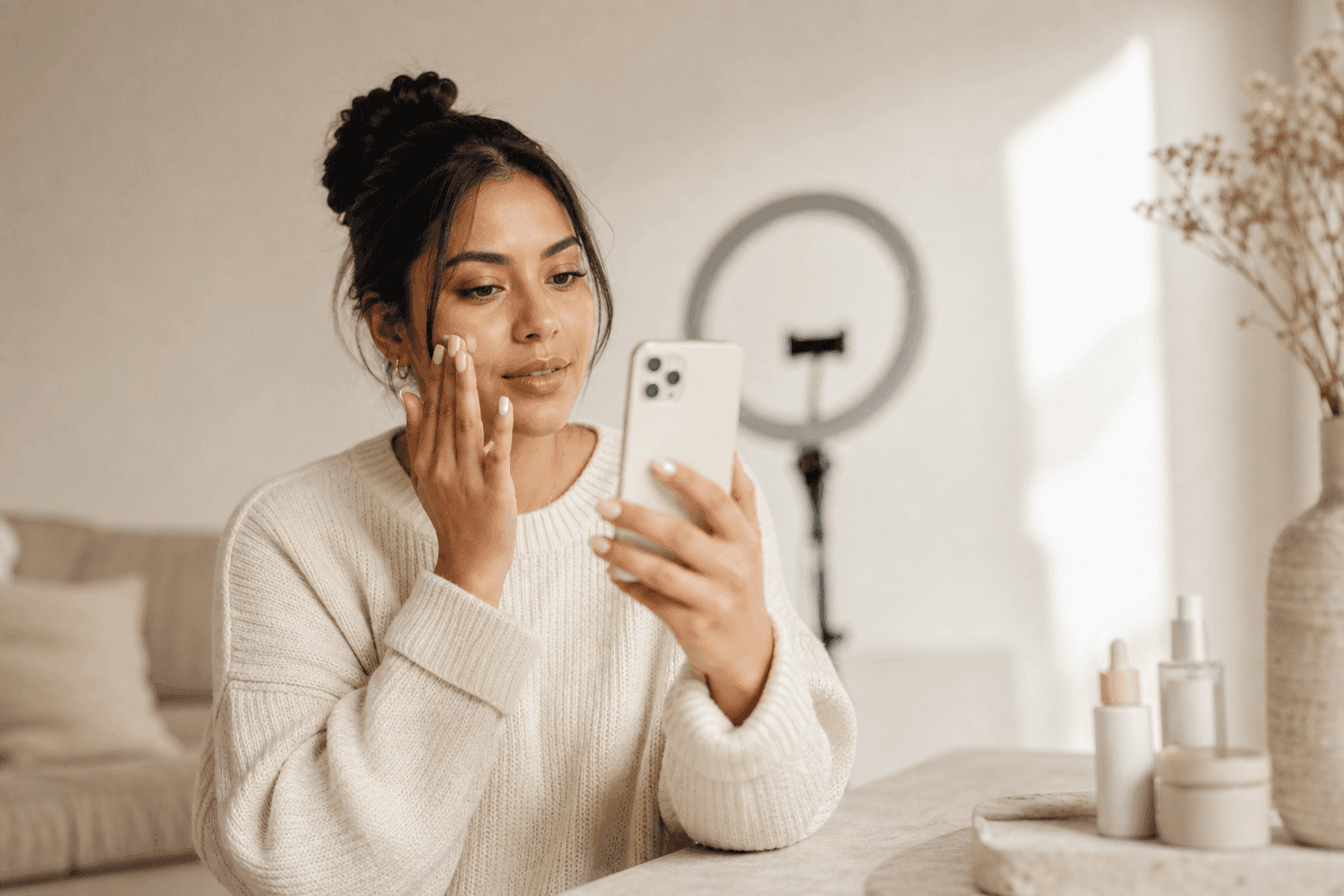
In Novoads you upload one product photo, turn it into an ad image with GPT Image 2, animate it into a vertical clip with Seedance 2.0, Kling v3 Pro, or Google Veo 3.1, then add an AI voice and captions and export it 9:16, all in one place and in minutes. You can make your first AI product video in Novoads on the $49/month Starter plan. Cancel anytime.
The shoot was never the product. The product was already sitting in a photo on your camera roll, waiting for someone to spend half a day and a few hundred dollars to give it motion. AI collapses that half-day into a few minutes and that few hundred dollars into a few, which does not just make one video cheaper. It means you can stop guessing which angle sells and start finding out.
Frequently Asked Questions
How do you make a product video with AI?
You start from one product photo. An AI image model cleans it up and places the product in a scene, then a video model animates that frame into a short vertical clip. You add an AI voice reading a one-line hook, burn in captions, and export it 9:16 for TikTok, Reels, or Meta. The whole loop takes minutes instead of the days a filmed shoot needs.
What is the best product video maker for a small store?
The best product video maker for a small catalog is one that accepts a photo (not only a website URL), gives you more than one AI model so you can match the look to the product, and exports vertical video ready to run. Novoads takes an uploaded product image, turns it into an ad image with GPT Image 2, and animates it into a UGC-style vertical ad, so a store with no studio can still ship a video.
Can AI make a product video from just a photo?
Yes. A single clean product photo is enough. The image model relights the product and drops it into a believable setting, and image-to-video models like Kling v3 Pro or Seedance 2.0 turn that still into motion. You never have to ship the product anywhere or book a camera.
How long should a product video ad be?
For paid social, 10 to 15 seconds is the working range. Put the product on screen inside the first two seconds, show one clear benefit, and end on a reason to tap. A 15-second clip is long enough to demonstrate a product and short enough to hold attention in a feed.
How much does an AI product video cost?
An AI product video runs from a few dollars per clip, a fraction of the $200 to $500 a hired creator or a small shoot charges per video. The turning of a product photo into an ad image is cheaper still. Because each variation costs so little, the affordable move is to make many and test, not to polish one.
Key Takeaways
- You can make product videos with AI from a single photo: no shoot, no studio, no shipping the product to a creator.
- The workflow is three moves: turn the photo into a clean ad image, animate it into a vertical clip, then add voice and captions and export 9:16.
- Match the model to the motion: Seedance 2.0 and Kling v3 Pro for cinematic image-to-video, Google Veo 3.1 when you want audio generated natively and higher resolution.
- Pick the approach by what the product needs to prove: product-in-hand for trust, demo for how it works, lifestyle for where it fits.
- The real unlock is volume. At a few dollars a clip you can test ten angles instead of betting a whole budget on one.