How to Keep One AI Actor Consistent Across Every Ad Variation
Actor drift is a workflow problem, not a prompting problem. Lock one reference still, drive it with a video you already approved, and vary one axis at a time. Here is the full production sequence, including the settings that quietly break a set halfway through.

Mauricio Valdivia
·Updated ·11 min
Your actor is a file, not a prompt
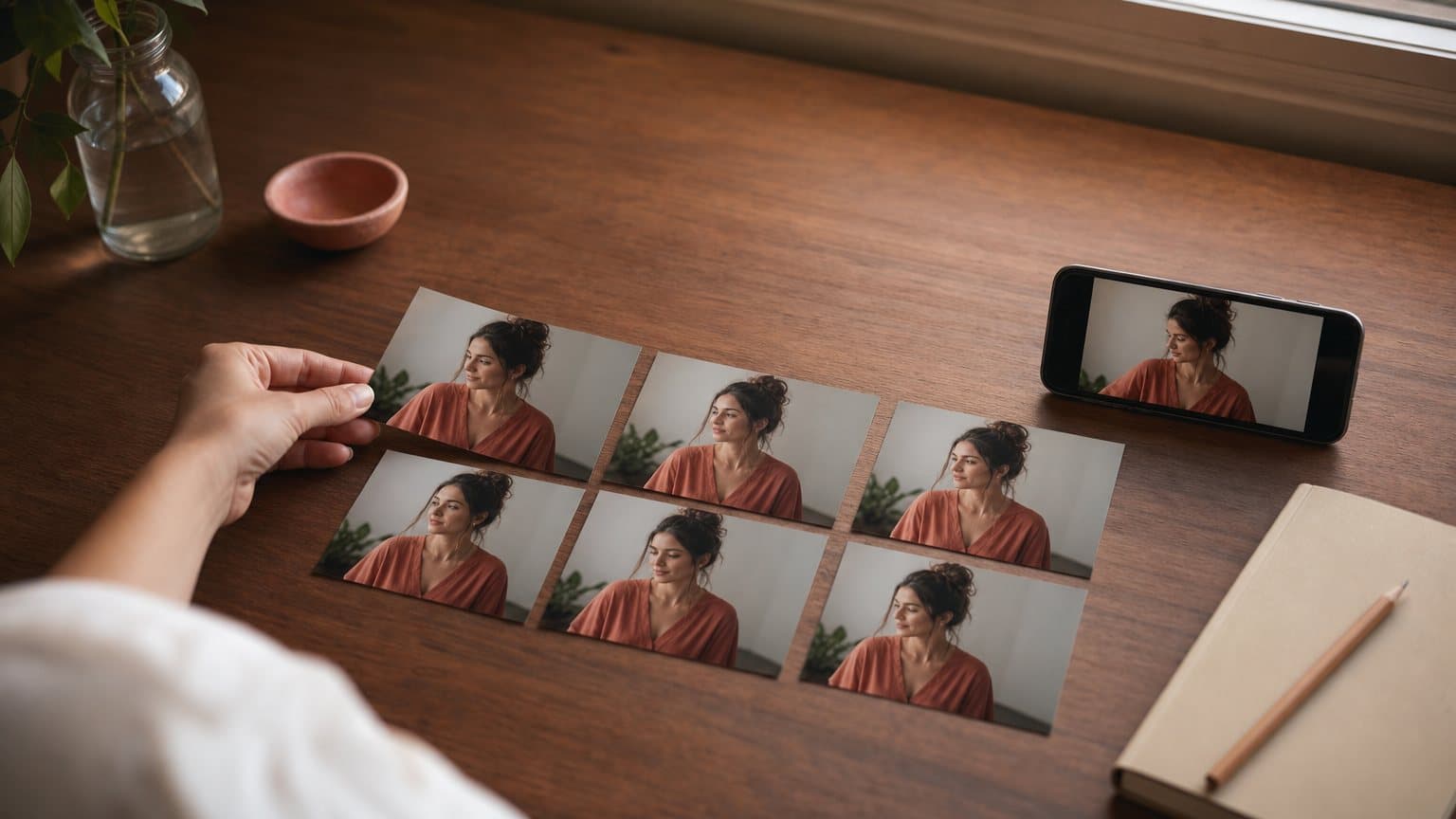
You are six variations into a set for one skincare SKU. In the thumbnail grid, five of them show the same woman in the same kitchen. The sixth shows someone close enough to be her sister, in a kitchen that is almost but not quite the same room. Your prompt did not change. The set still ships Thursday.
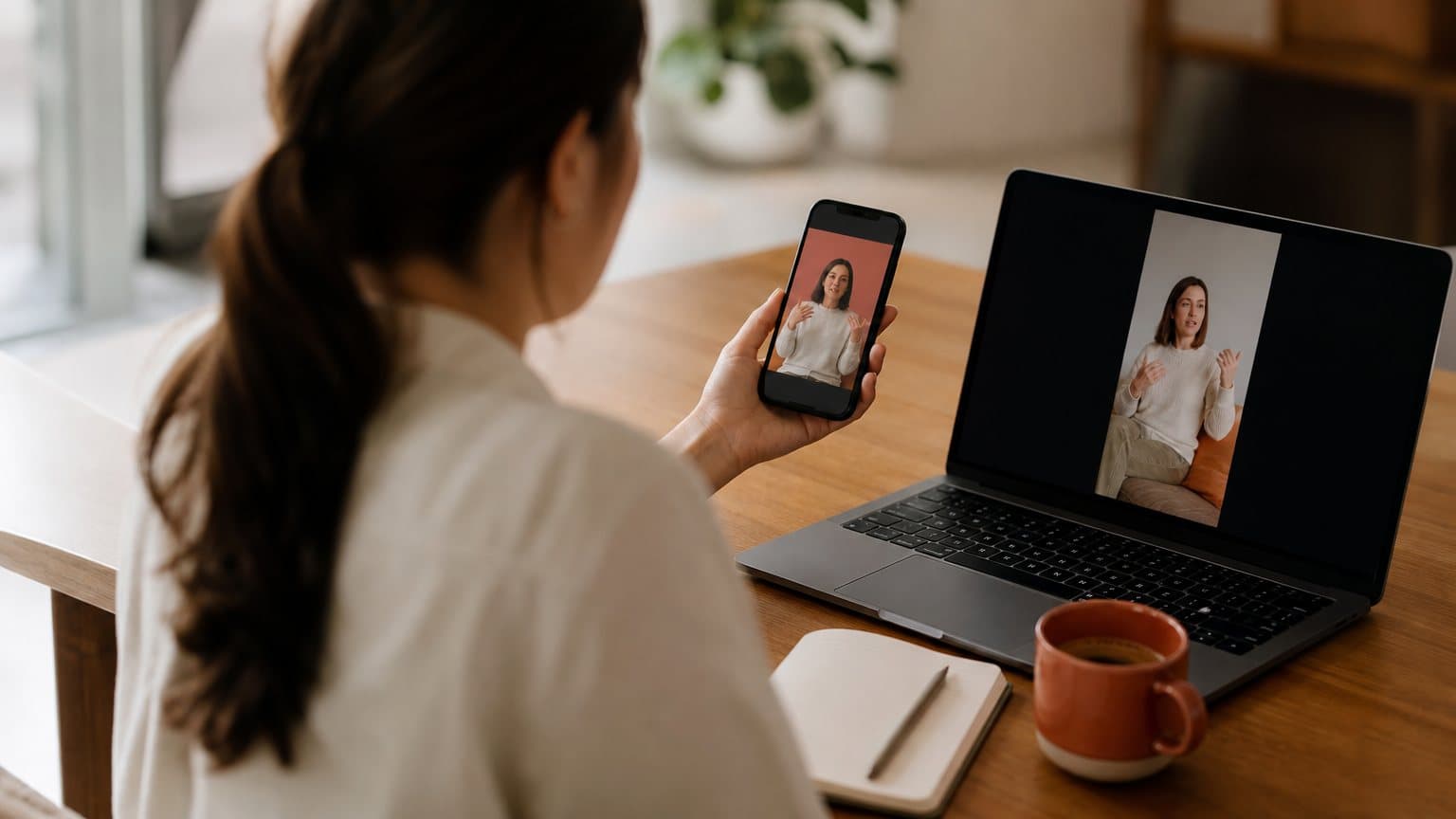
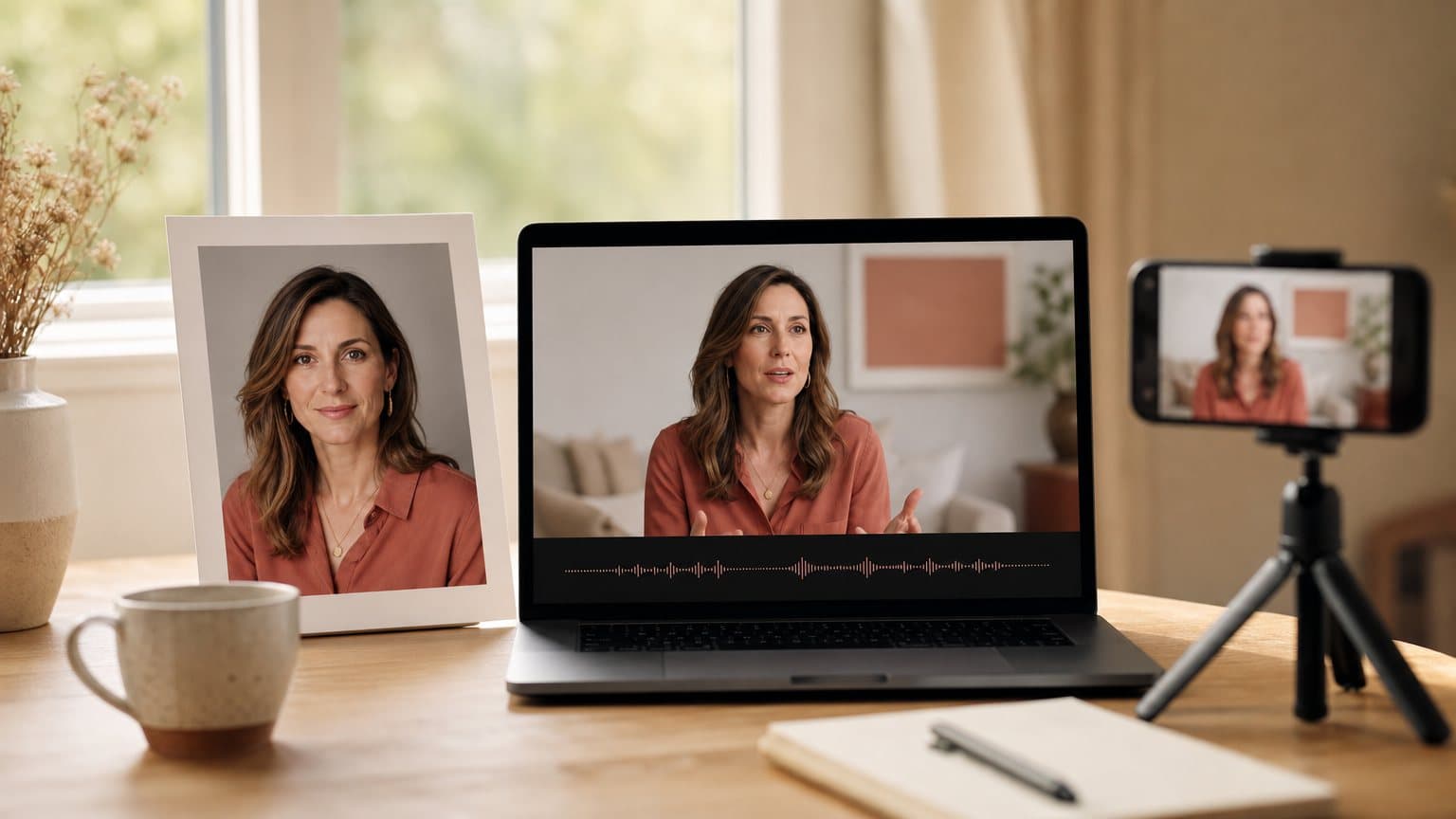
That is not a prompting failure. It is an asset-management failure, and it has a specific fix: stop asking a model to re-describe your actor on every run, and start handing it the same two files every time. fal's page for the endpoint Novoads runs states the mechanism in one line: "Transfer movements from a reference video to any character image." The image carries the person. The video carries the performance. Neither one is a sentence, so neither one has a range.
What follows is the production side of that idea. How to build a canonical actor still and then stop making new ones, how to drive it from a performance you already approved, which defaults quietly change a batch halfway through, and the drift patterns that survive all of it. The cost side is a separate question, covered in our breakdown of what motion transfer costs per clip.
Why a prompt cannot hold a face
A description has a range, a file does not
"A woman in her late twenties, warm kitchen, natural light, holding a serum bottle" is a good prompt. It is also a set of faces, not a face. Every generation samples from that set. When variation six lands on a different point in the distribution, the model did exactly what you asked. It is your specification that was loose.
This is why prompt-tightening plateaus. You can add hair length, jaw shape, freckle placement, and the range narrows without ever collapsing to a point. A file collapses it to a point in one step. That is the entire trade, and it is the same trade that separates description-driven generation from reference-driven generation across every engine, not just this one. Realism comes from the model, as our look at where AI UGC realism comes from argues, but control comes from your inputs.
What "consistent" means to someone scrolling
Viewers do not audit faces. They audit continuity at thumbnail size, and the signals that break first are the coarse ones: hairline and part, wardrobe color, the shape of the room behind the shoulder, whether the light comes from camera left or camera right. A variation set fails the moment two thumbnails read as two different shoots.
That has a useful consequence. You do not need forensic facial identity across a batch. You need the coarse signals locked hard, because those are what a scrolling viewer uses to decide whether these six ads are one person talking about one product or a stock library.
Two things have to stay locked, not one
Most teams lock the actor and let the environment float. That is half the job. The reference still is doing double duty, and the schema says so plainly: "The characters, backgrounds, and other elements in the generated video are based on this reference image." Person and set arrive together in the same file. Lock one and you have locked both. Regenerate one and you have moved both.
Build one canonical actor still, then stop making new ones
Treat the still as a named, versioned asset
The single highest-leverage habit in this workflow is boring: generate the actor still once, name it, store it, and reuse the exact file. Not a regenerated near-copy with the same prompt. The same bytes.
A canonical still is worth building deliberately, because everything downstream inherits it:
- Shoot it wider than you think you need, so you can crop per placement without re-generating.
- Put the wardrobe you want for the whole campaign on the actor in that still.
- Choose a background you are willing to see in every single variation, because you will.
- Keep the light directional and simple, so a driving clip's head turn does not fight the shading.
Building that first still is its own small craft, and it is the same skill behind turning a photograph into a working spokesperson, which is what an AI avatar from a photo is really doing.
The framing rules that decide whether a run is usable
fal's schema is specific about the reference image. Characters should "have clear body proportions, avoid occlusion, and occupy more than 5% of the image area." Read that as three separate rejections waiting to happen:
- A tight face crop has no body proportions to read, so the model has less to keep consistent.
- A prop, a crossed arm, or a hand near the chin is occlusion, and occlusion is where identity slips.
- A person tiny in a wide environmental shot fails the area rule outright.
Waist-up, unobstructed, clearly lit. That framing is not an aesthetic preference, it is the input contract.
Version the still, do not iterate it
When a still needs to change, treat it as a new actor rather than an edit. Give it a new name, and re-run the whole variation set against it if the set is still live. The failure this prevents is subtle and expensive: a half-updated batch where variations one through four use still A and five through eight use still B, shipped together, reading as two people.
Drive the performance from a video you already approved
One approved performance beats a dozen described ones
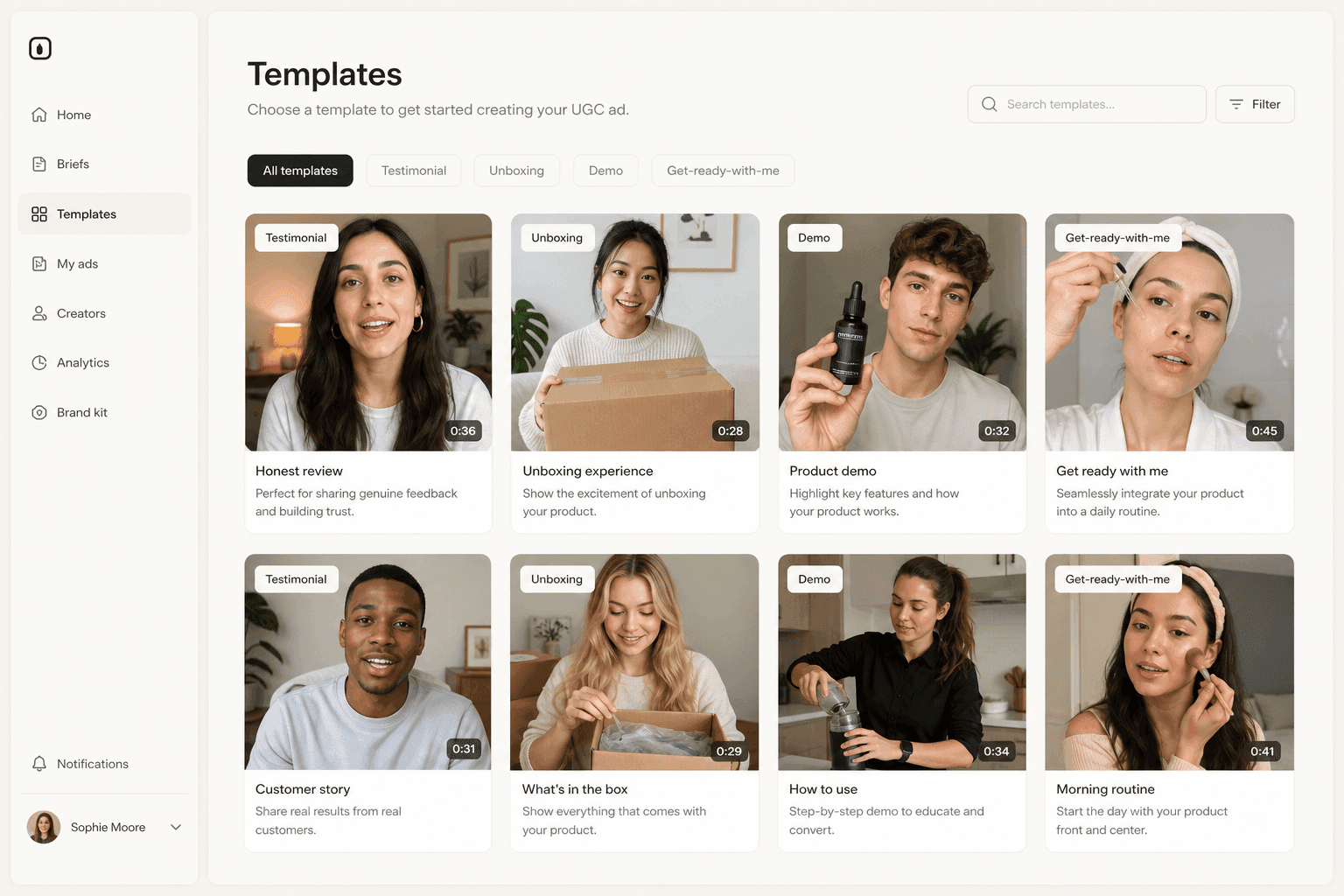
The driving clip is the second half of the lock. Per the same schema, "The character actions in the generated video will be consistent with this reference video." The gesture happens at 0.8 seconds because it happens at 0.8 seconds in the file. There is no adjective in the loop to be interpreted differently on the next run.
This changes what a variation set is. Instead of generating a fresh performance for every variation and hoping they rhyme, you approve one and reproduce it. Pacing stops being a variable, which matters enormously once you start reading results, because a hook that "won" partly on timing is not a hook that won.
The driving clip has its own framing contract
The reference video has requirements of its own, and they are the ones most people discover by getting a run back that does not work. fal asks that the driving clip "Should contain a realistic style character with entire body or upper body visible, including head, without obstruction."
Three practical rules fall out of that:
- Upper body is explicitly fine. A waist-up talking-head clip is a legitimate driving video.
- The head has to stay visible and unobstructed for the whole take, so a clip where the performer's hand crosses their face mid-gesture is the wrong clip.
- The source performer needs to read as realistic. Animated or heavily stylized footage fights the transfer.
Trim to the seconds that carry the gesture before you upload, not after. Duration, dimensions and aspect ratio are all validated up front in Novoads, and the per-clip cost breakdown covers where each of those ceilings sits.
Build a small library, reuse it forever
The unglamorous asset that makes all of this cheap is a shelf of four or five approved driving clips: one energetic open, one calm explainer, one demonstration, one closing line. They are product-agnostic and actor-agnostic. Once the shelf exists, a new campaign is an assembly job. This is the same logic behind keeping a stock of proven UGC-style ad structures rather than writing every script from a blank page.
The verticals that feel this first are the ones with a variation problem built into the catalog. Apparel is the clearest case, where one garment multiplies out by colorway, body and occasion against a drop calendar, and UGC for fashion brands covers which of those variations are safe to generate and which still have to be filmed.
The settings that quietly change a batch halfway through
Orientation decides both your ceiling and your framing behavior
character_orientation is required, and it does two jobs at once. Set to image, per fal's schema, "orientation matches reference image - better for following camera movements (max 10s)." Set to video, "orientation matches reference video - better for complex motions (max 30s)."
The trap in a variation set is not the ceiling, it is the inconsistency. Switching orientation between variation three and variation four changes how the output frames your actor, so two ads built from identical files can still read differently. Pick one orientation for the whole set and write it down.
This is also the drift that ad platforms will now show you before you spend. Microsoft's Ad Preview Hub for Performance Max renders each asset per placement at campaign-creation time, which turns a framing inconsistency from something you discover in reporting into something you catch in a preview screen.
The identity anchor exists in only one mode
There is an optional facial anchor, and it is mode-gated. fal documents an "Optional element for facial consistency binding. Upload a facial element to enhance identity preservation in the generated video. Only 1 element is supported. Reference in prompt as @Element1. Element binding is only supported when character_orientation is 'video'."
Two things follow. One facial element, not a gallery, so pick the frame that reads most like the actor at rest. And campaign work with a strong consistency requirement is quietly pushed toward video orientation, because that is the only place the anchor is available.
The audio default that ships one voice into every variation
This is the one that catches people building batches rather than single clips. fal's schema carries a field for "Whether to keep the original sound from the reference video. Default value: true", so the driving clip's audio rides along unless you turn it off.
For one clip that is usually correct. For a whole set built from one reused driving performance, it means every ad carries the same audio track. Sometimes that is exactly right, and sometimes it is the bug:
- Keep the original sound when you are testing visuals, actors, or products and want the read held constant.
- Turn it off when each variation has its own script, its own language, or its own hook line, and layer the voice separately.
Vary one axis at a time
Decide what the test is measuring before you generate
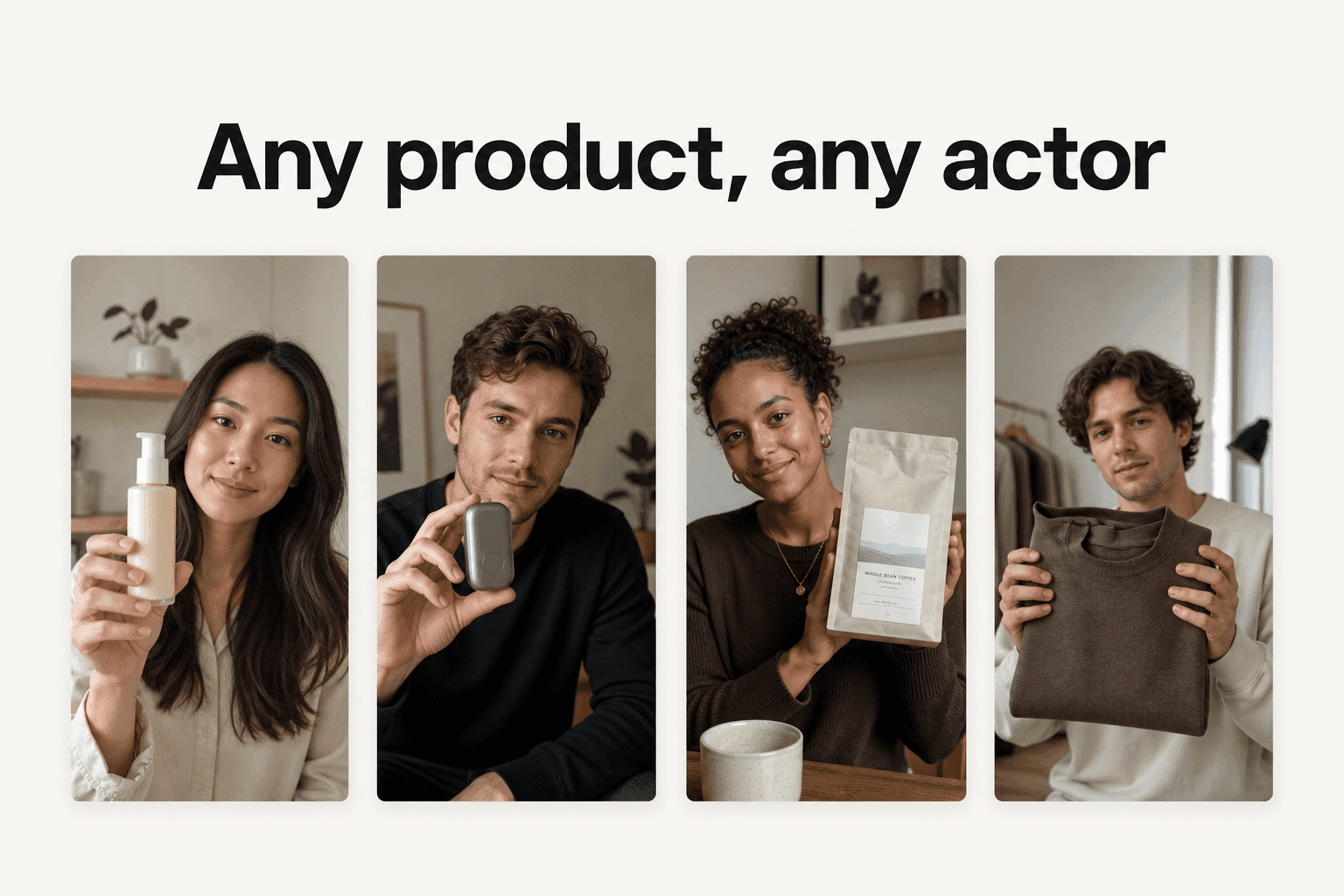
Once the actor and the performance are both files, a variation set becomes a controlled experiment instead of a batch of near-duplicates. The discipline is simple and almost never followed: change one axis per set, and hold everything else byte-identical.
| Test goal | Hold constant | Vary |
|---|---|---|
| Hook | Actor still, driving clip | Opening line, on-screen text |
| Actor | Driving clip, script | Character still |
| Product | Actor still, driving clip, script | Product shown, demo beat |
| Placement | Every input file | Crop, aspect ratio, length |
Hold the actor, vary the script
This is the default for most e-commerce testing. One canonical still, one driving performance, and the only thing moving is the words. Because pacing is pinned by the driving clip, a difference in results is a difference in the script rather than a difference in delivery. Getting a clean read on which one actually won is its own discipline, and our guide to ad creative testing is the companion piece to this one.
Hold the performance, vary the actor
The inverse test is the one that decides who fronts the campaign. Same driving clip, same script, several character stills. Every version shares timing, so you are measuring the person and nothing else. Teams that repeat this a few times end up with a house cast, which is the practical starting point for creating an AI influencer rather than a new face per campaign.
The run sheet you write before the first render
None of this survives contact with a busy week unless it is written down somewhere other than the person who set it up. A variation set needs six lines recorded before anything is generated:
- The filename of the actor still, exactly as stored.
- The filename of the driving clip, and the in and out points it was trimmed to.
- The character orientation chosen for the whole set.
- Whether the original sound is kept or replaced.
- The one axis this set is varying.
- The aspect ratio and length every variation ships at.
Six lines is not bureaucracy, it is the difference between a set you can extend next month and a set nobody can reproduce. When a winner emerges, that sheet is what lets you build the follow-up against the same actor instead of casting again.
Six ways a variation set drifts, and what fixes each
Every one of these is recoverable, and every one is cheaper to prevent than to spot in an ad manager three days after launch.
- The regenerated still. Someone re-runs the actor prompt to get "the same person, slightly better." The face is close and the room has moved. Fix: the still is a stored file, never a re-run.
- The mixed batch. Half the set uses the old still, half uses the new one, and both ship in the same campaign. Fix: a still change is a new actor and a full re-run of the live set.
- The face crop. A tight headshot goes in as the reference image, which strips out the body proportions the schema asks for. Fix: waist-up or wider, unobstructed, well lit.
- The obstructed take. The driving performer gestures across their own face, so the "without obstruction" requirement stops being met partway through the clip. Fix: pick a take where the head is clear from first frame to last.
- The orientation switch. Somebody flips character orientation midway through a set to get a longer clip, and the output framing changes with it. Fix: choose the orientation up front, and cut length rather than switching modes.
- The inherited audio. One reused driving clip carries its original sound into every variation because the default keeps it. Fix: decide the audio policy once per set, not once per clip.
How to know the set actually held
The check takes two minutes and is worth running before anything is uploaded to a platform. Put every variation's first frame side by side at thumbnail size and look for four things:
- One hairline, one part, one wardrobe across every frame.
- One room, with the same objects in the same places behind the shoulder.
- Light arriving from the same side in all of them.
- The gesture landing on the same beat when you scrub the first two seconds.
If any of the four breaks, the fix is upstream in the input files, not in a prompt. Re-render the offending variation from the canonical still rather than trying to talk the model back toward the others, and if the set is already live, replace the odd one out rather than leaving it to dilute the read.
How Novoads solves actor drift across a variation set
Motion control runs inside Novoads on Kling v3 Pro, on fal's fal-ai/kling-video/v3/pro/motion-control endpoint by default, next to the same account's script writing, actor stills and finished vertical export. You upload the character image, upload the driving video, and duration, file size, dimensions and aspect ratio are validated before a single credit moves, which is what keeps a rejected run from costing anything.
The cost is knowable before you start: motion control is priced by clip length and the credit cost is shown before you generate, so a six-variation set of equal-length clips built from one still and one driving clip is six times one clip, decided at planning time. Novoads starts at $15/month (Starter, 200 credits per month). Plus is $49/month (1,000 credits), and Ultra starts at $129/month (3,000 credits) for more volume. You can start the whole flow on Starter and cancel any time.
The honest limit is that this workflow needs a driving video. If you do not have one and cannot source one, you are back to describing a performance and the drift comes back with it. That is the argument for building the small clip library early: it is the asset that makes every future set cheap. The same is true of a reference gallery of formats you already know convert, which is why studying UGC ad examples pays off long before generation starts.
Consistency is an asset you file, not a result you chase
Teams keep attacking actor drift with better adjectives, and adjectives will always describe a range of people. The moment the actor becomes a stored file and the performance becomes a stored file, consistency stops being an outcome you hope for on each run and becomes a property of your library. You approve a face once. You approve a performance once. Everything after that is assembly, and assembly is repeatable in a way that persuasion of a model never is.
Frequently Asked Questions
Why does my AI actor look different in every ad variation?
Because a text prompt is a description, and a description covers a range of faces rather than one face. Two runs of the same words can legitimately land on two different people without anything being broken. The fix is to stop describing the actor and start supplying one: a single reference image reused byte for byte across every variation, with the performance supplied by a reference video rather than by adjectives.
What exactly does the reference image control?
More than the face. fal's schema for the motion-control endpoint states that the characters, backgrounds, and other elements in the generated video are based on the reference image. That means wardrobe, lighting and the room behind the actor all travel with the still, so swapping the still between variations changes the whole set, not just the person.
How should I frame the reference still and the driving clip?
fal asks that characters in the reference image have clear body proportions, avoid occlusion, and occupy more than 5% of the image area. For the driving clip it asks for a realistic style character with entire body or upper body visible, including head, without obstruction. In practice that rules out tight face crops, anything with a prop or a hand covering the head, and stylized or animated source footage.
Does the driving video's audio end up in every variation?
By default, yes. fal's schema documents keep_original_sound with a default value of true, so the reference clip's sound is preserved unless you disable it. If you reuse one approved driving clip across a whole variation set, every version inherits the same audio track, which is useful for pacing tests and wrong when each variation needs its own script read.
How long can each variation be?
It depends on character orientation. fal's schema states the duration limit is 10 seconds maximum for image orientation and 30 seconds maximum for video orientation. Image orientation follows camera movement better, video orientation handles complex motion better and is the only mode where facial element binding is supported, so a campaign that needs the strongest identity anchor is pushed toward video orientation.
Can I do this inside Novoads?
Yes. Motion control runs on Kling v3 Pro in Novoads, on the fal endpoint fal-ai/kling-video/v3/pro/motion-control by default. You upload the character image and the driving video, and duration, dimensions and aspect ratio are validated before any credits move. The credit cost depends on clip length and is shown before you generate.
Key Takeaways
- Actor drift is a workflow problem. A prompt is a description and every description has a range, so two runs of the same words legitimately land on two slightly different people. A file has no range, which is why the fix is an asset you reuse rather than wording you refine.
- The reference still is not a headshot, it is the whole set. fal's schema states the characters, backgrounds and other elements in the generated video are based on that image, so regenerating the still between variations moves the room, the wardrobe and the light along with the face.
- Both files have framing rules that decide whether a run is usable. The character in the still needs clear body proportions, no occlusion, and more than 5% of the image area; the driving clip needs a realistic-style character with the entire body or upper body visible, including the head, without obstruction.
- Two defaults quietly break a batch. Character orientation set to image caps the clip at 10 seconds and changes how the framing behaves, and the facial element anchor only works in video orientation. Keeping the original sound is on by default, so one reused driving clip ships the same audio into every variation.
- Vary one axis per test. Hold the actor and vary the script to read the script; hold the performance and vary the actor to read the actor. Motion control runs on Kling v3 Pro inside Novoads, priced by clip length and shown before you generate, so a six-variation set of equal-length clips is a known cost before you start.