Best Veo 3 Alternatives for Ad Creators: 5 Models, From 5 Credits a Clip
Google Veo 3.1 is the most expensive video row on our pricing page, at a flat 72 credits per video. Here are the five other models on that same table, from 5 credits a clip, mapped to the ad each one actually makes.

Mauricio Valdivia
·Updated ·12 min
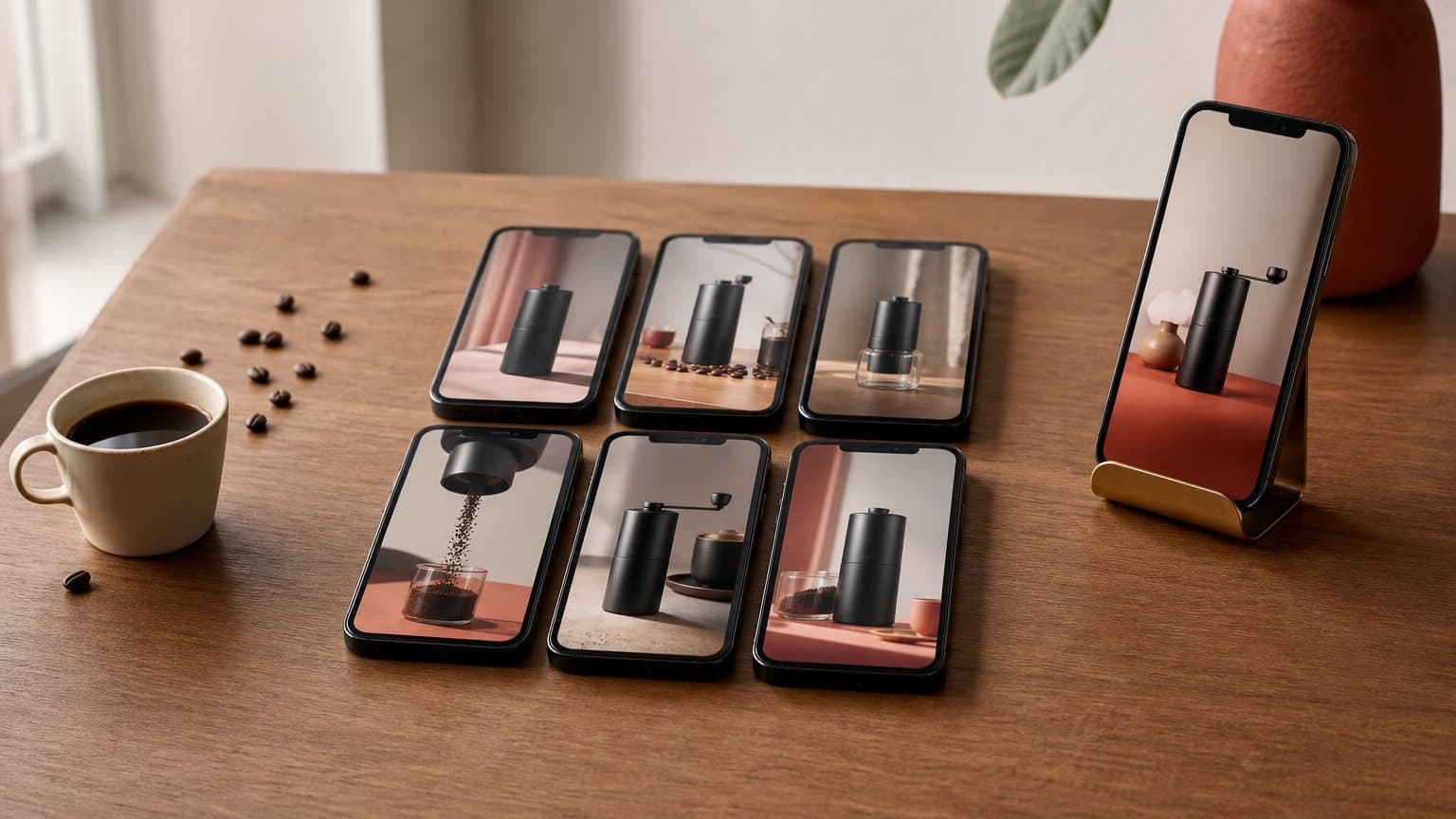
Veo 3 is not the model you would run today
The best Veo alternatives for ad creators are the models that cost less per output and still make the ad you actually need. Before the list, one piece of housekeeping, because the naming trips almost everyone. The query people type is "Veo 3." The model Google DeepMind leads with today is Veo 3.1, presented on its own model page as "Our leading video generation model, designed to empower filmmakers and storytellers." That is the version our pricing page lists, under the name Google Veo 3.1, and it is the one this comparison uses throughout.
Now the price, which is where this post starts being useful. On the Novoads pricing page, Google Veo 3.1 sits at 72 credits, and it is the only video row on the whole table with no duration printed beside it. Every other video model is quoted against a specific clip length. Veo is not, because the charge is flat per video. Seventy-two credits also makes it the most expensive video row we publish.
That is not a criticism of the model. It is a description of what you are buying. Veo is the premium cut, and premium is the wrong shape for the part of ad work that eats your month.
The 5 best Veo alternatives, at a glance
Our pricing page carries six video models. Take Veo 3.1 out and you are left with exactly five, each cheaper than Veo at the length it is priced at, each better at a different job. That is the list. It is not a roundup of everything on the internet, it is the set you can actually price against Veo on one public table, today.
- Seedance 2.0 Mini is best for hook testing at the lowest cost per clip.
- Seedance 2.0 is best for multi-shot product stories with native audio.
- Kling v3 Pro is best for cinematic spoken scenes with multilingual sound.
- Omni Flash is best for revising a clip by describing the change.
- Seedance 2.5 is best for one continuous take of up to 30 seconds.
The first question is not which is cheapest. It is which stage of the work you are paying for. Finding out that hook three beats hook one is a volume job, and volume jobs belong on the cheapest row that produces a usable clip. Shipping the cut you will put real spend behind is a fidelity job, and that is where a premium model earns its number. Most teams get this backwards and burn the premium row on discovery. Our roundup of Runway alternatives makes the same argument from the other end of the market, and the head-to-head on Seedance 2 versus Veo 3 digs into the two models this table puts furthest apart.
| Model | On our pricing page | Best at | Best-fit ad job |
|---|---|---|---|
| Google Veo 3.1 | 72 credits, flat | Premium sound-on video | The cut you spend behind |
| Seedance 2.0 Mini | 5 credits · 5s | Cheapest usable clip | Hook testing at volume |
| Seedance 2.0 | 23 credits · 5s | Multi-shot, native audio | Product story with a turn |
| Kling v3 Pro | 10 credits · 5s | Cinematic 1080p, multilingual sound | Spoken product scene |
| Omni Flash | 24 credits · 8s | Natural-language editing | Taking a clip to a note |
| Seedance 2.5 | 35 credits · 5s | Single takes up to 30s, native audio | One long continuous spot |
What Google Veo 3.1 is genuinely good at
Before ranking anything against it, be precise about what you would be replacing. Veo is not expensive by accident, and the case for the alternatives is weaker if you pretend it is.
Audio generated in the same pass
The headline capability is sound. Google DeepMind's Veo page describes the model as adding sound effects, ambient noise and dialogue to your creations, "generating all audio natively," and it frames the whole 3.1 release around exactly that pairing: "Video, meet audio." For an ad, that is not a nice extra. A talking product scene with a separate voice track bolted on afterwards is a production job. A clip that arrives with its own sound is a deliverable.
Native audio is also why a straight price comparison against older visual-only models misleads: if a cheaper model leaves you writing, recording and syncing a voice, it is not cheaper. The value rows here generate their own sound, which keeps the comparison fair.
Resolution, and the eight second frame
DeepMind's own page lists "1080p and 4K" output, and states plainly that "Veo videos are 8 seconds long." Those two facts pull in opposite directions for advertising:
- The resolution ceiling helps when a clip has to hold up on a big screen, or survive a crop into several placements. On Novoads that ceiling is 1080p: Veo 3.1 renders at 720p or 1080p there, not 4K.
- The eight second frame constrains: that is a hook and a beat, not a story, so a longer spot means stitching.
For a hero cut at the top of a funnel, sound-on and sharp is the right trade. For the thirty variations underneath it, you are paying premium rates for clips you will throw away.
The one flat-priced row
Here is the detail almost nobody notices. Every other video model on our pricing page is quoted with a duration attached, because a longer clip costs more. Google Veo 3.1 is quoted as 72 credits with nothing after it. The charge does not move with the length of the clip.
That cuts in two directions at once:
- At the long end: flat pricing is generous, because a longer clip costs nothing extra.
- At the short end: a quick four second test still costs the full 72 credits, which is more than a third of a Starter month spent on a throwaway.

Why ad creators look past Veo for testing
None of the reasons below are about quality. They are about the shape of the work, and specifically about the difference between making a video and finding an ad.
Creative testing is a volume problem
The uncomfortable truth of paid social is that the winner is rarely the one you would have picked. You write five hooks, you are confident about the second, and the fifth is the one that holds attention. That is not a failure of judgment, it is the reason creative testing exists as a discipline. It also means your cost per useful insight is your cost per clip multiplied by however many clips it takes to be surprised.
The spread between the cheapest and most expensive video row on our table is wide enough to change how many surprises you can afford in a month.
A flat price is a floor as well as a ceiling
Flat pricing feels like a discount and behaves like a minimum. There is no cheap Veo generation. Every attempt, including the ones where the prompt was wrong and you knew it within a second, costs the same 72 credits as the take you keep.
Cheap rows behave differently. A failed 5 credit clip is an annoyance. A failed 72 credit clip is a decision you start avoiding, which is the worst thing that can happen to a testing process. Teams stop trying odd angles when each attempt is expensive, and odd angles are where the outliers live.
One hero cut is not a campaign
A finished brand film needs the best available render. A performance campaign needs a stack of variations, refreshed as they fatigue, in the language the audience actually speaks. Those are different products with different budgets, and using the same model for both is how a creative budget quietly disappears into discovery.
Reach for Veo 3.1 when:
- The clip is the one you will put real spend behind.
- The placement rewards a sharp 1080p render, or a crop into several sizes.
- You want the longest output the flat price covers.
Reach for a value row when:
- You do not yet know which hook wins.
- You expect to throw most of the renders away.
- You need the same script in several languages or angles.
The practical version of that split: shoot discovery on a cheap row, then re-render the two or three winners on whatever model makes them look best. Our guide to creating ads with AI walks through the layers that sit on top of the render, and the sibling roundup of Pika alternatives for ad creative covers the same question from the budget end of the market.
The 5 alternatives, mapped to ad creation
Each entry below carries what the model's own maker says about it, what it costs on our published table, and the ad job it actually wins. They are ordered roughly by price, cheapest first, with one exception: Kling v3 Pro, at 10 credits for five seconds, now costs less than Seedance 2.0 at 23. The order is also roughly the order you should reach for them.
1. Seedance 2.0 Mini, best for hook testing at volume
Seedance 2.0 Mini is the cheapest usable clip on the table: 5 credits for five seconds at 720p, under a quarter of the 23 credits Seedance 2.0 costs at the same length. Against Veo's flat 72, that is the difference between two outputs a month on the Starter plan and forty.
This is the row you run when the question is "which of these five openings works," not "is this the final ad." The output is a real, sound-carrying clip, not a preview, so a winner found here is a winner you can rebuild at higher fidelity. Its trade-off is the obvious one: it is the value tier of a value engine, so it is the wrong pick for the cut you will spend behind.
- Better than Veo for: cost per attempt, iteration count.
- Worse for: top-end fidelity.
- Best-fit ad job: five hooks, one afternoon.
2. Seedance 2.0, best for multi-shot product stories
Seedance 2.0 costs 23 credits for five seconds at 720p and buys you structure. ByteDance Seed's own launch post says "The model supports 15-second high-quality multi-shot audio-video output and features dual-channel audio," that "the model features prompt-driven camera planning, allowing it to automatically plan camera language and design visual presentation templates," and that it supports "multi-track parallel output for background music, ambient sound effects, and character voiceovers, all seamlessly aligned with the visual rhythm." It also reports that "the model performs exceptionally well in preserving subject appearance and voice."
Multi-shot inside one generation is the interesting part for advertising. A hook, a demo and a payoff can live in a single clip instead of three renders and an edit, and a separate voiceover track means the spoken line is not fighting the ambience. Against Veo you give up the resolution ceiling and gain scene changes plus a third of the price. Our Seedance 2.0 pricing breakdown has the per-duration detail, and Seedance versus Kling compares the two value engines head to head.
- Better than Veo for: in-clip scene changes, price per attempt.
- Worse for: single-shot polish at the very top end.
- Best-fit ad job: a short product story with a turn.

3. Kling v3 Pro, best for cinematic spoken scenes
Kling v3 Pro is 10 credits for five seconds, less than Seedance 2.0, and it competes on the spoken scene. Kling's own model guide says the 3.0 series "enable native audio-visual output, with highly flexible storyboard control and more precise semantic response accuracy," that "The new model generates up to 15 seconds of continuous video, with a flexible duration ranging from 3 to 15 seconds," and that the audio "now supports multiple languages (Chinese, English, Japanese, Korean, and Spanish), as well as the rendition of authentic dialects and accents." Its two audio modes each support "1080p and 720p resolutions."
The three-to-fifteen-second range is the practical edge over an eight second frame. A fifteen second testimonial can be one generation rather than a stitch, and language plus accent handling means the same scene can be tried in more than one market without a dubbing pass. Against Veo, you trade the very top of visual fidelity for length and language.
- Better than Veo for: clip length, multilingual sound.
- Worse for: one continuous take longer than 15 seconds, which is where Seedance 2.5 takes over.
- Best-fit ad job: a spoken product scene that runs long.
4. Omni Flash, best for revising a clip by describing the change
If you wanted a Google model but not the Google flagship price, Omni Flash is the other Google row on the table, at 24 credits for eight seconds. Google announced it as a model "natively supporting high-quality video generation and conversational editing from a combination of text, image and video inputs," priced on Google's own side "competitively at $0.10 per second of video output." The headline feature is the second half of that sentence: "Conversational video editing: Refine and edit videos using natural language." Google also notes a current limit, that "Omni offers 10-second video generations currently, with longer durations coming soon."
Conversational editing is the feature most likely to change how you work. Adjusting a clip by describing the change, rather than re-prompting from zero and hoping, shortens the loop between "almost" and "right," and "almost" is where most ad renders land. Our explainer on Gemini Omni Flash covers the model in more depth.
- Better than Veo for: price, natural-language revision.
- Worse for: the top of Google's own quality range.
- Best-fit ad job: taking a nearly-right clip to a specific note.
5. Seedance 2.5, best for one long continuous take
Seedance 2.5 costs 35 credits for five seconds at 720p and is the only row on the table that keeps going: one generation can run anywhere from 4 to 30 seconds, with native audio on by default, so a spot that has to hold a single continuous shot does not get stitched from three renders. The price scales with length (the full 30 seconds is 210 credits at 720p), and since September 21, 2026 it also renders 1080p at 12 credits a second (60 for five seconds, 360 for the full 30), with no 4K, so it can now finish a long take at the same 1080p ceiling Veo 3.1 has on Novoads. It is the row for the ad whose whole idea is one unbroken take. Our Kling 3 versus Seedance 2.5 comparison covers the trade against Kling's ceiling in detail.
- Better than Veo for: single takes longer than eight seconds, price at the five-second length.
- Worse for: price once a take runs long, since past ten seconds at 720p, or past six at 1080p, one take costs more than a flat Veo render.
- Best-fit ad job: one continuous 15 to 30 second spot.
A worked example: five hooks for one coffee grinder
Say you sell a matte black electric coffee grinder and you want to know which opening earns the scroll stop. You have five candidate hooks:
- The grind-size close-up.
- The morning-routine cold open.
- The price comparison against a burr grinder twice the money.
- The "I returned three of these" confession.
- The noise test.
You do not know which one wins. Nobody does, which is the point.
The brief
- Format: vertical, sound on, ready for TikTok and Reels.
- Ask: five different openings, same product, same offer.
- Success: one hook holds attention long enough to justify spend behind it.
- Then: rebuild the winner at the highest fidelity it deserves.
Running all five on Veo 3.1
Five Veo renders is 360 credits (5 × 72), because the price is flat per video and does not care how short your test is. That is nearly twice the entire monthly allowance of the $15 Starter plan, 200 credits, which is why the pricing page publishes 2 as Starter's Google Veo 3.1 output count. On Starter you could not even finish the five tests, let alone make the winner.
Going up a plan postpones the problem rather than solving it. The $49 Plus plan carries 1,000 credits and publishes 13 Veo outputs a month, so the same five tests cost more than a third of your month instead of more than all of it.
Running all five on the cheaper rows
The same five hooks on Seedance 2.0 Mini costs 25 credits (5 × 5), and leaves 175 of the Starter plan's 200 untouched. The pricing page publishes 40 Seedance 2.0 Mini outputs a month on that plan, so five tests is an eighth of the budget rather than all of it. Say hook four wins. Now you spend deliberately:
- Discovery: five Seedance 2.0 Mini renders, 25 credits.
- Rebuild: the winner on Seedance 2.0 for multi-shot, 23 credits.
- Finish: one Veo 3.1 render of the winner, 72 credits.
- Total: 120 credits, against 360 for the all-Veo version.
You learned exactly the same thing about hook four, and the whole run fits inside one Starter month with 80 credits to spare, where the all-Veo version does not fit at all. That is the entire case for these alternatives, stated in arithmetic rather than opinion.

How Novoads turns a product photo into a finished ad
There is a layer above the model choice, and it is where most of the remaining work lives. A render is not an ad. An ad needs:
- A script whose hook lands in three seconds.
- A person who looks like your customer.
- A voice, lip-synced, in the right language.
- Captions burned in, and a vertical cut.
From product photo to UGC ad
In Novoads you upload a product image and write or auto-generate a script, pick an AI actor, and get a vertical ad where the creator presents your actual product on camera. The clip arrives finished rather than as raw footage:
- Voice, lip-sync and burned-in captions, ready for sound-off feeds.
- 9:16, 1:1 and 16:9 output in HD, downloadable for any ad platform.
- Voices in 31 languages with real regional accents, not subtitles over an English read.
Testing five hooks means changing five lines of script, not building five editing timelines. Product stills for the same campaign run through GPT Image 2 at 1 credit an image on the same table.
Six video models on one plan
The models in this comparison are not six subscriptions to juggle. Seedance 2.5, Seedance 2.0, Seedance 2.0 Mini, Kling v3 Pro, Google Veo 3.1 and Omni Flash all sit on the same plan, priced per output on one public page:
- Starter: $15 a month, 200 credits.
- Plus: $49 a month, 1,000 credits.
- Ultra: from $129 a month, starting at 3,000 credits.
Access starts at $15/month, cancel anytime.
That is what makes the row-swapping strategy above practical rather than theoretical. You keep the script, the actor and the product photo, and you move the engine. For a longer look at where Veo lands against the value tier on ad work specifically, our comparison of Seedance 2.0 and Veo for ads goes deeper on that one matchup.
Fidelity is a ceiling. Cadence is the floor.
The best Veo alternative is not the model with the closest output quality. It is the one that lets you be wrong four times before lunch. Veo 3.1 is an excellent place to finish an ad and an expensive place to start one, and the six rows underneath it exist so that discovery costs less than the discovery is worth. Pick the cheapest row that makes a usable clip, find the hook, then spend the 72 credits on the version people will actually see. You can make your first product-in-hand ad from $15/month. Cancel anytime.
Frequently Asked Questions
What is the best Veo 3 alternative for ad creators?
It depends on which part of the ad you are buying. For finding a winning hook at volume, Seedance 2.0 Mini is the cheapest usable route at 5 credits for a 5 second clip at 720p. For a product story with a turn inside one generation, Seedance 2.0. For a cinematic spoken scene with multilingual sound, Kling v3 Pro. For revising a nearly-right clip by describing the change, Omni Flash. For one continuous take longer than Veo's eight seconds, Seedance 2.5. All five sit on the same Novoads pricing table as Google Veo 3.1, so you are choosing a row, not a subscription.
Is Veo 3 still Google's current video model?
No. Google DeepMind's Veo model page now leads with Veo 3.1, presented as 'Our leading video generation model, designed to empower filmmakers and storytellers.' Veo 3 is the version most people still search for, which is why the phrase 'best Veo 3 alternatives' is so common, but the model you would actually run today is Veo 3.1. Novoads lists it under that exact name, Google Veo 3.1.
How much does Google Veo 3.1 cost in credits on Novoads?
72 credits per video. It is the only video model on the Novoads pricing page with no duration printed next to the price, because the charge is flat per video rather than per second of output. On the $15 Starter plan the page publishes 2 Google Veo 3.1 outputs a month, and on the $49 Plus plan it publishes 13.
Which Veo alternative is cheapest for testing ad hooks?
Seedance 2.0 Mini, at 5 credits for a 5 second clip at 720p, which is under a quarter of the 23 credits Seedance 2.0 costs for the same length. On the Starter plan the pricing page publishes 40 Seedance 2.0 Mini outputs a month against 2 Google Veo 3.1 outputs. If your bottleneck is not knowing which of five hooks works, that gap decides the month.
Do the Veo alternatives generate audio, or do I add the voice separately?
The value rows are not silent, which is the thing to check before assuming a cheap model needs a separate voice pass. ByteDance Seed says Seedance 2.0 supports 'multi-track parallel output for background music, ambient sound effects, and character voiceovers, all seamlessly aligned with the visual rhythm'. Kling's guide says the 3.0 series 'enable native audio-visual output'. Veo 3.1 does it too, generating all audio natively. So sound is rarely the axis that separates these models, and cost plus the kind of scene each one makes usually is.
Can I use Veo 3.1 and its alternatives in one place?
Yes. Novoads runs Seedance 2.0, Seedance 2.0 Mini, Kling v3 Pro, Google Veo 3.1 and Omni Flash on the same plan, priced per output on one public table. That means you keep the script and swap the engine instead of buying a separate subscription per model, and you can render the same hook on the cheapest row first and reserve Veo for the cut you are going to spend money behind.
Key Takeaways
- Veo 3 is the query people type. Veo 3.1 is the model that answers it: Google DeepMind's Veo page leads with Veo 3.1, calling it 'Our leading video generation model, designed to empower filmmakers and storytellers.'
- On the Novoads pricing page, Google Veo 3.1 is listed at 72 credits, and it is the only video row with no duration printed beside it, because the charge is flat per video. Every other video row on that page is quoted against a specific clip length.
- Seventy-two credits makes Veo the most expensive video row we publish. The page shows 2 Veo 3.1 outputs a month on the $15 Starter plan, against 40 Seedance 2.0 Mini clips on the same plan.
- The five alternatives on that same table are Seedance 2.0 Mini (5 credits, 5s), Seedance 2.0 (23 credits, 5s), Kling v3 Pro (10 credits, 5s), Omni Flash (24 credits, 8s) and Seedance 2.5 (35 credits, 5s at 720p). Every one of them costs less than Veo's flat 72 at the length it is priced at.
- Veo earns its price on the finished hero cut. It is the wrong row for finding out which hook works, and finding the hook is most of the work in paid social.