Reference-to-Video Upload Rules: 9 Image Slots, Positional Tags, and a Binding That Expires
Reference-to-video takes three arrays and a text field. The tags in your prompt are array indices rather than labels you choose, the ceiling is 12 files across all modalities, and the binding expires with the request. Here is the full input contract, the notation that differs on every surface documenting it, and the two jobs it will not do.

Mauricio Valdivia
·Updated ·11 min

The tag in your prompt is an array index
Open the schema for the reference-to-video endpoint and the interesting field is not the prompt. It is image_urls, described as reference images to guide video generation, with the instruction to refer to them in the prompt as @Image1, @Image2, and so on. That is not a naming convention. It is an array, and the number after the word is a subscript into it.
Almost everything people get wrong here follows from missing that one detail. If the tag is an index, then upload order is syntax, custom names are impossible, and the pointer only means anything for the length of a single request.
What follows is the input contract, read field by field: what the three arrays accept, where the ceilings sit, why the notation looks different on every page that documents it, when the binding stops existing, and the two jobs the contract openly does not do. The upstream question of why a written description cannot pin a person down is settled ground, and our guide to keeping one AI actor consistent across an ad variation set is the workflow parent for it. This piece starts one layer lower, at the request body.
What the request actually contains
Three arrays, one text field
A reference-to-video submission has four parts that matter. Three of them are lists of files, and one is the sentence you were probably treating as the whole interface.
image_urlscarries stills. A character, a product, or a room goes here.video_urlscarries motion. A clip supplies movement and pacing that no adjective reproduces twice.audio_urlscarries sound. A voice or an ambience arrives as a file rather than as a request for a tone.promptcarries the instruction, and now addresses the three arrays instead of describing their contents.
The shape matters more than any single field. Because all three lists coexist in one request, a still, a performance and a voice can be bound simultaneously and referred to in the same sentence, which is a different proposition from a pipeline where one image and one clip are the only two inputs available.
What the text is still for
Once the arrays are populated, the prompt's job narrows sharply and improves. It stops being a casting brief and becomes a shooting instruction: the action, the shot size, the camera behavior, the light, the one beat that makes this clip different from the last one.
That is a real budget shift. Every word previously spent on hair, age and jawline is now available for direction, which is where prompt craft actually pays. The five-layer anatomy in our prompt guide for ad video applies unchanged with the identity layer simply removed, and camera language keeps behaving the way it does everywhere else, including the nine direction words worth knowing.

Nine image slots, three video, three audio, twelve total
The per-modality caps and accepted formats
ByteDance's launch specification states the headline: users can simultaneously input up to 9 images, 3 video clips, 3 audio clips, plus natural language instructions. fal's schema for the endpoint fills in the parts an announcement leaves out.
- Images. Up to 9. JPEG, PNG or WebP. Max 30 MB each.
- Videos. Up to 3. MP4 or MOV. Combined duration between 2 and 15 seconds, total size under 50 MB, each clip roughly between 480p and 720p.
- Audio. Up to 3. MP3 or WAV. Combined duration no more than 15 seconds, max 15 MB per file.
- Output duration. 4 to 15 seconds, or
autoto let the model decide based on the prompt.
The video caps are the ones that surprise people. A reference clip is a short gesture, not a scene: two to fifteen seconds combined across every clip you attach, which means one take, trimmed, rather than a folder dump.
The ceiling that spans all three arrays
Here is the constraint that is easy to miss because it does not live on any one field. fal's schema states that total files across all modalities must not exceed 12.
So the three per-modality caps are not simultaneously available. Nine images plus three videos plus three audio files is fifteen, and fifteen is not a legal request. Anything past nine images has to be paid for out of the video and audio budget, which makes the ceiling a planning decision rather than a limit you bump into by accident.
The audio slot has a prerequisite
audio_urls carries a dependency the other two do not: if audio is provided, at least one reference image or video is required. Audio is a modifier, never the sole anchor of a generation. That is worth knowing before you design a flow that starts from a voice file and expects visuals to be invented around it.
@Image1 means the first element, permanently
Upload order is the naming scheme
Because the tag is an index, the sequence in which files enter the array is the only thing that decides what a pointer resolves to. There is no metadata, no alt text, no slot label. Position is identity.
The practical consequence is a filename convention, and it is the cheapest reliability win in the whole workflow:
01-character.jpgenters first and is therefore @Image1.02-product.jpgenters second and is therefore @Image2.03-scene.jpgenters third and is therefore @Image3.
Numbering the files means the sort order is the upload order is the pointer order, and a prompt you wrote last month still resolves correctly when you come back to it.
Why you cannot invent a label
There is no way to call an asset @Hero, @Spokesperson or @Character1. Those forms circulate widely in secondary write-ups and none of them are addressable; the schema exposes an index and nothing else.
This also explains the failure mode that costs the most time. Reorder an upload and every pointer in the prompt quietly re-aims at a different file. The request stays valid, the generation still succeeds, credits are still spent, and what comes back is a confident rendering of the wrong thing. There is no error to read, which is exactly why the numbering habit above earns its ten seconds.
The notation differs on every surface that documents it
Three official surfaces describe this same positional binding, and all three write it differently.
| Surface | Written as | Use it when |
|---|---|---|
| ByteDance launch post | @Image 1, spaced | Reading the maker's own examples |
| fal API schema | @Image1, closed up | Calling the hosted endpoint |
| Ark SDK samples | bare index, no sigil | Working directly against Ark |
None of these is more correct than the others, and the @ is the documented way to address a specific asset rather than a validated requirement. What matters is internal consistency with the surface you are calling. Every example in this post uses fal's closed-up form, because that is the endpoint behind the Seedance generator in Novoads.
Two forms in circulation are worth skipping: a bracketed [Image1], and vocabulary about a stored pointer or a persistent link. Neither appears on any surface the maker or the host publishes.
What each array binds, and what it does not
Knowing how to address a slot is half of it. The other half is knowing what a slot is good at, because the three arrays are not interchangeable inputs at different file sizes. ByteDance describes the model as able to reference composition, motion, camera movement, visual effects, audio and other elements from input assets, and those properties are distributed unevenly across the three lists.
One concern per slot
The maker's own example is the clearest statement of intent: character from one image, scene from another, props from a third. Each slot answers one question, and a slot that answers two answers both worse.
- A slot with one subject is the reliable case. A still of one person, framed clearly, unobstructed.
- A slot with a composite is where results get soft. A collage, a mood board, or a still containing both your actor and your product forces the model to guess which part you meant when you point at it.
- A slot you reuse across requests is the one that earns its keep. Stills are cheap to store and expensive to re-derive, which is the same logic behind treating an avatar built from a photo as a filed asset rather than a re-runnable prompt.
Stills bind appearance, clips bind timing, audio binds voice
Each array has a job the other two do badly, and picking the wrong one is a common way to waste a generation.
image_urlsbinds appearance and setting: who, what, and where. It cannot specify when something happens.video_urlsbinds motion and pacing. A gesture that lands at 0.8 seconds lands there because the file says so, which no adjective reproduces twice in a row.audio_urlsbinds voice and ambience, and only ever alongside a visual reference.
The practical read: if two runs differ in what you are looking at, the fix is in image_urls. If they differ in when things happen, no amount of image work will fix it and the answer is a reference clip. Confusing those two costs more re-runs than any prompt error, which is why a set worth testing is worth reading one axis at a time.
The binding expires with the request
Nothing persists between calls
References attach to one generation task, and the association ends when that task does. There is no character library, no saved identity, no account-level memory of the face you used yesterday. The index is scoped to the array it was submitted with, and both are gone afterwards.
That single property explains why a sequence built one clip at a time behaves the way it does. Each call is a fresh task that knows nothing about the previous one, so continuity is not inherited. It is re-supplied.
How to keep the same AI character in every video: re-attach, re-point, repeat
The procedure that follows from the contract is short enough to write on one line, and it is the whole answer to the question people usually arrive with.
- Upload the same character file, in the same array position, on every single run.
- Address it by its index every time it comes up, rather than describing the person.
- Spend the prompt on what changes: the action, the framing, the light.
- Change the reference bundle only when you intend to change the character.
A four clip sequence is therefore four submissions carrying four identical bundles. The maker's own example prompt works exactly this way, sourcing each element from a pointed-at asset: the character is from @Image 2, the scene is from @Image 3, and the props are from @Image 4. There is not one adjective in it describing what the character looks like.
A worked sequence
Skincare serum, vertical, references uploaded in fixed order (character, product, bathroom):
- Hook.
@Image1 stands in the bathroom from @Image3, holds @Image2 up toward the camera and speaks directly to it, handheld phone framing, natural morning light. - Demo.
@Image1 in the bathroom from @Image3 applies two drops of @Image2 along her cheek, tight handheld close-up, same morning light. - Result.
@Image1 in the bathroom from @Image3 turns toward the mirror and smiles, medium shot, same morning light. - Offer.
@Image1 in the bathroom from @Image3 holds @Image2 beside her face and speaks to camera, handheld, same morning light.
Four submissions, one bundle, zero physical descriptions of a human being.
One request can carry more of your story than you think
Fifteen seconds of multi-shot is a single task
The re-attach discipline is only needed between requests, and there is a way to need it less often. Seedance 2.0 supports 15-second high-quality multi-shot audio-video output, and ByteDance describes the model as excelling at instruction following, enabling precise reproduction and stable subject consistency even for complex stories with rich character interactions.
Read that as an invitation to consolidate. A shot change inside one generation is a scene the model plans for, with the subject carried across the cut by the task itself rather than by your file discipline.
Cut inside the generation, not between generations
fal's own prompt example for the endpoint is built this way: an octopus finds a football in the ocean and excitedly calls its octopus friends to come and play, then "Cut scene to an octopus football game under the sea." One request, two shots, one continuous subject.
The planning rule falls straight out of it. Before splitting a story into four submissions, check whether it fits in one. A three-beat UGC-style spot that lands inside fifteen seconds is a single task with nothing to re-attach, which is both cheaper and structurally more reliable than four perfectly anchored calls.
What the reference bundle will not fix
Two bound subjects in one frame
This limit comes from the maker rather than from a rival. The same launch post that reports the model performing exceptionally well in preserving subject appearance and voice also states that there is still room for optimization regarding multi-subject consistency.
Treat that as a scoping instruction on the contract: one bound subject per request is the reliable shape. A two-hander, a group scene, or a founder-and-customer format is where a face changes mid-shot. The workaround is structural rather than textual. Generate each person in their own request against the same anchored scene, then cut between them in the edit, which is how interview and reaction formats are assembled anyway.
Text on a label, and stacked edits
The same sentence names two more open areas, and both have a workflow answer rather than a prompting one.
- Text rendering accuracy. Invented words on packaging are the classic tell. The answer is to put the real packshot in
image_urlsso the letters are copied rather than imagined, never to spell the brand name harder in the prompt. - Complex editing. Several compounded changes in one instruction is the request most likely to come back wrong. Give each generation one clear job and chain them.
Neither is an identity problem, but both will sink a set whose character held perfectly, which is worth knowing before you blame the anchor.

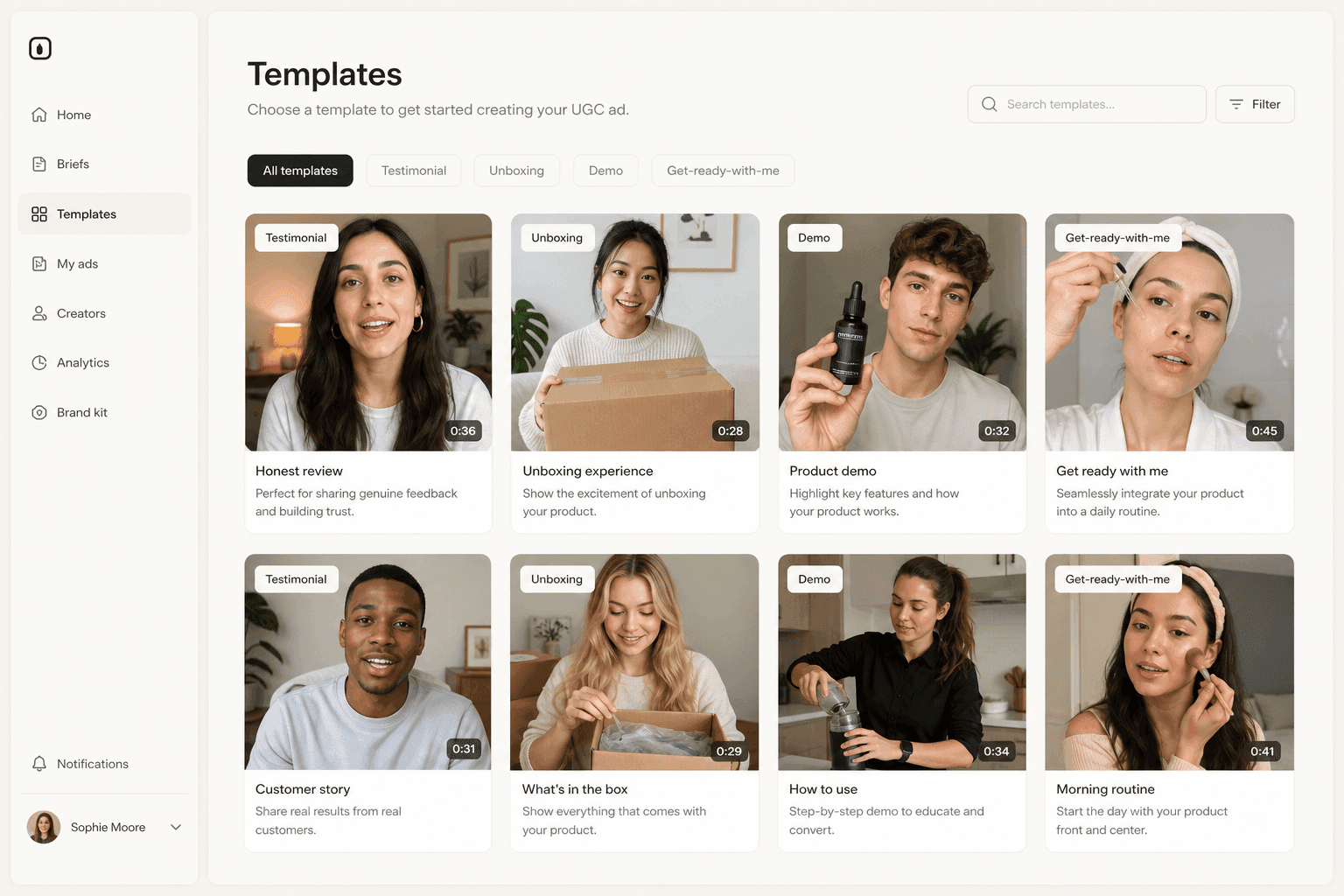
The slot map inside Novoads
The Seedance generator in Novoads calls this endpoint directly, so the contract above is the contract you work against. Both Seedance 2.0 and Seedance 2.0 Mini are in the model picker.
Three slots, and the tile that types the tag for you
The reference zone accepts up to 3 images, 3 video clips and 3 audio clips per generation. That is deliberately narrower than the model's own 9 image ceiling: three slots map cleanly onto a character, a product and a scene, which is the bundle that carries a product ad.
Every attached file appears as a tile labeled with its position, and clicking a tile inserts that tag into the prompt. That closes the one gap the index design leaves open, which is typing @Image2 when you meant @Image3. The tag you insert always matches the file you clicked, so upload order and prompt can no longer disagree.
What the runs cost
The contract does not change the price of a generation, so a sequence is priced before you start. At the default 720p, in credits where one Novoads credit equals one Higgsfield credit:
| Model | 5-second clip | 15-second single take |
|---|---|---|
| Seedance 2.0 | 23 credits | 68 credits |
| Seedance 2.0 Mini | 5 credits | 15 credits |
Mini is the lower-cost variant of the same family and carries the same reference-to-video envelope, which makes it the sensible default for a first pass. The full picker breakdown sits in our rundown of what Seedance costs to run. Novoads starts at $15/month (Starter, 200 credits per month). Plus is $49/month (1,000 credits), and Ultra starts at $129/month (3,000 credits) for more volume.
The slot is the specification
Reference-to-video quietly moves the most important part of a video request out of the prose and into the payload. The prompt still matters, but it now describes an event rather than a person, and the person is an array element with a number.
That is a smaller idea than it sounds and a more useful one. Once you accept that the specification lives in the upload order, the questions that decide a set stop being about phrasing and start being about file management: which bytes went into slot one, whether they went in first, and whether they will go in first again tomorrow.
Frequently Asked Questions
What does @Image1 mean in a reference-to-video prompt?
It is a pointer to the first element of the image_urls array, which is the first file you uploaded with that request. fal's schema for the endpoint describes the field as reference images to guide video generation and instructs you to refer to them in the prompt as @Image1, @Image2, and so on. The number is an array index, so it is decided by upload order rather than by anything you type.
How many reference files can one request carry?
Up to 9 images at 30 MB each, up to 3 videos with a combined duration between 2 and 15 seconds, and up to 3 audio files with a combined duration no more than 15 seconds. There is also a global ceiling: fal's schema states that total files across all modalities must not exceed 12, so the three per-modality caps cannot all be filled at once.
Can I give a reference asset a custom name like @Hero?
No. The tag is an array index, not a label, so the first image is always image one for that request, and the only way to change which asset a pointer resolves to is to change the upload order. This is why a filename convention matters more than it looks: reordering an upload silently re-aims every pointer in a prompt that otherwise still runs and still succeeds.
Is the @ symbol required syntax?
It is the documented way to address a specific asset, not a validated requirement, and the notation is not uniform. ByteDance's launch post writes it spaced as @Image 1, fal's schema writes it closed up as @Image1, and the Ark SDK samples address assets by bare index with no sigil at all. Write whichever form matches the surface you are actually calling.
Does a reference asset carry over to the next generation?
No. References attach to one generation task and nothing persists: there is no stored character library, no saved identity, and no account-level memory of a file used yesterday. Every clip in a sequence is a separate submission carrying the same files, in the same order, addressed by the same pointers.
How do you keep the same AI character in every video, then?
By re-attaching rather than re-describing. Upload the same character image in the same array position on every run, address it by its index instead of writing physical details into the prompt, and spend the text budget on the action, the shot and the light. Inside a single generation the model already holds a subject across shot cuts, so the discipline is only needed between separate requests.
Key Takeaways
- A reference-to-video request is three arrays plus one text field: image_urls, video_urls, audio_urls, and the prompt. Each array element becomes addressable from the prompt, and the text field stops carrying identity entirely.
- The tags are array indices, not labels. fal's schema instructs you to refer to reference images in the prompt as @Image1, @Image2, and so on, so the pointer is decided by upload order and there is no way to name a slot.
- The ceilings are per-modality and global: up to 9 images at 30 MB each, 3 videos totalling 2 to 15 seconds, 3 audio files totalling 15 seconds, and no more than 12 files across all modalities in one request.
- The binding expires with the request. Reference assets attach to a single generation task and nothing carries forward, so the same files have to be re-attached and re-pointed on every run.
- Two jobs the contract will not do: ByteDance itself says there is still room for optimization regarding multi-subject consistency, and it names text rendering accuracy in the same sentence. One bound subject per request is the reliable shape.