What Is Tech UGC? Creator Videos for Apps, SaaS and Gadgets, Cut Three Ways
Tech UGC is creator-style video about software and devices: screen recordings, unboxings, day-in-the-life clips. Here is what each format proves, where the app store and the paid feed each let it run, and how brands source it.

Mauricio Valdivia
·Updated ·12 min
The screen is the hero shot
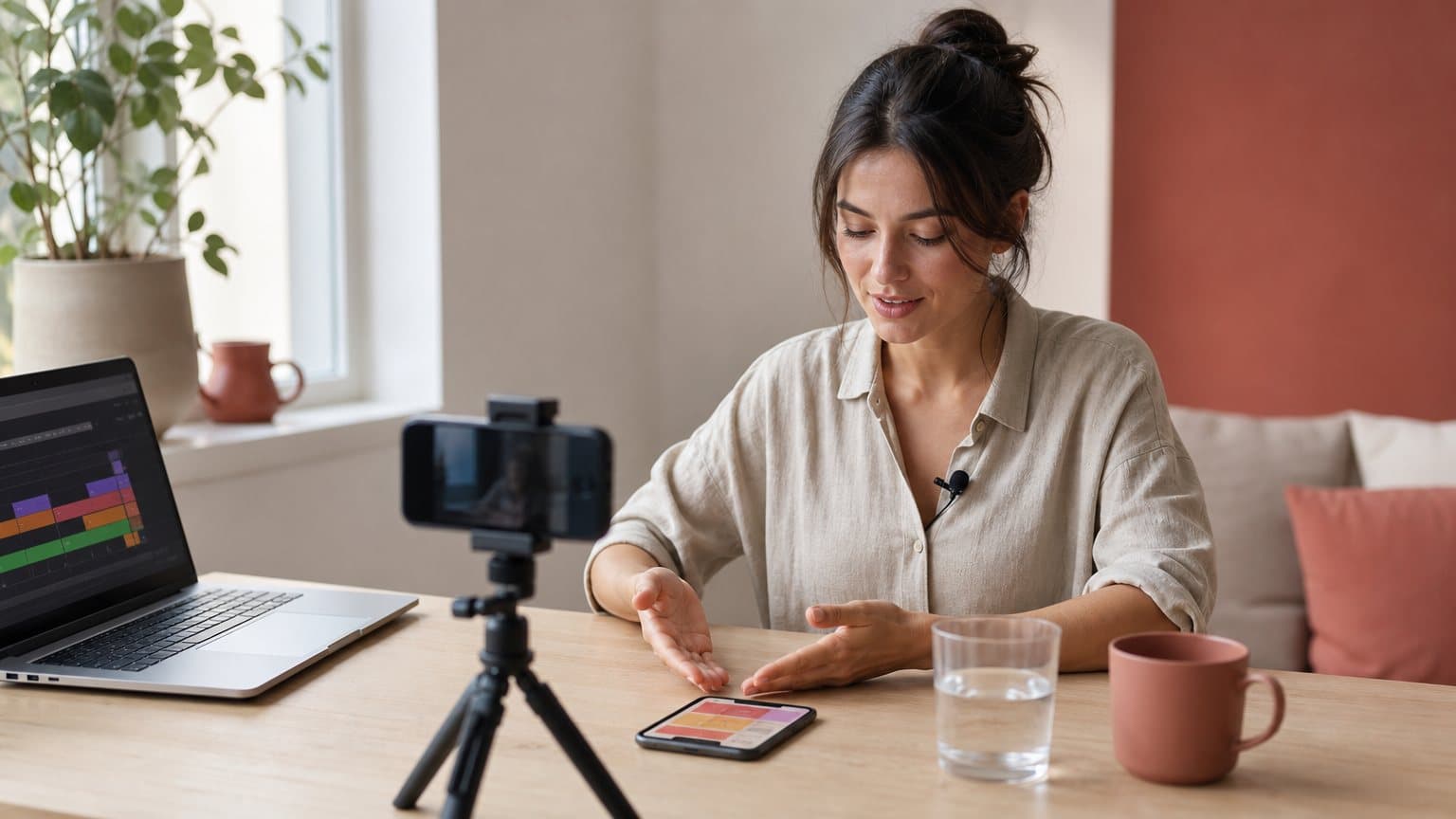
The marketing half of a nine-person scheduling app records her own screen at eleven at night. The thing she has to show is three taps long: connect a calendar, pick a window, send the link. Her first cut opens with a logo, a music sting and a slow push into a laptop on a desk. Eleven seconds gone. Then she reads Google's own guidance for the Play listing, which highly recommends showing the actual in-app experience as early as possible within the first 10 seconds and asks that at least 80% of the video represent the user experience, and she deletes her whole opening.
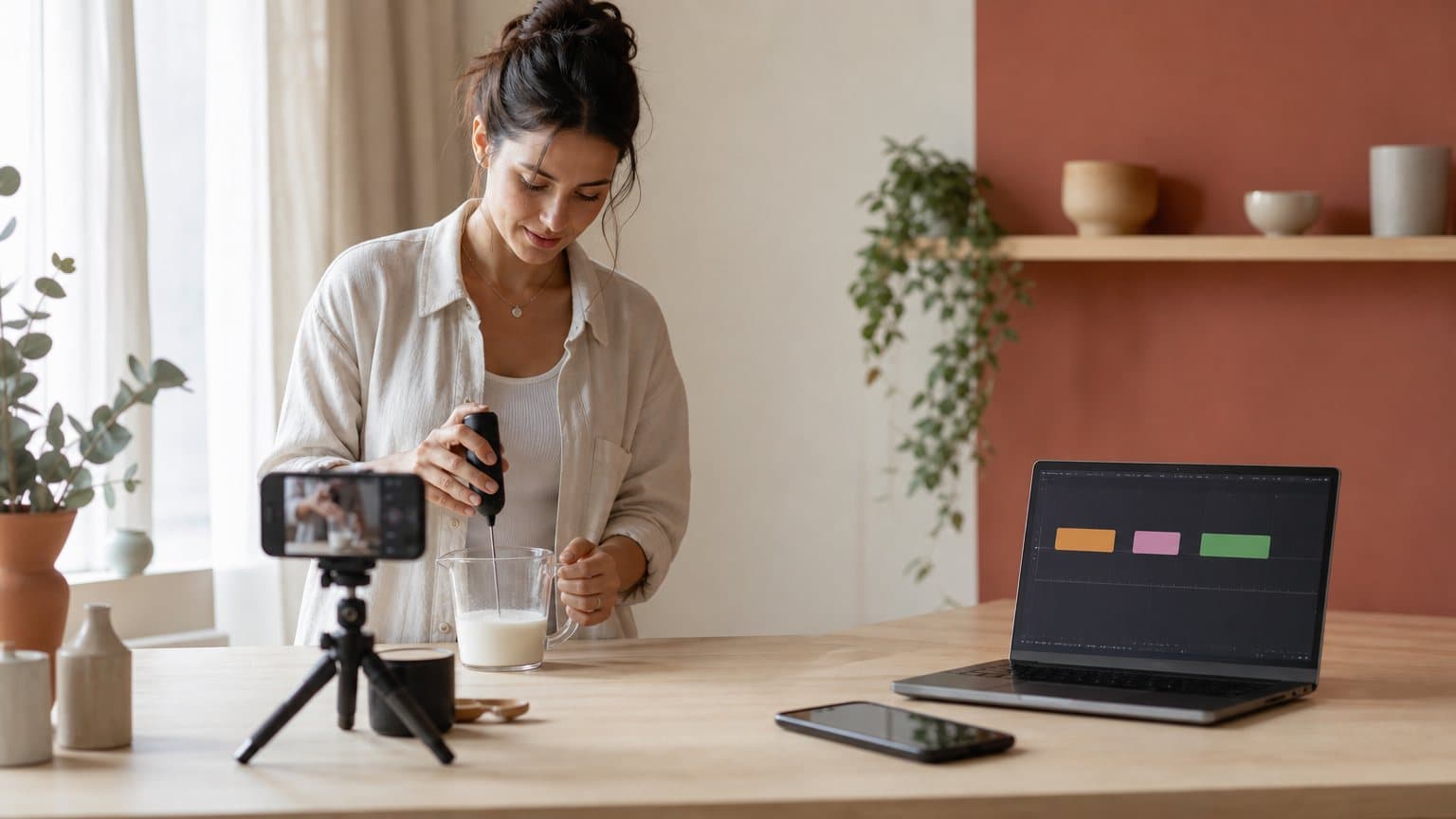
That is the discipline in one story. Tech UGC is creator-style video about software and devices: footage that looks like a customer shot it on their own phone or screen-recorded it at their desk, which the brand then runs as an ad, posts on social, drops on a landing page or, in a much stricter cut, submits to an app store. The trust mechanics are the same ones behind user-generated content in any category. The production problem is not the same at all, because the proof is not a face enjoying a product. The proof is an interface doing a job, legibly, in a few seconds, often with the sound off.
What tech UGC actually is
Creator-style, not customer-sourced
The word "user-generated" is doing less work here than it looks. Almost no tech brand waits for organic customer videos to appear at the volume paid social eats. What they buy is the register: one person, one phone or one screen, no studio grammar, a claim that sounds like it came from someone who uses the thing. That register is the category, whether the person holding the camera is a paid creator, a support engineer or an AI actor reading a script you wrote.
So treat "tech UGC" as a format, not an origin story. The origin still matters legally, and we get to that later, but it does not define the category.
The screen has to carry the proof
Here is the split that makes tech different from skincare. A serum ad can be beautiful and vague, because the product's promise is felt rather than shown. A tool's promise is demonstrable, and viewers know it, so vagueness reads as evasion. A tech UGC video that never shows the interface is a testimonial about a product nobody saw.
Which means the constraint list is unusual for a UGC format:
- Legible at phone size. A dashboard that needs a pinch-zoom is a dashboard nobody read, so pick the one screen that carries the claim and let it fill the frame.
- Short enough to survive a 15-second cut. If the flow takes eight taps to pay off, film a smaller job rather than a faster edit.
- Really recorded. Mocked-up screens are the fastest way to lose a technical audience, and on an app store they are the one thing Google's guidance argues hardest against, since Google asks for the actual in-app experience and tells developers to limit pre-rendered or promotional content.
The three jobs it does
Tech UGC is asked to do three different jobs, and teams get into trouble when they brief one video to do all three at once.
- Explain, for a product whose value is not obvious from a screenshot. Usually a screen recording with a calm voice over it, and usually the first video a new category needs.
- Prove, for a claim a prospect already suspects is marketing, such as whether the import from another tool really works on their messy data. Here the cut has to stay unedited long enough to be believed.
- Recommend, for the buyer who trusts a peer more than a vendor. This is the one that needs a real face and a real opinion, and the one a brand cannot write for itself.
The five formats that keep working
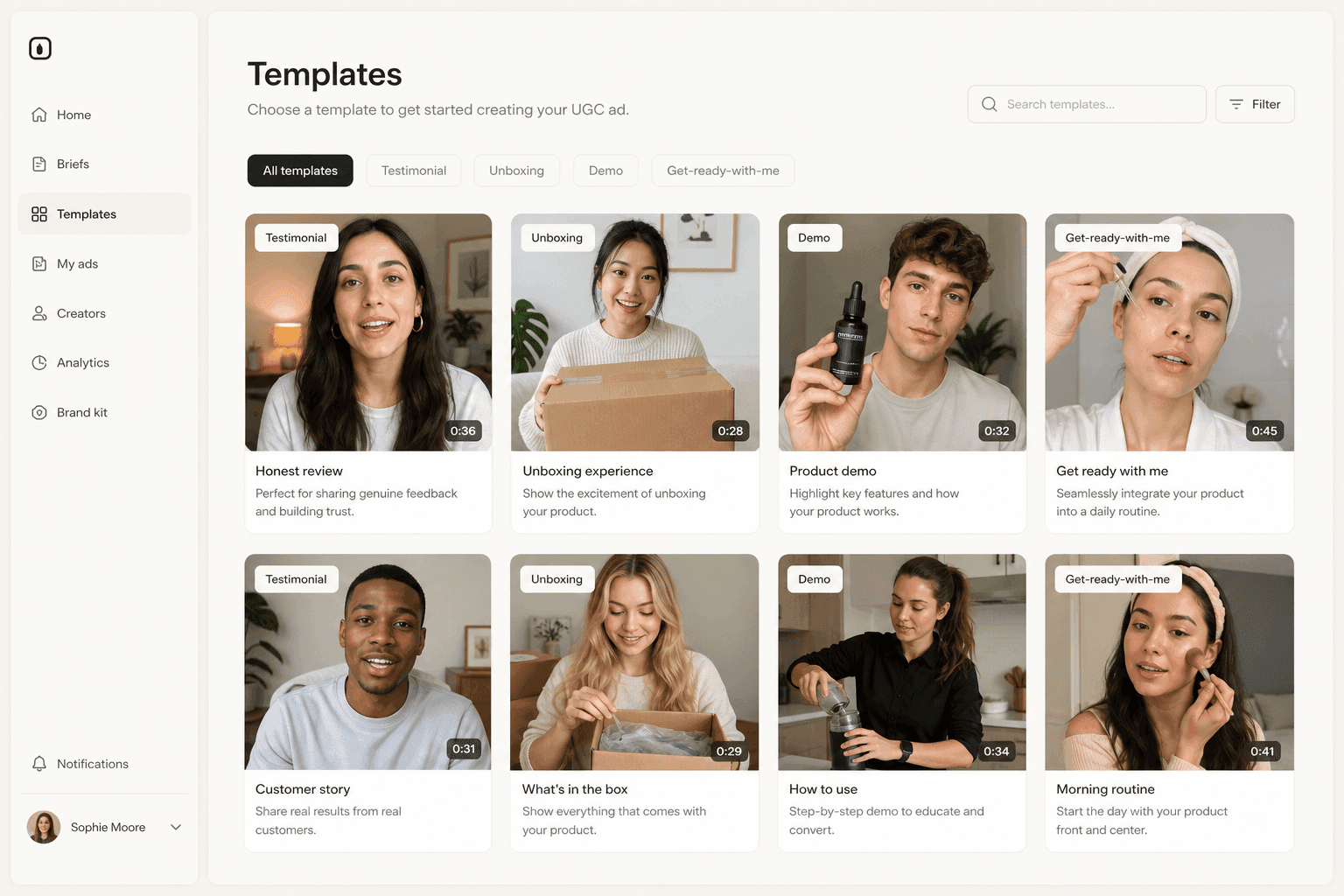
Every tech UGC brief that works is a variation on five shapes. Pick by what you need to prove.
| Format | What it proves | Runs best on |
|---|---|---|
| Screen-recorded walkthrough | the flow is real and short | store, sales page |
| Problem-solution clip | you understood the frustration | paid feed |
| Unboxing or first setup | the thing exists, unpacked | paid feed, organic |
| Day in the life | where the tool fits | organic, retargeting |
| Switcher story | why leave the incumbent | paid feed, comparison pages |
Screen-first: the walkthrough and the problem-solution clip
The walkthrough is the backbone and the least glamorous. One job, start to finish, in the real interface, at the real speed. On a Mac the capture is a keyboard shortcut away: Apple documents that Screenshot or QuickTime Player can record the entire screen or a selected portion of it, which is the same footage Apple asks for in an App Store preview, captured on device.
The problem-solution clip is the same recording with a different opening. It starts on the frustration, spoken by a person, then cuts to the interface resolving it. That order matters more than any other choice in the script, and it is the same discipline a good product demo video uses: problem, action, result.
Hands-on: the unboxing and the first setup
Hardware gets the format everyone recognizes, and the reason it survives is that it answers a question a render cannot: what arrives in the box, and how long until it works. For connected devices, the first-setup clip is worth more than the unboxing, because the pairing flow is where returns come from. Film the app and the device in one take, since that is the actual experience.
Opinion-led: the day in the life and the switcher story
Horizontal tools have a positioning problem that no feature list solves, and the day-in-the-life clip is how it gets solved in practice: not what the tool does, but where it sits. The switcher story is the highest-intent of the five, and the only one that is nearly impossible to fake, because it depends on details from the old tool that a script writer will not know. If a creator has genuinely migrated, that video is worth more than three polished walkthroughs.
Where each cut is allowed to run
The single most expensive mistake in tech UGC is assuming one video can serve the app store and the paid feed. They want different things, and one of them writes its preferences down.
The store preview slot is the strict one
Google Play's preview-video guidance splits into two tiers on the same page, and the difference is not decorative. Requirements are mandatory, and Google states that failing them may result in removal or suspension from Google Play. The guidance under "Highly recommended" is softer: Google says it can help make your app or game more eligible for recommendation and promotion throughout Google Play. The timing and screen-share lines below are recommendations. Ads disabled is a requirement.
Read that way, Play's preview list is a creative brief with numbers in it:
- Actual in-app experience, as early as possible in the first 10 seconds.
- At least 80% of the video representative of the user experience.
- Limit title screens, logos, cutscenes and other pre-rendered or promotional content.
- No people interacting with the device, such as fingers tapping, unless app use is off-device.
- Only the first 30 seconds autoplay, muted, so Google suggests using copy to give the user context.
That fourth line is the one that surprises marketers who arrived from paid social, and Apple's app-preview guidance reads the same way, asking you not to film people interacting with a device, such as an over-the-shoulder angle or fingers tapping the screen, and noting that previews play muted by default. So the verdict for an ad maker is blunt: the creator-style cut, the one built on a face and a hand holding the phone, belongs in your ads and your social accounts, not in the store preview slot. The stores want the software.
The paid feed wants the opposite
The feed wants the human back, and both big platforms publish their brief:
- TikTok tells advertisers to introduce the content proposition in the first 3 seconds for better recall and awareness, to prioritize the hook in the first 6 seconds, and recommends featuring people such as creators, employees or customers to capture attention and increase engagement, with captions or text overlays to provide context.
- Meta asks you to feature your brand and key message within the first 3 seconds and to use subtitles, supers and strong visuals. It adds that feed video ads perform significantly better when watched with sound on, which it quantifies as a 2.25x higher CTA click-through rate. That figure is Meta's own with no published method, so treat it as the platform's claim rather than a measured result you can bank.
Google's advice for YouTube ads lands in the same place from a different angle, telling advertisers to get to the heart of the story faster. Different platforms, one instruction: the first breath decides. The rest of the surface-by-surface detail lives in our video ad specs by platform reference.
The third surface nobody plans for
There is a quieter slot worth knowing about: Play can feature YouTube videos from a channel or playlist you submit, beyond the single preview video. The eligibility rules are ownership rules. A video must be owned by you, have monetization disabled, contain no copyrighted material and be under 30 minutes, and for the Apps tab, videos from the last 180 days are eligible to be shown. That is a content calendar hiding inside a store listing, and it is the reason your creator contract should name who owns the file.
From one screen recording to a store cut and an ad cut
Take the scheduling app from the opening. The job is calendar connect to shared link, and one recording session produces everything.
Capture once: 90 seconds of clean screen recording of the real flow, at native resolution, plus 60 seconds of a person at a desk talking to camera about the frustration of scheduling across time zones. Two source files, one afternoon.
The store cut, 24 seconds. Screen only, no hands, no face. The calendar-connect tap starts at second three, which leaves the first 10 seconds carrying two of the three steps. Google's 80% line sets the budget for everything that is not the interface: on a 24-second cut that is under five seconds total for a title card and an end frame, so the logo gets a beat and not a sting. Captions carry the narration, because this plays muted.
The paid cut, 21 seconds. Face first, three seconds on the frustration in the creator's own words, then the screen recording fills the frame with the tap magnified and captioned, then one line of resolution and a call to action. Vertical, captions burned in, brand named out loud in the first line rather than shown at the end.
The sales-page cut, 70 seconds. The full flow with the edge cases left in, because this viewer clicked a link that said "see how it works" and wants the long version.
Three cuts, one capture session, and the only reshoot risk is the face plate. That is also the plate an AI actor can produce on demand, which is where the volume argument starts.
How tech brands source it
Customers and employees first
The cheapest tech UGC is already inside the company. A support engineer explaining the fix that customers ask about weekly is the most credible thirty seconds a B2B brand can publish, and TikTok's own creative guidance explicitly names employees and customers alongside creators. It is slow, it does not scale, and it is still where most teams should start, because it tells you which claims land before you pay for volume.
Borrow the handle, not just the file
Paid creator video for tech has a second, better mode than buying a file. Both big platforms let a brand run an ad from the creator's own account with permission. TikTok's Spark Ads are a native ad format that leverages organic TikTok posts and their features in advertising, including posts made by other creators with their authorization, which arrives as a code the creator generates; advertisers can batch authorize up to 20 video codes at a time. Meta's version is partnership ads: once a creator partnership is in place, you can run partnership ads with the creator's handle, and Meta reports 19% lower cost per acquisition when adding partnership ads into business-as-usual campaigns, again its own figure rather than an independent one. We go deeper on the mechanics in the Spark Ads guide, and the deal term underneath both platforms, including the monthly fee it usually carries, is in our guide to whitelisting a creator's handle.
The tech-specific catch is the one from the last section. Borrowed handles work in the feed and never in Play's featured YouTube videos, which have to be owned by you. So a creator contract for a tech brand buys two things, not one:
- The handle. Authorization to run their post as an ad from their own account, for a named window and a named set of placements.
- The file. A clean screen-only cut with no face and no hands, delivered as a source file with ownership assigned to you, because that is the version Google's preview guidance asks for and the only one you own.
Disclosure is part of the brief, not the legal review
If you paid, gifted the hardware or the person is on payroll, the relationship gets disclosed. The FTC's guidance for influencers says an endorsement message should make it obvious when you have a relationship with the brand, that for a video the disclosure should be in the video and not just in the description uploaded with the video, and that viewers are more likely to notice disclosures made in both audio and video. YouTube layers its own rule on top, defining branded content as any content influenced by a brand partner in exchange for something of value, and applying a disclosure at the start of a video declared as branded content.
Put it in the script, not the handoff email. A spoken line plus an on-screen super costs a second of runtime and survives the platforms' muted autoplay, and the same instinct applies when the footage itself is synthetic, which we cover in labeling AI-generated ads.
Where an AI actor fits, and where it does not
The face scales, the interface does not
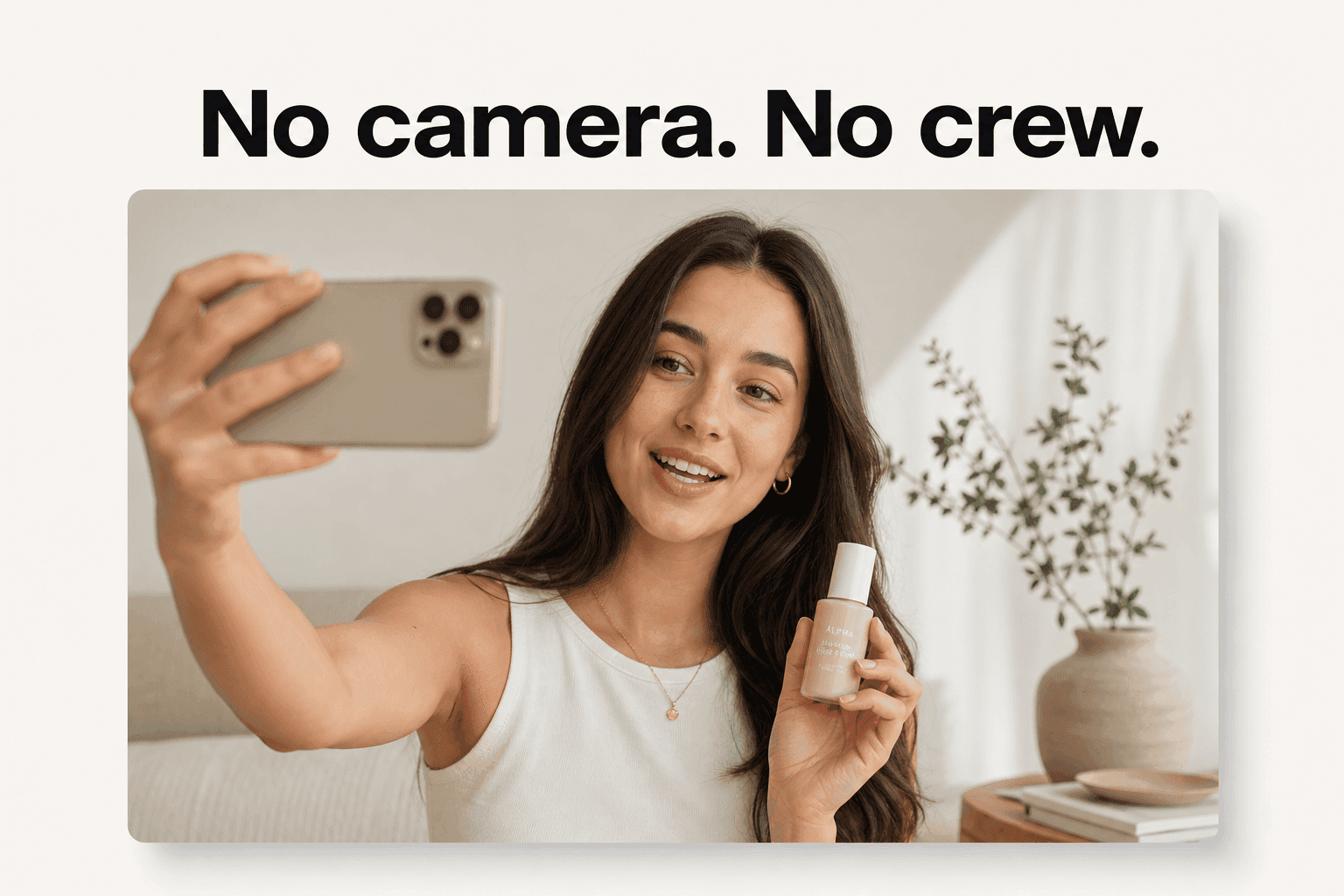
An AI actor solves exactly one half of the tech UGC problem: the human plate. Scripts, casting, scheduling and reshoots collapse into a text box, which is why a small team can run twenty angles a month instead of two. What it cannot do is invent your product. The screen recording is still yours to capture, and the honest workflow is a hybrid: generated face plate, real UI, cut together. Anyone promising the interface too is promising a mockup, and a technical audience spots those instantly.
Name the route when a device has to be held
If the video needs a physical gadget in someone's hands, the route matters and vague copy gets teams into trouble. A stock talking actor from a library has empty hands, so a script about your device shows nobody holding it. There are two routes that do work, and they are different pipelines:
- A custom actor. In Novoads, you upload a photo of a person holding the product and it becomes a talking actor, hands included.
- A Discover product template. Your uploaded product image is swapped into a template creator's hand, which is the faster route when the device is simple and the shot is standard.
For pure software, neither is needed. The product is the screen.
What it is genuinely good for
- Angle volume. Ten openings on the same script, tested against each other.
- Localization. The same demo delivered in several languages without recasting.
- The plate you reshoot most. The talking head, which is also the part creators charge per revision for.
The UGC-style ad format is where these pieces get assembled, and if the question behind the budget is whether to buy files at all or buy someone's audience, UGC against influencer marketing sets the two models side by side.
How Novoads solves the tech-UGC volume problem
Novoads generates the human half of a tech UGC video: you write or auto-generate a script, pick an AI actor, and get an ad-ready vertical or horizontal file you cut your screen recording into. It runs the same frontier video engines the rest of the category rents, including Seedance 2.0, Seedance 2.0 Mini, Seedance 2.5, Kling v3 Pro, Google Veo 3.1 and Omni Flash, with per-model pricing published rather than hidden behind a feature gate. At the Plus rate a clip costs from about 25 cents for a five-second Seedance 2.0 Mini clip to about $4 for an eight-second Google Veo 3.1 clip, and about $10 for a full 30-second Seedance 2.5 take, so an angle test costs less than the coffee during a shoot day. Novoads starts at $15/month (Starter, 200 credits per month). Plus is $49/month (1,000 credits), and Ultra starts at $129/month (3,000 credits) for more volume. All plans are published on novoads.ai/pricing. If you want to try the face plate against a screen recording you already have, start here.

The interface is the proof, the face is the invitation
Tech UGC gets treated as a style problem, and it is a proof problem wearing a style. The face buys three seconds of attention; the screen is what converts them, and every rule the platforms publish is a version of the same instruction: show the real thing, early, legibly, and assume the sound is off. Shoot for the strictest surface first, because a cut that satisfies an app store will always cut down into an ad, and an ad almost never cuts up into a store listing.
Frequently Asked Questions
What is tech UGC?
Tech UGC is user-generated-style video about technology products: apps, SaaS tools, devices and gadgets. It looks like something a customer filmed on their own phone or screen-recorded at their desk, and the brand then uses it in ads, on social accounts, on landing pages and, in a stricter cut, on an app store listing. The label covers screen-recorded walkthroughs, unboxings and first setups, day-in-the-life clips about an app someone uses constantly, problem-solution clips and switcher stories. What makes it its own discipline is that the proof lives on a screen, so a pretty shot of a laptop is not enough. The interface has to be legible and real.
What formats work best for app and SaaS UGC?
Five carry most of the load. The screen-recorded walkthrough proves the product does the job. The problem-solution clip names a frustration and resolves it inside the interface. The unboxing or first-setup clip works for hardware and for anything with a physical component. The day-in-the-life clip shows where a tool sits in a real routine, which is how horizontal SaaS gets understood. The switcher story explains why someone moved from one tool to another, which is the highest-intent format of the five and the hardest to fake. Pick by what you need to prove, not by what is trending.
Can I use a creator's video as my Google Play preview video?
Not as-is. Google Play's YouTube-videos integration says a video must be owned by you, have monetization disabled, contain no copyrighted material and be under 30 minutes, and the preview video itself has requirements of its own, including ads disabled and a public or unlisted setting. Play's preview guidance also advises against showing people interacting with the device, such as fingers tapping, unless the app is used off-device. So a creator video belongs in your ads and social channels, and you either commission a clean screen-only cut with the rights assigned to you, or you record the store cut in-house.
How long should a tech UGC video be?
It depends on the surface, which is why one shoot should produce several cuts. On Google Play only the first 30 seconds of a preview video autoplay, and Google advises keeping videos short for that reason. On TikTok and Meta the decision happens far earlier: TikTok tells advertisers to introduce the content proposition in the first 3 seconds, and Meta's Instagram video ad guidance asks for the brand and key message in the same window. A sales page or a help center can carry a longer walkthrough, because the viewer arrived on purpose.
Do tech UGC videos need a disclosure?
If you paid for it, gifted the product or the creator works for you, yes. The FTC's Disclosures 101 for Social Media Influencers says an endorsement should make a relationship with the brand obvious, and that for a video the disclosure should be in the video and not just in the description uploaded with it. The FTC also notes that viewers are more likely to notice disclosures made in both audio and video. YouTube adds its own layer: branded content is content influenced by a brand partner in exchange for something of value, and a disclosure appears at the start of a video declared as such.
Can AI make tech UGC videos?
It can make the human half. An AI actor delivers the script to camera in a UGC register, which is the part that is slow and expensive to schedule. It cannot invent your interface, so the screen still comes from a real recording that you cut in beside the actor. If the video has to show a physical device in someone's hands, name the route: in Novoads that means a custom actor built from an uploaded photo of a person holding the product, or one of the Discover product templates, which place an uploaded product into a template creator's hand.
Key Takeaways
- Tech UGC is creator-style video about software and devices: screen-recorded walkthroughs, unboxings, day-in-the-life clips and switcher stories. The difference from lifestyle UGC is that the screen has to carry the proof, so the recording is the asset and the face is the framing.
- Google Play's Play Console Help highly recommends showing the actual in-app experience as early as possible within the first 10 seconds, and asks that at least 80% of the video represent the user experience. Those are recommendations, not requirements: Google separates the two on the same page, and only the requirements carry a removal risk.
- The store slot and the paid feed pull in opposite directions. Play advises against showing people interacting with the device unless app use happens off-device, and autoplays the first 30 seconds muted. TikTok and Meta ask for a person, a proposition inside the first 3 seconds and captions, so one shoot should yield two cuts.
- You can borrow a creator's handle for a paid ad with their authorization, through TikTok Spark Ads or Meta partnership ads. You cannot borrow it for Google Play's featured YouTube videos: those must be owned by you, with monetization disabled and under 30 minutes.
- An AI actor supplies the face, the voice and the volume, never the interface: the UI has to come from a real screen recording. Novoads starts at $15/month (Starter, 200 credits per month), and a five-second Seedance 2.0 Mini clip costs 5 credits, about 25 cents at the Plus rate.