TikTok Creative Center: What Changed Since 2024 and What Still Works Today
TikTok Creative Center is still live and still free to browse, but the hashtag data narrowed to ranked lists by industry and the video generator moved out. Here is the current state, with dates.

Mauricio Valdivia
·11 min

Creative Center did not disappear. Its data got narrower.
A media buyer opens a guide dated 2026, follows step one, and the screen does not match the screenshot. The guide says to type a hashtag into Creative Center and read the results. The tool offers a list of industries instead. Somewhere between the guide and the product, three years of quiet changes happened, and nobody updated the page.
TikTok Creative Center is TikTok's free research library for advertisers: a browsable collection of high-performing ads, trending hashtags, sounds, and creative tooling, sitting inside TikTok for Business. Its own front page describes the job in five words, "Explore top-performing ads on TikTok," and the Top Ads section frames the point as analysis rather than a scroll: "Analyze successful campaigns and understand the creative triggers that drive audience engagement and conversion."
The tool is fine. The guides are stale. This post is the current state, with dates attached to each change, so you can tell which of the instructions you have been following still apply and which describe a version of Creative Center that stopped existing years ago.
What TikTok Creative Center Is In 2026
The URL, and why the old bookmark still works
The canonical address today is ads.tiktok.com/creative/creativeCenter. That is the one to save.
You will also see a longer legacy path in circulation, ads.tiktok.com/business/creativecenter/pc/en, usually in guides written before the move. It still works. Requesting it returns the live Creative Center, redirected to the current path, carrying the same "Explore top-performing ads on TikTok" headline. Certain deep legacy URLs, including the Top Ads inspiration path, still resolve on their own without redirecting at all.
So if a guide tells you the old Creative Center link is broken, that is one more stale claim to ignore. Nothing about your bookmarks is the problem.
What sits inside it now
The current top navigation is short and worth memorizing, because it is the fastest way to tell whether a guide is describing today's tool: Top Ads, Trends, Creative Tools, Creative Studio, Automation, API, Influencer marketing.
Only two of those are research surfaces, and they are the two you will live in:
- Top Ads. The searchable gallery of high-performing auction ads. This is the research engine.
- Trends. Where hashtag and sound data lives, scoped by industry.
- Everything else. Entry points into TikTok's wider creative and automation stack, not research surfaces.
Free to browse, with a login line in the middle
You can open Creative Center and browse Top Ads without spending a cent, which is what makes it the default first stop for anyone building a TikTok ads strategy from zero. There is no ad-spend threshold gating the gallery.
The line sits further in. TikTok's own instructions for the hashtag side begin with "Log in to Creative Center," so the Trends analytics view expects an account. That is a small friction, not a paywall, and it is worth knowing before you plan a research session around a tool you have not signed into.
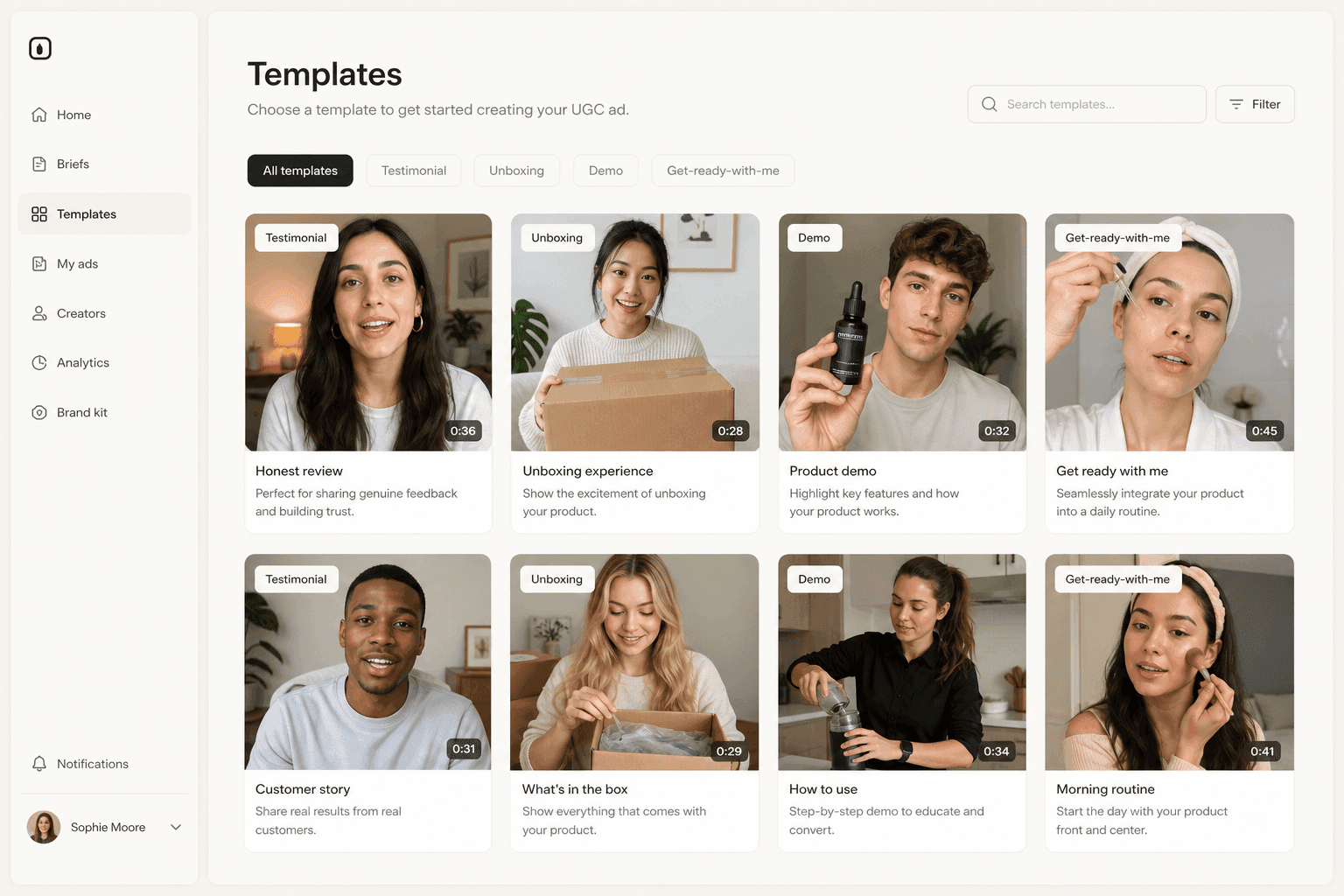
How Hashtag Data Works Now
Ranked lists by industry, not an open corpus
Here is the change that breaks the most workflows, described accurately.
TikTok's current documentation, on a help article stamped "Last updated: July 2026," states the behavior plainly: "Trends displays trending hashtags by industry in the Creative Center." The unit of data is a ranked list scoped to an industry, a time frame, and a region. You pick a slice, and TikTok hands you what is rising inside it.
What you cannot do is treat the hashtag database as an open corpus and interrogate it freely, pulling arbitrary volume figures for any tag you can think of. That capability is what narrowed. The distinction matters because a ranked top list answers "what is hot in beauty this month in Mexico" very well and answers "how big is this specific niche tag I invented" not at all.
The search box that is still there
A line you will see repeated across guides ranking for this topic is that TikTok removed hashtag search from Creative Center. That is not what happened, and the mistake is easy to check.
TikTok's own Trends instructions, on that same July 2026 page, tell users to "Search or filter by industry or time frame." The search affordance is documented, current, and inside the product. Clicking "See Analytics" on any hashtag still opens its trendline, related videos, audience insights, regional popularity, and related hashtags.
What changed was scope, not the input box. Writing "there is no search" is wrong. Writing "hashtag data is scoped to ranked lists by industry rather than queryable as an open corpus" is correct, and it is the sentence the ranking guides never manage to write.
What breaks if you follow a 2023 workflow
Three habits stop working, and each has a replacement:
- Pulling a volume number for an arbitrary tag. Replace it with reading the ranked list for your industry and treating relative position as the signal.
- Building a keyword-style hashtag map from the tool. Replace it with a regional and time-boxed read: the same industry looks different in Spain and in Colombia, and Creative Center will show you that if you change the region filter instead of the query.
- Using Creative Center as a market-sizing instrument. It was never designed as one, and TikTok narrowed it partly because it was being read that way.
A Timeline of What Actually Changed
Most of the confusion around this tool comes from separate events, spread over two years, getting compressed into one vague sense that "TikTok changed Creative Center." Only one of them touched the hashtag data.
| When | What changed | What it means today |
|---|---|---|
| January 2024 | Hashtag scope narrowed | Ranked lists by industry, search box intact |
| February 2025 | Video Generator left | Generate in Symphony Creative Studio instead |
| Announced February 2025 | Creator Marketplace sunset | Folded into TikTok One, not Creative Center |
| 2025 onward | Shared TikTok One branding | Same tool, new title on the page |
January 2024: the hashtag scope narrows
The first change is the one that generated the most coverage and the most misremembering. Press reporting at the time, carried on the AP wire, described the restriction as the Center allowing only searches for the top 100 hashtags by industry, with a TikTok spokesperson quoted saying that people had misused the Center's search function to draw inaccurate conclusions.
That reporting is the origin of the "hashtag search is gone" line. Read against TikTok's own current documentation, what it actually describes is a ceiling placed on the result set, not the removal of the input.
- What the press described: a cap on how much of the hashtag corpus a query can reach.
- What guides turned it into: "TikTok removed hashtag search."
- What you should carry: treat January 2024 as press-attributed history, and the July 2026 help article as the description of what you will actually see when you log in.
February 2025: the video generator moves out
Creative Center used to include a Video Generator. It does not anymore.
TechCrunch reported on 27 February 2025 that the tool would no longer be available on TikTok Creative Center as of the following day, as part of the same wave of changes that moved Creator Marketplace into TikTok One. TikTok did not publish its own migration notice for this, so the date belongs to the reporting rather than to a TikTok announcement.
The successor is Symphony Creative Studio, which TikTok's help center describes in its own words as "an AI-powered TikTok video generation tool" and labels a free creation tool. If a guide tells you to generate a video inside Creative Center, it predates this move.
2025 onward: everything gets a TikTok One badge
The third change is the subtlest and the one that produces the worst errors. Creator Marketplace, TikTok's creator-brand matchmaking product, was sunset and folded into TikTok One alongside Partner Exchange. Creative Center was not part of that.
The reason people conflate them is that the branding genuinely overlaps now. Every live Creative Center page carries a "TikTok One Creative Suite" title, and the URLs moved under a /creative/ path. But TikTok's own creative tools navigation still lists four separate items: TikTok One, Symphony Creative Studio, Creative Exchange, and Creative Center. They are separate, separately navigable surfaces sharing a brand umbrella. Creative Center was never shut down, retired, or replaced.
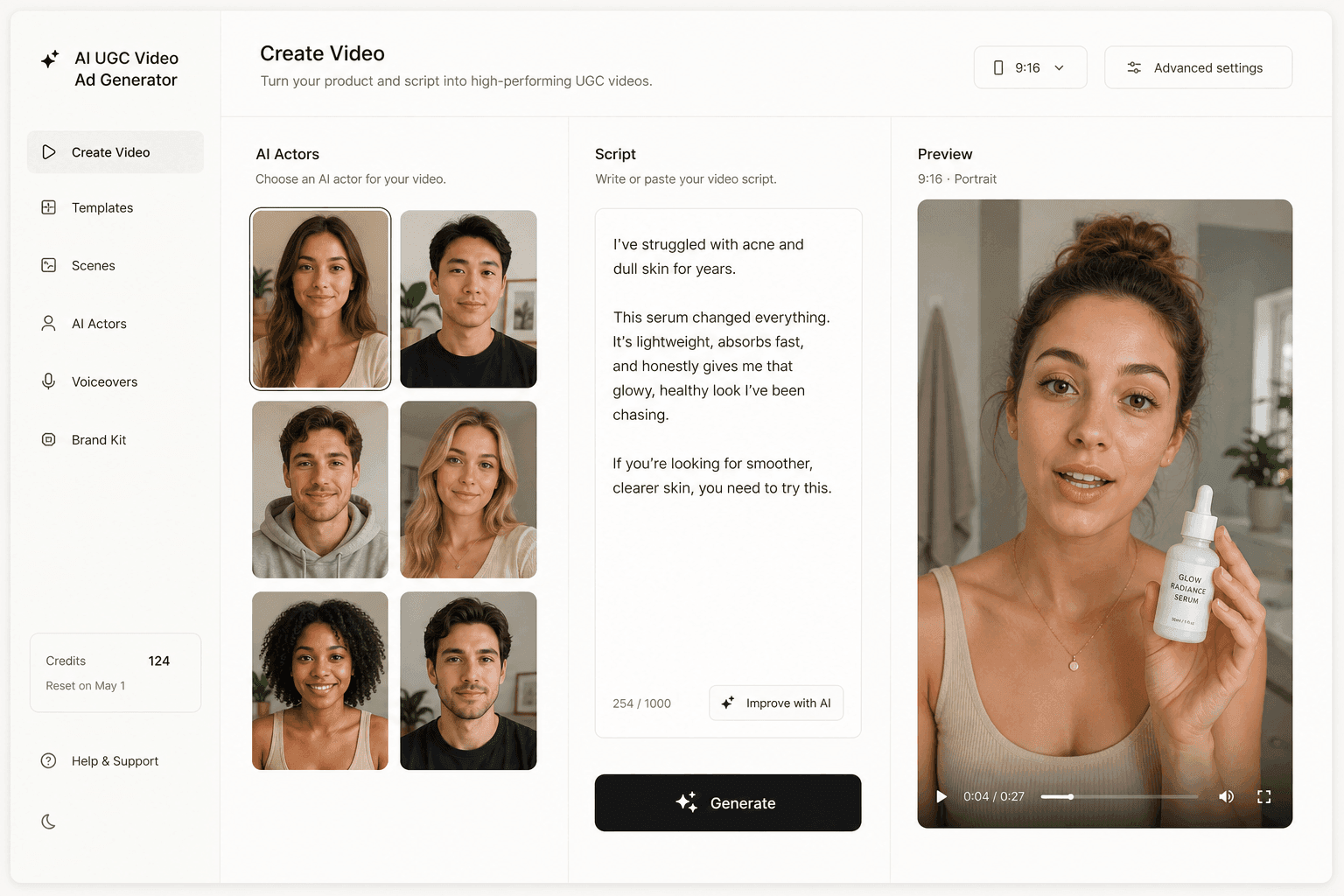
Top Ads Is Still the Reason to Open It
Strip away the hashtag drama and the tool's most valuable section is untouched. Top Ads is TikTok showing you, for free, what is currently winning auctions in your category. It is the closest thing the platform offers to a public ad library with performance signal attached.
The filters that matter
The Top Ads view opens on a promise that doubles as a method: "See high-performing auction ads on TikTok. Let successful cases inspire your creativity." Underneath it sit the controls that make the gallery useful rather than merely entertaining:
- Region. Set it to the market you sell in, not the one you live in.
- Objective. Match it to your campaign goal so you study ads optimized for the same thing.
- Ad language. The single most under-used filter, and the one that surfaces local phrasing.
- Ad format and likes. Format constrains what you can realistically produce; likes is a floor, not a signal.
- Sort by: For You, Reach, CTR. Three very different questions.
Sorting by CTR is the setting most people never touch and the one that changes what you learn. Reach rewards budget. CTR rewards the first two seconds. If you are trying to reverse-engineer a hook rather than admire a big spender, sort by CTR and read the openings.
Read the structure, not the product
The trap with any ad-inspiration gallery is collecting ads instead of extracting patterns. A skincare ad that works does not tell a supplement brand to sell skincare. It tells them that a close-up problem statement in the first second, followed by a hand entering frame with the product, was enough to hold attention in that market this month.
Watch for four things and write them down:
- What happens in the first second, before anyone has decided to stay.
- Who is talking, and from where: a kitchen, a car, a studio, nowhere.
- When the product first appears on screen, and in whose hands.
- What the last three seconds ask the viewer to do.
That is a transferable structure. Everything else is set dressing. If you want a deeper treatment of the opening beat specifically, our guide to writing ad hooks breaks down the patterns that repeat.
A worked example: 12 ads, 3 patterns, 9 tests
Here is the arithmetic that makes the research worth doing, using a small e-commerce brand as the example.
You filter Top Ads to your region and objective, sort by CTR, and study the first twelve results. Across those twelve, three structures repeat: a problem-first close-up, a before-and-after with the product held in frame, and a direct-to-camera claim delivered by someone who looks like the target buyer. Three structures. Now cross them with three script angles you already believe in, price, speed, and social proof, and you have nine distinct ads to test.
Nine tests is a real week of creative for a small team. It is also nine briefs, nine shoots or nine creator negotiations, and the usual two weeks of back-and-forth before anything reaches the ad account. The research took an afternoon. The production is the part that decides whether the research ever gets used, and that is true no matter how good the creative analytics on the other side are.
Creative Center Is a Research Surface, Not a Production One
What research actually hands you
At the end of a good Creative Center session you have a list:
- Formats that are working in your category this month.
- Hooks that repeat across unrelated brands.
- The language and region combinations that dominate your slice.
- Maybe a sound or two worth using before it saturates.
That list is genuinely valuable and most advertisers do not build it.
But a list is not an asset. Nothing you leave Creative Center with can be uploaded to TikTok Ads Manager and run. The tool is deliberately upstream of production.
The gap where most teams stall
The failure mode is not laziness, it is arithmetic:
- Research suggests nine variations worth testing.
- Production comfortably delivers two per month.
- Seven never get made, and the two that ship are the two that were easiest to shoot, not the two most likely to win.
Research quality stops mattering the moment production throughput becomes the constraint.
This is why "which tool do I use for TikTok research" is usually the wrong question. Creative Center already answers it and costs nothing. The question that decides outcomes is what happens in the days after you close the tab, which is a creative operations problem: how many of the patterns you identified actually become ads, and how fast.
A Weekly Workflow That Survives the Next Change
Build the routine around what TikTok is unlikely to take away: the Top Ads gallery and the industry-scoped trend lists. Keep it short enough that you actually run it.
Monday: pull and sort
The copy-paste version, in order:
- Open Top Ads and set region to your market.
- Set objective to your campaign goal and ad language to the language you sell in.
- Sort by CTR and take the top twelve.
- Open Trends, pick your industry and a short time frame.
- Note anything rising that overlaps with a product you actually sell.
Tuesday: extract the pattern
For each of the twelve ads, write one line describing the first second and one line describing the last three. Group them. You will almost always end up with three to five structures, not twelve. Those groups are your test matrix for the week, and they should map to the ad formats you can realistically run.
Wednesday to Friday: produce and ship
Turn each structure into two or three scripted variations, produce them, and push them live as separate ads so the platform can tell them apart. Resist the urge to polish one hero video. Volume with structural variety beats a single well-made ad, because you are buying information as much as impressions.
How to know it worked
You are looking for one thing in week one: a spread.
- Healthy. An obvious winner, an obvious loser, and a visible gap between them.
- Broken. All nine variations within a point of each other on CTR, which means your structures were not actually different and you tested the same ad nine times.
- Next step. The winner becomes next week's baseline, and the cost side of the equation starts moving in your favor.
- Then widen. A hook that earns the first second tends to travel, so run the winning structure against Instagram as well as TikTok rather than assuming the platform you researched on is the one that buys cheapest.
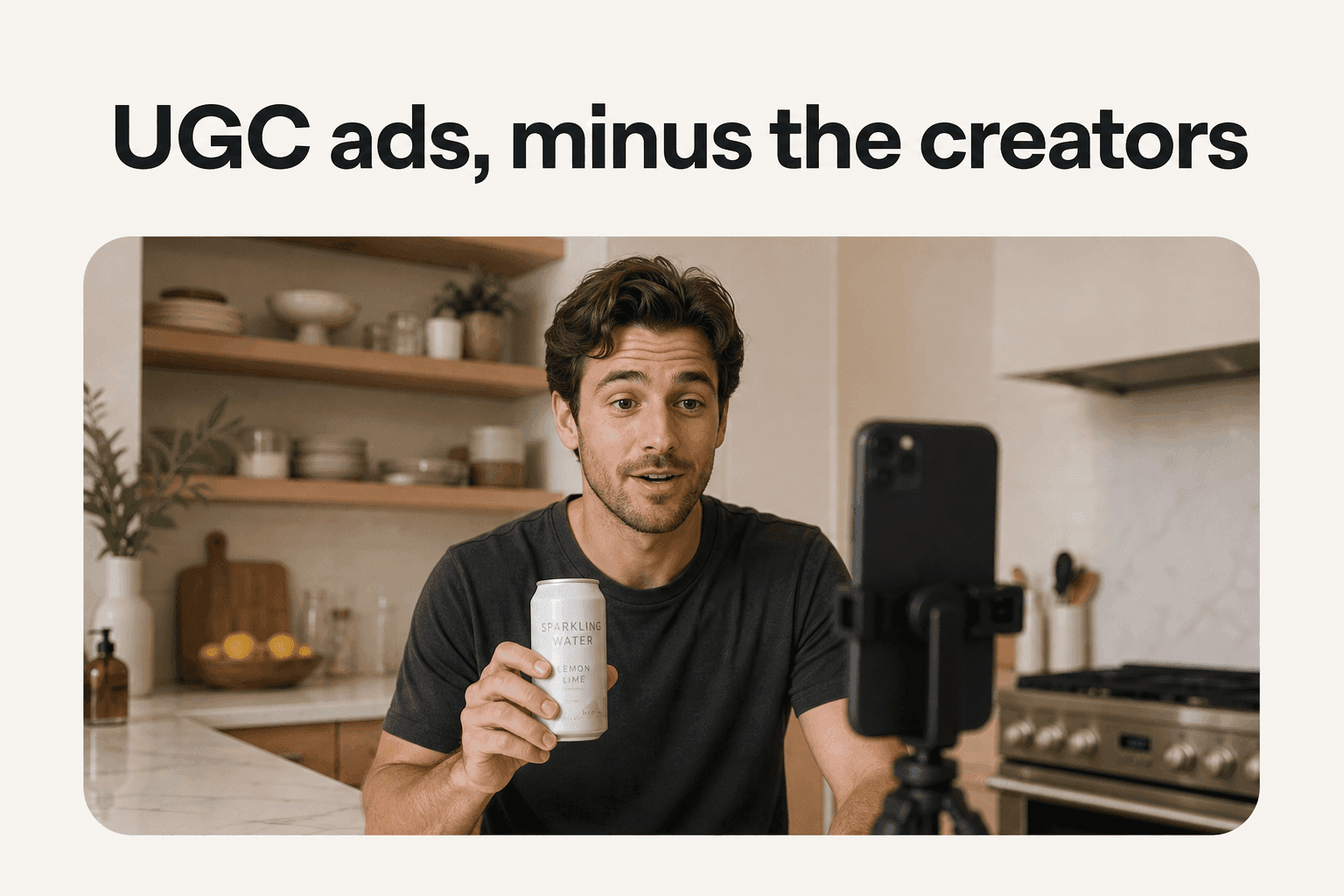
How Novoads Closes the Research-to-Production Gap
Novoads is built for the half Creative Center deliberately leaves alone: turning a pattern into finished, ad-ready vertical video. You upload a product image or write a script, pick an AI actor, and get a UGC-style ad you can download and upload to Ads Manager. The nine variations from the worked example above stop being a wish list and become a batch.
The point is not that AI video replaces studying real ads. It is that the two halves finally match in speed. If you can run a research pass and produce against it in the same week, the pattern you found is still current when the ad goes live. You can try it from $49/month and see whether your own Top Ads shortlist survives contact with production. Cancel whenever you want.
One note worth carrying over from the research: whatever you produce with AI, disclose it the way TikTok asks. The platform has its own labeling rules for AI-generated content, and the labeling is not a penalty.
Research got cheaper. Production is the whole game.
The reason so many guides to this tool are wrong is that they were written once and never opened again, which is exactly the mistake they teach you to make with creative. Creative Center changed in January 2024, again in February 2025, and again as TikTok reorganized its creative tools under one brand. It is still free, still live, still the best public read on what is working in your category.
But nothing in it is an ad yet. The teams that win on TikTok are not the ones with better research, because the research is sitting there for anyone who opens the page. They are the ones who can turn what they found into ten variations before the pattern goes stale.
Frequently Asked Questions
Is TikTok Creative Center still free?
Yes. Creative Center is free to browse and you can reach the Top Ads gallery without paying anything. Some sections ask you to sign in for the full experience: TikTok's own Trends help article starts its instructions with 'Log in to Creative Center', so hashtag analytics expects an account. Browsing top-performing ads does not require an active ad spend.
Did TikTok remove hashtag search from Creative Center?
No, and this is the single most repeated error in older guides. TikTok's own Trends help article, stamped Last updated July 2026, still instructs users to 'Search or filter by industry or time frame'. What changed in January 2024 was the scope of the data behind that box. Instead of open queries across the whole hashtag corpus, you get ranked top-100 style lists bounded by industry, time frame, and region.
What is the current TikTok Creative Center URL?
The canonical address today is ads.tiktok.com/creative/creativeCenter. The older ads.tiktok.com/business/creativecenter/pc/en path is not dead: it redirects to the current one and returns a working page. Some deep legacy paths, including the Top Ads inspiration URL, still resolve directly. If you have an old bookmark, it will get you there.
Was TikTok Creative Center shut down and replaced by TikTok One?
No. The product that was sunset into TikTok One was Creator Marketplace, alongside Partner Exchange. Creative Center is still listed as its own item under TikTok for Business creative tools, next to TikTok One, Symphony Creative Studio, and Creative Exchange. The confusion is understandable because every live Creative Center page now carries a TikTok One Creative Suite title, so the brands overlap at the presentation layer even though the tools are separate surfaces.
Where did the Creative Center Video Generator go?
It is no longer part of Creative Center. TechCrunch reported on 27 February 2025 that the tool would no longer be available in Creative Center as of the following day, with users directed to Symphony Creative Studio. TikTok's own help article describes Symphony Creative Studio as an AI-powered TikTok video generation tool and calls it a free creation tool, but TikTok never published a migration notice for the Video Generator itself.
Is Creative Center enough to build a TikTok ad strategy?
It is enough to build the research half. Creative Center tells you which ads are performing in your industry and lets you study the filters, formats, and hooks behind them. It does not produce anything for you. The gap between seeing a winning pattern and having ten of your own variations filmed and edited is where most teams stall, and that gap is a production problem, not a research one.
Key Takeaways
- TikTok Creative Center is live, free to browse, and reachable at ads.tiktok.com/creative/creativeCenter. The older /business/creativecenter/pc/en bookmark redirects there rather than breaking.
- Hashtag data is not gone and the search box is not gone. What narrowed, in January 2024, was the scope: instead of querying an open hashtag corpus, you browse ranked lists bounded by industry, time frame, and region.
- Creative Center was not retired. Creator Marketplace was the product folded into TikTok One. Creative Center still appears as its own item under TikTok for Business creative tools, even though every page now carries a TikTok One Creative Suite title.
- The Video Generator that used to live inside Creative Center is gone from it. TechCrunch reported in February 2025 that users were pointed to Symphony Creative Studio, which TikTok describes as a free AI video generation tool.
- Top Ads remains the section worth opening: it exposes high-performing auction ads with filters for region, objective, ad language, and format, sortable by reach or CTR.