AI Video Camera Movement Prompts: Nine Direction Words and a 38% Miss Rate
Camera movement in AI video ads is set by the sentence you write, not by a slider. Here are the direction words that land, the phrasings that break a shot, and how often even the best-scoring model misses.

Mauricio Valdivia
·11 min
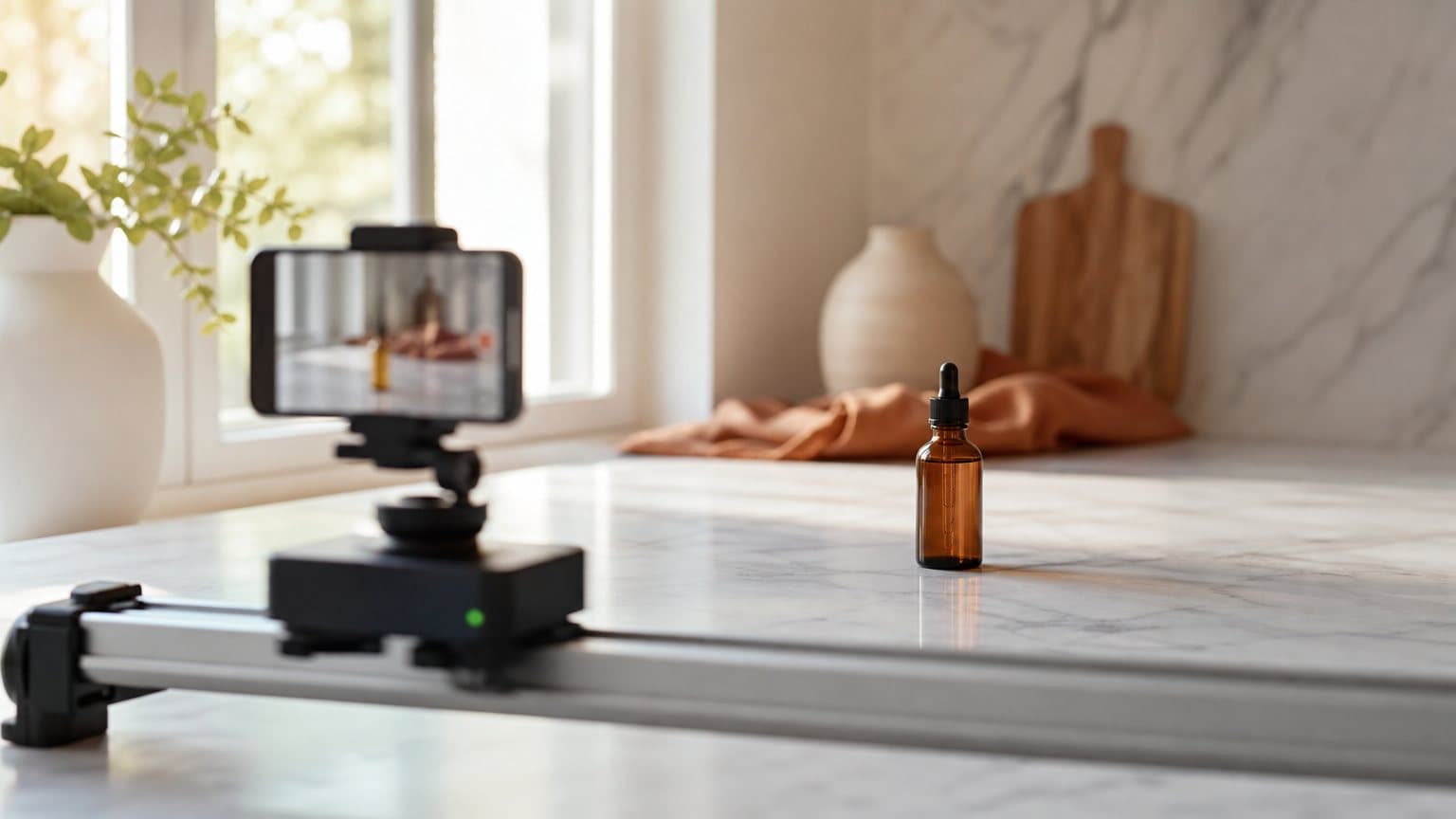
The camera is now a sentence, not a slider
A skincare brand renders the same five-second product clip twice. The first prompt asks for something cinematic. The second asks for a slow push-in toward the bottle on the marble counter. Only one of them moves the way the media buyer pictured. Same image, same engine, same spend. The variable was the sentence.
That is not a quirk of one render. On the video models ad teams actually run today, camera movement has stopped being a control panel and become a writing problem. Kling states it plainly on its own blog: camera control means using prompt instructions to guide how the virtual camera moves through a generated video. There is no dial. There is a description, and the model's reading of it.
And that reading is real but not obedient. In VBench-2.0, an independent benchmark that scores camera motion by tracking points across the generated frames instead of judging by eye, the highest-scoring model in the group produced the movement it was asked for 61.73% of the time. That is far ahead of the field. It is also a miss roughly two times in five, which is the number that should shape how you budget renders.
Where the camera control actually lives now
Most guides to this topic are still describing an interface that current models no longer expose. It is worth being precise about which lever you are pulling.
The parameter path, and what it was built for
Kling does document a structured camera control. Its quickstart describes a camera movement control that "supports six basic camera movements, including 'horizontal, vertical, zoom, pan, tilt, roll', as well as four Master Shots", set by adjusting displacement parameters. That is a genuine, non-prose interface: absolute commands with numeric extents.
It is also a separate and older path from the prompt. If you have read a tutorial about setting camera values on a slider, that is the feature it described.
What the live endpoint accepts
Novoads runs Kling 3.0 as one of its video engines, dispatched through fal, and fal publishes the endpoint's input schema openly. As of July 2026, the Kling v3 Pro image-to-video schema lists exactly ten inputs: prompt, multi_prompt, start_image_url, duration, generate_audio, end_image_url, elements, shot_type, negative_prompt and cfg_scale.
Read that list again for what is missing. No camera object, no pan value, no zoom extent, nothing. On the surface the ad actually gets generated through, camera direction has exactly one channel, and it is the text box.
Why that is good news for a media buyer
A slider is a skill you have to learn separately, and a skill your copywriter does not have. A sentence is not. It means the person writing the hook can also write the shot, and it means camera treatment becomes a variable you can version the same way you version a script. That is the same shift that made creative testing cheap in the first place: the expensive input turned into text, which is the whole premise of text-to-video generation.
The nine direction words, and what each one sells
Kling's camera guide publishes its own vocabulary list, and it runs to nine entries: push in, pull back, pan left, pan right, tilt up, tilt down, track forward, orbit slowly, static camera. They are worth learning not because they are magic tokens but because they are the verbs the training data was captioned with. An adjective like "cinematic" describes how the footage should feel; these describe what the camera does.
For ad work, each one also has a job.
| Direction word | What the camera does | What it sells |
|---|---|---|
| Push in | Moves toward the subject | Desire. Focuses attention on one thing |
| Pull back | Moves away from the subject | Context. Reveals setting or scale |
| Pan left / right | Pivots horizontally | Continuity. Links two ideas in one shot |
| Tilt up / down | Pivots vertically | Scale. Product size, height, drop |
| Track forward | Follows through space | Momentum. Motion the viewer joins |
| Orbit slowly | Circles the subject | Proof. Three-dimensional product truth |
| Static camera | Holds still | Credibility. Reads as real footage |
Push and pull are the desire moves
A push-in is the closest thing AI video has to a close-up button, and it is the move that converts. Kling's prompt guide maps it directly to feeling: "A slow push-in as the character thinks" reads as calm, intimacy, suspense. In an ad, that translates to the beat where the claim lands and you want the viewer looking at exactly one object.
Pull back is its inverse and is underused. It is how you show a cluttered bathroom shelf becoming an organized one, or a single serving becoming a whole subscription box.
Pan, tilt and track are the context moves
Pan and tilt are cheap ways to fit two ideas into one shot without a cut, which matters when your clip is five seconds long. Track forward is the one that reads most like real handheld footage, and Kling's guide pairs "A steady tracking shot following the subject" with readable action and continuity. That is the phrasing to reach for in UGC-style ads where the shot needs to feel walked, not flown.
Orbit and static are the proof moves
Orbit slowly is the product-truth move. It is how a physical object earns belief on a feed, and it is worth a dedicated variant when you are making product videos with AI.
Static camera is the one people forget they can ask for. Because generative models tend to add drift, explicitly writing "static camera" is an instruction, not a no-op. For testimonial-style creative it is often the single highest-performing camera choice, because the absence of movement is what makes footage read as unproduced.
Use a moving camera when:
- The shot has to reveal something the first frame does not show
- You need two ideas in one clip and cannot afford a cut
- The product's shape or finish is part of the claim
- The beat is emotional and proximity is doing the work
Use a static camera when:
- Someone is talking to camera and the words carry the beat
- The creative is impersonating phone footage a customer would shoot
- The frame is already busy and any drift reads as an error
- You are testing a hook and want the camera to be the constant
How reliable is a camera prompt, really?
Every vendor guide on this topic says camera prompts work. Almost none of them say how often. That number exists.
What an instrumented benchmark found
VBench-2.0, a benchmark suite from an academic group rather than a model vendor, includes a dedicated camera-motion dimension. It does not ask humans whether a shot looks like a dolly. It measures: "The generated camera motion is assessed via point tracking with CoTracker-v2", across nine motion types, checking whether the model produced the movement the prompt specified.
The scores in that dimension are not close. Kling 1.6 scored 61.73%. HunyuanVideo scored 33.95%, CogVideoX-1.5 scored 33.33%, and Sora scored 27.16%. With nine motion classes, blind guessing sits near 11%. The paper's own read is that these results make Kling "well-suited not only for tasks that require precise camera control."
Two caveats matter before you quote that number anywhere:
- The tested build was Kling 1.6, not the v3 generation currently in production. Treat it as evidence about the model family, not a spec sheet for today's release.
- 61.73% is also a 38% miss rate. The figure that makes Kling best in its group is the same figure that says it did not do what it was told roughly two times in five.
Reading 61.73% as a production number
Best in class and unreliable are not contradictory statements here. They are the same fact viewed from two directions, and only one of them changes your workflow.
If you plan as though camera direction is deterministic, you write one prompt, get a drifting shot, and conclude camera prompts do not work. If you plan as though it is a strong bias rather than a command, you render two or three takes of the shot that matters and pick the one that moved correctly. The second team ships. The first team writes a thread about how AI video is overhyped.
Three habits follow from treating adherence as a probability:
- Render in pairs on the shots that carry the claim. Two takes of the push-in that lands the offer, one take of the establishing wide.
- Check the move before you check the aesthetics. Did the camera do the thing? If not, no amount of color grading rescues that take.
- Keep the failed takes. A shot that drifted instead of pushing in is sometimes the better ad, and you already paid for it.
The model's own hedge
Kling does not oversell this either. Its VIDEO 3.0 user guide, describing how the model plans coverage from your text, states that "the model will generally follow the prompts. However, if the described scene is better suited to a single shot, the model will flexibly adjust based on the situation."
That is a vendor telling you, in its own documentation, that your camera instruction is an input to a decision rather than the decision itself. Believe it. It is also the same guide that says the model will "automatically plan scene transitions, shot framing, and camera angle changes based on the prompts", which is the upside of the same behavior.
The phrasings that break a shot
Most failed camera prompts fail in one of three ways, and each has a specific fix.
Stacking moves into one shot
This is the big one, and Kling calls it out by name: "A common mistake is asking for too many movements at once. 'Push in, pan left, tilt up, rotate, zoom, and follow the subject' can create unstable results."
Why it happens: writers treat the prompt like a wish list, adding every impressive move they can name. The model then has to satisfy six mutually constraining motion paths inside five seconds, and the compromise looks like drift, warping or a shot that wanders.
The fix is one main move per shot. If you need three moves, you need three shots. The rewrite is mechanical:
- Before: "cinematic push in, pan left, tilt up and orbit the bottle while the light changes"
- After, shot 1: "slow push-in toward the amber bottle on the counter, soft daylight"
- After, shot 2: "orbit slowly around the amber bottle on the counter, soft daylight"
Naming a mood instead of a move
"Cinematic", "dynamic", "epic" and "professional" are not camera instructions. They are how you feel about camera instructions. Kling's guide runs the comparison directly, showing that "Slow push-in toward a woman sitting at a modern desk, soft daylight, realistic motion, stable camera, shallow depth of field." is stronger than "Make it cinematic."
The fix is a translation habit: before you write an adjective, ask what the camera would have to do for that adjective to be true, then write that instead.
Writing a move the scene cannot support
Every move has a physical precondition, and a starting image that violates it wins the argument:
- Orbit needs clear space on all sides of the subject
- Tilt up needs something vertical, a bottle, a body, a shelf
- Track forward needs depth and somewhere for the camera to go
- Pull back needs a wider setting worth revealing
- Push in needs a single subject the frame can commit to
When the movement contradicts the framing you supplied, the model resolves the conflict in favor of the image it already has, and your camera instruction quietly evaporates.
The fix is to bind the move to the subject's own action. Kling's guidance is explicit that "camera slowly pushes in on the character's face as she turns toward the window" is usually clearer than "cinematic camera movement", because the camera action and the subject action reinforce each other instead of competing.
Writing an ad as a shot list
Once you accept one move per shot, prompt writing turns into something ad teams already know how to do: a shot list.
One move per beat
Take a standard four-beat UGC structure (hook, problem, product, proof) and give each beat exactly one camera behavior that supports it. The camera stops being decoration and starts carrying the argument.
- Hook: static camera, medium shot. Nothing distracts from the first line.
- Problem: slow push-in on the subject's face. Tension rises with proximity.
- Product: orbit slowly around the product on the counter. The object earns belief.
- Proof: pull back to reveal the result in its real setting.
A worked four-shot example
Written as four separate five-second prompts for a skincare bottle, each with a single move:
- "Static camera, medium shot, a woman in a bright bathroom holding a small amber serum bottle, natural morning light, realistic motion."
- "Slow push-in toward her face as she frowns at her reflection, soft daylight, shallow depth of field, stable camera."
- "Orbit slowly around the amber serum bottle standing on a white marble counter, water droplets on the glass, soft daylight."
- "Slow pull back from her face to reveal the full bathroom, morning light, calm expression, realistic motion."
Each prompt names one move, one subject, one light condition. Kling's prompt guide describes the camera component as naming "framing, angle, or movement", which is the discipline these four share. If you are keeping the same face across all four shots, that is a separate problem with its own solution, covered in keeping an AI actor consistent across variations. On Seedance the identity is carried by the request itself rather than the prompt wording, which has its own upload rules and positional reference tags.
What the shot list costs to test
Here is the part that makes camera phrasing worth testing rather than guessing. Cost per usable move = credits per render divided by the share of renders that move correctly.
In Novoads, a five-second Kling render costs 3 credits, and durations run from 3 to 15 seconds (a fifteen-second render is 7 credits). Testing three different camera treatments of the same product shot is 9 credits. If roughly six in ten renders execute the move you asked for, which is what the benchmark above would predict, budgeting five renders to land three usable shots costs 15 credits.
That is a rounding error against reshooting anything, and it is why camera direction belongs in your test matrix next to hooks and offers rather than in a style guide nobody opens. The same logic applies whichever engine you pick: the Seedance prompt structure uses different vocabulary but rewards the same one-move-per-shot discipline, and Kling's motion control solves a different problem entirely, transferring a character's movement rather than the camera's.
How Novoads solves the missing camera slider
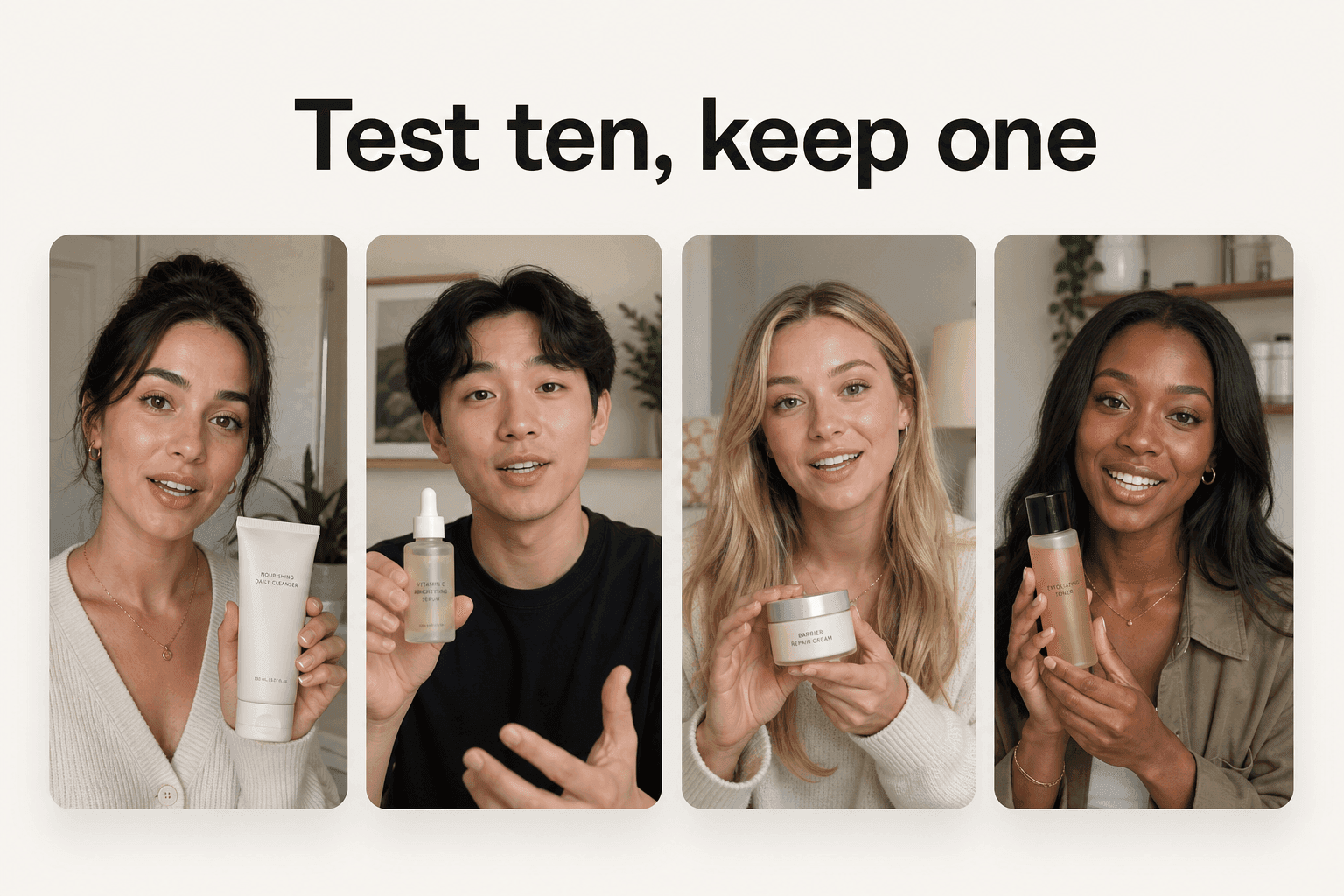
Novoads generates ads on Kling 3.0, Seedance 2.0 and Google Veo 3.1 from a product image plus a written or auto-generated script, so the camera direction lives in the same prompt as everything else. There is no separate camera panel to learn, because the endpoint underneath does not have one either. The loop is short:
- Upload the product photo and write the shot the way a director would say it out loud
- Pick a duration between 3 and 15 seconds, which is where the credit cost is decided
- Render, watch for whether the move executed, and version the camera clause rather than the whole prompt
What that buys you is iteration speed on the variable nobody else is testing. Three camera treatments of the same beat is three renders and 9 credits, which means "static versus slow push-in" stops being a taste argument and becomes a result. You can try it from $49/month. Cancel anytime.
Direction got cheap. Aim did not.
For most of advertising history, a camera move was a line item: a rig, an operator, a second take. It is now a clause in a sentence, and it costs the same as not writing it. What did not get cheaper is knowing which move the beat needs, and that is still the part worth paying attention to. The models will follow direction most of the time. They will never supply it.
Frequently Asked Questions
What are AI video camera movement prompts?
They are plain-language camera directions written inside the text prompt, such as slow push-in toward the bottle or static camera, wide shot. On current ad video models there is usually no camera dial to set, so the model reads the movement out of your sentence. Kling puts it directly: camera control means using prompt instructions to guide how the virtual camera moves through a generated video.
Which camera movement words actually work in a prompt?
Kling's own camera guide lists nine: push in, pull back, pan left, pan right, tilt up, tilt down, track forward, orbit slowly and static camera. Those map onto real cinematography verbs, which is why they carry more signal than adjectives. A phrase like slow push-in toward a woman sitting at a modern desk is described by Kling as stronger than make it cinematic.
Can I set camera movement with a numeric parameter instead of a prompt?
Not on the current generation served through fal. Kling documents a separate structured camera-movement control with six basic movements and four Master Shots, driven by displacement parameters, but that is a different and older path. The published input schema for Kling v3 Pro image-to-video lists prompt, multi_prompt, start_image_url, duration, generate_audio, end_image_url, elements, shot_type, negative_prompt and cfg_scale, and no camera field at all.
How reliable are camera movement prompts?
Directionally reliable, not deterministic. VBench-2.0 scores camera motion by tracking points across the generated frames rather than by eye, and Kling 1.6 scored 61.73% on producing the requested movement, ahead of HunyuanVideo at 33.95%, CogVideoX-1.5 at 33.33% and Sora at 27.16%. That is the best result in the group and still roughly a 38% miss rate, so plan on rendering more than one take.
Why do my camera prompts get ignored?
The three usual causes are stacking (asking for push, pan, tilt, rotate and zoom in one shot, which Kling says can create unstable results), naming a mood instead of a move, and describing a movement the scene cannot physically support. Kling's VIDEO 3.0 guide also states that the model will generally follow the prompts but will flexibly adjust when the described scene is better suited to a single shot.
How much does it cost to test camera movement variations?
In Novoads a five-second Kling render is 3 credits and durations run from 3 to 15 seconds, with a fifteen-second render at 7 credits. Testing three camera treatments of the same product shot is 9 credits, which is why camera phrasing is worth A/B testing the way you would test a hook.
Key Takeaways
- On the Kling endpoints served through fal, the published input schema lists prompt, duration, images and a handful of quality fields. There is no camera parameter, so the sentence you write is the entire camera department.
- Kling's own guide names nine direction words (push in, pull back, pan left, pan right, tilt up, tilt down, track forward, orbit slowly, static camera) and shows that a specific one beats asking the model to make it cinematic.
- Camera adherence is real but not obedient. VBench-2.0 scored Kling 1.6 at 61.73% on generating the camera motion it was asked for, best in its test group and still a miss roughly two times in five.
- One main move per shot. Kling states that stacking push, pan, tilt, rotate and zoom into one instruction can create unstable results.
- Budget renders, not prompts. At 3 credits for a five-second Kling clip in Novoads, testing three camera treatments of the same product shot costs 9 credits, which is the cheapest creative variable you have.