X's New Video Editor Adds Green Screen and Captions: What It Means for Advertisers
X (formerly Twitter) shipped an in-app video editor with green screen recording and multi-language captions on iOS. Here is what it changes for creators and advertisers, and where a native editor stops.

Mauricio Valdivia
·9 min
X Just Put a Video Editor Inside the App. It Still Will Not Write Your Ad.
On 6 July 2026, X's head of product Nikita Bier announced a native video editor and recorder built into the app. Two features led the launch: green screen recording and multi-language captions. It is rolling out on iOS first, with more updates promised in the following weeks.
If you make video for a living, this is genuinely useful. You can swap your background, caption in another language, and post without ever opening a second app.
But read the announcement carefully and notice what it is, and what it is not. It is a distribution upgrade: a faster path from your camera to X's feed. It is not an ad engine. A background swap and an auto-caption do not write your hook, cast a believable person, or tell you which version of an ad actually sells. That gap is the whole point of this article.
What X Actually Shipped
Strip away the framing and the update is a tight, focused set of tools, packaged into an easy-to-use overlay inside the app. The launch, at a glance:
- Green screen recording. Replace your background using a photo from your camera roll or another X post.
- Multi-language captions. Overlay subtitles in more than one language, styled to match your feed.
- A built-in recorder. Shoot inside the app, on iOS first.
- More on the way. Bier framed this as version one, with further editor updates promised in the following weeks.
Each of those deserves a closer look, because what they do and do not do is the whole story.
Green screen without leaving the app
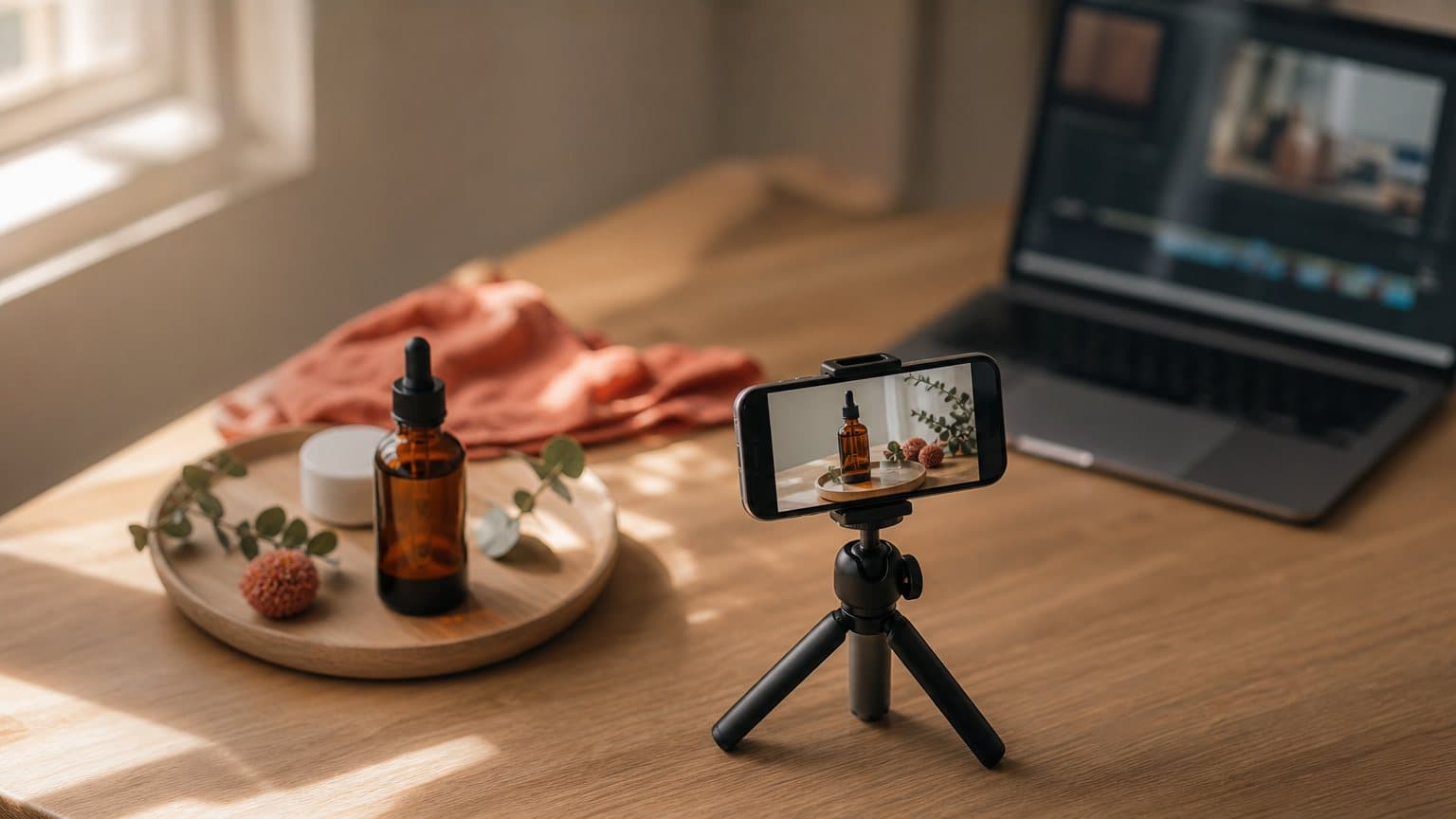
The marquee feature is a green screen recorder. Instead of shooting against a physical backdrop, you replace what is behind you while you record, using "green-screen tools that work with photos from your phone's camera roll or other X posts." Point to a screenshot, a chart, or someone else's post, and it sits behind you as you talk.
This is the reaction and commentary format that made TikTok's own green screen a staple. It lowers the effort of the single most common creator video: a person reacting to something on screen. Until now, pulling that off on X meant exporting to a tool like CapCut and re-uploading. Now it lives in the compose flow, and it is a natural fit for a handful of formats:
- News reactions. Put the post or headline behind you and respond to it live.
- Explainers. Stand in front of a chart, a screenshot, or a product page.
- Commentary. Quote-style takes on someone else's video, without reposting it.
Captions in multiple languages
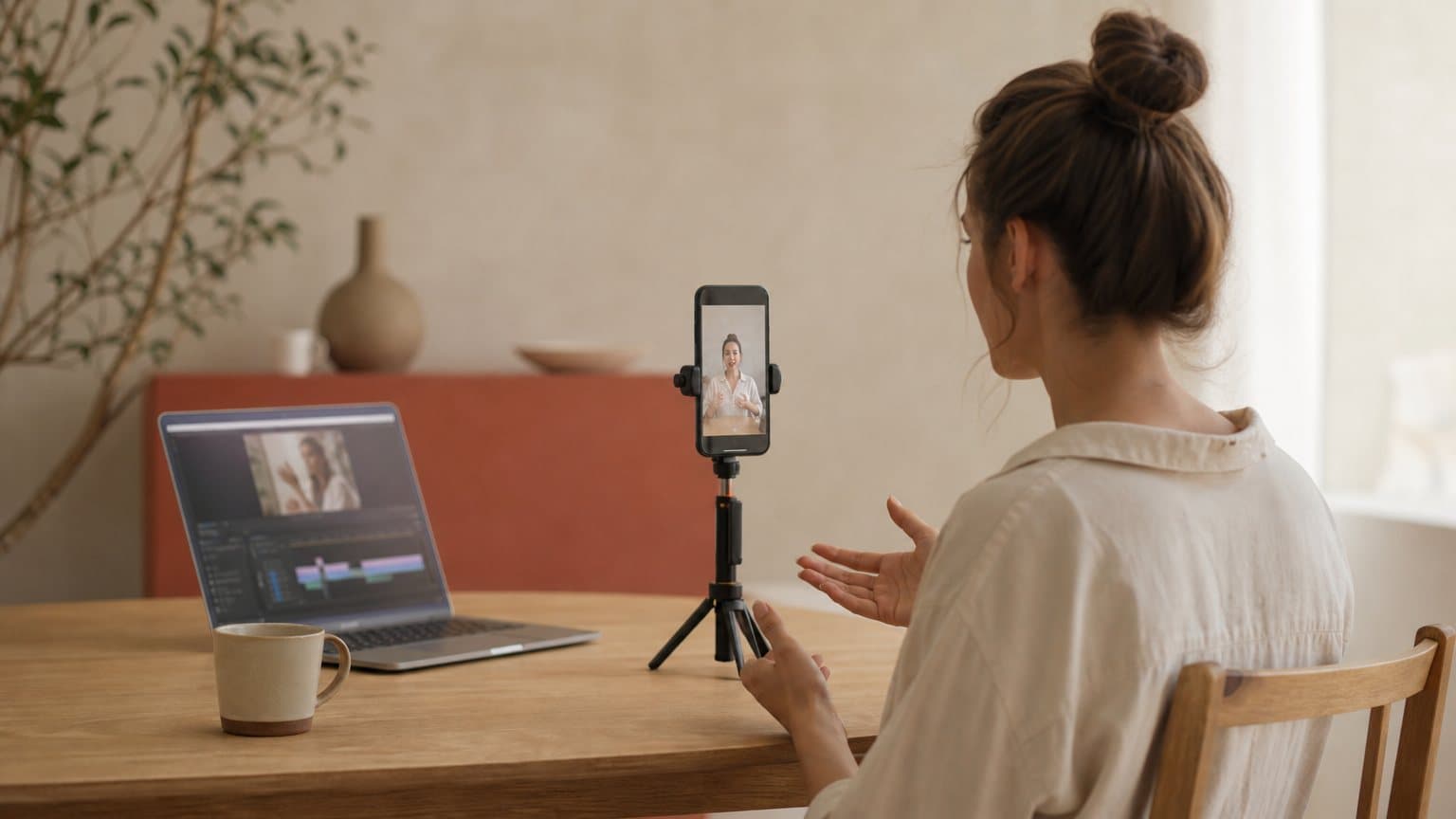
The second feature is captioning. The editor can "overlay video captions in multiple languages and customize their look," so you can burn readable subtitles into a clip and style them to match your feed. Captions are not a nice-to-have on social video: most feeds autoplay muted, and a large share of watch time happens with the sound off. Legible on-screen text is often the difference between a scroll and a stop.
Multi-language captions also widen who can follow a clip without a voiceover in their language. That matters more than it sounds, and it is a theme we will come back to when we talk about reach.
A recorder, on iOS first
The update is a video editor and recorder, not just an editor. Bier said the "video editor and recorder are initially available in its iOS app, as the Android app is still being rebuilt," so Android users are waiting for now. He also promised "plenty more updates coming to the video editor in the coming weeks," which reads as a roadmap, not a finished product. Treat today's feature set as version one.

Why X Is Doing This Now
A video editor is not a random feature. It is a lever on a specific problem X has, and understanding the motive tells you how to use it.
Original content, not stolen reposts
Bier was blunt about the goal. He framed the editor as a way to give the platform a "functional" tool so some videos on X can "finally be original content that doesn't exist on other platforms." The unspoken target is the repost economy: large accounts that harvest engagement by re-uploading clips that went viral elsewhere, sometimes years earlier.
By putting creation tools in the app, X is nudging people to make something native rather than recycle. It is pairing that with changes to how it treats reposted video and who gets the impressions and the payouts. The direction is clear: reward the person who made the thing, not the account that reposted it.
Keeping video, and creators, on-platform
There is a retention motive too. Every time a creator exports to an external editor, X loses a step of the workflow and a reason to stay. An in-app recorder keeps the whole loop inside X: shoot, caption, background-swap, post. That is the same playbook TikTok and Instagram ran to become video-first. X is trying to catch up, and native tooling is how you make a feed feel like a place video belongs.
It also lines up with how X is reshaping incentives around video. The platform has been shifting reach and payouts toward original creators and away from accounts that recycle other people's clips, and a built-in editor is the supply side of that same policy: give people the tools to make original video, then reward the video they make. For anyone posting to X, the practical reading is simple. Native, original, well-captioned video is what the platform wants to promote right now, so the format you upload is not neutral.
For a marketer, the takeaway is not the tool itself. It is the signal: X is actively favoring native, original video right now, which changes the math on where your in-feed clips are likely to get seen.
What It Changes for Creators and Advertisers
So what actually shifts for someone running paid social or building an organic presence? Three concrete gains and one hard limit:
- Faster native posting. Caption and background-swap in the app, with no export step.
- Wider reach per clip. Multi-language captions carry a video into muted feeds and second markets.
- An easier reaction format. Green screen makes commentary and explainer video cheap to shoot.
- The limit. None of it decides your hook, your offer, or which version actually wins.
Take them one at a time.
Native posting gets a little cheaper
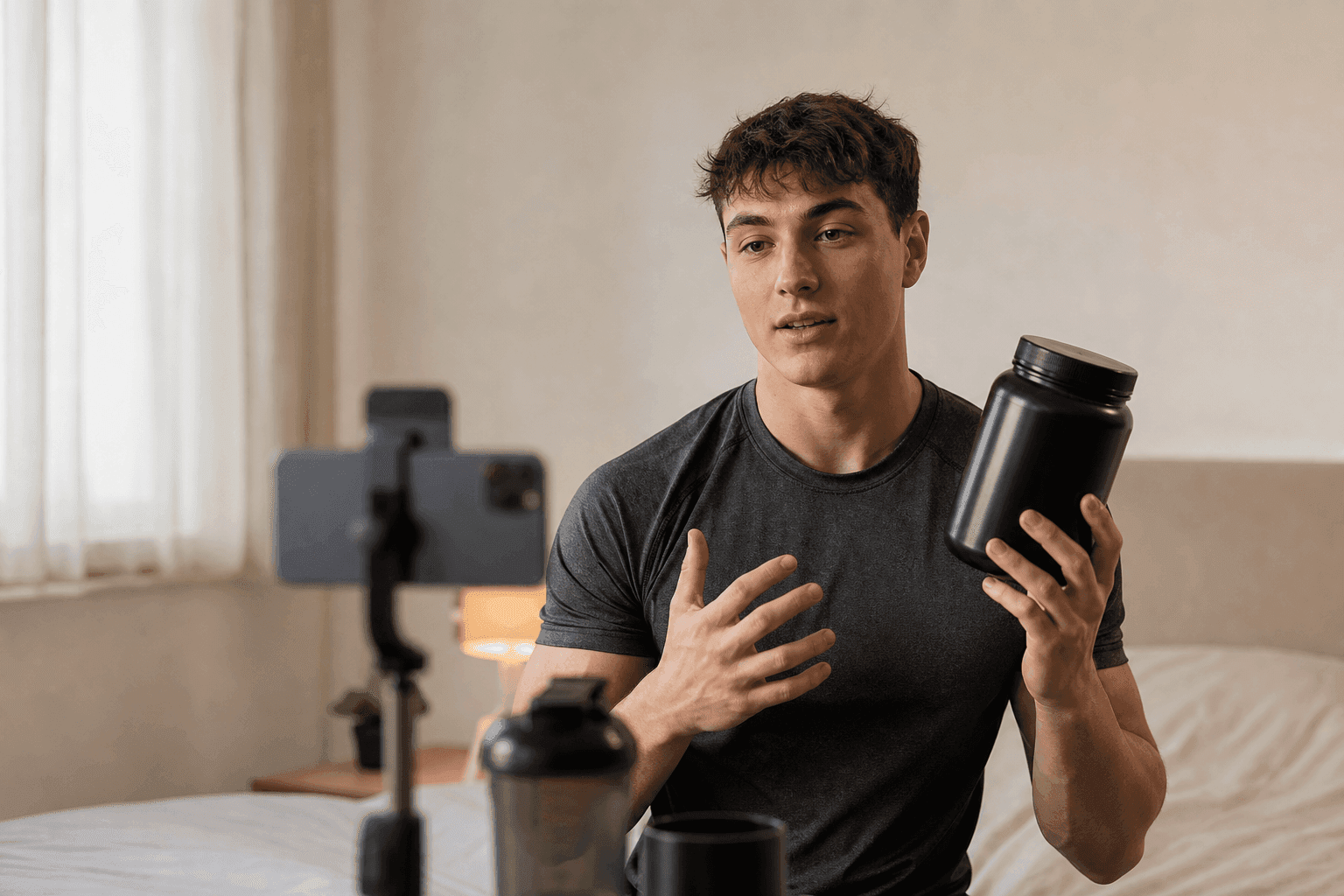
The friction of posting a watchable clip on X just dropped. If X is part of your distribution, you can now caption and background-swap in the app instead of routing everything through a separate editor. For fast, reactive content, an opinion on the news, a quick product callout, a founder talking to camera, that saved step is real. It is the same reason faceless video formats took off: the less production a format needs, the more often you actually ship it.
Captions widen the addressable audience
Multi-language captions do quiet work. A clip that reads clearly with the sound off travels further in a muted feed, and captions in a second language let a video land with viewers it would otherwise lose. If you are testing the same creative in more than one market, on-screen text is a cheap way to stretch one asset across audiences. This is a lighter, manual version of what a full UGC-style ad workflow does when it localizes voice and captions per market.
The green screen is a format, not a strategy
A green screen is a look, not a reason to buy. It makes reaction and explainer videos easier to film, and those are strong organic formats. But swapping your background does not decide your hook, your offer, or your angle. Plenty of creators film without ever showing a full studio setup; the effect helps the frame, not the message. Treat green screen as one more way to shoot, then put your energy into what you actually say in the first three seconds.
Where an In-App Editor Stops
Here is the honest boundary. An editor is a production tool for one clip at a time, on one platform. A performance-marketing problem is different in kind, and no captioning feature closes that gap.
An editor moves pixels; it does not find a winner
Editing is assembly. You trim, you caption, you swap a background, and you export the video you already imagined. It sits downstream of every decision that actually determines whether an ad works:
- The hook. The first three seconds that decide whether anyone watches.
- The script. What the ad says, and in what order it says it.
- The person. Who delivers it, and whether they sound native to the audience.
- The angle. Which promise about the product you lead with.
X's editor makes the assembly step smoother. It has nothing to say about any of the choices above, which is where ads are won or lost. As we argue in our guide to AI ads, the creative decision, not the editing polish, is the lever on paid social.
One timeline, one platform
The editor lives inside X, on iOS, for content posted to X. That is exactly right for X's goals and exactly wrong as an ad-production hub. A real campaign has demands a single in-app timeline was never designed to meet:
- Many platforms. The same offer runs on TikTok, Reels, and Meta, not just X.
- Many formats. 9:16 for feeds, plus 1:1 and 16:9 where they fit.
- Many languages. Voice and captions localized per market, not one clip captioned by hand.
- Many variations. Ten hooks tested this week, not one video polished.
A native editor is a posting convenience, not a cross-platform creative pipeline.
The difference is easiest to see side by side:
| Job to be done | In-app editor | Ad creative workflow |
|---|---|---|
| Caption one clip | Yes | Yes |
| Swap a background | Yes | Yes |
| Write the hook and script | No | Yes |
| Cast a believable actor | No | Yes |
| Native voiceover per market | No | Yes |
| Turn a product photo into video | No | Yes |
| Auto-generate a script | No | Yes |
| Ten variations to test | No | Yes |
| Read results to pick a winner | No | Yes |
| Export for every platform | X only | All platforms |
The two tools are not competitors. One helps you post to X. The other helps you find the ad worth posting anywhere.
How to Use X's Editor Without Overrating It
Nothing here says ignore the tool. It says frame it correctly. The trap is treating a posting feature as a performance one, and the fix is a clean split of jobs. Here is the practical version.
Let it do what it is good at
Use the in-app editor for the content that is native to X in the first place: fast, reactive, personality-driven video that benefits from being shot and shipped in one sitting.
- React in the feed. The green screen is built for commentary. Pull a chart, a screenshot, or a post behind you and record a take while the moment is still fresh.
- Caption for the mute scroll. Burn legible captions into every clip, since most of the feed plays with the sound off and unreadable video gets skipped.
- Post the winner natively. When an ad concept proves out, re-cut a native version for X instead of dropping in an obvious cross-post that the feed can smell.
Do not ask it to be your ad studio
The failure mode is treating an editor as a creative strategy. A few ways that goes wrong, and what to do instead:
- Polishing one clip instead of testing ten. Every hour spent perfecting a single edit is an hour not spent finding the hook that beats your benchmark. Ship rougher, test wider.
- Locking production to one app. An iOS-only, X-only timeline cannot feed campaigns that also run on TikTok, Reels, and Meta. Keep your master creatives in a format-agnostic workflow.
- Confusing effect with angle. A slick background swap on a weak hook is still a weak ad. The first three seconds decide the view, and no filter rescues a flat opening.
The rule of thumb: let X's editor handle the last mile of posting, and keep the creative decisions, the ones that actually move cost per acquisition, in a tool built to generate and compare many versions at once.
The Real Bottleneck Is Creative Volume
Step back from the feature list and the pattern is familiar. Better editing tools keep arriving, and the constraint on paid social does not move, because it was never editing.
You can only test what you can produce
Performance marketing rewards volume of tests, not a single polished clip. The winning ad is rarely the one you would have guessed, so the advantage goes to whoever can put the most credible variations in front of an audience and let the data choose. A camera, a location, and an editor cap how many you can make. The cost per idea is too high to test the tenth angle, so most teams test one or two and stop.
A slicker in-app editor does not change that ceiling. It shaves minutes off assembling one video. It does not let you produce fifteen versions of a hook, each with a different actor and accent, in an afternoon.
That is the quiet reason so many teams plateau. They invest in production quality, a nicer edit, a cleaner caption, a better background, and treat the number of ideas they can afford to test as fixed. But the polish of the losing ad does not matter, because it still loses. The variation you never made is the one that would have won. Lowering the cost per idea, not raising the quality of any single one, is what unlocks the tests that find outliers.
A worked example
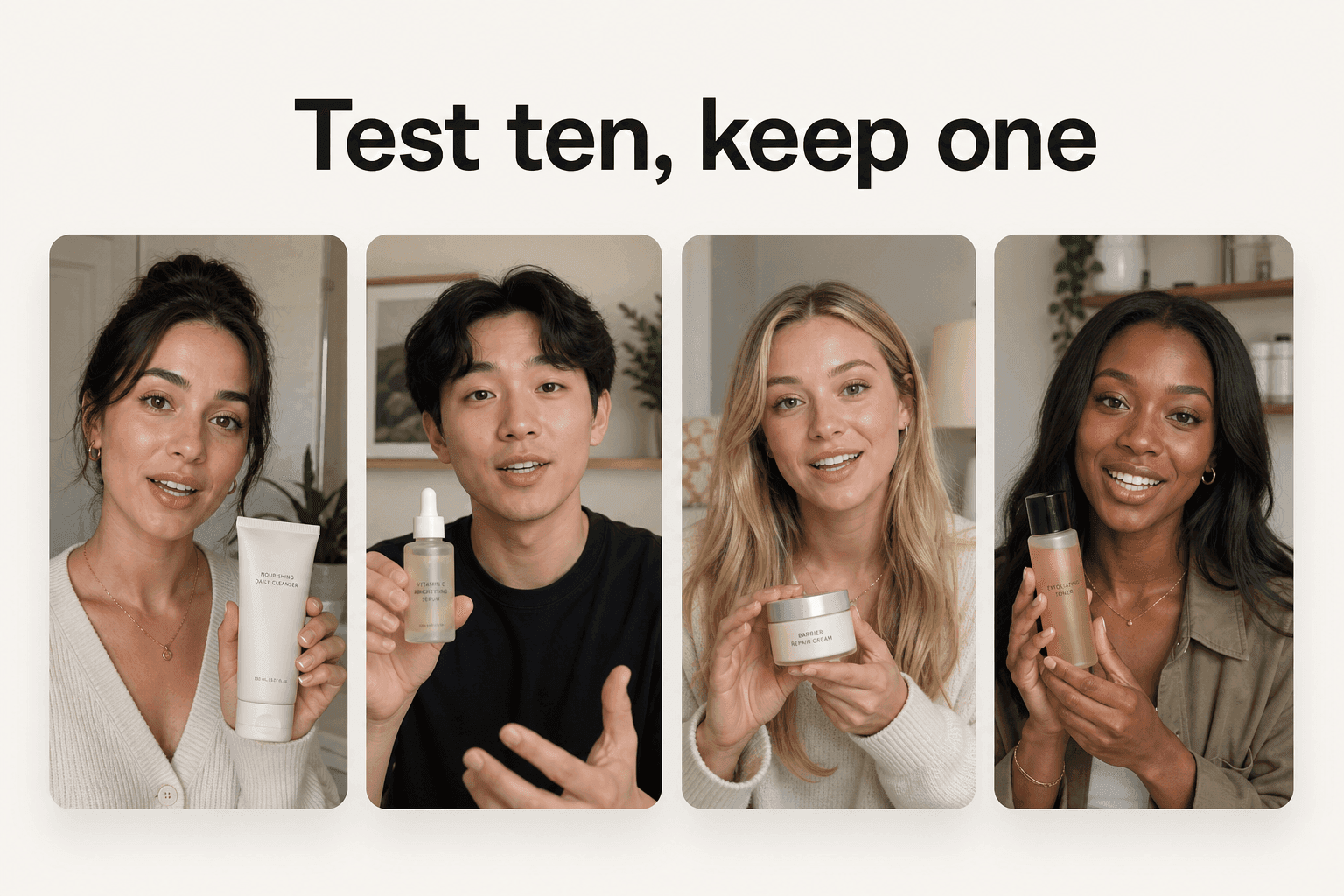
Take one skincare product and build a test from three hooks, each read by two different AI actors for a native-sounding accent:
- Hook one, a results claim. This cleared my texture in a week.
- Hook two, a dermatologist-style explainer. Why the ingredient works.
- Hook three, a before-and-after. The visual proof up front.
Two actors per hook gives you six finished 9:16 ads from a single afternoon.
Filmed the traditional way, that is a creator brief, a week or two of turnaround, and a few hundred dollars per clip. With an AI ad workflow, each clip runs from about a dollar for a five-second Seedance 2.0 Mini clip to about $8 for an eight-second Seedance 2.5 clip, and about $26 for a full 30-second Seedance 2.5 take, and a five-second Seedance 2.0 or Kling clip is about $2, so the whole test costs less than a single freelance video and ships the same day. Then you run the loop that actually lowers cost per acquisition:
- Launch all six as one test.
- Kill the four that underperform.
- Scale the one that beats your benchmark.
Even turning a product photo into motion is now a few-second, few-dollar step rather than a shoot. That loop, not a background swap, is what actually moves cost per acquisition.
How Novoads Fits Alongside X's Editor
The two tools sit at different stages, and they work well together. Use X's editor to post and caption where it helps your organic reach. Use a purpose-built workflow to make the ads.
Novoads is an AI video-ad generator built for marketers, not editors. You upload a product photo, write or auto-generate a script, and pick from 100+ AI actors, and it produces a UGC-style vertical ad with native-sounding voiceover in 30+ languages, lip-sync, and captions, ready for TikTok, Reels, Meta, and yes, X. Because each ad costs a few dollars instead of a few hundred, you can generate ten variations of a concept and let performance decide, which is the one thing an in-app editor was never meant to do. You can try it for $49 per month and cancel anytime, at Novoads.
Then take the winner and post it natively wherever it belongs, X's new green screen and captions included.
Distribution Tools Do Not Make the Ad
X's editor is a smart move for X. It lowers the friction of posting native video and pushes the platform toward original content, and that is a real, useful shift for creators who live in the feed.
Just do not confuse a faster path to publish with a better ad. The editor moves pixels; it does not find the hook that converts. The advantage in paid social still belongs to whoever can produce and test the most credible variations, cheaply, across every platform. Make the ad in a workflow built for volume, then let X's new tools help you post it.
Frequently Asked Questions
What did X add to its video editor?
X added an in-app video editor and recorder with two headline features: green screen recording that swaps your background using photos from your camera roll or other X posts, and overlay captions in multiple languages with a customizable look. Head of product Nikita Bier announced it on 6 July 2026 and said more updates are coming in the following weeks. It is rolling out on iOS first while the Android app is still being rebuilt.
How does the X green screen feature work?
The green screen tool lets you replace the background behind you while recording, using an image saved on your phone or a post from X itself. That makes reaction videos, explainers, and commentary easier to film without leaving the app or exporting clips to a separate editor. It is a recording effect, not a full compositing suite.
Is the X video editor available on Android?
Not yet. Bier said the video editor and recorder are initially available in the iOS app because the Android app is still being rebuilt. No Android timeline was given at launch, and X signaled more editor updates are coming in the following weeks.
Does an in-app editor replace an AI ad tool?
No. An editor and a captioning tool help you assemble and post a clip. They do not generate the ad for you: they will not write the hook, cast an actor, produce a native-sounding voiceover, or tell you which of ten variations converts. For paid social, the job is producing and testing many creatives cheaply, which is what an AI ad workflow is built to do.
Should advertisers care about X's video editor?
Yes, as a distribution signal. X is pushing native, original video and rewarding creators who post it, so watchable in-feed video is more likely to get reach there. Treat the editor as a posting tool for the clips you already have, and keep your creative production, where the actual performance is won, in a workflow built for testing volume.
Key Takeaways
- X shipped an in-app video editor and recorder with green screen recording and multi-language captions, announced by head of product Nikita Bier on 6 July 2026, starting on iOS.
- The green screen swaps your background using photos from your camera roll or other X posts, and the captions overlay in multiple languages with a customizable look, so creators do not have to export to a separate editor.
- The move is about distribution: X wants original video posted natively, rewarding creators for content that does not already exist on other platforms, not clickbait reposts.
- A native editor helps you make and post a watchable clip faster. It does not write your hook, cast an actor, or tell you which version converts.
- For paid social, the bottleneck is creative volume across platforms. An AI ad workflow generates and tests many variations for a few dollars each, which an in-app editor was never built to do.