3D Animated Product Ads Without a Studio: One Still Image, One 15-Second Render
A stylized 3D animated product ad does not need an animation pipeline. Two generated stills decide the look and the staging, then one image-to-video call renders 15 seconds with the sound already in the file. Here is the route, the prompt rules that keep it from breaking, and what a finished spot costs.

Mauricio Valdivia
·Updated ·11 min
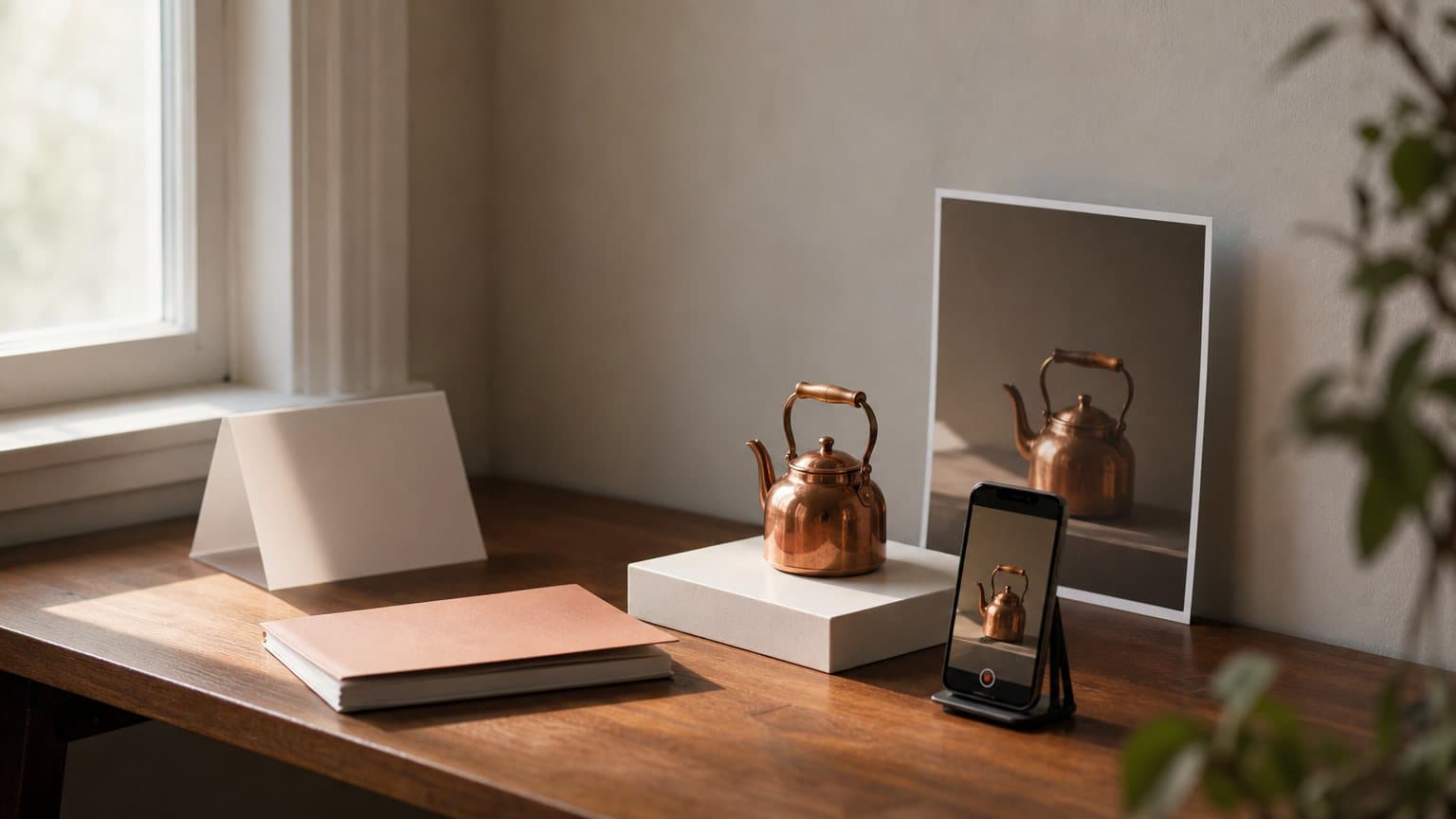
A 3D animated ad is two stills and one render
A skincare founder has one product photograph, a budget that will not survive a quote from an animation studio, and a suspicion that a warm animated spot would sell her serum better than another person talking to camera. She is right about the spot. She is wrong about what it takes to build one.
The production route is much shorter than the format implies. Generate a character sheet. Generate one composition frame. Hand that frame to an image-to-video model, which animates it and writes the sound into the same file. Three generations, no compositing, no audio session, no edit.
In Novoads that chain prices out at 1 credit for each still and 68 credits for a 15-second render at 720p. Call it 70 credits for a finished spot.
The interesting part is which of the three steps carries the weight. It is not the render.
Which products this format actually sells
Stylized 3D animation is good at exactly one thing, and it is not explaining features. Three capabilities are what you are actually buying:
- Interiority. A pair of large expressive eyes plays a private state that a live actor would have to overplay.
- Intent without a face. An anthropomorphised object can want something, which no product photograph can do.
- Caricatured physics. Squash, stretch and anticipation make a small mechanical action legible in half a second.
What the look cannot carry
It is bad at technical explanation, spec comparison, cutaway logic, and any pitch whose core is a number. A styled character can act "I cannot read to my grandson." It cannot act "the field of view is 110 degrees." If the argument for your product is a measurement, the format will fight you the whole way, and a polished AI commercial or a straight demo will land it better.
The four questions to ask before you generate anything
Run the product through all four. A no on any of them is a signal to pick a different format, not to push harder on the prompt.
- Is the pain emotional or relational rather than technical?
- Is the pain visible on a face, or on a mechanism that moves?
- Is there a relationship? Two characters beat one. The strongest spots in this style are about someone else, not about the buyer alone.
- Is it impulse-priced? Warm animation converts at fifteen dollars. At nine hundred it reads as trust dissonance.
Note what is missing from that list: realism. This format is not competing with the UGC-style ad, which wins by looking like something a customer filmed. It wins by looking like nothing a customer could film.
The two stills that decide the ad
Everything that determines whether the ad works is settled before any motion exists. Two generated images do that work, and both take the real product photo as a reference, the same starting asset as the live-action route in our guide to making product videos with AI.
The character sheet
One square image, carrying four things on a single canvas:
- The lead in three emotional states, readable in the eyes, with the low point as the most important panel.
- Any secondary character, in the same style pass so the two match.
- The product in two or three views, treated per the doctrine you pick below.
- A scale line-up at true relative size, the cheapest insurance against a serum bottle that renders the size of a fire extinguisher.
The composition key frame
One vertical image, and this one is the shot the ad lives in: strict vertical thirds, one named practical light source, the emotional low point staged. Specify camera height, lens, and where the shallow focus band sits, the same discipline that makes camera movement prompts reproducible instead of lucky. This frame becomes frame one of the video, so a composition error here is an error in every frame of the ad.
Which still model you reach for matters more here than it does for a standalone image, because this one is inherited by every frame that follows. If the scene carries a legible label or a headline, the comparison of the image models behind ad creative covers which ones hold text and which shapes each route actually offers, and the vertical ratio you need is decided at this step rather than in the render.
Stop at the stills, before the render
Two stills cost 2 credits. The render that follows costs 68. A wrong direction caught at the still stage costs a small fraction of what the same mistake costs after the video exists, and the video is the step that takes minutes rather than seconds.
So the review gate goes here, not at the end. Most people skip it because the stills feel like setup rather than work, which is exactly the mistake.
What the render call actually does
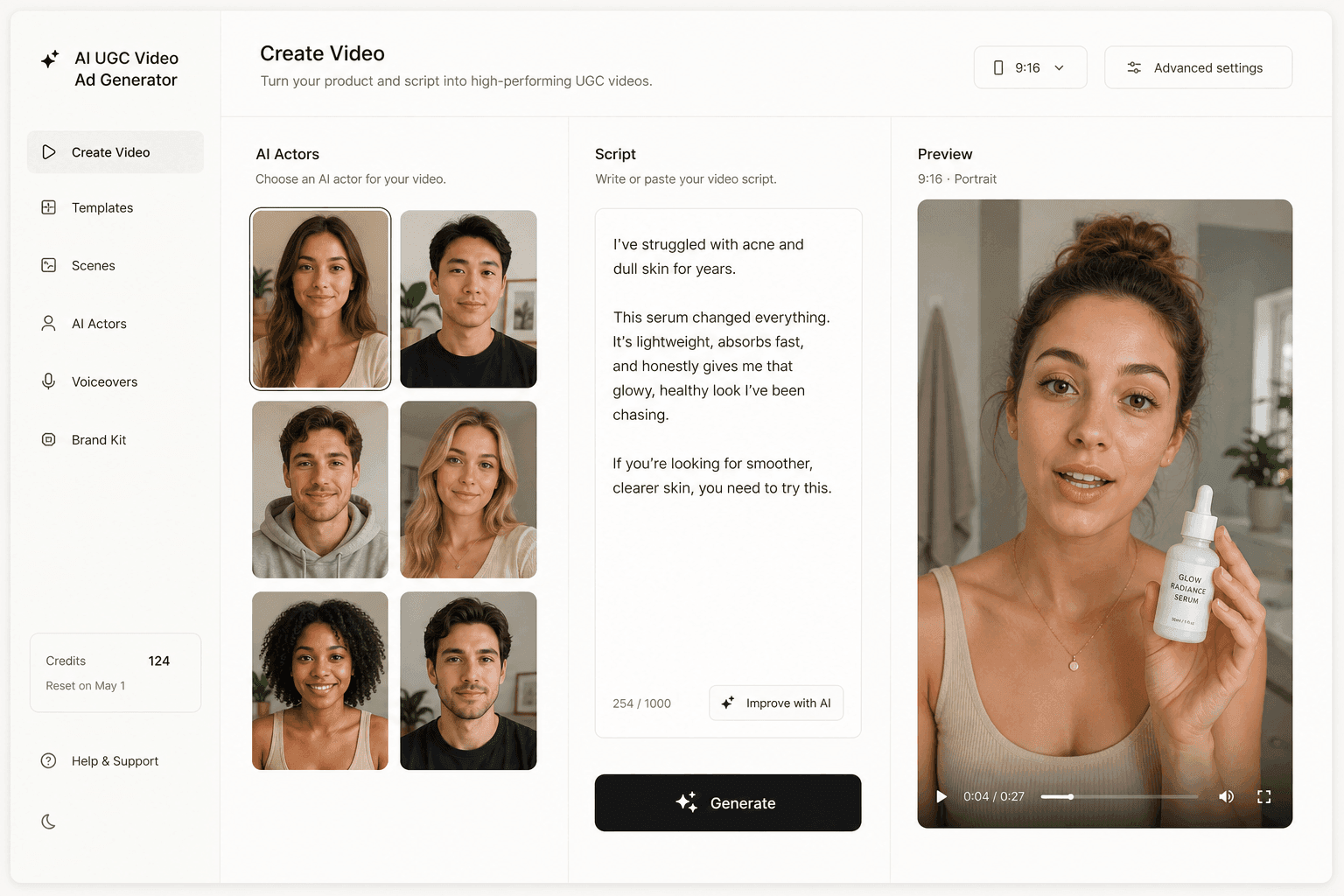
The animation comes from Seedance 2.0's image-to-video endpoint, which Novoads calls directly and offers in the model picker alongside Kling v3 Pro and Google Veo 3.1. Reading its schema is worth five minutes, because three of its defaults change how you plan the shoot.
One image in, one video out
The endpoint requires two things: a prompt, and an image field that fal documents as the URL of the starting frame image to animate. An optional last-frame image is described as the image to use as the last frame of the video, with the clip transitioning from the starting image to that ending image. That is how you pin the final beat, which for a product ad is usually the hero card.
The output schema is one media field: the generated video file. Not a video track and an audio track. One file.
The audio is not a second job
The generate_audio field is a boolean that defaults to true, and fal describes it as generating synchronized audio for the video, including sound effects, ambient sounds, and lip-synced speech. The same line adds that the cost of video generation is the same regardless of whether audio is generated or not.
That pricing note inverts the usual instinct. Rendering silent saves nothing. It throws away a deliverable you already paid for.
It is also worth appreciating how unusual this is. The music layer has not caught up: as covered in what Lyria 3.5 changes for ad soundtracks, the best generated music still lives inside a separate application you export from by hand, which is why a scored bed remains a manual step while these sound effects and spoken lines do not.
Length, ratio and resolution
Three fields decide the shape of the deliverable:
- Duration. Documented as supporting 4 to 15 seconds, or auto to let the model decide based on the prompt, with
autoas the default. - Aspect ratio. Also defaults to
auto, which infers the ratio from your starting frame, so the key frame decides the placement. - Resolution. Defaults to 720p.
The first default catches people out. Unless you pass a number the model picks the length, so fifteen seconds is a choice you make explicitly rather than a ceiling you inherit. Fifteen is enough for a five-beat story because ByteDance describes the model as supporting 15-second high-quality multi-shot audio-video output, which means the cuts happen inside one generation.
Resolution is where the surfaces disagree, so here is both. fal's queue schema for this endpoint currently lists 480p, 720p, 1080p and 4k with 720p as the default, while fal's published model docs record 480p and 720p only, and those two are the resolutions the Novoads picker offers for Seedance 2.0. Novoads renders these at 720p. For a vertical ad that is not the constraint it sounds like: what gets a stylized spot skipped is a soft story beat, never a soft pixel.
Deciding what the product does on camera
There are two honest ways to put a real product inside a stylized world, and choosing between them before you write the prompt saves a render.
In-world product, real hero card
The default. The product is recreated exactly in design but rendered in the animated look, so the character can physically pick it up and use it. The actual photograph appears only in the final beat, as a hero card outside the styled world. Recognition comes from design fidelity, not from material realism.
Name specific identifying details in the prompt: a rivet, a hinge, a lens shape, the shoulder of the bottle. Generic descriptions produce generic props. Then add the lock line, which is the same discipline that keeps a product consistent across an ad variation set: the product is exactly as shown in the reference, same shape, same colour, same proportions, same finish, do not redesign or restyle it.
Product as character
Available only when the product's real articulation is expressive: a pan-tilt head, a hinged lid, a swivelling arm. The product performs using only movements the real product makes. No eyes, no mouth, no eyebrows, no limbs, no hopping.
That constraint is the entire point. Every expressive beat doubles as a real feature demo, and a viewer who watches a kettle raise its spout has just watched the hinge work. State the negatives explicitly in the prompt, because the model will happily bolt on eyes and turn your product into a mascot.
Choose in-world when:
- The product is held, worn, applied or consumed.
- The story needs a human face to carry the low point.
- The packaging is the recognisable thing.
Choose product-as-character when:
- The product moves on its own.
- The buyer and the user are different people.
- The pitch is a feeling rather than a use.
Use the real product, and never name a studio
Two hard rules sit around this section:
- Never blank-label the product. Novoads rejects an image prompt asking for an unbranded, blank-label or generic-packaging product, because an invented brand is the one failure a viewer catches instantly. Name the actual brand and pass the real photo as a reference asset.
- Never name a studio or a franchise. This aesthetic belongs to specific companies and the models will hand you near-copies of their characters if you invite them. Write "stylized 3D animated feature film look" instead, and add the negatives that keep it original: no named or copyrighted animated film characters, no photorealistic humans, no uncanny faces, no dead eyes.
Writing the audio the render generates
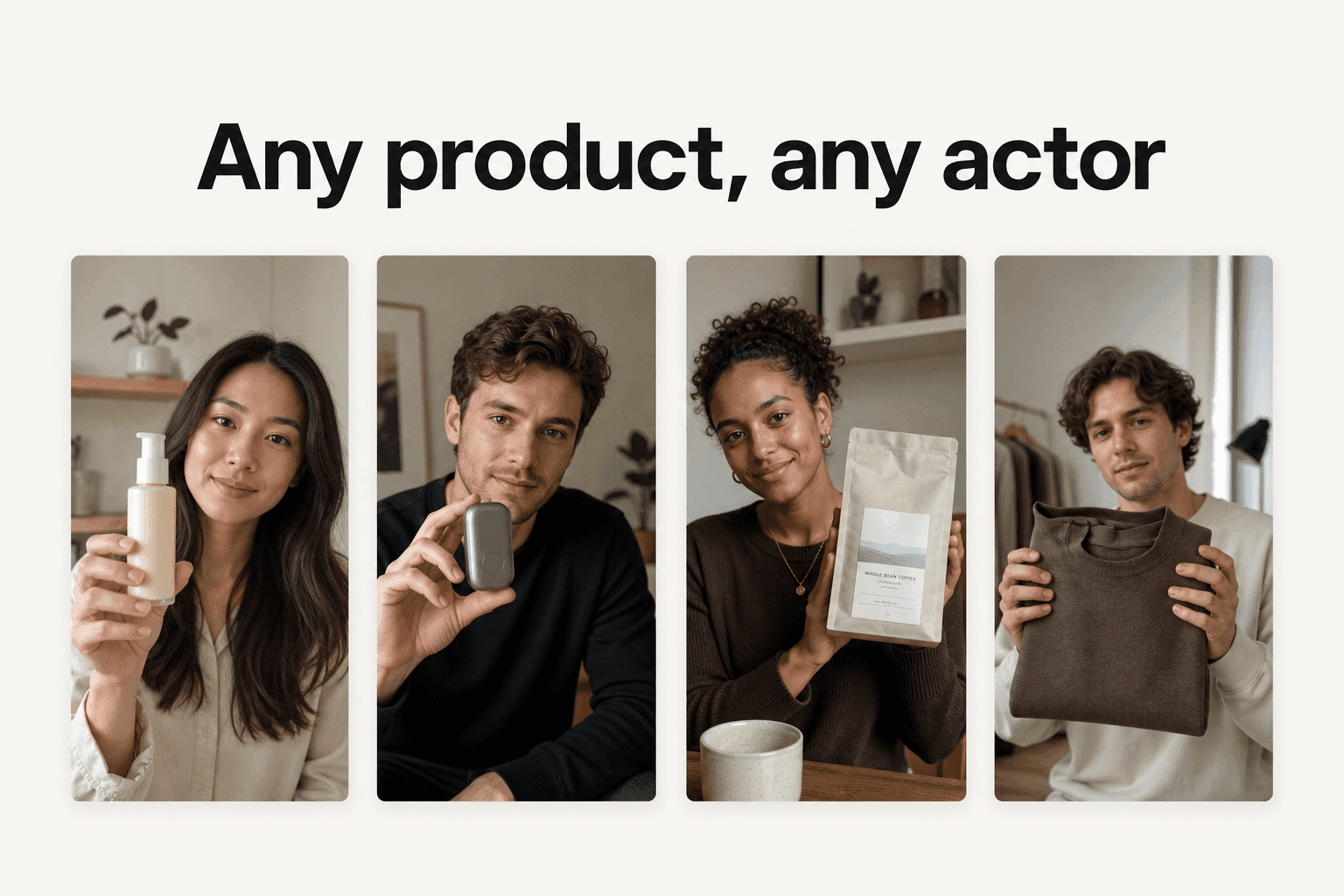
One call produces the picture and the sound together, so the script is part of the prompt rather than a later stage. What follows is our own convention for steering that single audio pass, not a set of API parameters. The vendor documents lip-synced speech for characters in the scene; a detached narrator track is not a documented capability. Treat the two-track structure below as craft that shapes one output, and check the result rather than assuming it.
Two tracks, one word budget
Label every line. The narrator owns the problem, the mechanism, the offer and the brand, which means that track carries the selling. In-scene dialogue owns proof that the feeling is real, and it never gets the offer.
Three rules make the two tracks coexist:
- One shared budget of 30 to 33 words for fifteen seconds, counted before the prompt is written.
- They never overlap. Write the in-scene lines first, then fit the narration into the silence between them.
- They alternate to a pattern. The character states an emotional fact, the narrator names what it means, the character pays it off.
The word that makes your shot silent
This one costs real money and is invisible until it does. Novoads rejects a video prompt with no quoted line, because a talking actor with nothing to say renders as someone mouthing nothing and bills in full. The check is satisfied either by a line in double quotes or by an explicit declaration that the shot is deliberately quiet, and the words it accepts as that declaration are silent, b-roll and voiceover.
So writing "voiceover" in a prompt to mean narration tells the system the opposite: that this shot is meant to be silent and the audio is coming later. Put the spoken line in double quotes and attribute it to a named speaker instead. The Seedance prompt guide covers the rest of that rule set.
Cast the narrator, do not mix it
Cast the voice as concretely as you cast the look: age, gender, register, pace, and what it must not sound like. "A warm, low, unhurried woman in her forties, close and confessional" is a castable instruction. "Professional voiceover" is not, and it also trips the rule above.
Then stop. Do not direct the mix: no reverb notes, no microphone distance, no loudness targets. Dense prompts degrade before sparse ones, and audio engineering crowds out the visual direction that needs the tokens. Keep one negative in every prompt, though: no upbeat announcer voice. Models drift toward radio-ad delivery, and that drift kills the emotional register the format exists for.
A worked example: fifteen seconds, seventy credits
Take a real product with a hinged lid and printed markings on its base. Doctrine is product-as-character, because the lid and the spout give it articulation. The spot is vertical, fifteen seconds, one render.
The five beats
| Time | Beat | Who carries it |
|---|---|---|
| 0:00-0:03 | Hook | Character states the want |
| 0:03-0:06 | Problem | Narrator names the failure |
| 0:06-0:08 | Low point | Character, private defeat |
| 0:08-0:11 | Turn | Product arrives and is used |
| 0:11-0:15 | Payoff | Narrator closes, hero card |
The turn needs a single-frame change, not a gradual one: a page snapping into focus, a light coming on, a spout lifting. Write "in a single frame" into the prompt or the model renders a slow dissolve and the payoff lands soft. Give the hero card at least two seconds, and keep the sign-off under six words.
What it costs
Three generations, priced from the Novoads credit schedule:
- Character sheet, one image: 1 credit
- Composition key frame, one image: 1 credit
- One 15-second Seedance 2.0 render at 720p: 68 credits
- Finished spot: 70 credits
At the Plus rate, where $49/month buys 1,000 credits, that is about $3 for the whole ad. Seedance 2.0 Mini sits in the same picker at far fewer credits, so an iteration pass runs at 15 credits for fifteen seconds at 720p while you find the story, and the final render goes through full 2.0. The full Seedance pricing breakdown walks the per-second schedule if you want to plan a batch.
That number is worth holding next to the alternative for the same slot. Sourcing a live-action version of this ad means a brief, a shipped product, a creator payment and usually a platform fee on top, which is a different shape of bill entirely: the six sourcing models brands actually bill against sets out what each one charges and where the fees hide. The two routes make different ads, so this is not a substitution argument, but the gap explains why an animated concept is often where a test batch starts.
How to tell it came out right
Check in this order, because the list is ranked by how much each failure costs you.
- The lead's face at the low point. Everything rides on it. If that beat does not land, nothing above it matters.
- The turn snapped in one frame, not a slow focus pull.
- Voices: narrator distinct from the characters, no overlap, right language, no announcer delivery.
- Product fidelity: the specific identifying details survived, and nothing grew eyes.
- The hero card cut reads as intentional rather than as a seam.
Where these ads fail
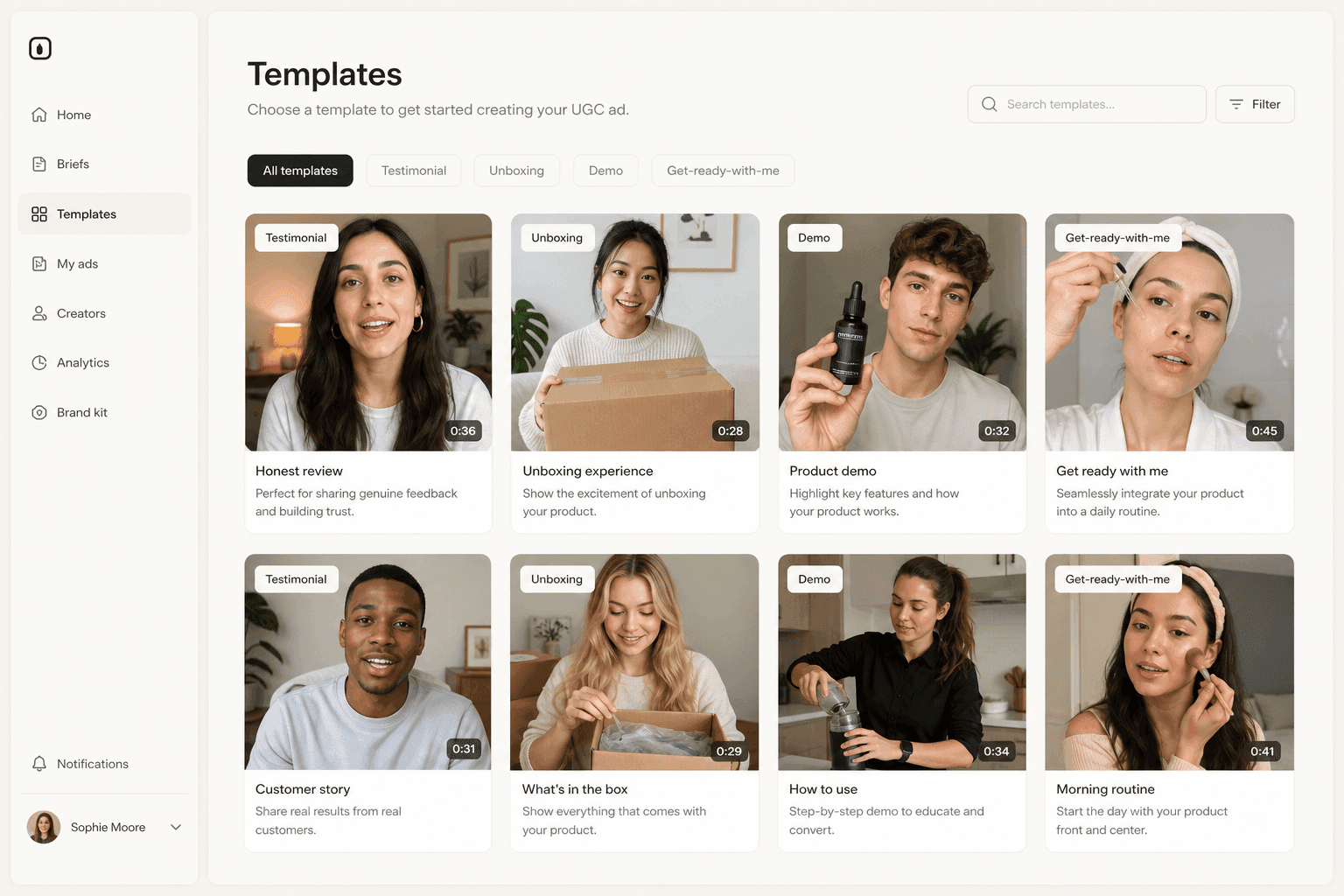
Four failure modes account for most bad renders in this style, and every fix is subtraction. A failed render gets shorter lines and fewer beats, never more instructions.
The label comes back as noise
Seedance preserves logos and destroys printed text. A real render turned a serum label into MAGNANDE 10% ZINC 1%, legible and completely wrong, in every frame. Any prompt that mentions a label, package or screen needs the hold clause: the product label remains perfectly sharp and identical to the reference image with its text unchanged and fully legible. Novoads warns when that clause is missing, and the warning is worth obeying.
The product grew eyes
Product-as-character drifts toward mascot without explicit negatives. State them: no eyes, no mouth, no eyebrows, no limbs, no hopping. If it happens twice, switch to the in-world doctrine and let a character hold the product instead.
The turn dissolved
Almost always a missing single-frame instruction, occasionally chained motion in one shot. One clear action per beat renders well; a sequence joined by "then" arrives as a smear or does not arrive at all.
The child is uncanny
Reduce to one child, keep them in profile or partially occluded, and shorten the beat. If it survives two attempts, cut the child from the story. This is the failure mode most worth abandoning early, because the uncanny valley on a young face is not a prompting problem.
How Novoads makes a 3D animated ad
Novoads runs Seedance 2.0 and Seedance 2.0 Mini in production, on the same image-to-video endpoint described above, which means the route in this guide is the product rather than a workaround. You upload the product photo, generate the character sheet and the key frame from it, review both, then render fifteen seconds with the audio in the same call. The prompt rules quoted throughout are enforced server-side, so a prompt that would have produced a silent talking head or a garbled label gets rejected with the reason before it costs you a render.
Novoads starts at $15/month (Starter, 200 credits per month). Plus is $49/month (1,000 credits), and Ultra starts at $129/month (3,000 credits) for more volume. If you want to run one against a real product, start with Starter and generate the two stills first. Cancel whenever you like.
The render was never the hard part
Every instinct trained by traditional animation says the expensive step is the motion. In this route it is the cheapest thing you do and the last decision you make. The expensive steps are choosing a product whose pain is visible on a face, staging one frame properly, and writing thirty words that do not fight each other, all of which happen before a single frame moves.
Which means the skill this format rewards is not technical. It is knowing what your ad is about before you ask a model to animate it.
Frequently Asked Questions
Can you make a 3D animated product ad from a single product photo?
Yes, but not in one step. The photo becomes a reference for two generated stills: a character sheet that fixes the look, and a composition key frame that stages the shot. The key frame is then passed as the starting frame to an image-to-video model, which animates it. fal's schema for the Seedance 2.0 image-to-video endpoint describes its required image field as the URL of the starting frame image to animate, so the still you approve is literally frame one of the ad.
Does the animation come back with sound, or do you add audio afterwards?
It comes back with sound. On that endpoint generate_audio defaults to true and is documented as generating synchronized audio for the video, including sound effects, ambient sounds, and lip-synced speech. The output schema carries a single video file, so there is no separate audio artifact to fetch or mux. fal also states the cost of video generation is the same regardless of whether audio is generated or not, which means a silent render is a wasted one.
How long can a 3D animated ad be in one render?
The endpoint supports 4 to 15 seconds, or auto to let the model decide based on the prompt. Fifteen seconds is the practical ceiling for a single call and it is enough for a five-beat spot: hook, problem, low point, turn, payoff. ByteDance describes the model as supporting 15-second high-quality multi-shot audio-video output, so the cuts inside those fifteen seconds happen in one generation rather than in an edit.
How do you get a narrator and a character speaking in the same clip?
By writing both lines into the one prompt and letting the single audio pass carry them. The vendor documents lip-synced speech for characters in the scene; a separate narration track is not a documented parameter. What works in practice is a prompt convention: label the narrator line and the in-scene line, keep them from overlapping, cast the narrator concretely (age, gender, register), and hold the combined script to roughly 30 to 33 words for a 15-second spot.
Why does my animated clip come back silent?
Usually because the prompt contains a word that declares silence. Novoads rejects a video prompt with no quoted line, and it accepts the words silent, b-roll or voiceover as your statement that the shot is deliberately quiet with audio added later. So writing voiceover to mean narration switches the check off and can cost you the audio. Put the spoken line in double quotes instead.
What does one finished 3D animated ad cost?
In Novoads, 1 credit for each of the two stills and 68 credits for a 15-second Seedance 2.0 render at 720p, so 70 credits for the finished spot, about $3 at the Plus rate ($49/month for 1,000 credits). Seedance 2.0 Mini is also in the picker and charges far fewer credits, 15 for fifteen seconds at 720p, which is the version to iterate on before you commit the final render.
Key Takeaways
- The route is three generations, not a pipeline: a character sheet, a composition key frame, and one image-to-video call that animates the key frame. The first two decide the ad. The third only adds motion.
- Audio is not a second stage. fal's schema for the Seedance 2.0 image-to-video endpoint defaults generate_audio to true and describes it as synchronized audio including sound effects, ambient sounds and lip-synced speech, and it states the render costs the same either way.
- Duration is a range, not a setting you inherit: the endpoint supports 4 to 15 seconds, or auto to let the model decide from the prompt. Novoads renders these at 720p, which is above what vertical placements display.
- A dual-track script (narrator plus in-scene dialogue) is a prompt convention that steers one audio pass, not an API feature. Writing the word voiceover in the prompt does the opposite of what you want: Novoads reads it as a declaration that the shot is silent.
- In Novoads the whole spot is 1 credit per still and 68 credits for a 15-second Seedance 2.0 render at 720p, so 70 credits finished. The stills cost a small fraction of the render, which is why the review gate belongs before the video, not after it.