
Blog
Insights for AI advertisers
Guides, strategies, and comparisons for creating AI video ads that convert.
Veo vs Nano Banana for Ad Creative: One Makes the Frame, One Moves It
Veo is Google's video model and Nano Banana is Google's image model family, so the comparison has a category error inside it. Google's own docs file them apart, sell one by the second and the other by the image, and ship the code that chains them. Here is which one an ad needs, and when it needs both, as of September 2026.
Arcads Pricing in 2026: Plans, the 800-Credit Talking Actor, and the 3-Day Trial
Arcads has no public pricing page, but its help centre publishes the meter: 8,000 credits a month on Starter, 16,000 on Creator, and 800 credits per talking-actor minute, or per Arcads 1.0 video of up to 2 minutes, depending on the article. Here is what that buys, where Arcads shows its prices, and how the 3-day trial bills.
Arcads AI Review: 1,000+ Actors, Three Talking-Actor Models, and the Limits Buyers Hit
An Arcads review built on Arcads' own pages: a 1,000+ actor library, three talking-actor models, the agent Mark, an MCP connector for Claude and batch Workflows, plus the output limits, credit rules and who the tool fits.
How to Make a YouTube Ad That Survives the 5-Second Skip, Format by Format
To make a YouTube ad, pick the format before you write the script, because each one skips differently: skippable in-stream ads can be skipped after 5 seconds, bumpers run 5 to 6 seconds, non-skippable ads stop at 30 seconds in the auction, and Shorts ads can be swiped away at once. Here is the length, script, frame and launch plan for each.
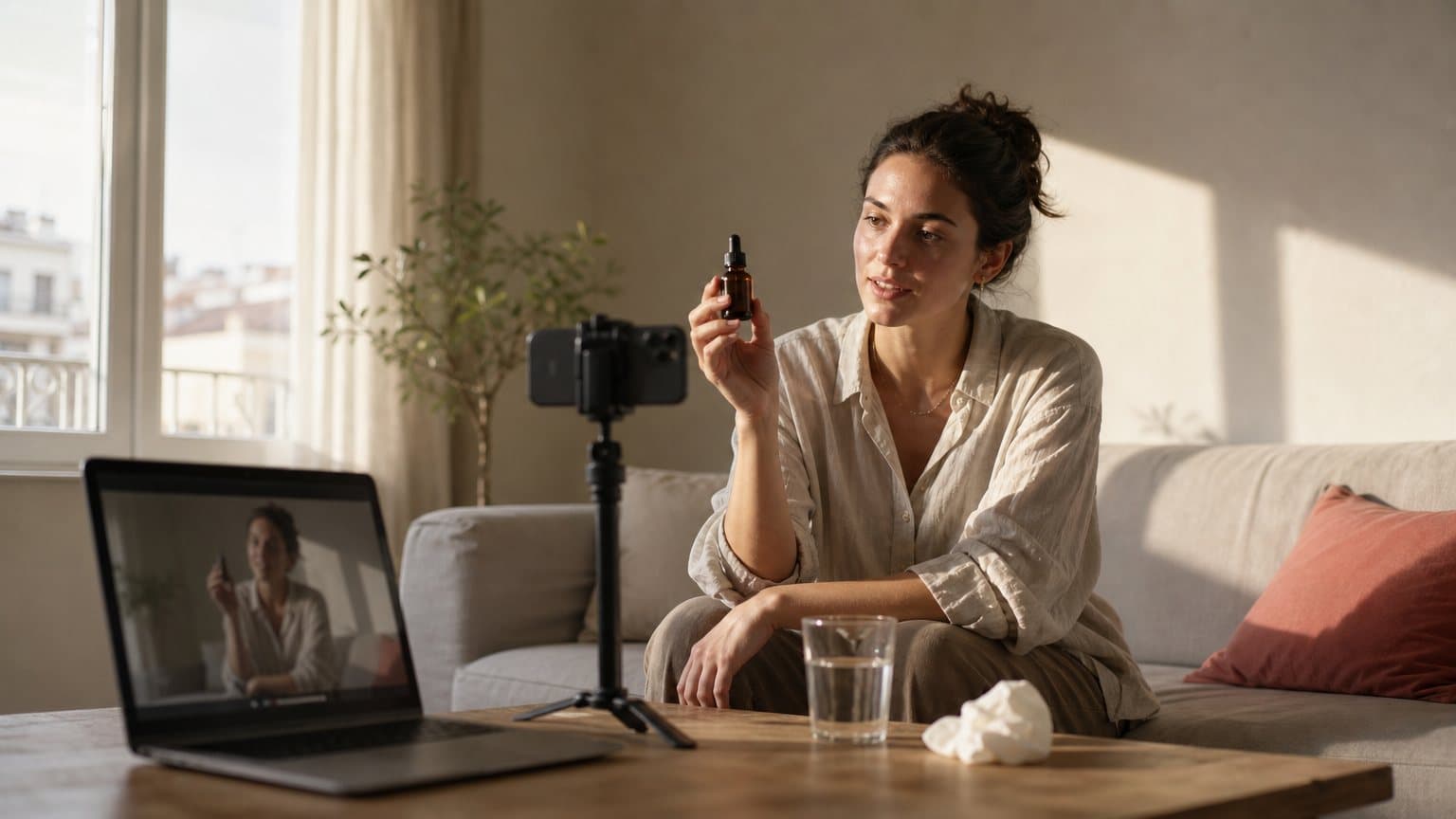
How to Make AI Video Look Real: Camera, Light, Skin and Sound Fixes
AI video reads fake for reasons you can name and fix. Six prompt fields decide it: camera position, framing, lens, light, texture and sound. Here is the checklist, written against Google's own Veo 3.1 prompt guide and the engines that render the clip.
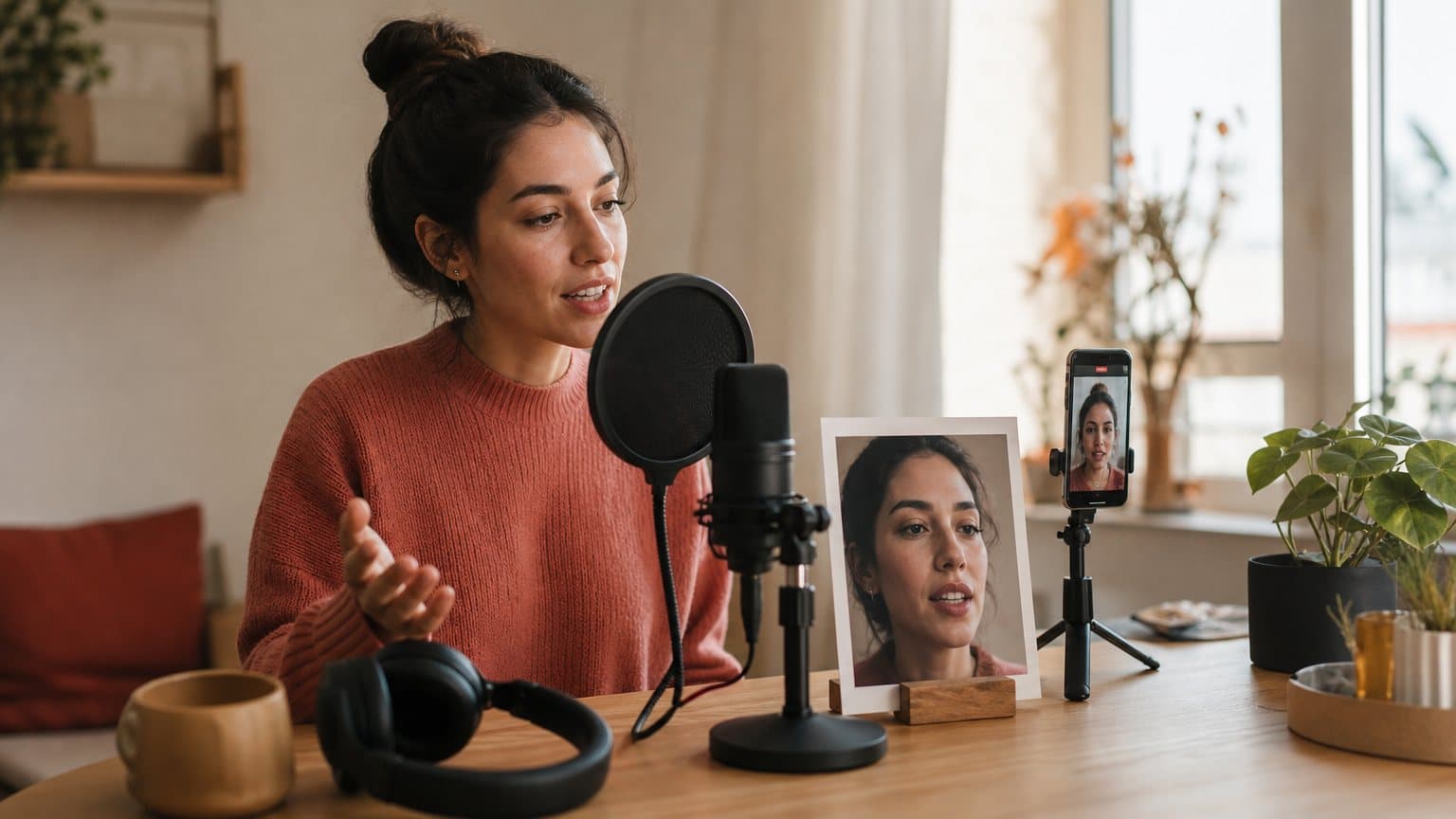
H3 Max Lip Sync on fal: a 15-second talking-head ad costs $0.75 to $4.80
fal made H3 Max Lip Sync, its post-train of MiniMax's open-weight H3, public on September 18, 2026: it turns one still image and a 5 to 15 second voice track into a lip-synced clip billed at $0.05 to $0.32 per second, which prices a talking-head ad and caps every call at 15 seconds.

Pinterest Visual Search Ads: What 80 Billion Monthly Searches Mean for Your Product Creative
Pinterest announced Visual Search Ads on 17 September 2026, a slot advertisers bid for in search results and Pin closeups, arriving in beta in the coming weeks. Here is what changed, what Pinterest has not said yet, and the image creative to prepare now.
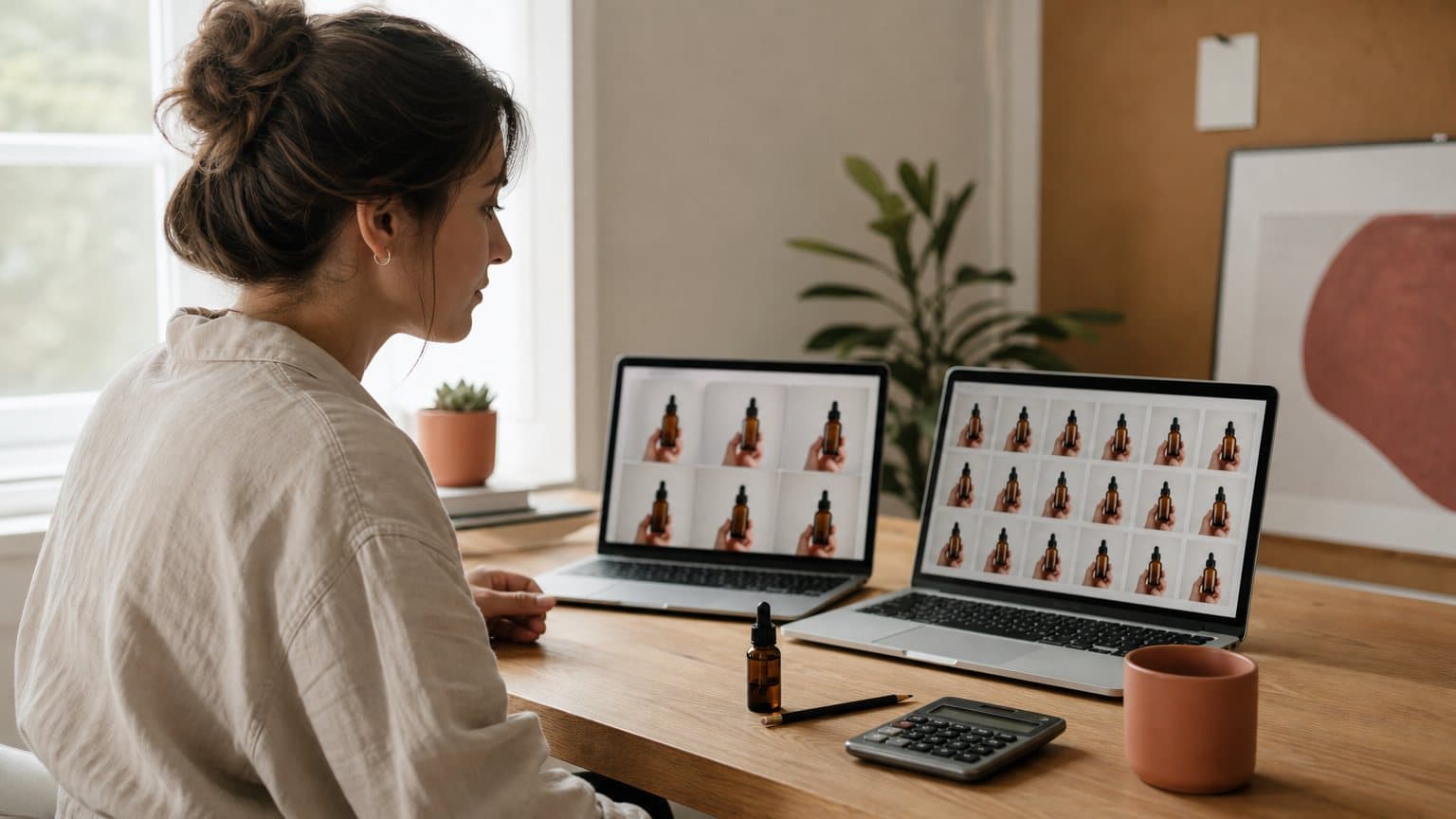
Runway vs Pika for Video Ads: What $35 a Month Buys, Clip by Clip
Runway Pro and Pika Creator both cost $35 a month and both sell Seedance 2.5, but one five-second 720p clip takes 150 Runway credits against 122 on Pika, so the same money buys 15 clips or 21. Models, cost per second, rollover and commercial terms for ad makers, as of November 2026.
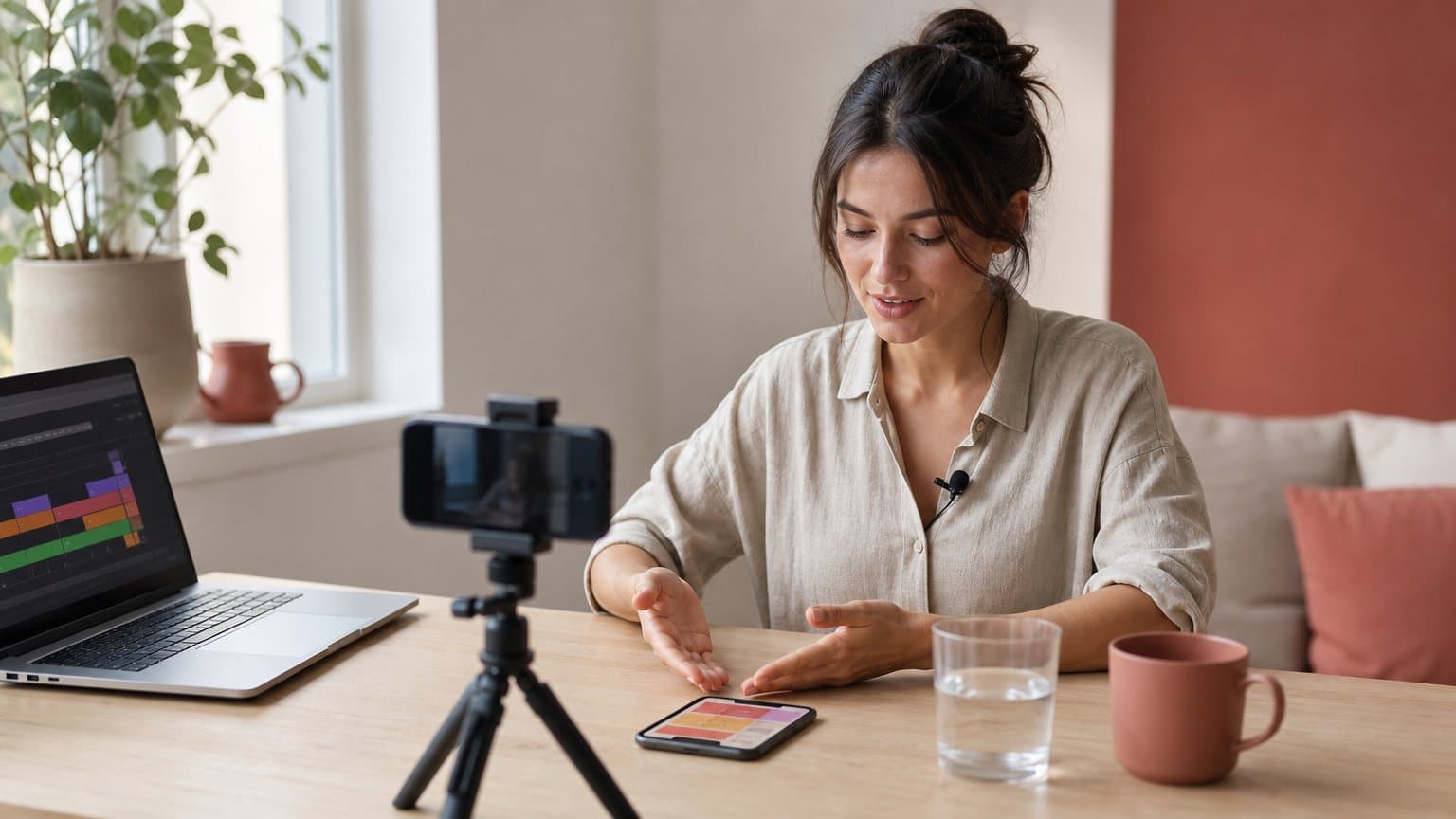
What Is Tech UGC? Creator Videos for Apps, SaaS and Gadgets, Cut Three Ways
Tech UGC is creator-style video about software and devices: screen recordings, unboxings, day-in-the-life clips. Here is what each format proves, where the app store and the paid feed each let it run, and how brands source it.
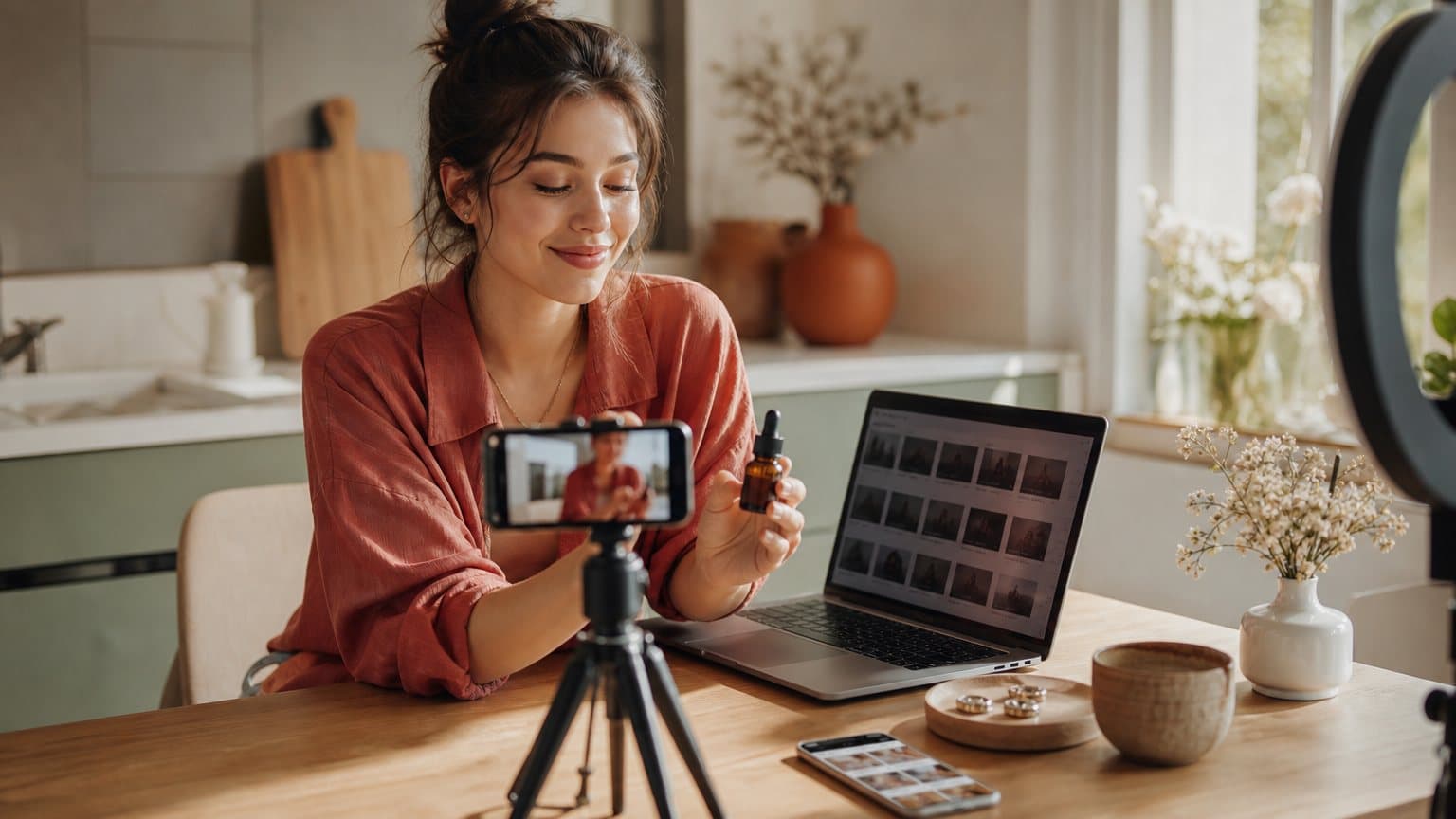
UGC vs Influencer Marketing: 6 Differences in Cost, Rights, Disclosure and Control
UGC buys a video file you run from your own ad account; influencer marketing buys a post in front of someone else's followers. Here is how the two differ on audience, usage rights, FTC disclosure, control and cost, and which one to run as ads.
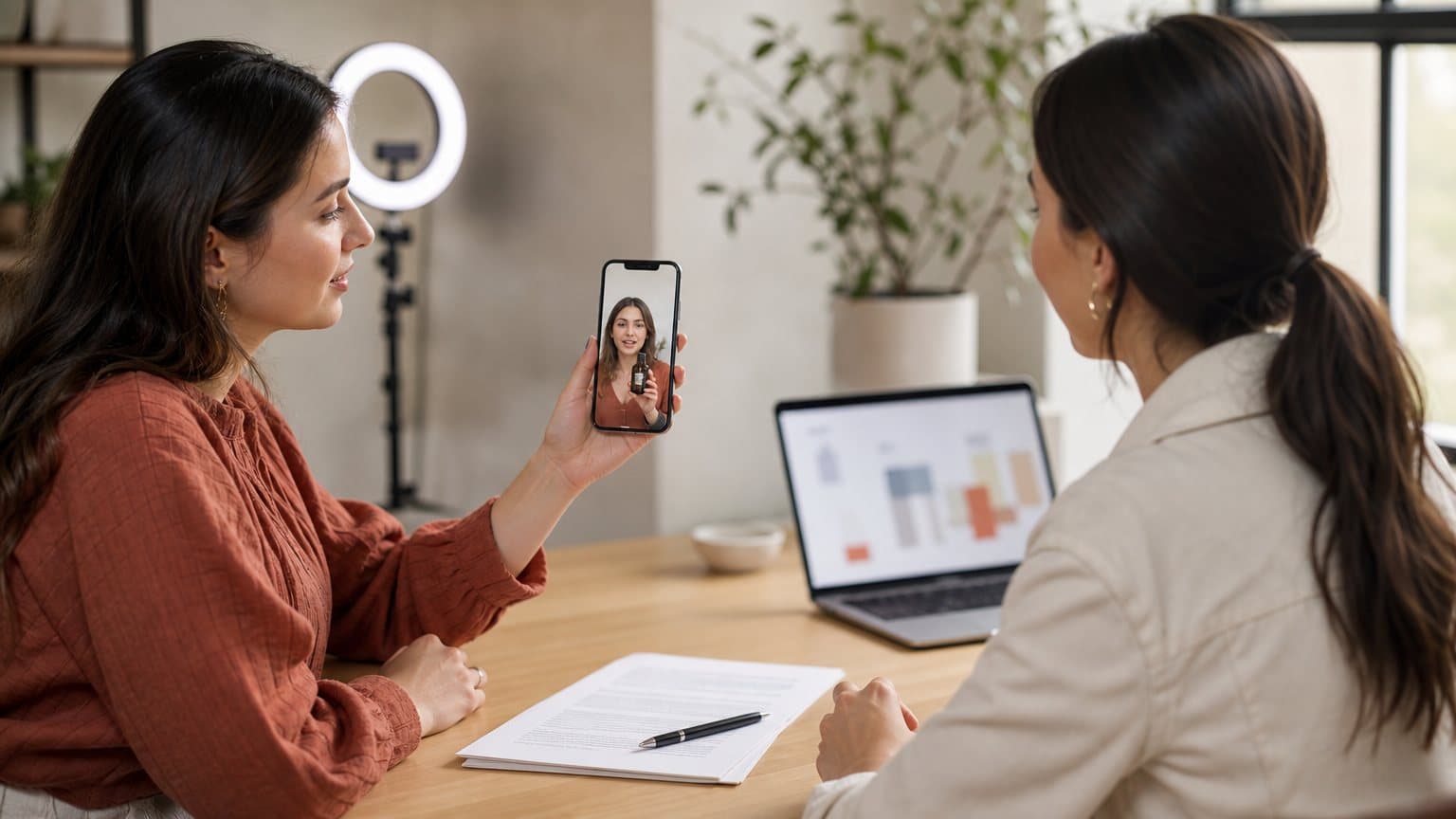
What Is Whitelisting in UGC? The 2 Permission Levels Behind Every Creator-Handle Deal
Whitelisting in UGC means a brand runs paid ads through a creator's own handle. Here is how it differs from usage rights, dark posting, Meta partnership ads and TikTok Spark Ads, what each side gives up, and how deals price it.
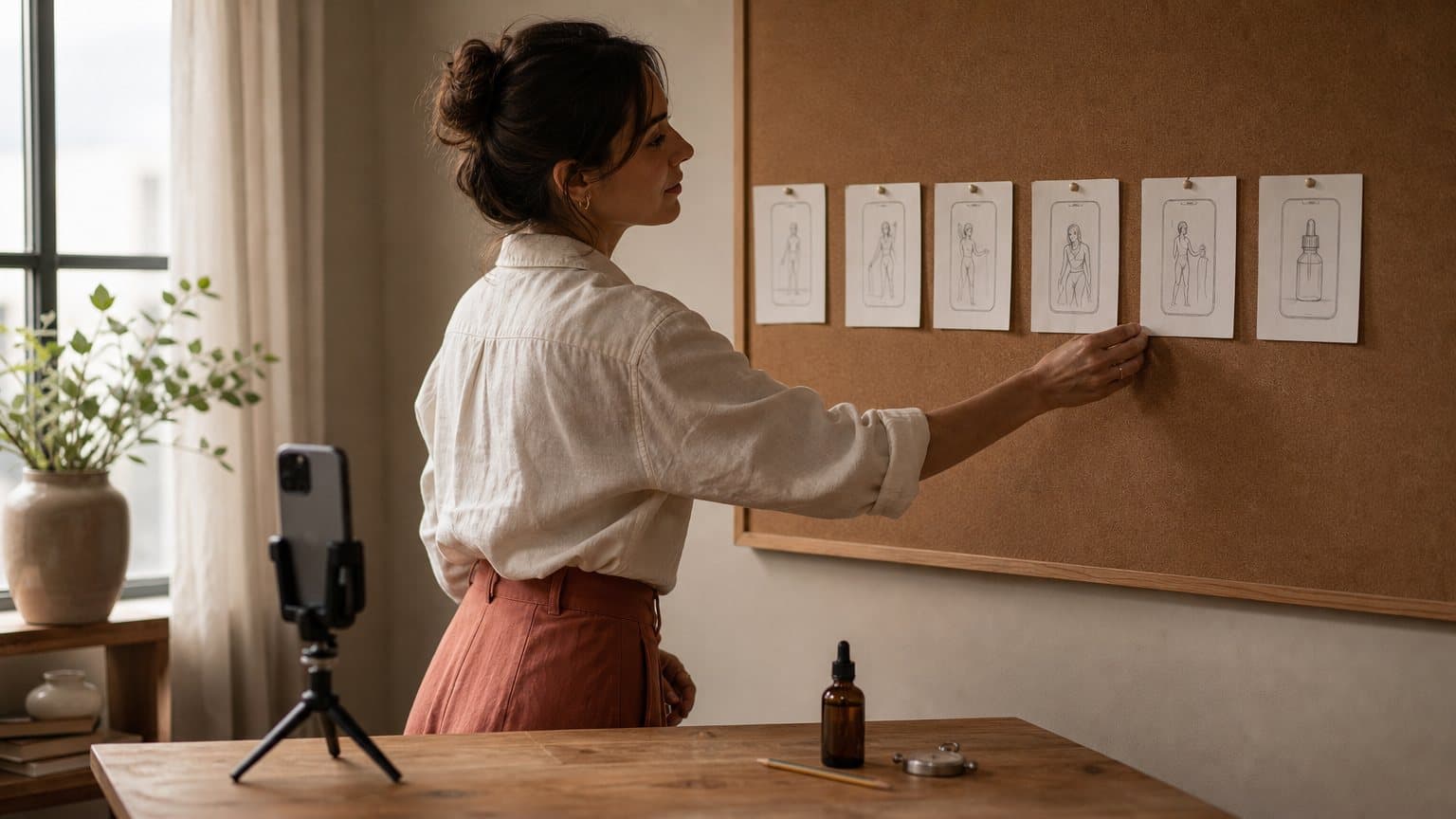
Video Ad Storyboard: How to Turn a 30-Second Script Into a Shot List
A video ad storyboard splits the script into beats, gives each beat one shot and draws each shot as a frame inside the placement's safe zone, before anyone films or generates. Here is the four-step method, a 30-second worked example and how to render each shot with AI.