Window Cleaning Ads: Ideas That Book Jobs, What Each Costs With AI, and Google's AI Photo Rule
Five window cleaning ads that book jobs, how to make each one in Novoads from photos you took on the job, what each costs on every plan, and Google's Local Services Ads rule on AI-edited and AI-generated photos in New York state and the EU.

Mauricio Valdivia
·11 min
Clean glass shows up on camera as a reflection
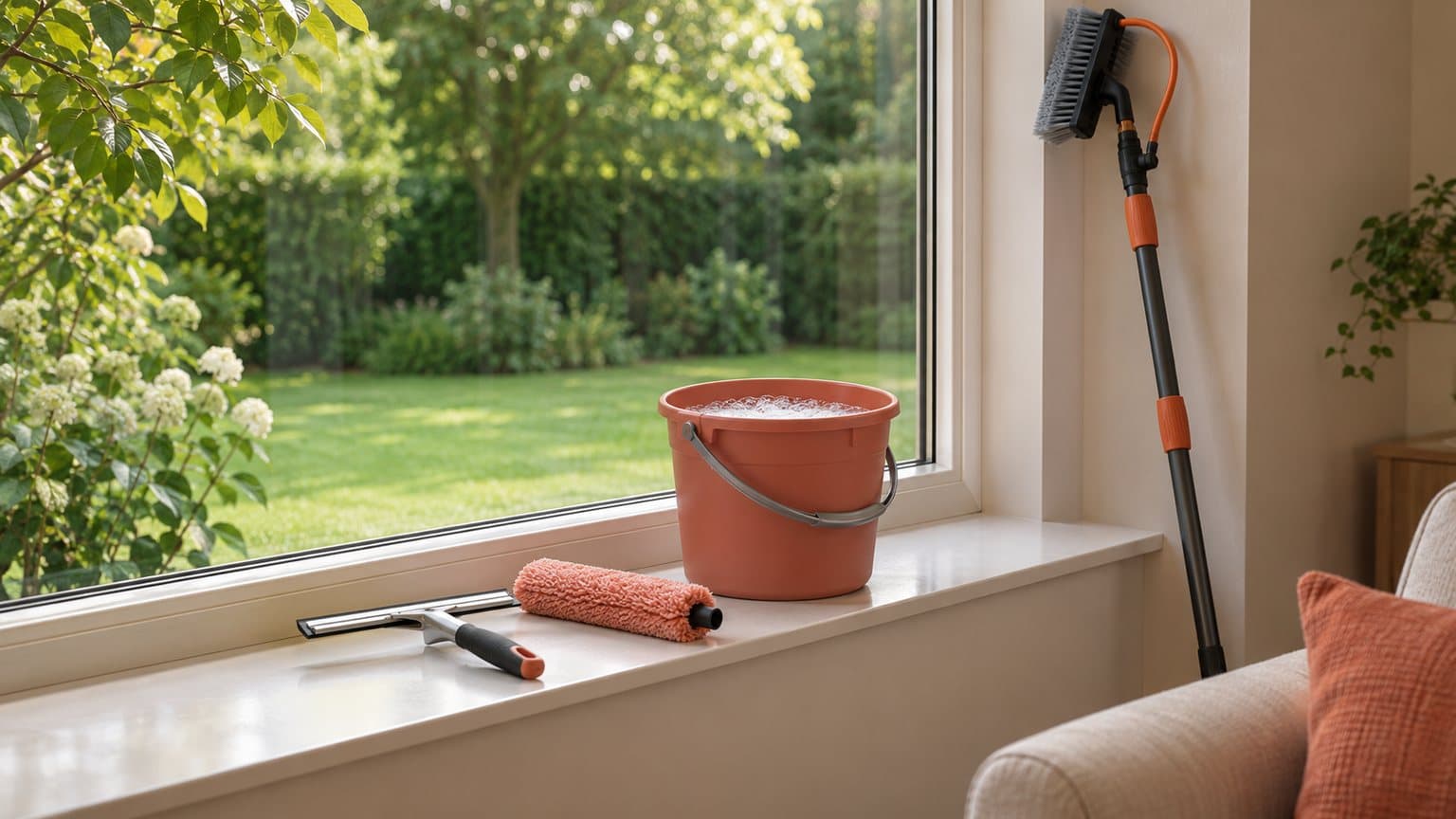
Our test picture shows a white double-hung window in a red brick wall, seen from the lawn. The glass is so clean that mostly what you see in it is the sky, a bare branch, a tall pine and the neighbor's roof. A squeegee and a gray bucket sit on the stone sill below. When we animated the picture, the camera left the sill behind and climbed the brick to an upstairs window with its blinds down.
That's the photo problem window cleaners live with. The better the job, the less a phone shows of it, because a spotless pane photographs as whatever it reflects. So the ads that keep a route full lean on what a camera can catch, like a price for a set number of windows, a before shot with real hard-water spots, your van in a customer's driveway, a review in the customer's own words and a postcard in the neighbors' mailboxes the week you finish a house.
On November 18, 2026, we searched "window cleaning ads" in the US, opened three of the articles on the first page, and read Google's own help pages for Local Services Ads. We also checked our credit prices. That test picture is an AI still standing in for a photo you'd take on a job, and we made the clip from it through our own Claude connector. We didn't run any of these ads, so there are no results in this post.
Five ads that keep a window cleaning route busy
Each of the five does a different job in a window cleaner's year, and each has a part AI can help with and a part it must never fake.
A price for a set number of windows
Someone staring at a dirty bay window has no idea what it would cost to get it cleaned, and a price tied to a window count answers that before they have to call. Clean Marketing builds its direct offers this way on its page about Facebook ads for window cleaners, dated April 2, 2025. The first offer it lists is 10 windows for $99. The same page says offers like these lead to upsells such as gutter cleaning or pressure washing.
AI is good at making the picture that goes around your price. Give the Image tool your own photo of a house you've cleaned as the Reference, and put the offer in the prompt, price and all. The picture must never show a house or a job that isn't yours.
The same pane, before and after
A before-and-after proves the work, but it only lands when the before shows something a camera can catch, like hard-water spots, pollen or the gray film on glass nobody has touched in years. Stand where you stood for the first shot and take the second at about the same time of day, so the glass is the only thing that changes.
AI can join your two photos into one short clip that opens on the dirty pane and ends on the clean one. It must never invent the result, so don't pass off AI-made clean glass, or streaks the model added, as your work. TikTok has its own rule on before-and-after ads, and our post on what TikTok counts as misleading covers it.
Your van at a real job
A van parked outside the house next door gets noticed, and an ad with that same van on a street people know reaches the neighbors who weren't home that day. It's the ad that tells a neighborhood you already work there. Mobile detailers work out of a van as well, and auto detailing ads begin with photos of finished cars.
AI can give your photo of the van a few seconds of slow camera movement. Don't let it add a person, because anyone the model makes up will look like part of your crew.
A review in the customer's own words
You're asking people to let a stranger walk around their house with a ladder, so trust sells more than any price does. A review copied word for word from what a customer wrote builds that trust better than anything you could say about yourself.
AI can set the customer's written words over a picture of the job you shot yourself. It must never put them in an AI actor's mouth, because then the ad shows a customer saying on camera what no customer said. If the review praises your eco-friendly soap, our guide to cleaning ads explains what it takes to back up a word like that.
The postcard next door and the seasonal reminder
When you finish a house, the neighbors on either side have just watched you work. A postcard with your photo of that house, in their mailboxes the same week, is how one job turns into a run of jobs on one street. The same picture with the season's offer works as a spring reminder, and again before the holidays, when people want clear glass for their guests.
Use the photo you took of the finished house as the Reference, and AI builds the postcard picture from it. Don't let it show a home you didn't clean.
Making each ad in Novoads from your own photos
Every ad above starts from a photo on your phone. Novoads makes the clip or the picture from the photo you upload, so each one shows the house you worked on, your own van and the glass you cleaned. Our walk-through from one photo to a finished ad covers the longer route.
A before-to-after clip with Wan 3.0
- Open Video in the editor and pick Wan 3.0.
- Switch the photo box from "Reference" to "Start / End Frames".
- Add the before photo first, and the box reads "The video starts on this picture." Then add the after photo of the same window as the end frame.
- Keep the prompt to the camera move, such as a gentle drift in toward the glass, and set the clip to 5 seconds at 720p.
- Press the round button with the up arrow.
You get back a 5-second clip that moves from the before photo to the after. Wan 3.0 adds sound unless you switch it off, and turning the sound off doesn't lower the price. Two of these, each made from one window's pair of photos, make up the first row of the cost table below.
The model fills in the frames between your two photos, so watch them before you post. If they show a streak or a shine your after photo doesn't have, make the clip again, and say in the caption that these are your own before and after photos, animated.
The van clip with Omni Flash or Kling
The editor opens on Omni Flash. Switch its photo box to "Start / End Frames", put your photo of the van in a customer's driveway in the first slot, and ask for a slow camera move with nobody added to the scene. On Kling 3.0 and Kling 4.0, the photo goes straight into the start frame box.
| For the van clip | Where your photo goes | Credits |
|---|---|---|
| Omni Flash, 8 s at 720p | "Start / End Frames", as the start frame | 24 |
| Kling 3.0, 5 s | the box that reads "Drop a start frame or click to upload" | 10 |
| Kling 4.0, 5 s at 720p | the same start frame box | 18 |
| Kling 4.0, 5 s at 1080p, where it opens | the same start frame box | 27 |
Check the lettering on the van door in every frame. A model can blur or rewrite it, and if a clip gets your number wrong, make it again.
Offer, review and postcard pictures in the Image tool
- Open Image, click "Reference" and upload your photo (JPG, PNG or WebP).
- Describe the ad in the prompt, with the exact words and the price in quotation marks.
- Under "Settings", the tool starts on Nano Banana Pro. Switch the model to GPT Image 2 and the quality from High to Medium. Medium costs 1 credit a picture, and High costs 4.
- Pick the shape. GPT Image 2 makes 1:1, 2:3, 9:16 and 16:9 pictures. For a 4:5 feed picture, you need Nano Banana Pro, which costs 2 credits a picture at its default size.
- Each run makes three pictures unless you change "Images", so a Medium run costs 3 credits.
Read every word and every digit of the price before you post, and check that the house is still the one you photographed. The model draws a new picture from your Reference, and it can change a detail you'd want to keep, like the trim color or the number of panes.
An AI presenter for the offer or the intro
If you'd rather not be on camera, an AI presenter can read your offer. Open Talking Actors, choose an actor and paste your script. You get the voice and the lip-sync back, and you add captions afterward, in a separate step. You're billed for every minute you start, so a clip of a minute or less costs 200 credits at 720p, the default. That's why we left it out of the cost table below.
Keep the script about the offer and leave yourself out of it. The presenter is an AI actor, so it can't stand in for you, a crew member or a customer. "Book your spring clean this month" works. "I've cleaned every window on this street" doesn't, because the voice saying it isn't yours.
How our test clip was made
The clip at the top of this post started from the AI still further down. We made that still with GPT Image 2.6 Sunburst for 1 credit, as a stand-in for a photo you'd take yourself. Then we animated it through our own Claude connector as a Seedance 2.0 Mini clip with the sound off, for 2 credits.
In the editor, Seedance won't start a clip on your photo. It treats the picture as a reference, which you name in the prompt as @Image1. For a clip that opens on your own picture in the editor, use Kling 3.0, Kling 4.0, or Omni Flash or Wan 3.0 set to "Start / End Frames". Ours is 4 seconds at 480p, a cheap way to check the motion. For a clip you'd post, make it at 720p. Five seconds of Seedance 2.0 Mini costs 5 credits at that resolution.
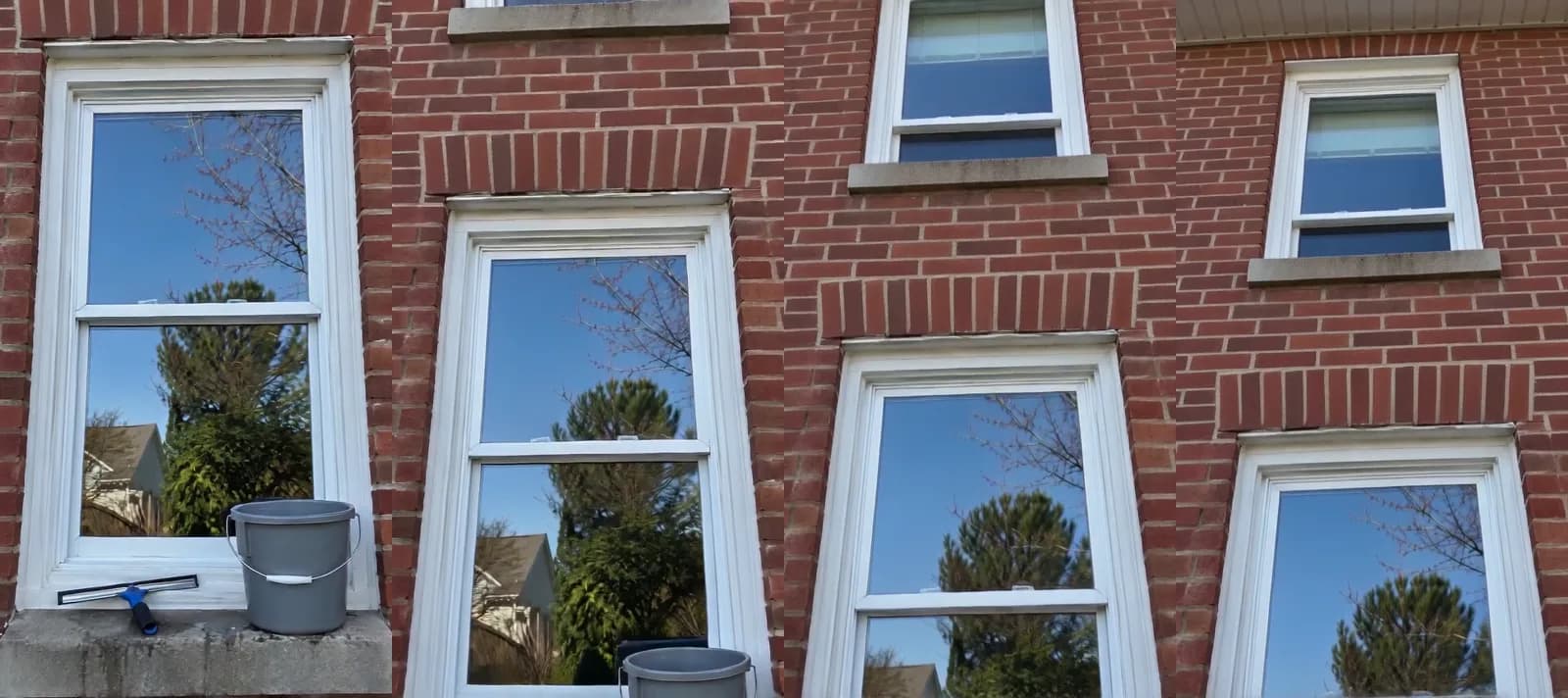 Made in Novoads with Seedance 2.0 Mini · our AI still of a just-cleaned window, animated with a slow rise up the brick, 4 s at 480p, sound off, through our Claude connector · 2 credits · 2026-11-18
The upstairs window the camera climbs to wasn't in the still, so the model drew it. Nobody stands behind either pane. And since no frame shows dirty glass, we'd never pass this off as a before-and-after or as a paid job.
What the five ads cost to make
Credits and plan prices as of November 18, 2026.
We'd start with two before-to-after clips, one van clip and one run of three offer pictures, all from your own photos and with no presenter.
| Piece | Model and setting | Credits | Starter | Plus | Ultra 3,000 |
|---|---|---|---|---|---|
| Two before-to-after clips | Wan 3.0, 5 s, 720p | 18 | about $1.35 | about 88 cents | about 77 cents |
| One van clip | Omni Flash, 8 s, 720p | 24 | about $1.80 | about $1.18 | about $1.03 |
| Three offer pictures | GPT Image 2, Medium | 3 | about 23 cents | about 15 cents | about 13 cents |
| The whole set | 45 | about $3.38 | about $2.21 | about $1.94 | |
| Whole sets a month | 4 | 22 | 66 |
We worked out the dollar columns ourselves from what each plan charges per credit.
| Plan | A month | Credits a month | Per credit | Billed annually |
|---|---|---|---|---|
| Starter | $15 | 200 | $0.075 | monthly only |
| Plus | $49 | 1,000 | $0.049 | $39 a month |
| Ultra 3,000 | $129 | 3,000 | $0.043 | $99 a month |
You pay for Novoads from your first month. The 45 credits leave out a few things.
- Re-rolls, because a take you make again is charged again.
- An AI presenter, if you use one.
- Any captions or voice-over, and the step that joins the pieces into one ad.
- The money you spend running the ads, and the time it takes to hold every clip up against the real windows and the real van.
What an agency charges to run the same kinds of ads
Clean Marketing's page on Facebook ads for window cleaners lists a Bronze Package at $599 a month, with a one-time setup fee of $150. The page is dated April 2, 2025, and we read it on November 18, 2026. It says the package includes a direct offer campaign and a video branding campaign, and it puts the ad budget at $20 to $50 a day.
As we read it, that fee pays someone to run the campaigns, and the ad spend comes on top. Our 45 credits only pay for making the pieces, and our total leaves out the ad spend too.
Google's rule on AI photos in Local Services Ads
None of the three articles we opened mentions this rule, though one of them does list Local Services Ads as a channel for window cleaners.
What Google's pages say
Window cleaning is one of Google's Local Services Ads categories in the US. Google's US screening page lists it under home services and says window cleaning pros "clean windows, mirrors, skylights, and gutters, among other services."
On Google's Local Services Ads requirements page, which we read on November 18, 2026, the photo guidelines open with the rule. "Starting August 2, 2026, Local Services Ads does not allow the use of AI-edited or AI-generated images in the European Union (EU) region and New York state in the United States (US)." The next sentence turns every upload into a promise. "By uploading images, you attest that you understand this policy and will not upload AI-edited or AI-generated images."
Google's page about photos in these ads says, "Photos will be displayed prominently in ad listings." It also says providers who upload at least one photo "could potentially see an average of 16% more leads than providers without any photos uploaded." Google bases that figure on its own experiment with home services providers in the US and Canada, which ran from December 2023 to January 2024. We'd take that as a reason to keep real photos on a Local Services profile, the same place this rule covers in New York state and the EU.
Who the rule reaches, and who it doesn't
- It covers Local Services Ads only, and it names images.
- It covers New York state and the EU only, the two places Google's page names. The page doesn't say whether that means where your business is or where your ad shows.
- A window cleaner elsewhere in the US is outside it.
- So are advertisers who come in through a partner affiliate. Google's note under the photo guidelines says, "If you advertise through a partner affiliate, these photo guidelines don't apply to you."
For Google's ads in general, the policy went the other way. A Google Ads policy update posted on July 9, 2026, says Google "permits adding text or visual labels directly within image and video ad creatives that were generated or modified using AI." That update doesn't name Local Services Ads. Our guide to labeling AI-generated ads covers labels on Meta, Google and TikTok, and our plumbing ads post explains what happened to the Google Guaranteed badge on these listings.
What it means for the five ads
These four points are our own reading of Google's page, and none of them is legal advice.
- On a Local Services Ads profile in New York state or the EU, upload only your own photos. Never upload a picture made in Novoads there, or any AI-edited photo. That includes the offer, review and postcard pictures from the Image tool, which we'd count as AI-generated even with your photo as the Reference.
- The clips and pictures in this post are for the ads you put out yourself, like a Facebook or Instagram ad, a Nextdoor post, a flyer or the postcard. Each of those has its own rules.
- Elsewhere, your own photos are still the ones to show on the profile, and Google's guidelines say, "All photos must comply with the general Google Ads policies and the requirements below."
- Google doesn't define "AI-edited" on that page, and we won't guess which edits it counts. Read the page again before you upload, since a help page can change.
The still our test clip started from is a clear example of what the rule is about. A model made every pixel of it from a prompt, and we only made it because there's no business owner behind this post whose photo we could use. On a Local Services Ads profile in New York state or the EU, a picture like this is exactly what the uploader attests they won't upload.
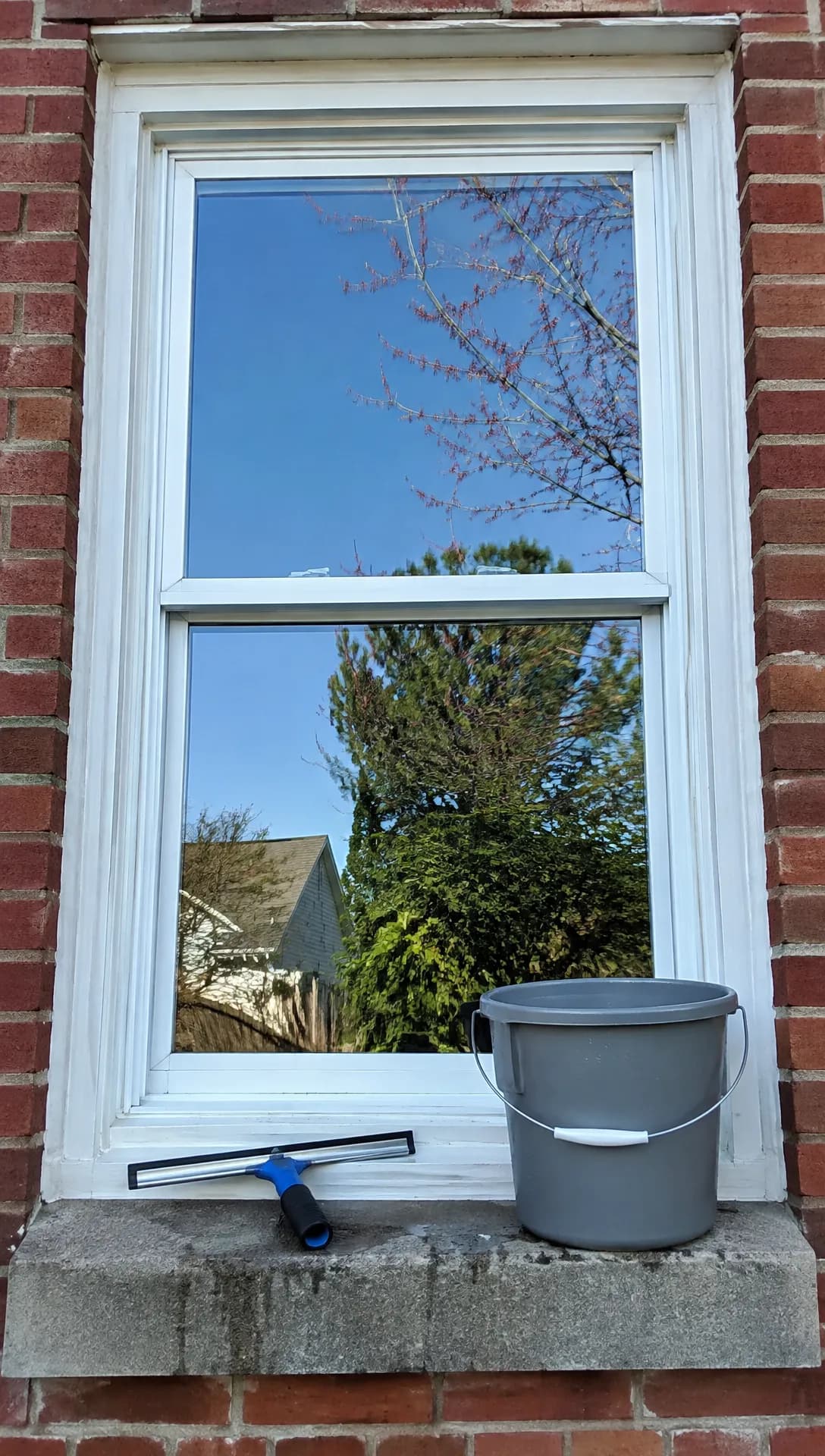 Made in Novoads with GPT Image 2.6 Sunburst · a just-cleaned window in red brick seen from the lawn, an AI still that stands in for your own photo · 1 credit · 2026-11-18
Start with the before photo on your next job
Novoads turns a window cleaner's own job photos into short clips and picture ads, and every clip and picture is priced in credits. You upload the photo, pick the model and download what comes back to run wherever you advertise. Every plan and its monthly credits are on our pricing page, and if you've never made an ad with AI, our guide to AI ads has the steps.
Price your next window cleaning ad
Two before-to-after clips, a van clip and three offer pictures come to 45 credits. See what a month of credits covers on each plan.
See the plansOn your next job, take the before photo before the squeegee touches the glass, and the after from the same spot when you're done. Those two pictures are where the clip, the offer picture and the postcard next door all start.
Frequently Asked Questions
How do I advertise my window cleaning business?
Lead with ads that show your own work, such as a price for a set number of windows, one pane shot before and after, your van parked at a customer's house, a customer's written review and a postcard for the neighbors after each house. Make each one from photos you took on the job, and run the AI versions on channels you manage yourself, like Facebook, Instagram or Nextdoor. On a Google Local Services Ads profile in New York state or the EU, upload only your own photos and leave out anything AI-edited or AI-generated.
Can I use AI-made photos on Google Local Services Ads?
Not in New York state or the European Union. Google's Local Services Ads requirements page says that starting August 2, 2026, Local Services Ads doesn't allow AI-edited or AI-generated images there, and that by uploading images you attest you won't upload them. Elsewhere in the US, the rule doesn't cover your profile, but your own photos are still the ones to show there. Google also says its photo guidelines don't apply to advertisers who come in through a partner affiliate.
What does a window cleaning video ad cost to make with AI?
In Novoads, a 5-second before-to-after clip on Wan 3.0 costs 9 credits at 720p. An 8-second Omni Flash clip of your van costs 24 credits. Add a second before-to-after clip and three GPT Image 2 offer pictures, and the whole set in this post comes to 45 credits. That's about $2.21 on Plus and about $3.38 on Starter. Re-rolls, an AI presenter and the ad spend cost extra.
Can I turn my before and after photos into one video?
Yes. In the Novoads editor, pick Wan 3.0 or Omni Flash and switch the photo box from 'Reference' to 'Start / End Frames'. Put the dirty-glass photo in first and the clean-glass photo second, so the clip opens on the dirty pane and ends on the clean one. The model fills in the frames between them, so watch them before you post, and make the clip again if they add a streak or a shine your after photo doesn't have.
Key Takeaways
- The window cleaning ads that book jobs show what a camera can catch, like a price for a set number of windows, one pane shot before and after, your van parked at a customer's house, a customer's written review and a postcard for the neighbors.
- Every one of them starts with photos you took yourself. In Novoads, Wan 3.0 or Omni Flash set to Start / End Frames makes one clip that moves from the dirty pane to the clean one. The Image tool builds an offer picture from your photo with GPT Image 2 at Medium, for 1 credit.
- Two before-to-after clips, a van clip and three offer pictures come to 45 credits. That's about $2.21 on Plus and about $3.38 on Starter, not counting re-rolls or the ad spend.
- Starting August 2, 2026, Google doesn't allow AI-edited or AI-generated images on Local Services Ads in New York state or the European Union, and by uploading an image, you attest that you won't upload one.
- The rule covers Local Services Ads in those two places only, so a window cleaner elsewhere in the US is outside it. Any AI presenter you use is an AI actor and must never pass for you, someone on your crew or one of your customers.
Sources
- •Google Local Services Help: Local Services Ads requirements
- •Google Local Services Help: Business screening and verification requirements (United States)
- •Google Local Services Help: About Local Services Ads with photos
- •Google Advertising Policies Help: Updates to AI labeling requirements (July 2026)
- •Clean Marketing: Window Cleaning Facebook Ads