AI Avatar From a Photo: How to Make Spokesperson Video Ads Without Filming
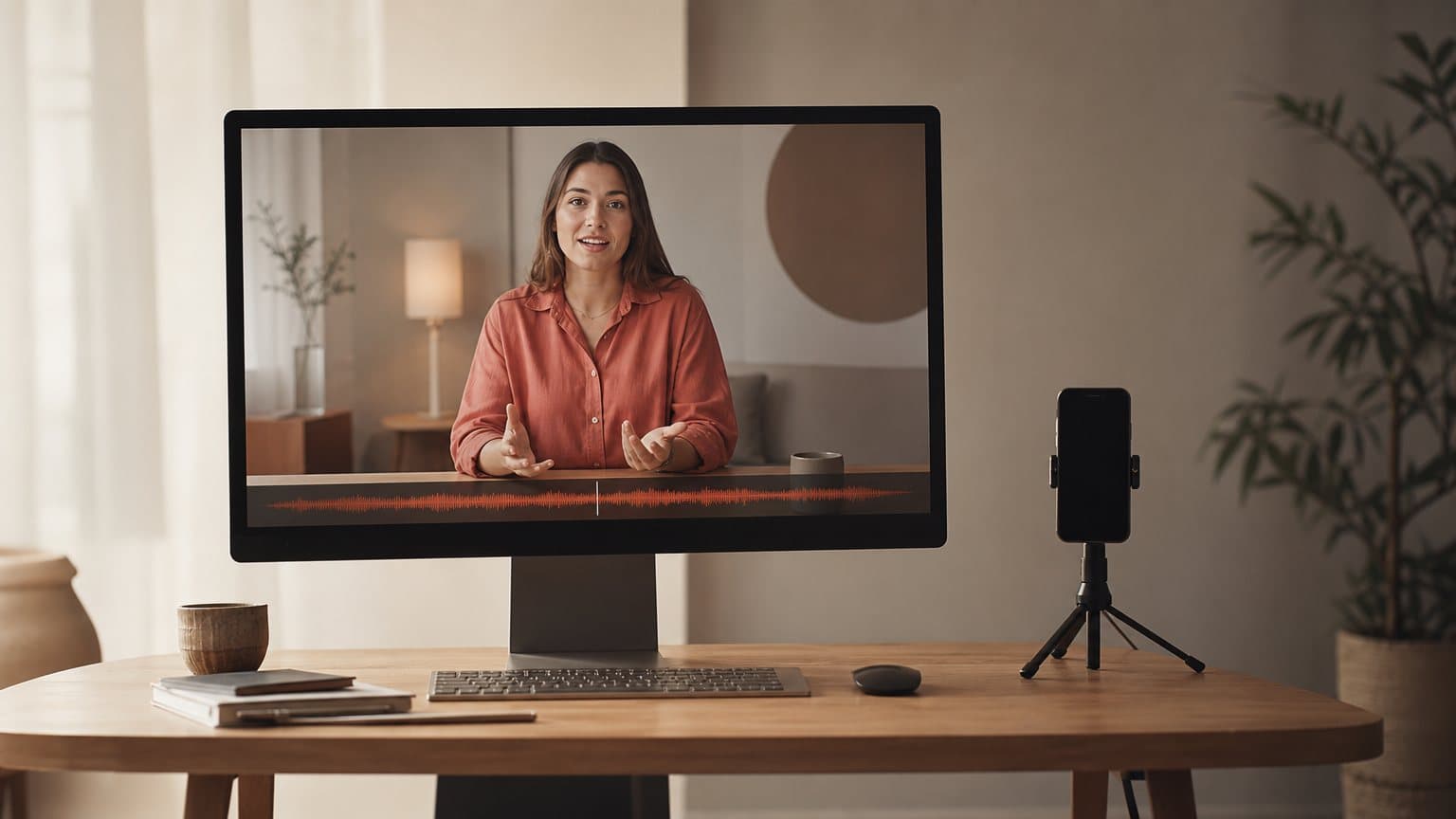
An AI avatar from a photo turns a single headshot into a person who reads any script on camera, so you can make spokesperson-style video ads without a camera, actors, or a studio.

Mauricio Valdivia
·Updated ·11 min
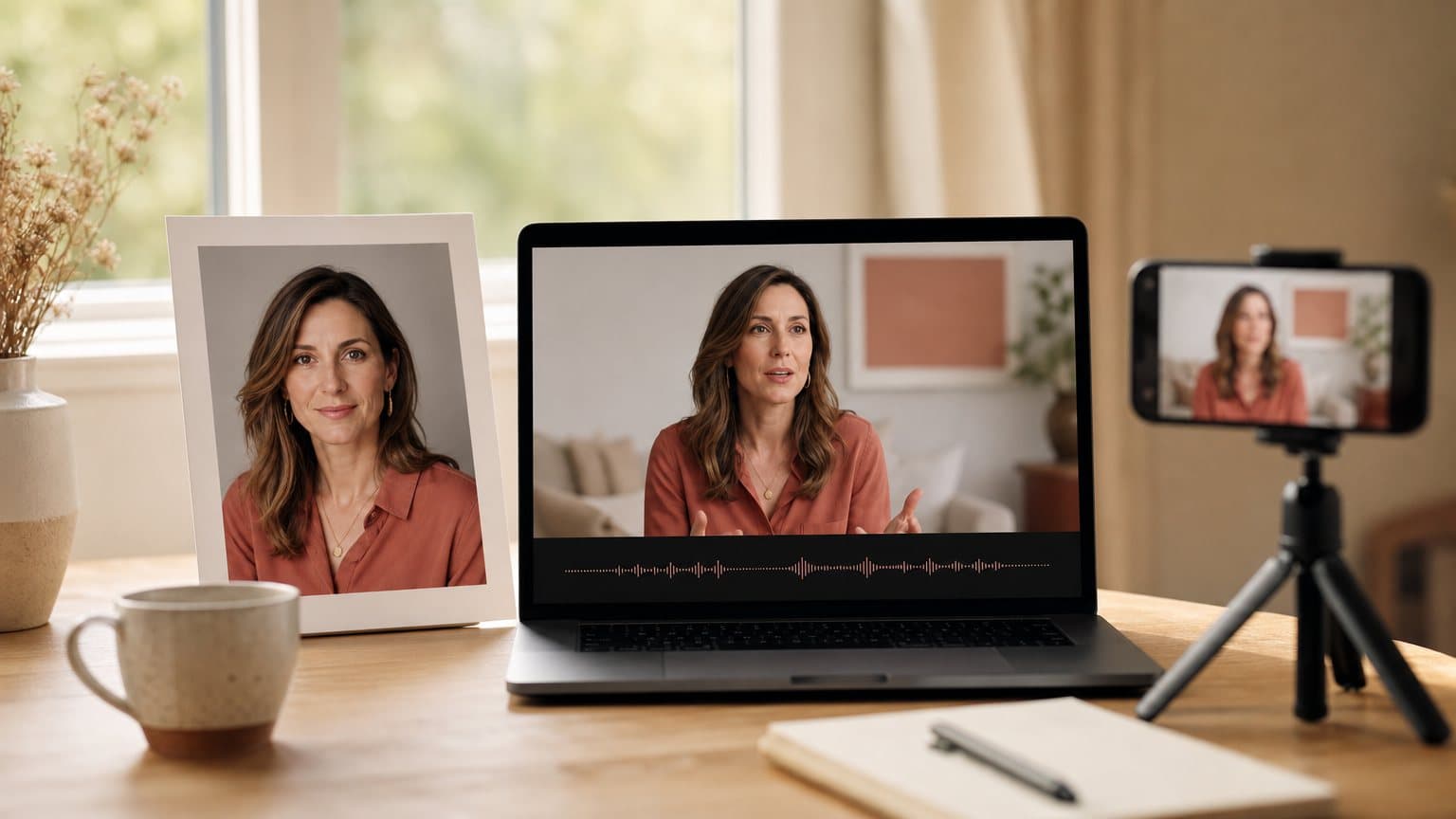
The headshot that reads any script you write
You have one usable photo of a person. A founder's headshot, a brand ambassador's portrait, a face you picked from a stock library. In an AI avatar generator, that single still becomes someone who looks into the camera and delivers whatever script you type, in the voice, language, and accent you choose. No shoot. No lighting rig. No second take.
An AI avatar from a photo is exactly that: a still portrait animated into a talking presenter, the mouth moving in sync with a generated or cloned voice. The category has quietly matured into one of the fastest ways to put a believable person on camera for an ad, and the entry price now sits at a coffee-a-day subscription rather than a production budget.
This guide is written for the brand and agency side. It covers what an avatar from a photo actually is, what makes a source image animate cleanly, the step-by-step from portrait to a finished vertical ad, the consent and disclosure rules you cannot skip, and when a ready-made AI avatar video generator beats building your own face from scratch.
What "an AI avatar from a photo" actually means
Strip away the marketing and the idea is simple: you hand the software a photograph of a face, and it hands you back a video of that face speaking. What happens in between is worth understanding, because it decides whether the result reads as a real person or as an unsettling puppet.
The input: one usable still, not a video shoot
The whole appeal is the input. Older avatar systems needed you to record yourself in a studio, reading a calibration script for several minutes so the model could learn how your face moved. A photo avatar collapses that to a single frame. You upload one headshot, the model infers the rest of the head, and the person is ready to be scripted.
That shortcut is why the format spreads. A headshot is something almost every brand already owns: a founder, a customer who agreed, a hired face. You are not booking anyone's calendar. You are reusing an asset that is already on your drive.
A photo avatar versus a library avatar
There are two ways to get a face. A library avatar is a pre-made presenter you pick from a catalog, ready in seconds and cleared for commercial use by the vendor. A photo avatar is built from an image you supply, so the presenter is a specific person you chose.
The trade-off is specificity versus setup. A library face lets you start testing today with zero rights questions. A photo avatar is worth the extra step only when the person themselves is part of the message: a recognizable founder, a named ambassador, a real customer whose face carries the story. If any credible person would do, the library is faster and cleaner.
The three layers that make it move
Every avatar tool, from a corporate spokesperson platform to a scrappy ad generator, assembles the same three ingredients on top of your photo:
- Likeness is the face, reconstructed from your still so it can turn, blink, and emote rather than sit frozen.
- Voice is the audio, read by text-to-speech or a cloned voice in the language and accent you set.
- Lip-sync is the renderer matching mouth shapes to that audio, the layer that decides whether the illusion holds.
Once you can name them, you can diagnose a bad clip in seconds: a stiff face is a likeness problem, a flat read is a voice problem, and a mouth that lags the words is a lip-sync problem. That last one is the hardest to fake and the fastest to expose a fake.
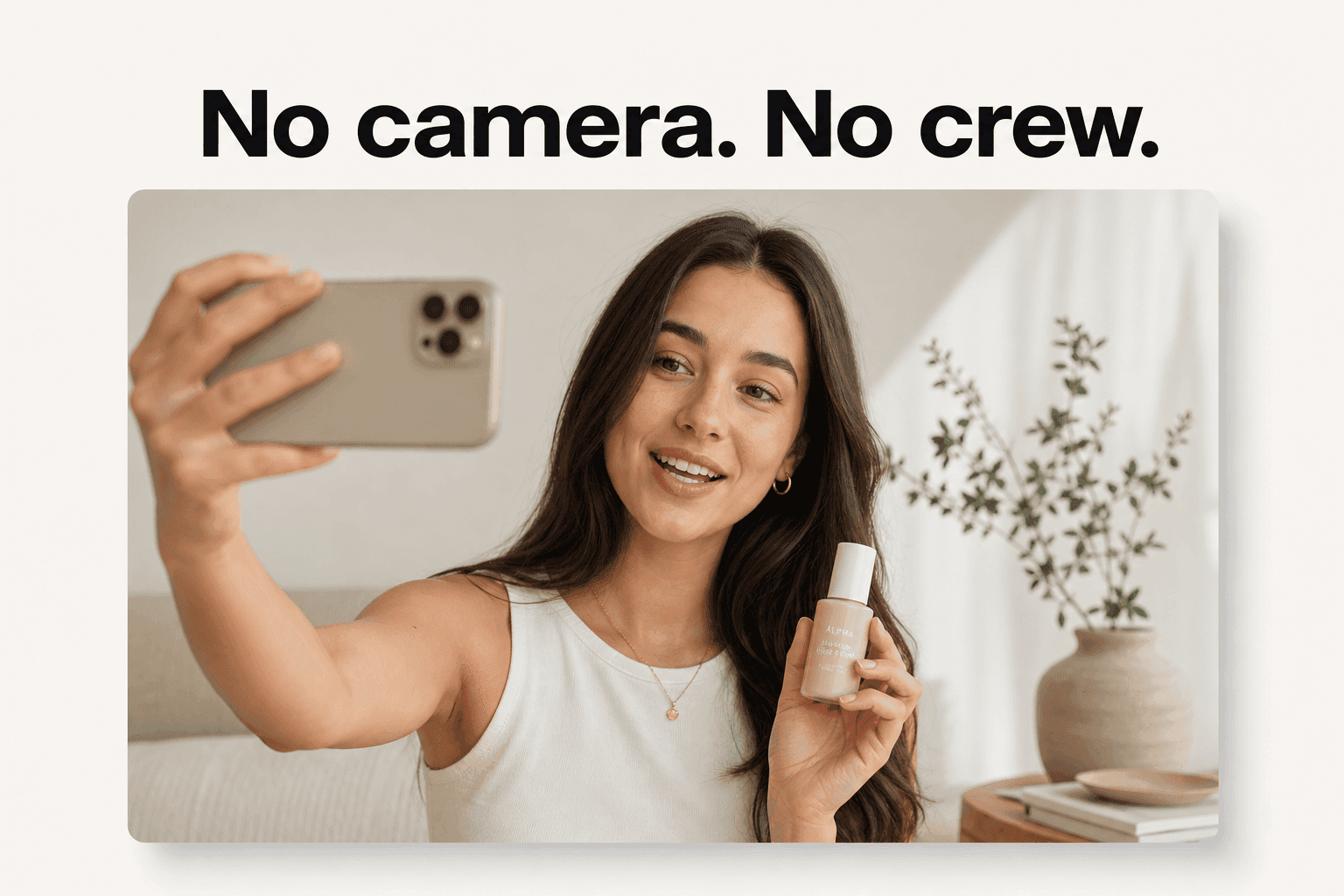
What makes a photo that animates cleanly
Garbage in, uncanny out. The single biggest predictor of a believable avatar is not the tool, it is the photo you feed it. A model can only animate what it can see, so the source image is doing more work than any setting in the interface.
Framing, focus, and resolution
Aim for a clear, front-facing headshot: the face square to the camera, both eyes visible, shoulders in frame. Sharp focus matters more than raw megapixels, but a crisp, well-exposed image gives the model more to reconstruct. A blurry, low-resolution thumbnail forces it to invent detail, and invented detail is where the plastic look comes from.
Lighting and a neutral expression
Even, soft light on the face reads best. Hard shadows across one cheek, a bright window behind the subject, or a heavy color cast all confuse the reconstruction. A relaxed, near-neutral expression with a slight smile animates more naturally than a big open-mouthed grin, because the model has to move from that starting pose into speech. A frozen laugh just becomes a frozen laugh that also talks.
The failure modes worth screening out
A handful of source-photo problems account for most ruined renders. Catch them before you upload:
- Sunglasses or heavy glare on glasses, which hide the eyes the model needs.
- Hair or a hand across the face, which the renderer cannot cleanly separate.
- Extreme angles or tilts, where half the face is guessed rather than seen.
- Group shots, where the model may blend two faces or animate the wrong one.
- Tiny, compressed images, where there is simply not enough signal to work with.
A good rule: if a person would struggle to describe the face from the photo, so will the model.
From photo to a finished ad, step by step
The workflow is shorter than a single afternoon of filming used to be. Here is the path from a portrait on your drive to a vertical ad you can upload, using the same three-layer stack every tool shares.
Step 1: turn a face into a scripted avatar
Upload a face and give it lines to read. In a photo-avatar tool you supply the headshot; in a library-avatar tool you pick a ready face. Either way, the defining move is the same: you type a script and the avatar reads it, with no camera involved. This is the whole product for the studio-clean end of the market. Synthesia, one of the most established avatar platforms, pitches exactly this, making videos "without mics, cameras, actors, or studios," with its cheapest paid tier, Starter, at "$29 per month." That price anchors the polished spokesperson register, and our roundup of Synthesia alternatives covers where that register fits and where it does not.
Step 2: write the script and match the voice
A photo gets you a face; the script and voice get you an ad. Keep the script tight, because long monologues expose the seams and short hooks rarely do:
- One clear idea, not three crammed into fifteen seconds.
- A strong first line that earns the next three seconds.
- A single call to action at the end, not a list of them.
Then choose a voice that fits the face in age, gender, and accent. A youthful portrait paired with a flat, mismatched voice snaps the viewer out of the moment faster than any visual glitch. If the platform offers voice cloning and you have the rights, a cloned voice ties the audio to the real person; if not, a well-matched text-to-speech voice in the target language is usually enough for a paid-social test.
Step 3: render, caption, and export vertical
Generate the clip, then finish it for the feed. Add captions, because most social video is watched with the sound off, and export in the aspect ratio the placement wants: 9:16 for TikTok, Reels, and Stories, 1:1 or 16:9 for feed and in-stream. The output is a plain video file you upload to any ad platform. The whole loop, photo to captioned vertical, is minutes of work, which is the entire reason this format is worth learning.
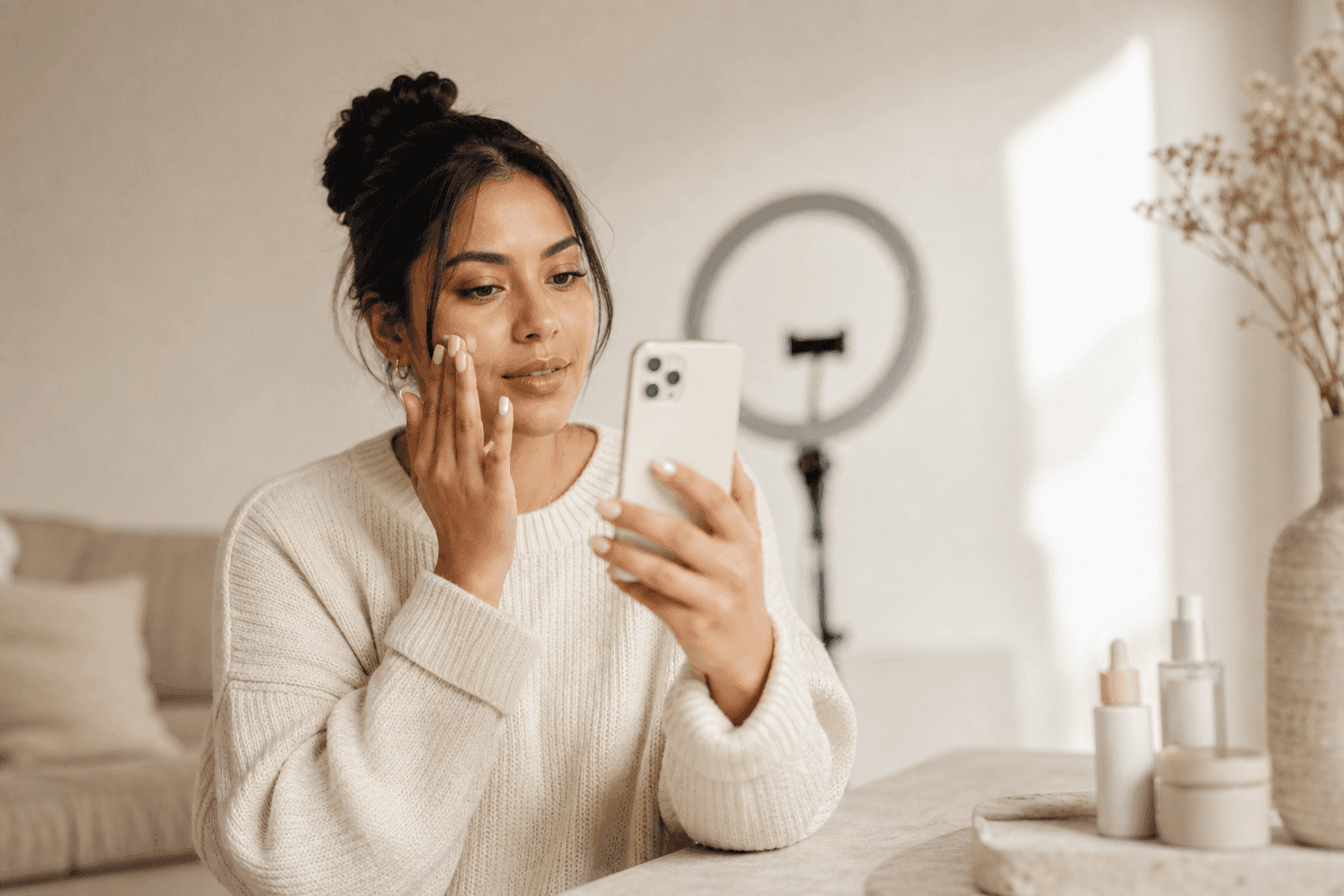
A worked example: one founder photo, three ad angles
Abstractions are cheap, so here is the concrete version. Say you run a skincare brand and your founder has agreed to be the face. You have exactly one good headshot of her and a week to find an angle that works.
The setup: one portrait, three angles
You do not want one video. You want to learn which message lands, so you script three angles from the same photo:
- A problem-solution hook: "Breaking out in your thirties? It is not your cleanser."
- A founder-story angle: "I built this because nothing on the shelf worked for me."
- A social-proof angle: "Forty thousand customers later, here is what we learned."
One face, three scripts, three finished verticals. The founder never sat for a shoot. She sent a photo once.
What it costs to run, versus filming it
The point of the example is the math, because the math is what changed. Filming three founder clips means a shoot day, or three of them if you want variety, plus editing. Generating three avatar clips from her photo is an afternoon at a subscription price.
| Dimension | Film three founder clips | Generate three from one photo |
|---|---|---|
| Setup | A booked shoot, lighting, edit | One headshot, already on file |
| Time to three variants | Days to a week | A single sitting |
| Cost pattern | Crew and edit per shoot | A flat monthly subscription |
| Replace a losing angle | Another shoot | Retype the script |
The avatar did not just save a production. It made testing three angles cheaper than filming one, which is the only reason a small brand can afford to test at all. The winner gets the paid budget; the two that flop cost a retyped script to replace.
Consent, likeness, and disclosure (the part people skip)
The technology is the easy part. Using someone's face, even a synthetic version of it, carries obligations that a rushed launch tends to ignore, and platforms are tightening the rules every quarter.
Use a face you have the right to animate
The first rule is consent. Animating a photo of a real person to say things they never said is exactly the capability that makes deepfakes a problem, so the line matters. Use your own face, a face you have explicit written permission to use, or a library avatar the vendor has licensed for commercial use. A headshot pulled from someone's LinkedIn is not a license. For a customer testimonial, get the release in writing before you generate anything, the same way you would for a filmed one. Our guide to building an AI influencer walks through doing this with a fully synthetic, rights-clean persona instead of a real person's likeness.
What platforms require you to disclose
Realistic AI content in ads increasingly has to be labeled. Meta, for one, "began labeling ads that were created or significantly edited using our generative AI creative features," and it requires advertisers to disclose AI use in political and social-issue ads. TikTok and Google run their own versions of the same rule, and the specifics shift often, so treat disclosure as a launch-checklist item, not an afterthought. We keep a running breakdown in our guide to AI ad label rules, and the same compliance ground shows up in faceless video ads. None of this blocks a normal product ad; it just decides whether yours gets pulled.
Dodging the uncanny read
Even with consent and clean disclosure, a clip can still feel off, and the fix is usually a mismatch, not a resolution problem. A few habits dodge most of it:
- Keep scripts short, so the face is not asked to hold a long, expressionless stare.
- Match the voice to the face in age and accent, since a mismatch breaks the illusion faster than any visual glitch.
- Choose natural, gesture-friendly framing over a locked-in stare into the lens.
- Generate two versions when unsure, and let a small test decide, rather than trusting your own eye, which has looked at the render too long to judge it.

Photo avatar or ready-made actor: which the ad actually needs
Here is the decision most people skip, and it is the one that decides whether the ad works. Building an avatar from a specific photo is the right move sometimes and a waste of effort other times. The question is whether the face has to be that particular person.
When a specific face is the message
Reach for a photo avatar when the person is the point:
- A recognizable founder whose face already carries the brand.
- A named brand ambassador the audience already follows.
- A real customer testimonial, where a specific human's credibility does the selling.
In those cases the specificity is the value, and the setup, the consent, the rights, are worth it. This is the same trust signal a UGC creator sells, except you produce it from a photo and a script.
When any believable person will do
Most paid-social ads do not need a specific face. They need a believable one. A problem-solution hook, a product demo, a testimonial-style ad read by a relatable stranger, none of these depend on who the person is, only that they read as real. There, building a custom avatar from a photo is friction you do not need. A library of ready, rights-cleared AI actors gets you the same trust signal without a single consent form, and it lets you test ten faces where a photo avatar gives you one.
Use a photo avatar when the face must be that person. Use a ready actor when the face just has to be human and believable. Getting this backwards, commissioning a bespoke avatar for an ad a stock actor would have carried, is the most common way brands turn a five-minute job into a five-day one.
How Novoads makes the spokesperson ad, without the photo build
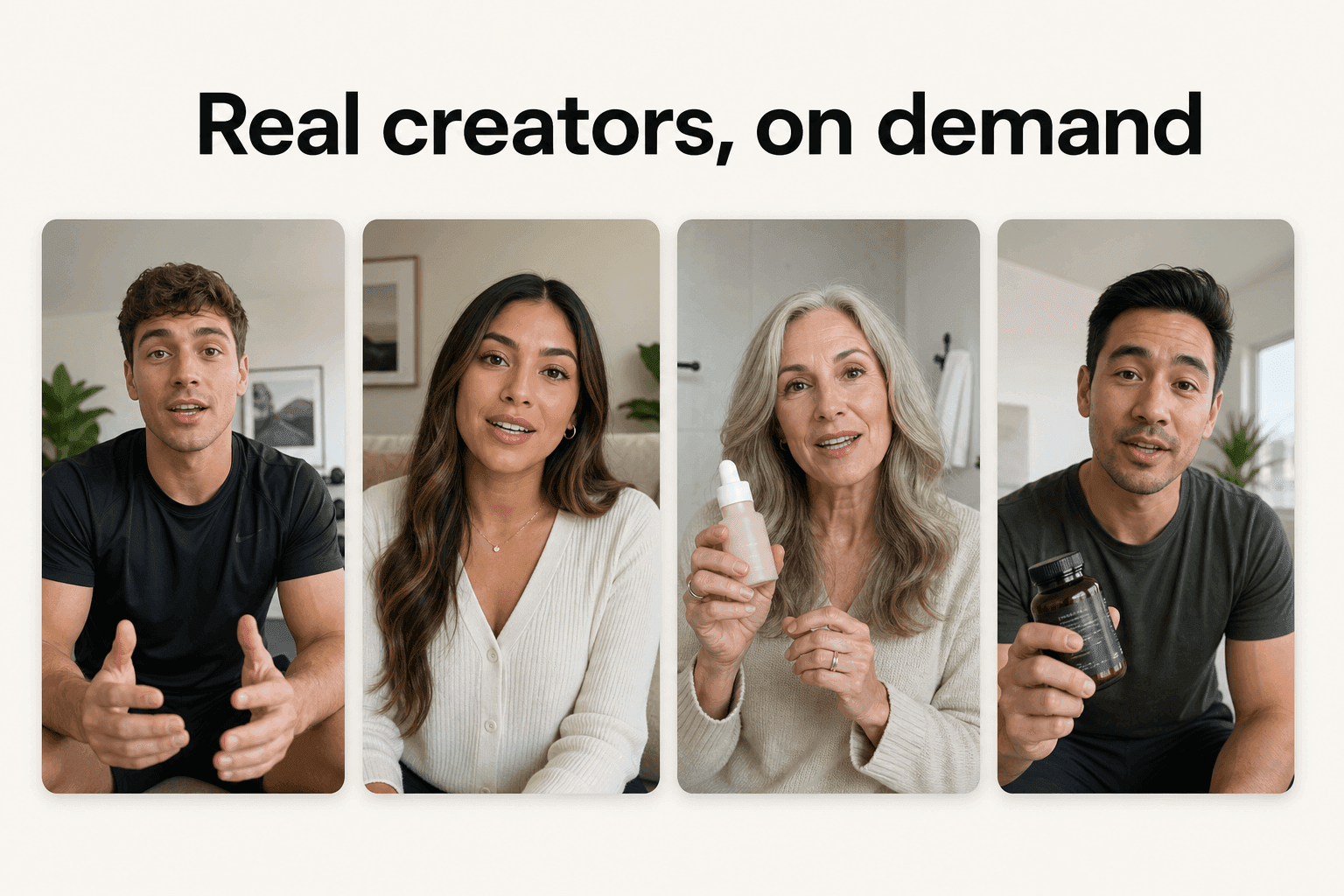
Novoads is a global AI UGC video-ad generator built for the second case: the ad that needs a believable person, not one specific face. Instead of uploading a headshot and clearing the rights to animate it, you pick from a library of AI actors and hand them your script.
Pick an actor, write a script, upload the product
The core flow skips the photo build entirely. You write or auto-generate a script, pick from 100+ AI actors who look like real people filming themselves, and the actor delivers your lines to camera with matched voice and lip-sync. Library actors have empty hands, though, so for the product in hand, you create a custom actor from a photo of someone holding it (Create Actor > Upload, under the same consent rules as any photo avatar), or upload your product image to one of Discover's product templates, which swaps it into the template creator's hand. The output is a UGC-style vertical, formatted 9:16, 1:1, or 16:9 for any ad platform, with captions built in for sound-off feeds. That same clip is what sits behind most ecommerce video ads and brand videos: the actor pipeline is identical, only the script changes.
What it runs on, and what it costs
Under the hood the render uses frontier engines like Kling and Veo kept in one place, so you are not stitching subscriptions together, and the voices span 31 languages with real regional accents rather than a single generic read. A clip has no single sticker price; it runs from about a dollar for a five-second Seedance 2.0 Mini clip to about $8 for an eight-second Seedance 2.5 clip, and about $26 for a full 30-second Seedance 2.5 take, versus a fraction of the $200 to $500 a filmed clip costs. You can produce your first ad with Novoads for $49/month, which includes 50 credits every month, cancel anytime. The point is not that one clip is cheap. It is that thirty are finally affordable, which is what a real testing program needs.
The face is borrowed. The trust is real.
An AI avatar from a photo is a strange kind of shortcut. It takes the slowest, most expensive part of making a spokesperson ad, getting a believable person to say your words on camera, and turns it into a text field. The face might be synthetic, and the trust it transfers is still real, because viewers respond to a person who looks like a person, not to the provenance of the pixels.
So use the format for what it is. When the face must be a specific human, build the avatar, clear the rights, and disclose it. When the face just has to be believable, skip the build and let a ready actor carry it. Either way, the scarce resource is no longer the shoot. It is the idea worth putting in the person's mouth.
Frequently Asked Questions
What is an AI avatar from a photo?
It is a video of a realistic person, built from a single still image, that speaks a script you type. You upload a headshot, the tool reconstructs the face so it can move, and it renders a clip where that face reads your words with the lips in sync, in a voice, language, and accent you choose. No camera or shoot is involved.
Can I turn one photo into a talking video?
Yes. Modern AI avatar generators build a talking presenter from a single front-facing headshot rather than the minutes of calibration video older systems required. The quality depends heavily on the source photo: a sharp, evenly lit, front-facing image with the eyes visible animates far more convincingly than a blurry, angled, or shadowed one.
What makes a good source photo for an AI avatar?
A clear, front-facing headshot with both eyes visible, soft even lighting, sharp focus, and a relaxed near-neutral expression. Avoid sunglasses, heavy glare on glasses, hair or a hand across the face, extreme tilts, group shots, and tiny compressed images. A useful rule: if a person would struggle to describe the face from the photo, so will the model.
Is it legal to make an AI avatar from someone's photo?
Only with the right permission. Animate your own face, a face you have explicit written consent to use, or a library avatar the vendor has licensed for commercial use. Using a stranger's photo, or a customer's, without a signed release is the exact misuse that likeness and deepfake rules exist to stop. Get the release in writing before you generate anything.
Do I have to disclose that an ad uses an AI avatar?
On some placements, yes. Meta labels ads created or significantly edited with its own generative-AI features and requires disclosure on political and social-issue ads; TikTok and Google run their own versions of the rule. None of this blocks a normal product ad, but treating disclosure as an afterthought is how a campaign gets pulled, so check each platform's current policy before you run.
Should I build an avatar from a photo or use a ready-made AI actor?
Build a custom avatar from a photo when the face has to be a specific person: a recognizable founder, a named ambassador, or a real customer testimonial. When the ad just needs a believable person and not a particular one, a ready-made AI actor is faster, needs no consent form, and lets you test many faces where a photo avatar gives you one.
Key Takeaways
- An AI avatar from a photo turns a single headshot into a person who reads any script on camera, with a matched voice and lip-sync, and no shoot.
- The source photo decides the result: a clear, front-facing, evenly lit headshot with a neutral expression animates cleanly; glare, hair over the face, and extreme angles ruin it.
- The stack is always three layers on top of your photo: likeness, voice, and lip-sync. Bad lip-sync is the fastest way an ad reads as fake.
- Consent and disclosure are not optional: animate only a face you have the right to use, and label realistic AI content where platforms require it.
- Build a custom avatar only when the face must be that specific person. When any believable person will do, a ready AI actor is faster and needs no consent form.